



 Shopping Cart
 Epson WorkForce WF-M5799 Supertank MultiFunction Printer
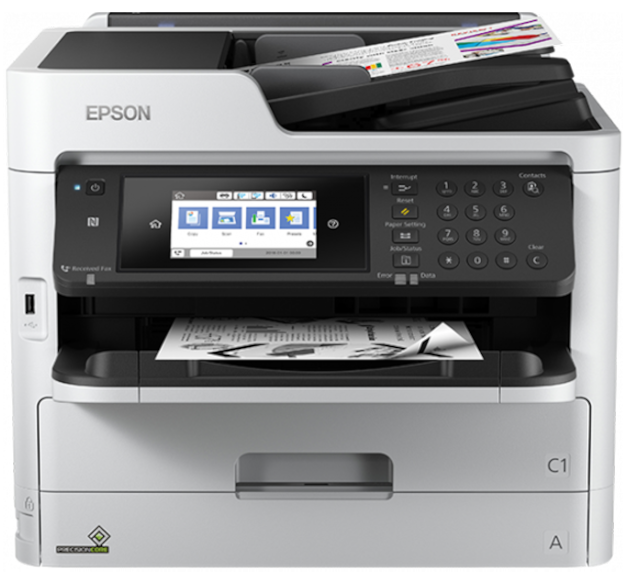


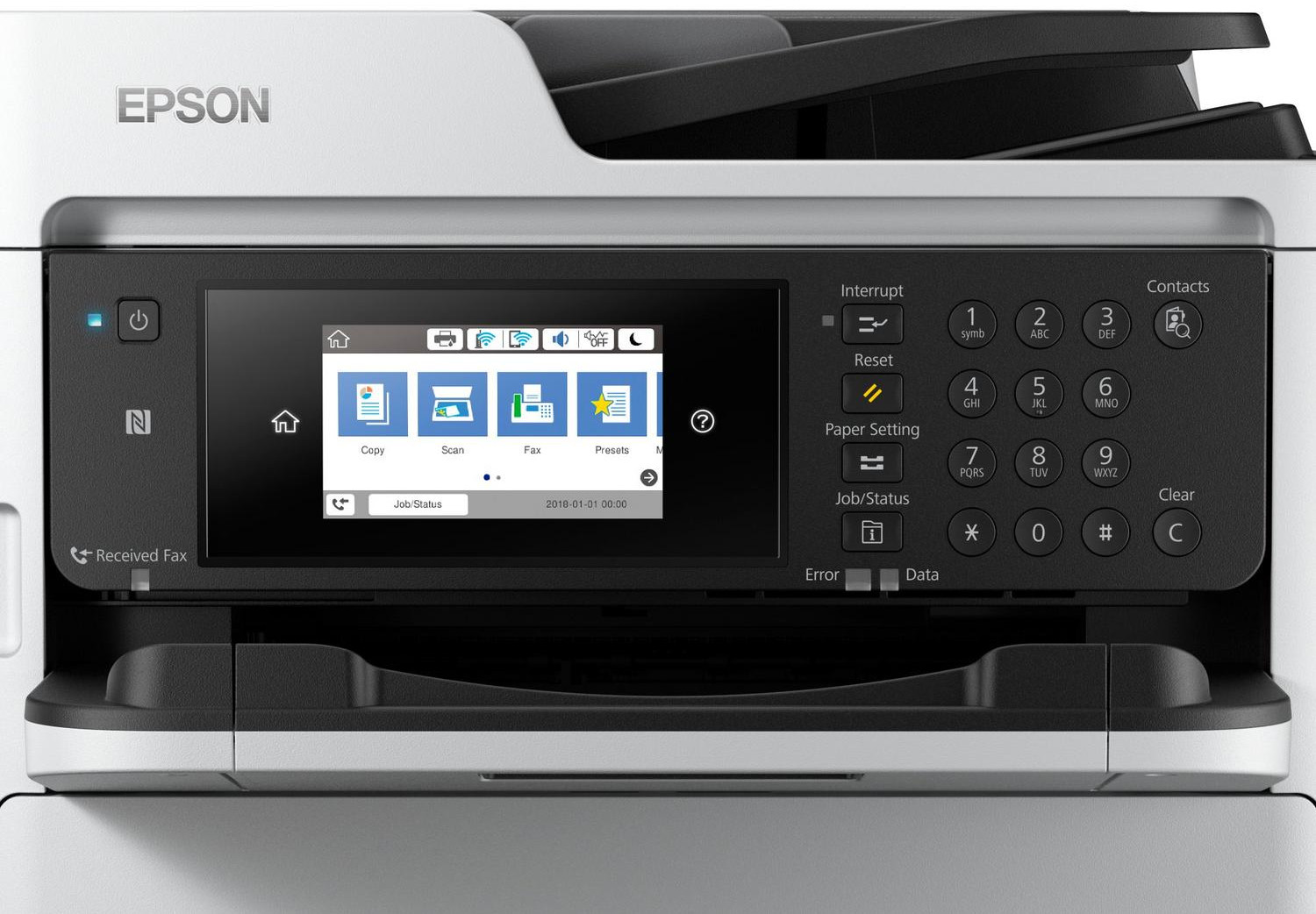

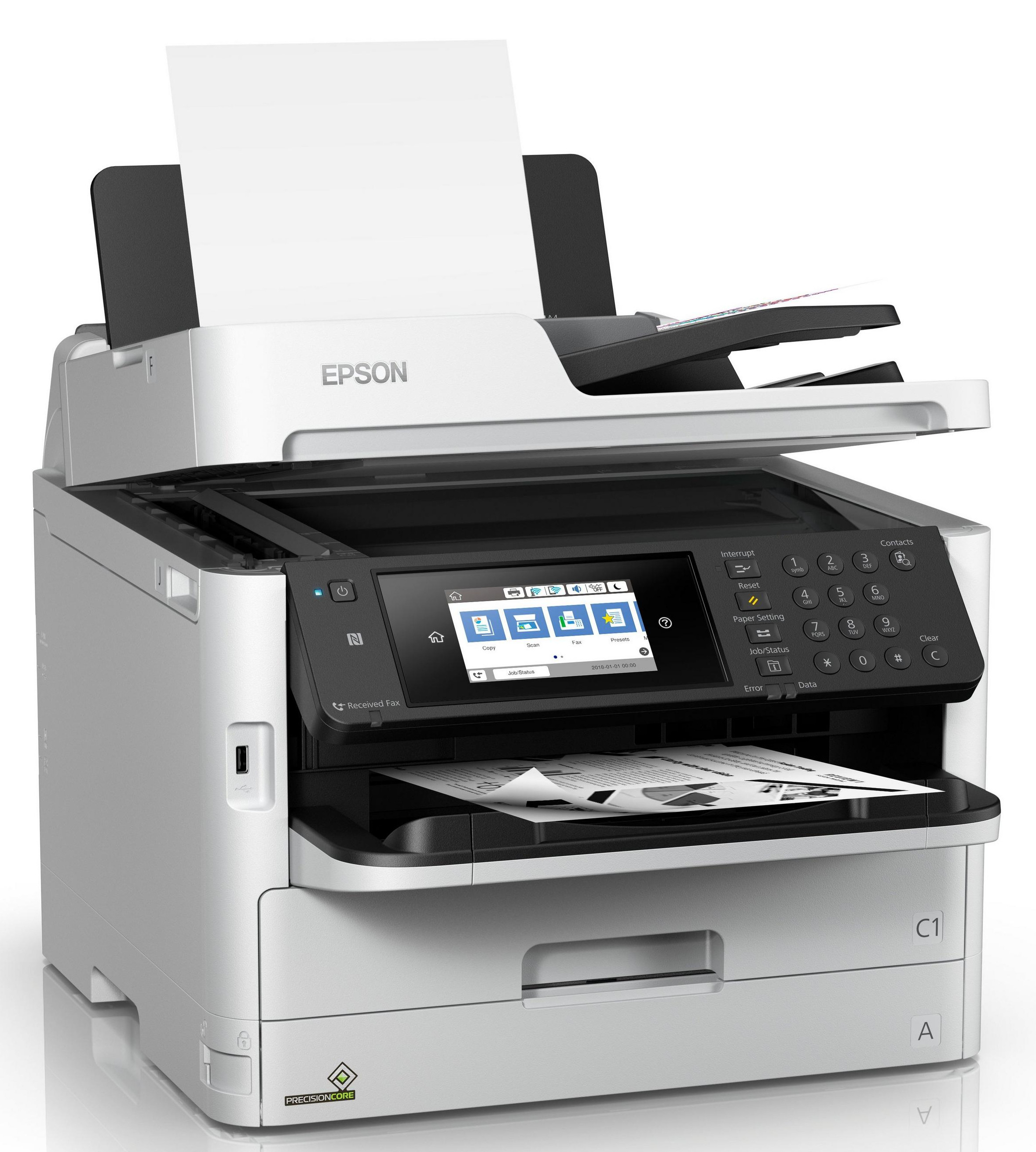

Images are for illustration purposes only and do not necessarily reflect the actual product.
Product Details
Specifications
Accessories
Reviews
Product Details
Main Features
- Functions: Print, scan, copy, and fax
- Print Resolution: 4800 x 1200
- Prints up to 24 pages per minute
- Connectivity: USB, Ethernet, and Wi-Fi
- User-friendly 4.3" touchscreen
- Mobile printing
- Maximum paper capacity: 830 sheets
- 50-page duplex Automatic Document Feeder
- Duplex print, scan, copy, and fax
- Maximum Paper Size: 8.5" x 47.2"
Specifications
General Specifications
| Functions | |
| Printing Technology | |
| Color Type | |
| Print Resolution | |
| Media Sizes | |
| Scanner Type | |
| Scanner Maximum Resolution | |
| Scanner Color Depth | |
| Wireless |
Printer
| Printing Technology | |
| Color Type | |
| Print Resolution | |
| Duplex Printing | |
| Printer Language | |
| Print Speed (By Time) | |
| Monthly Duty Cycle |
Printer Media Handling
| Media Handling | |
| Media Sizes | |
| Paper Capacity | |
| Special Media Support |
Scanner
| Scanner Type | |
| Scanner Maximum Resolution | |
| Scan Modes | |
| Scanner Color Depth | |
| Image Sensor | |
| Duplex Scanning | |
| File Formats |
Scanner Media Handling
| Paper Capacity |
Copier
| Number of Copies | |
| Copy Speed | |
| Duplex Copying |
Fax
| Modem Transmission Speed | |
| Fax Memory | |
| Speed Dial Capacity |
Connectivity
| Inputs/Outputs | |
| Wireless | |
| Direct Printing | |
| OS Compatibility |
Environmental
| Operating Temperature | |
| Operating Humidity | |
| Storage Temperature | |
| Storage Humidity |
General
| Display Size | |
| Display Type | |
| Input Power | |
| Power Consumption | |
| Max Acoustic Noise | |
| Dimensions (W x H x D) | |
| Weight |
Accessories

Reviews


What is RAM? RAM or Buffer Memory holds the graphic information on the printer while the file is on its way to be printed. The larger the RAM, the faster the printer can print complex graphics.
Don't be in a rush with your printer as you can easily damage a printer, or even get hurt, if you do not follow the instructions in the user manual.
Your printer is not a dumping ground. Don't pile documents or other things on top of it, as they could cause damage. Your printer could overheat and this could result in malfunctioning and even a reduction in the printer's life.
MY ACCOUNT
INFO & POLICIES
SHOP EASY
PAYMENT OPTIONS



* Images are for illustration purposes only.