



 Shopping Cart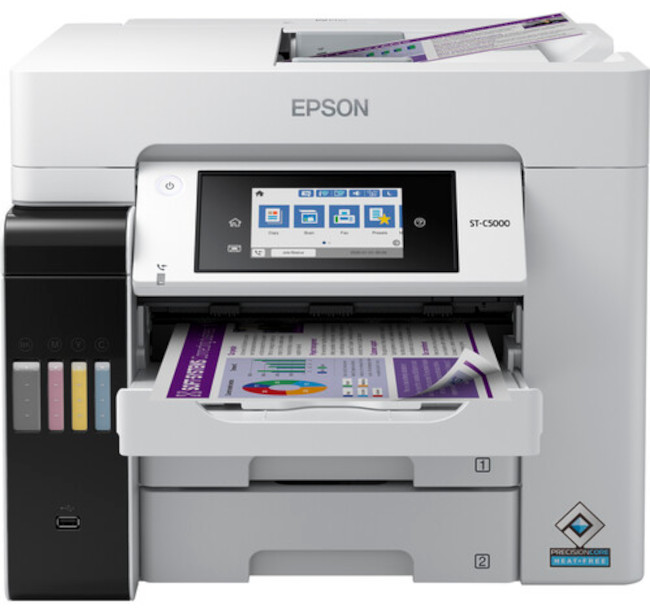



*** ALL TONERS AND SUPPLIES ARE IN STOCK AT DISCOUNTED PRICING , CALL +18882983095.
Printers do not include supplies - toners , drums (Imaging Units) (where applicable) , printer cables , manuals , consumables , trays (where applicable). Power cables are included. Drivers can be downloaded from the manufacturers website. Please verify that drivers available are compatible with your software on the manufacturers site.
Images are for illustration purposes only and do not necessarily reflect the actual product.Product Details
Specifications
Accessories
Reviews
Product Details
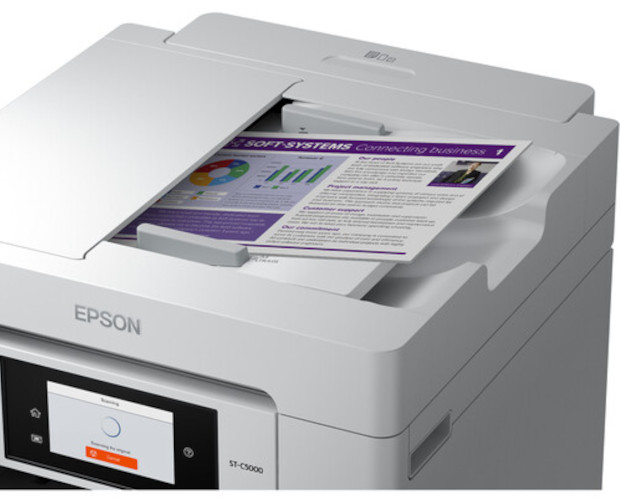
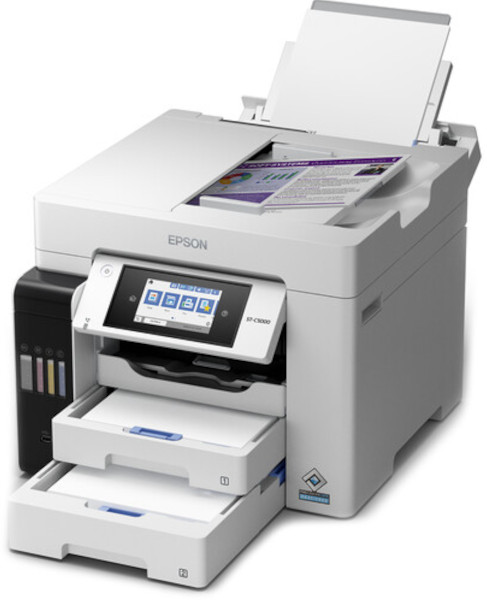
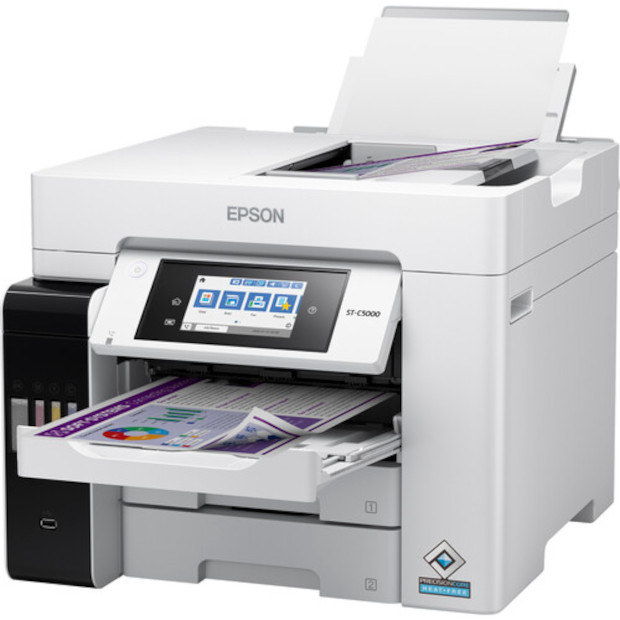
Main Features
- Print, scan, copy, and fax
- Recommended monthly page volume of 3,300 pages
- Print speed: Up to 25 pages per minute
- Large 4.3" color touchscreen
- Automatic two-sided print, scan, copy, and fax
- Powered by Precision Core Heat-Free technology
- First page out in 5.5 seconds
- Wi-fi, Ethernet, and USB connectivity
- Rear feed for special media
- 500 Sheet input capacity
Specifications
General Specifications
| Functions |
| Printing Technology | |
| Color Type | |
| Print Resolution | |
| Borderless Printing | |
| Duplex Printing | |
| Printer Language | |
| Print Speed (By Time) | |
| First Print Out Time | |
| Monthly Duty Cycle |
| Media Handling | |
| Media Sizes | |
| Margins | |
| Paper Capacity | |
| Special Media Support |
| Scanner Type | |
| Scanner Maximum Resolution | |
| Scan Modes | |
| Scanner Color Depth | |
| Image Sensor | |
| Automatic Image Corrections | |
| File Formats |
| Scan Sizes | |
| Maximum Transparency Scan Area |
| Number of Copies | |
| Reduction/Enlargement | |
| Copy Speed | |
| Duplex Copying |
| Modem Transmission Speed | |
| Fax Memory | |
| Speed Dial Capacity |
| Inputs/Outputs | |
| Wireless | |
| Direct Printing | |
| Internal Memory | |
| Mobile App Compatible | |
| OS Compatibility |
| Operating Temperature | |
| Operating Humidity | |
| Storage Temperature | |
| Storage Humidity |
| Display Size | |
| Display Type | |
| Power Source | |
| Battery | |
| Input Power | |
| Power Consumption | |
| Max Acoustic Noise | |
| Certifications | |
| Dimensions (W x H x D) | |
| Weight |
Accessories

Reviews


Handle inkjet papers like photographic papers - hold them by the edges to avoid oil deposits and fingerprints.
Tight on office space? Consider buying a machine with networking capabilities which will allow multiple users to use one printer.
Misplaced your printer manual? You can usually find a replacement manual online at the manufacturer's website.
MY ACCOUNT
INFO & POLICIES
SHOP EASY
PAYMENT OPTIONS



