



 Shopping Cart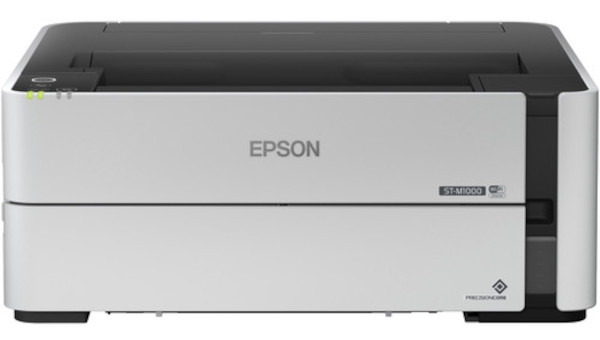



*** ALL TONERS AND SUPPLIES ARE IN STOCK AT DISCOUNTED PRICING , CALL +18882983095.
Printers do not include supplies - toners , drums (Imaging Units) (where applicable) , printer cables , manuals , consumables , trays (where applicable). Power cables are included. Drivers can be downloaded from the manufacturers website. Please verify that drivers available are compatible with your software on the manufacturers site.
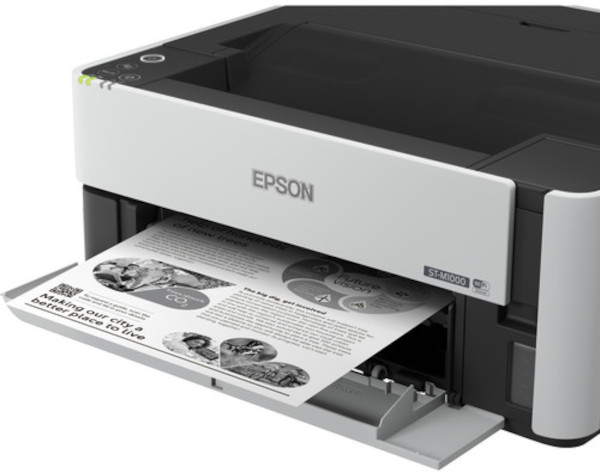
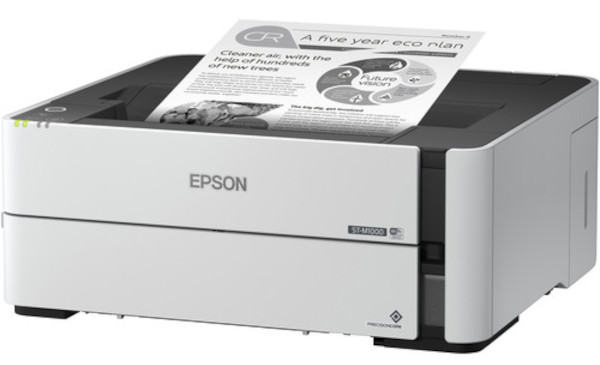
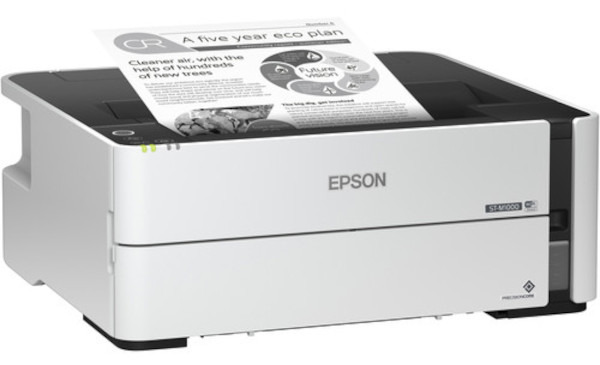
Images are for illustration purposes only and do not necessarily reflect the actual product.Product Details
Specifications
Accessories
Reviews
Product Details
Main Features
- Prints in black and white
- Print resolution: 2400 x 1200 dpi
- Compact design
- Wi-Fi Direct, USB, Wireless and Ethernet connectivity
- Automatic 2-sided printing
- 250 Sheet Input tray
- Rear tray for specialty paper
- Print speed: 20 pages per minute
- First Page Out Time: As fast as 6 seconds
- Maximum paper size: 8.5" x 47.2"
Specifications
General Specifications
| Printing Technology | |
| Color Type | |
| Configuration | |
| Ink Color | |
| Print Resolution | |
| Duplex Printing | |
| Printer Language | |
| Print Speed (By Time) | |
| First Print Out Time |
| Media Handling | |
| Media Sizes | |
| Paper Capacity | |
| Special Media Support |
| Inputs/Outputs | |
| Wireless | |
| Direct Printing | |
| Mobile App Compatible | |
| OS Compatibility |
| Operating Temperature | |
| Operating Humidity | |
| Storage Temperature | |
| Storage Humidity |
| Battery | |
| Input Power | |
| Power Consumption | |
| Max Acoustic Noise | |
| Dimensions (W x H x D) | |
| Weight |
Accessories
*** ALL TONERS AND SUPPLIES ARE IN STOCK AT DISCOUNTED PRICING , CALL +18882983095
Reviews


Is your printer feeding in the whole paper stack rather than just one piece at a time? Fan the paper before putting it in the tray to help separate the sheets. Also, store your paper in a cool, dry place as humidity can contribute to this problem.
Make sure to select the correct paper type for your print job. In general, for more important documents, use thicker paper.
What is dpi? Dpi is used to describe the resolution number of dots per inch in a digital print. The higher the numbers, the more detailed the print image is.
MY ACCOUNT
INFO & POLICIES
SHOP EASY
PAYMENT OPTIONS



