



 Shopping Cart
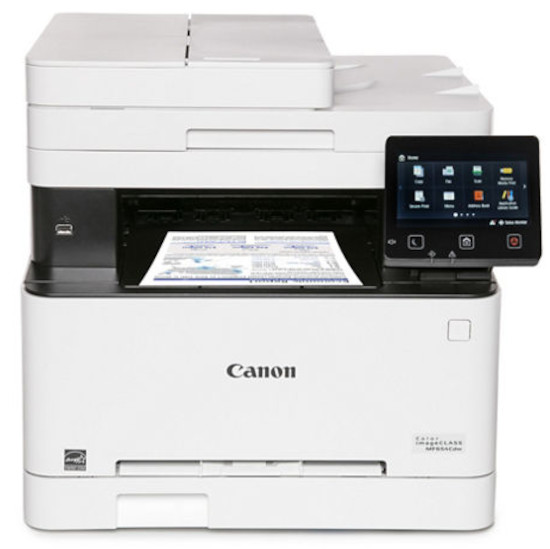
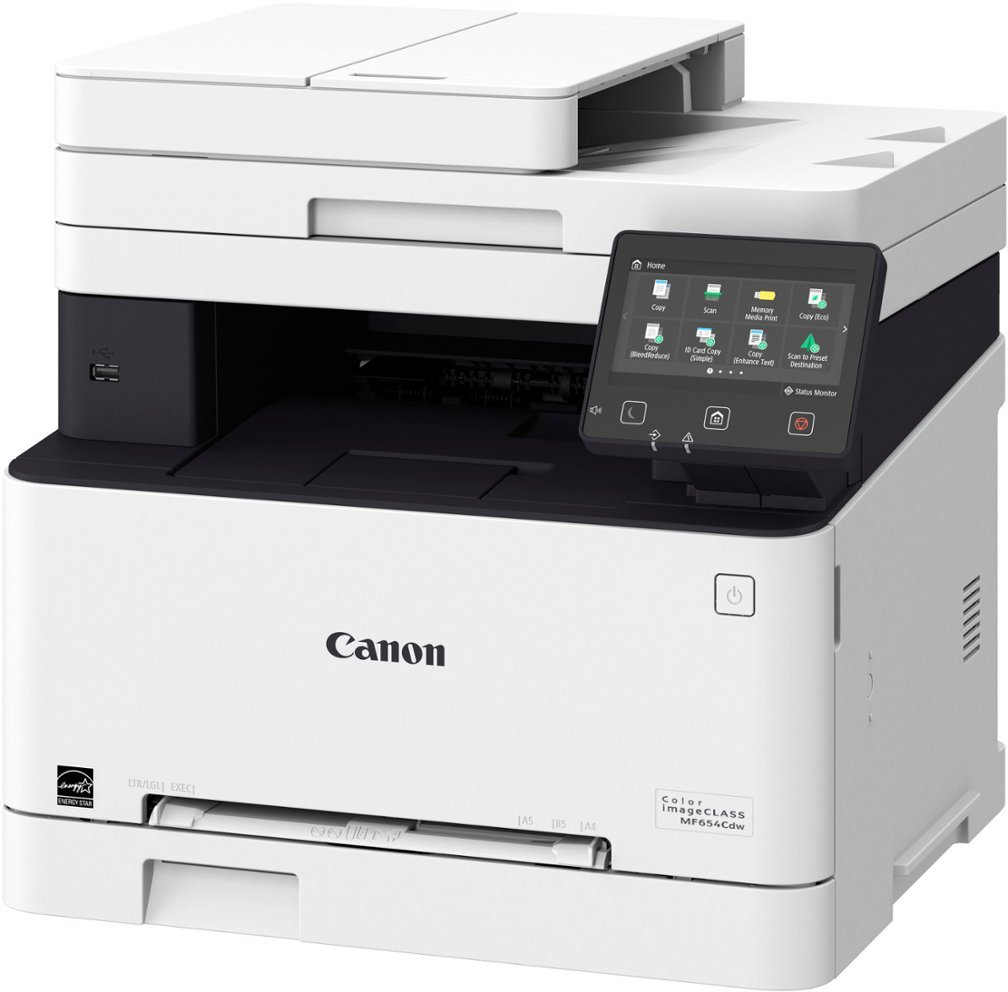
 Canon ImageClass MF654Cdw Multifunction Color Printer RECONDITIONED




Product Details
Specifications
Accessories
Reviews
Product Details
Main Features
- Color prints
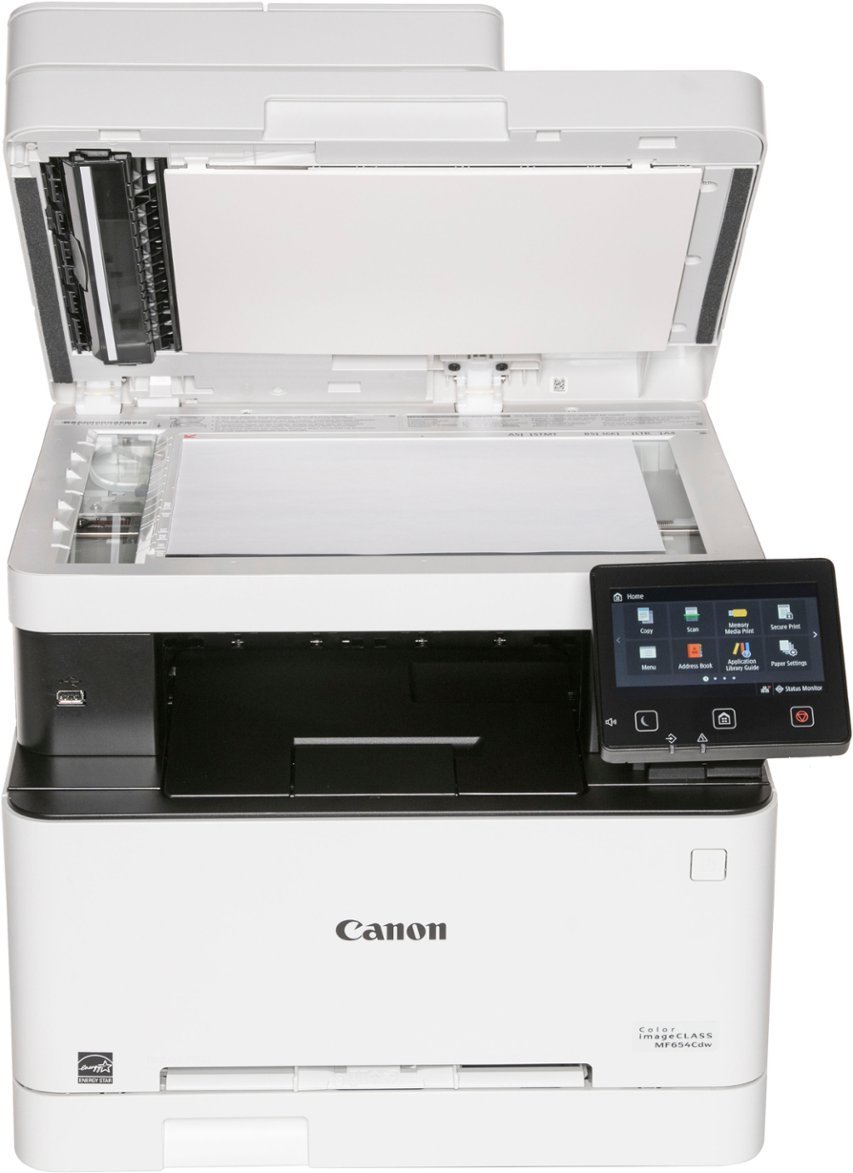
- Print, scan, and copy functions
- Print speed: 22 pages per minute
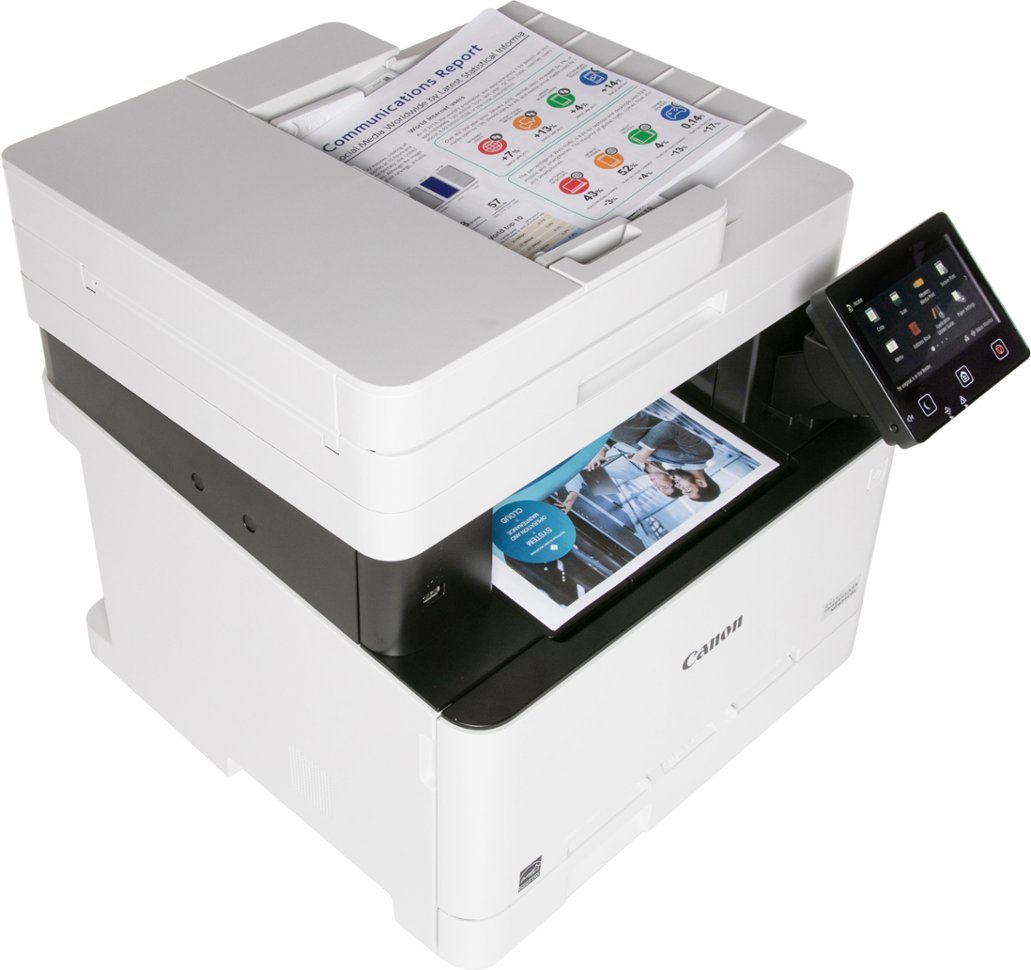
- 50 Sheet simplex document feeder
- Intuitive, customizable, 5" color touchscreen
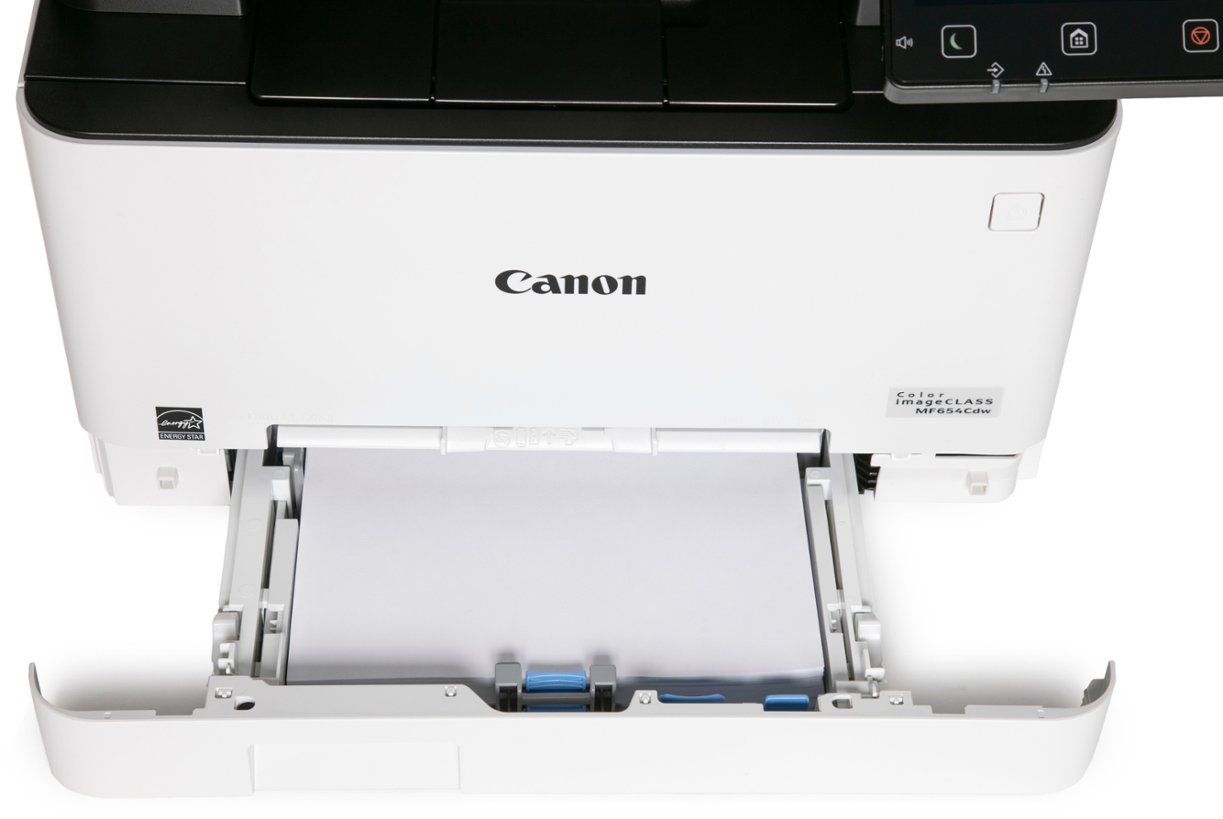
- 250 sheet paper tray
- Mobile printing
- Recommended Monthly Page Volume: 150 to 2,500 Pages
- Print Resolution: Up to 1200 x 1200 dpi
- Scan speed: up to 28 images per minute
- Wi-Fi, USB, and Ethernet Connectivity
Specifications
General Specifications
| Model Name | Color imageCLASS MF654Cdw |
| Model Description | Multifunction, Wireless, Color Laser Printer |
| Functions | Print, Scan, Copy |
| Print Speed | Up to 22 ppm (Letter) |
| Document Feeder | 50 Sheet |
| First Print Out Time | Approx. 10.3 Seconds (Black / Color, Letter) |
| Print/Copy Resolution | Up to 1200 x 1200 dpi |
| Scan Resolution | Up to 600 x 600 dpi |
| Print Memory | 1 GB (Shared) |
| Printer Language | UFR II |
| Network Security | IP/MAC Address Filtering, IPSEC, TLS 1.3, SNMP V3.0, IEEE 802.1X, IPv4/IPv6, SMTP Authentication, POP3 |
| Connectivity | USB 2.0 HighSpeed, 10/100/1000BaseT/TX Ethernet (Network), WiFi 802.11b/g/n, WiFi® Direct Connection |
| Operating Systems | Windows® 11 / 10 / 8.1 / Windows®Server2012 / 2012 R2 / 2016 / 2019 / 2022, Mac OS X (10.11 or later) |
| Paper Capacity | 250Sheet Standard Cassette, 1Sheet Manual Feed Slot |
| Min / Max Paper Size | Standard Cassette / 1sheet Manual Feed Slot: 3" x 5" to 8.5" x 14" |
| USB Direct Print | JPG, TIFF, PDF |
| Display Panel | 5 inch, Color Touch LCD |
| Print Volumes | 150 2,500 Pages |
| Energy Consumption | Approx: 900 W (Max.), 10.5 W (Standby), .8 W (Sleep Mode) |
| ENERGY STAR | Yes |
| EPEAT | Silver |
| Unit Dimensions | 17.8" (W) x 18.2" (D) x 16.3" (H) |
| Unit Weight | 48.5 lbs. |
 Download Manufacturer Specifications
Accessories

Reviews


Not all drivers are pre-installed on all operating systems and as new operating systems are released, you will need to install drivers yourself. Make sure to consult your printer manual.
Most printers will beep once or twice during or after initialization. If it beeps more than that or beeps constantly, it is telling you that something is wrong. Most printers beep when out of paper or out of ink.
Most printers have a built-in diagnostics program which can be very useful for troubleshooting problems and test-printing without a computer. They are usually initiated by pressing a button or two while turning on the printer.
MY ACCOUNT
INFO & POLICIES
SHOP EASY
PAYMENT OPTIONS



* Images are for illustration purposes only.