



 Shopping Cart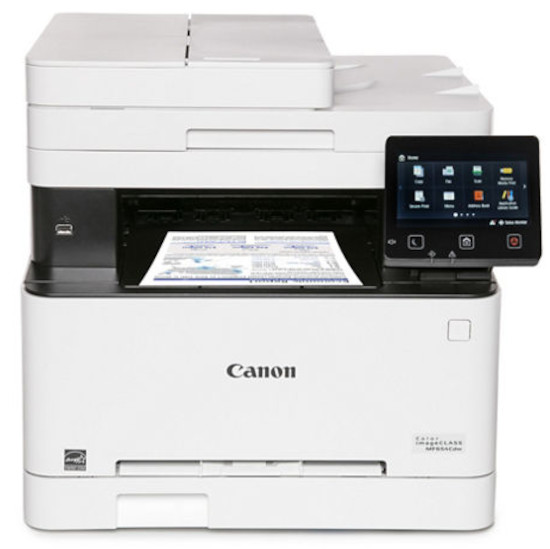




Product Details
Specifications
Accessories
Reviews
Product Details
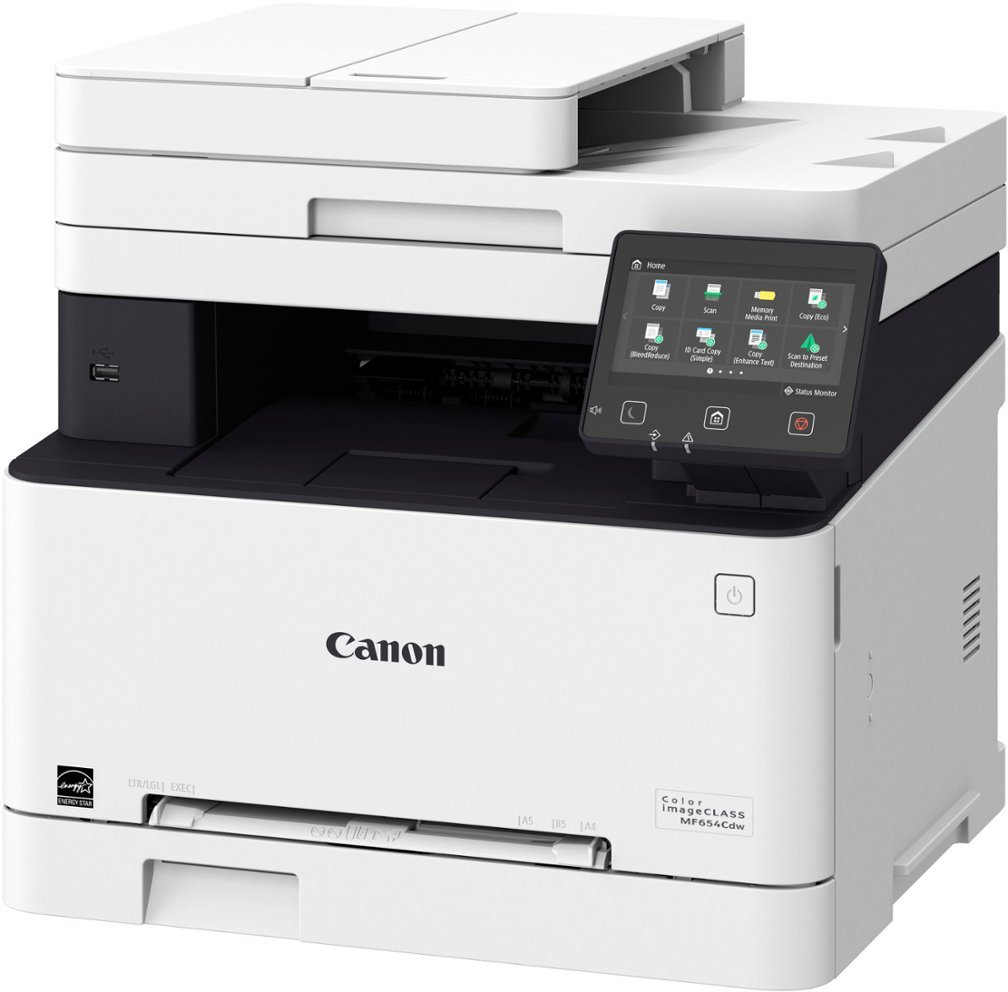
Main Features
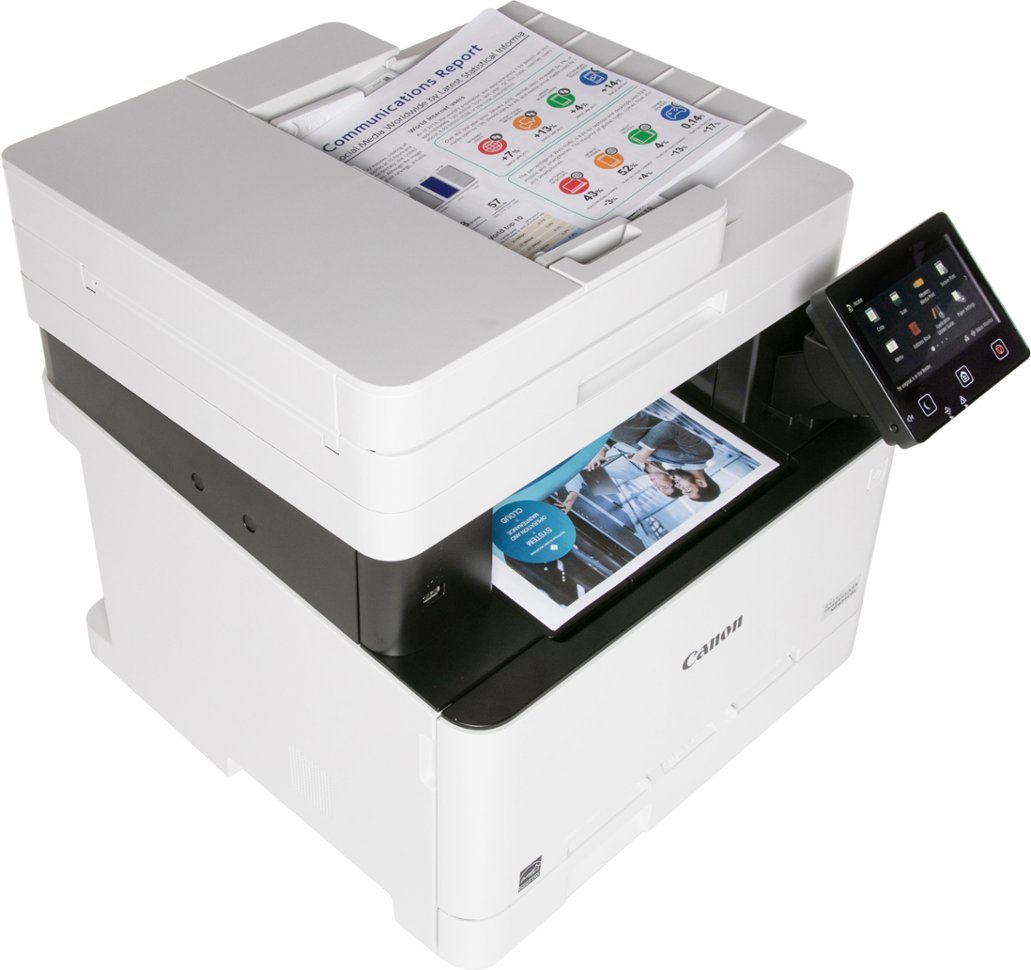
- Color prints
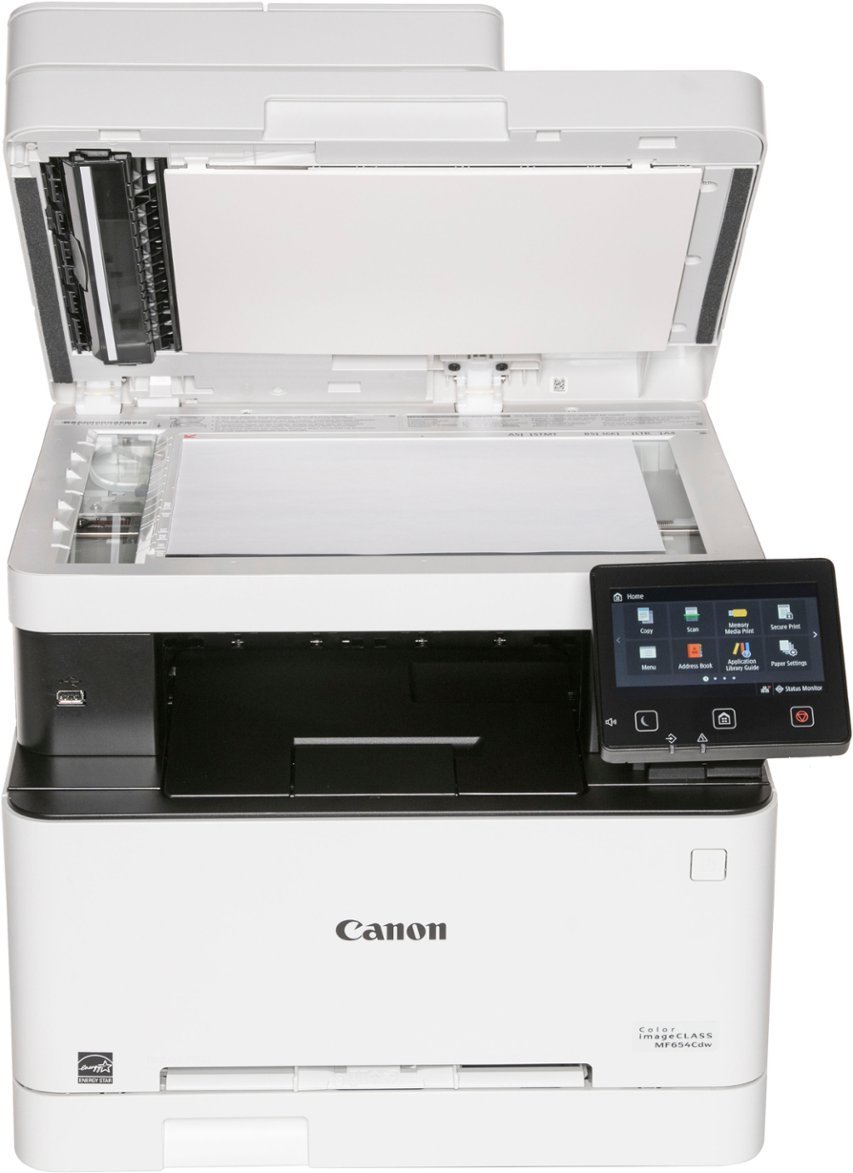
- Print, scan, and copy functions
- Print speed: 22 pages per minute
- 50 Sheet simplex document feeder
- Intuitive, customizable, 5" color touchscreen
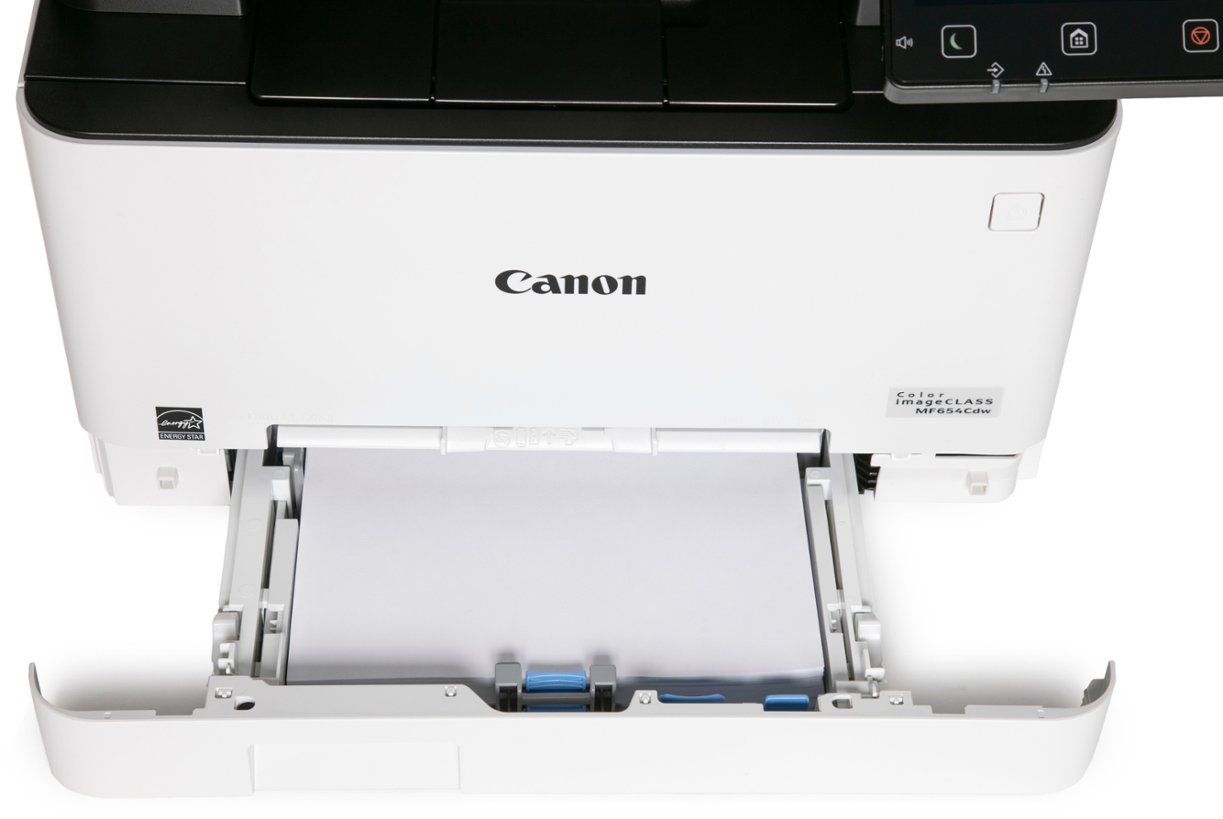
- 250 sheet paper tray
- Mobile printing
- Recommended Monthly Page Volume: 150 to 2,500 Pages
- Print Resolution: Up to 1200 x 1200 dpi
- Scan speed: up to 28 images per minute
- Wi-Fi, USB, and Ethernet Connectivity
Specifications
General Specifications
| Model Name | Color imageCLASS MF654Cdw |
| Model Description | Multifunction, Wireless, Color Laser Printer |
| Functions | Print, Scan, Copy |
| Print Speed | Up to 22 ppm (Letter) |
| Document Feeder | 50 Sheet |
| First Print Out Time | Approx. 10.3 Seconds (Black / Color, Letter) |
| Print/Copy Resolution | Up to 1200 x 1200 dpi |
| Scan Resolution | Up to 600 x 600 dpi |
| Print Memory | 1 GB (Shared) |
| Printer Language | UFR II |
| Network Security | IP/MAC Address Filtering, IPSEC, TLS 1.3, SNMP V3.0, IEEE 802.1X, IPv4/IPv6, SMTP Authentication, POP3 |
| Connectivity | USB 2.0 HighSpeed, 10/100/1000BaseT/TX Ethernet (Network), WiFi 802.11b/g/n, WiFi® Direct Connection |
| Operating Systems | Windows® 11 / 10 / 8.1 / Windows®Server2012 / 2012 R2 / 2016 / 2019 / 2022, Mac OS X (10.11 or later) |
| Paper Capacity | 250Sheet Standard Cassette, 1Sheet Manual Feed Slot |
| Min / Max Paper Size | Standard Cassette / 1sheet Manual Feed Slot: 3" x 5" to 8.5" x 14" |
| USB Direct Print | JPG, TIFF, PDF |
| Display Panel | 5 inch, Color Touch LCD |
| Print Volumes | 150 2,500 Pages |
| Energy Consumption | Approx: 900 W (Max.), 10.5 W (Standby), .8 W (Sleep Mode) |
| ENERGY STAR | Yes |
| EPEAT | Silver |
| Unit Dimensions | 17.8" (W) x 18.2" (D) x 16.3" (H) |
| Unit Weight | 48.5 lbs. |
 Download Manufacturer Specifications
Accessories

Reviews


Flashing light on your printer? Each printer has a different reason for a blinking or orange light but in general it is due to a paper jam, an empty paper tray, a printer cartridge problem or a problem with the printer hardware.
Most printers will beep once or twice during or after initialization. If it beeps more than that or beeps constantly, it is telling you that something is wrong. Most printers beep when out of paper or out of ink.
If your print settings are too dark, it could be detrimental to the life of the cartridge in the long run. It’s important that the density control of the machine be properly set to prevent the machine from pulling too much toner into itself.
MY ACCOUNT
INFO & POLICIES
SHOP EASY
PAYMENT OPTIONS



