



 Shopping Cart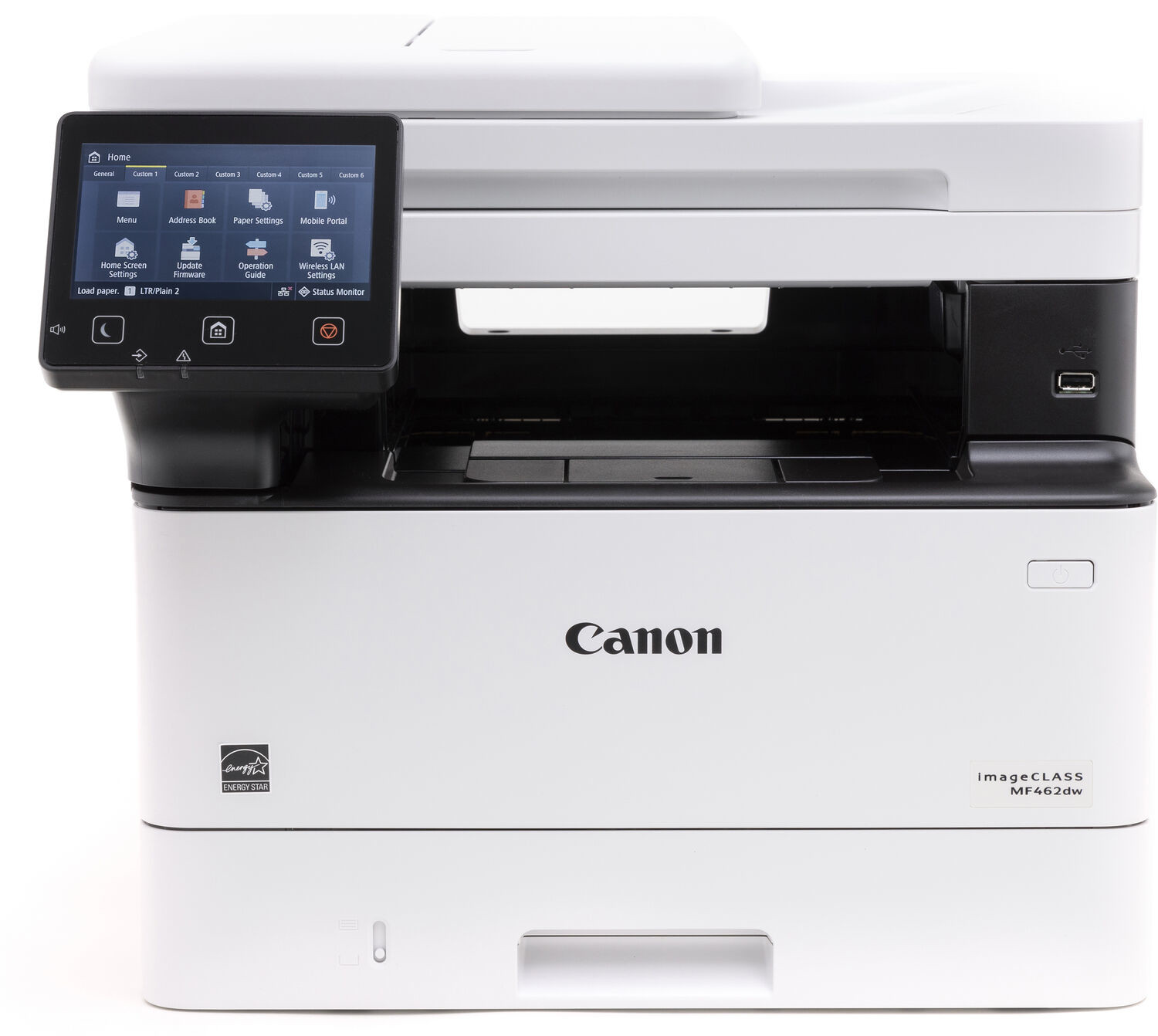




*** ALL TONERS AND SUPPLIES ARE IN STOCK AT DISCOUNTED PRICING , CALL +18882983095..
Printers do not include supplies - toners , drums (Imaging Units) (where applicable) , printer cables , manuals , consumables , trays (where applicable). Power cables are included. Drivers can be downloaded at www.hp.com. Please verify that drivers available are compatible with your software on HP’s site.
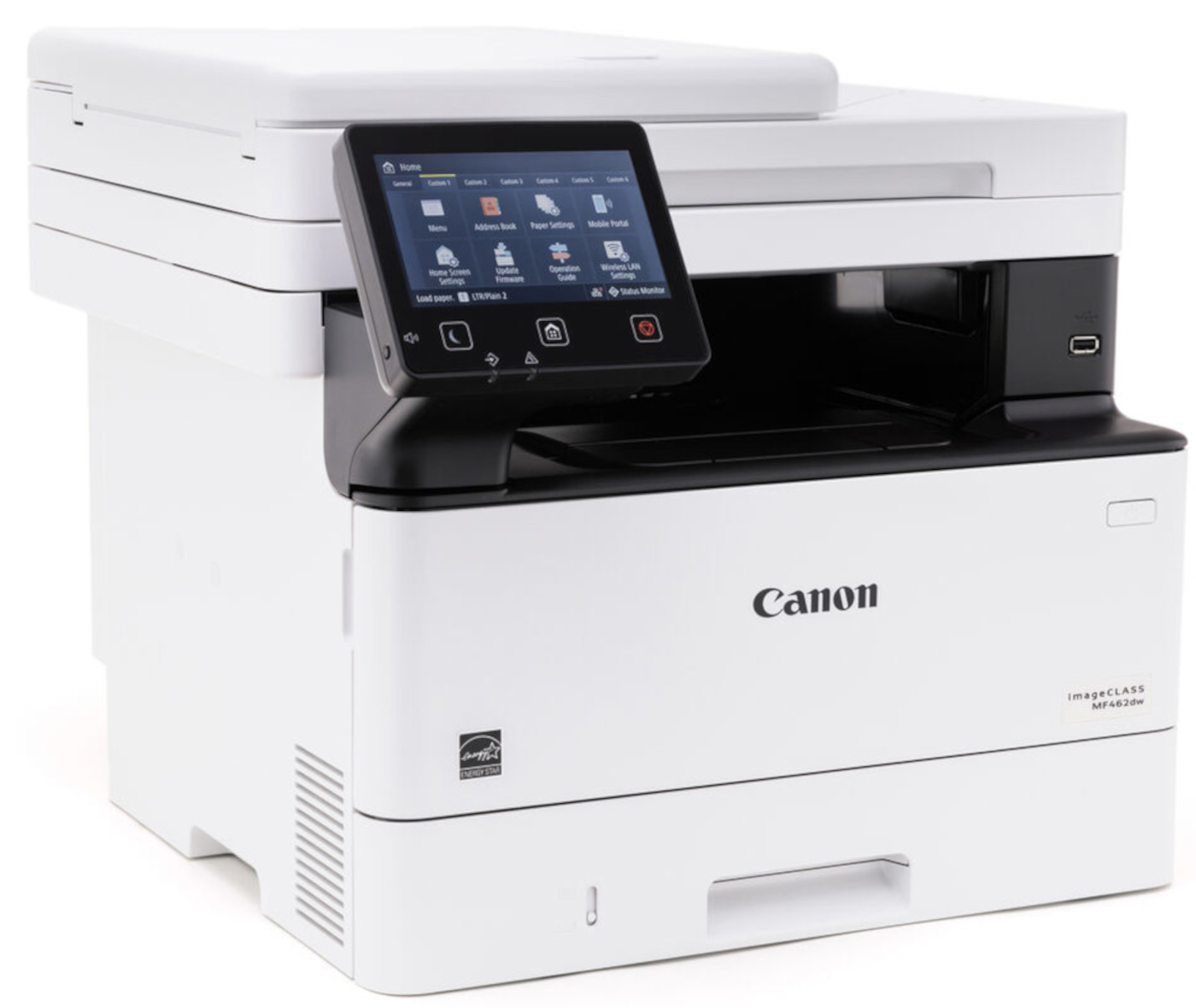
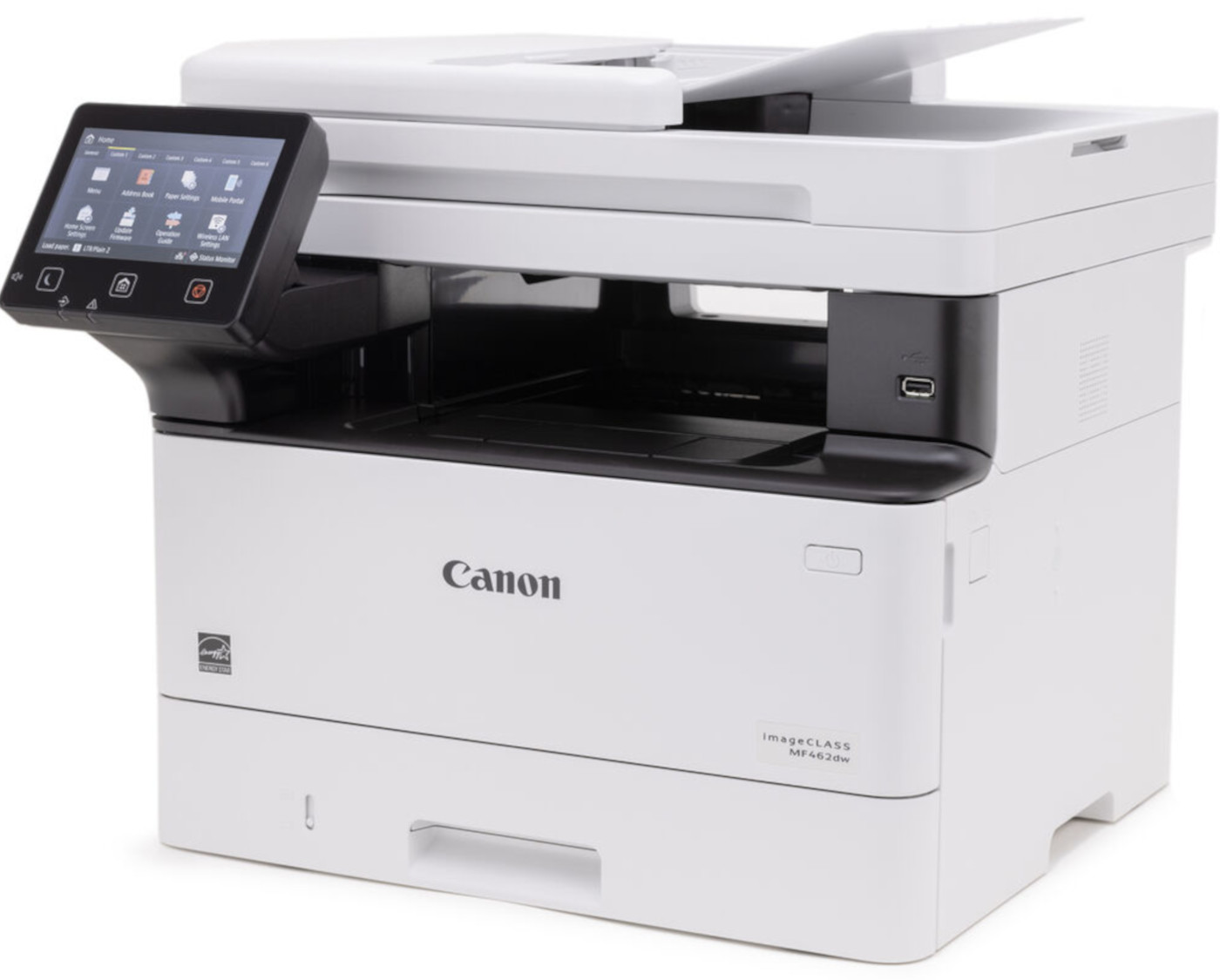
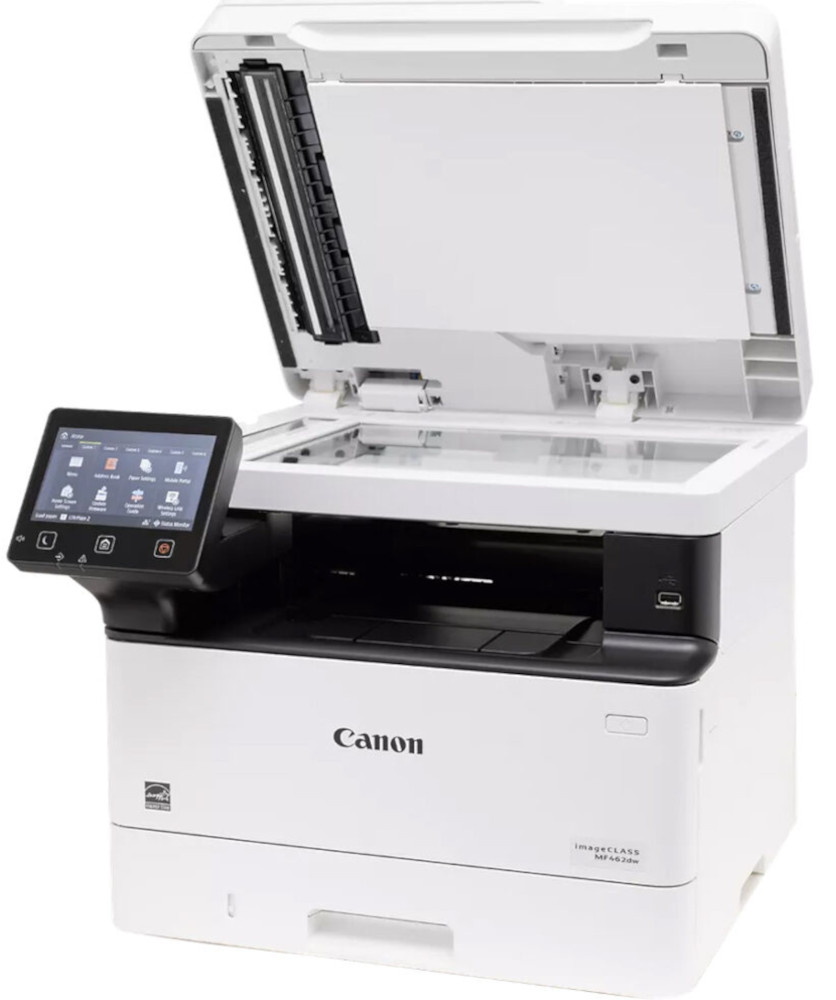
Images are for illustration purposes only and do not necessarily reflect the actual product.Product Details
Specifications
Accessories
Reviews
Product Details
Main Features
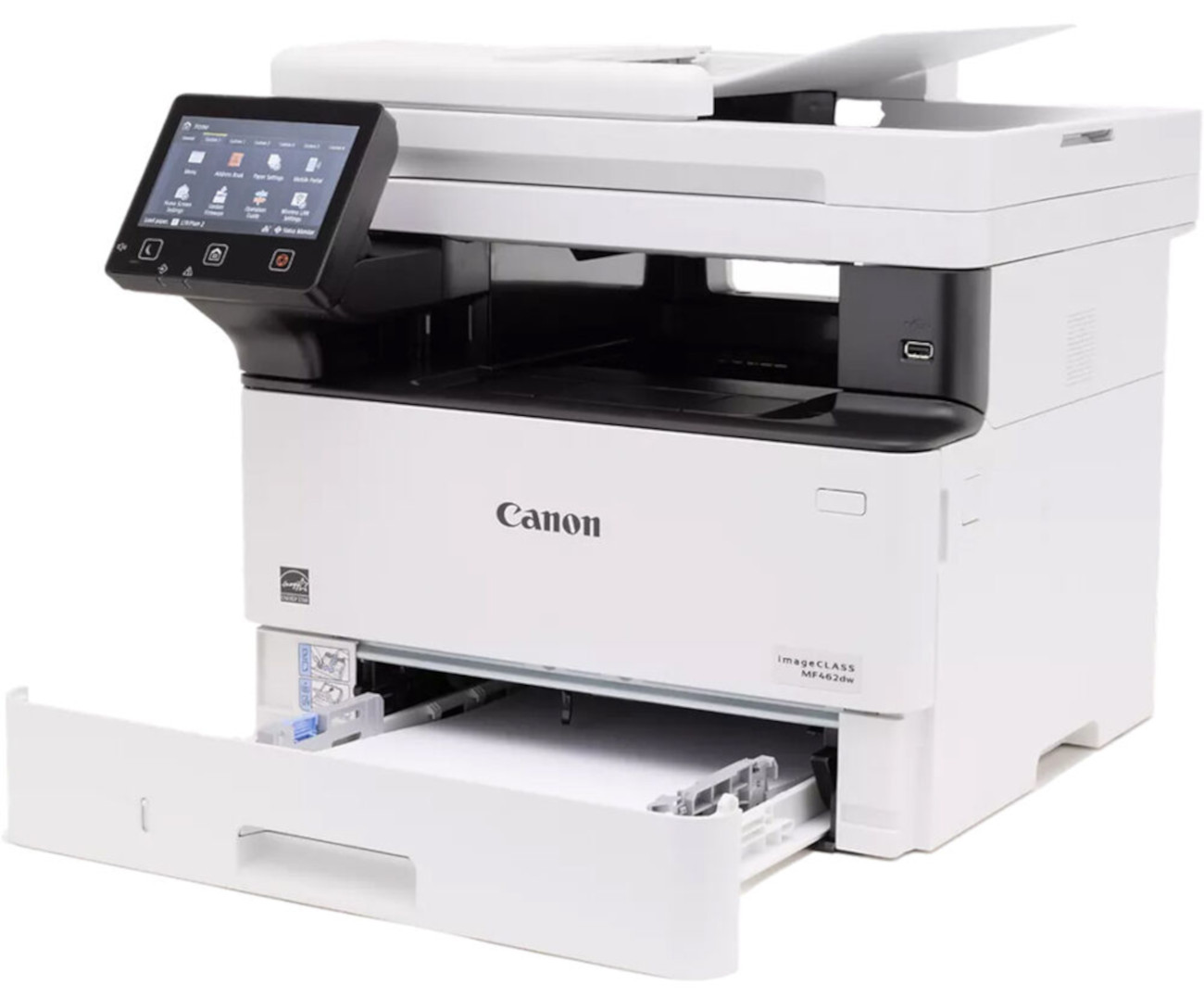
- Print speed: 37 pages per minute
- Print, scan, copy, and fax
- 50 Sheet Automatic document feeder
- Wi-Fi, USB, Ethernet, and mobile connectivity
- Print/Copy resolution: Up to 1200 x 1200 dpi
- First print out in less than 5 seconds
- Easy-to-use 5 inch LCD touch screen
- Paper size: 3 x 5 Inches to 8.5 x 14 Inches
- Automatic two sided prints
- Scan speed: Up to 100/ 80 images per minute in black/ color
- Recommended Monthly Print Volume: 750-4,000 pager per month
Specifications
General Specifications
| Model Name | imageCLASS MF462dw |
| Functions | Print, Scan, Copy, Fax |
| Print Speed | Up to 37 ppm (Letter) |
| Document Feeder | 50 Sheets Duplex |
| First Print Out Time | Approx. 4.9 Seconds (Letter) |
| Print/Copy Resolution | Up to 1200 x 1200 dpi |
| Scan Resolution | Up to 600 x 600 dpi |
| Print Memory | 1 GB (RAM) |
| Printer Language | UFR II, PCL6, PCL5, Adobe® PostScript 3® |
| Network Security | Authentication Standard: Department ID Authentication. Network Standard: TLS1.3, IPSec support, IEEE 802.1X authentication, SNMPv3, IP Address Filtering, Configure ON/OFF settings for network application functions, Job Log Conceal Function, Restricted access to the printer's storage media, Verify System at Startup |
| Connectivity | USB 2.0 High-Speed, 10/100/1000 Base-T Ethernet (Network), Wi-Fi 802.11b/g/n |
| Operating Systems | Windows®10 / Windows®11 / Windows®Server2012 / Windows®Server2012 R2 / Windows®Server2016 / Windows®Server2019 / Windows®Server2022 macOS 10.13 (or later) |
| Paper Capacity | Standard: 250-Sheet Standard Cassette, 100-Sheet Stack Bypass (Multipurpose Tray), Optional: 550-Sheet Paper Cassette (AH-1) |
| Min / Max Paper Size | Standard / Optional Cassette: 4.1 x 5.8 to 8.5 x 14 Inches / Multipurpose Tray: 3 x 5 Inches to 8.5 x 14 Inches |
| USB Direct Print | JPG, TIFF, PDF |
| Display Panel | 5 Inch, Color Touch LCD |
| Print Volumes | 750-4,000 RMPV (Recommended Monthly Print Volume) |
|
Energy Consumption
|
Approx: 1250 W (Max., w/o Accessories), 8 W (Standby), 0.1 W (Sleep Mode) |
| ENERGY STAR | Yes |
| Unit Dimensions | 16.6" (W) x 18.1" (D) x 14.8" (H) |
 Download Manufacturer Specifications
Accessories

Reviews


Not all drivers are pre-installed on all operating systems and as new operating systems are released, you will need to install drivers yourself. Make sure to consult your printer manual.
Allow ink to dry completely to avoid smudging. The time will vary based on the ink and paper quality used as well as the temperature and humidity conditions.
If you are not getting the results you expect, don't give up on your printer until you manually set the driver for the paper that you are using.
MY ACCOUNT
INFO & POLICIES
SHOP EASY
PAYMENT OPTIONS



