



 Shopping Cart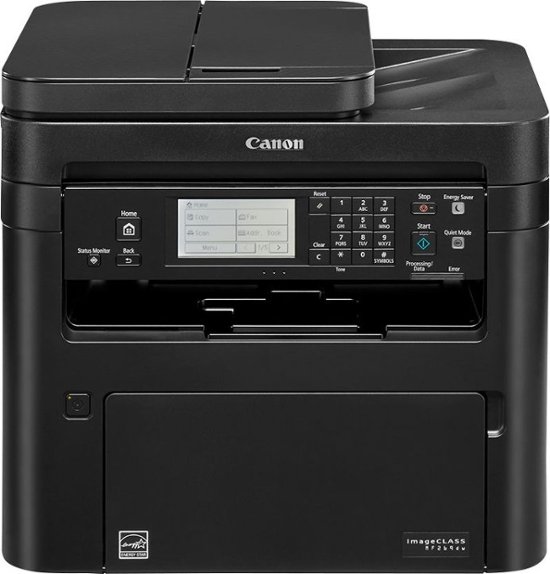



*** ALL TONERS AND SUPPLIES ARE IN STOCK AT DISCOUNTED PRICING , CALL +18882983095.
All reconditioned printers do not include supplies - toners , drums (Imaging Units) (where applicable) , printer cables , manuals , consumables, trays (where applicable). Power cables are included. Drivers can be downloaded . Power cables are included.
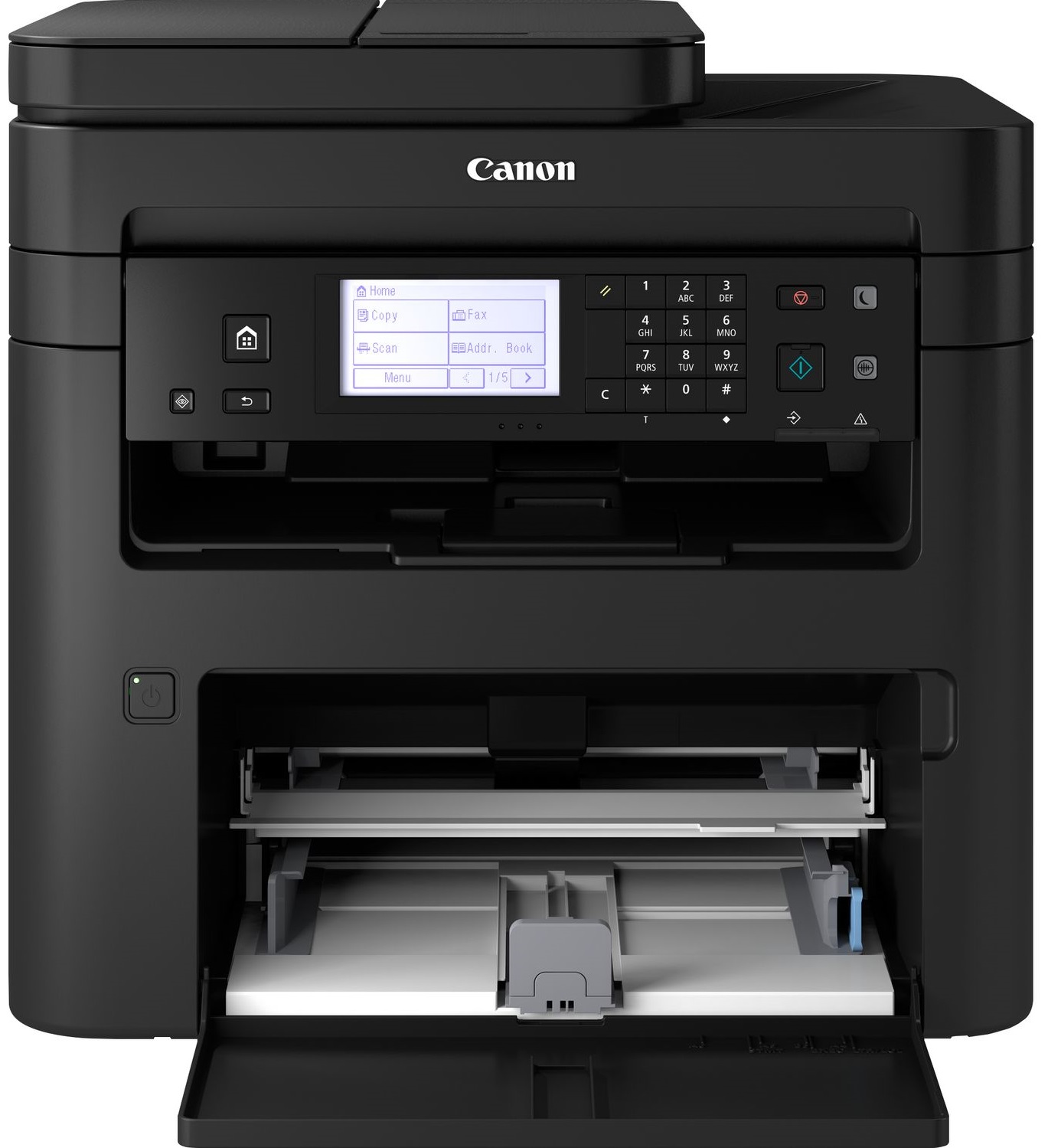
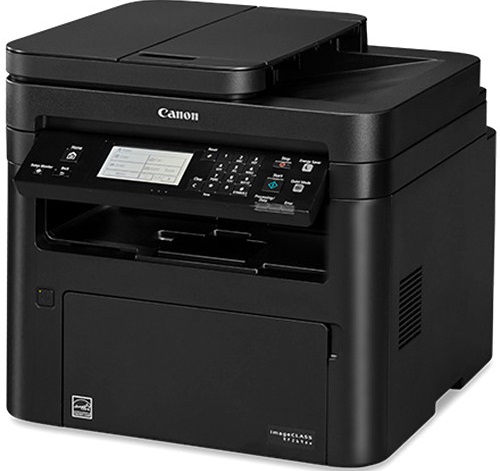
Images are for illustration purposes only and do not necessarily reflect the actual product.Product Details
Specifications
Accessories
Reviews
Product Details
Main Features
- Functions Copy, print, scan and fax
- Speedily prints up to 30 pages per minute
- Black and whire printouts
- Six-line Touch LCD for easy navigation
- First printout in approximately 5 seconds
- Mobile printing
- Connectivity: Wi-Fi, USB and Ethernet
- Memory: 256 MB
- ENERGY STAR certified and rated EPEAT Silver
- Warm up time: 15 Seconds or Less from power on
- Automatic duplex prints
- Print resolution: 600 x 600 dpi
Specifications
General Specifications
| Product Dimensions | 15.4"D x 16"W x 14.8"H |
|---|---|
| Controller Type | Vera, Amazon Alexa |
| Printer Media Size Maximum | 8.5 x 14 inch |
| Included Components | Starter Guide, MF269dw Product, Power Cord, User Software DVD-ROM, Warranty Card, Canon GENUINE Toner 051 Black, Standard (1,700 Yield, ISO / IEC Standard), Drum 051 - 23,000 Yield, Telephone Cable |
| Print media | Paper (plain) |
| Scanner Type | Sheetfed |
| Max Input Sheet Capacity | 250 |
| Display Type | LCD |
| Compatible Devices | Smartphones, PC, Laptops |
| Sheet Size | 8.5" x 11" |
| Wattage | 1180 watts |
| Initial page print time | 5 seconds |
| Duplex | Automatic |
| Hardware Interface | USB, Ethernet |
| Ink Color | Black |
| Additional Printer functions | Scan, Fax |
| Control Method | Voice |
| Model Series | MF269dw |
| Item Weight | 27.3 pounds |
 Download Manufacturer Specifications
Accessories

Reviews


Paper jam? The best way to remove jammed paper is to gently pull the paper in the direction of the paper path - with power off, of course. Do not pull the paper backwards - you could damage your printer forever by doing so.
Printer not working? Check if the heads of the toners are clean or not. They must be cleaned periodically.
What is dpi? Dpi is used to describe the resolution number of dots per inch in a digital print. The higher the numbers, the more detailed the print image is.
MY ACCOUNT
INFO & POLICIES
SHOP EASY
PAYMENT OPTIONS



