



 Shopping Cart
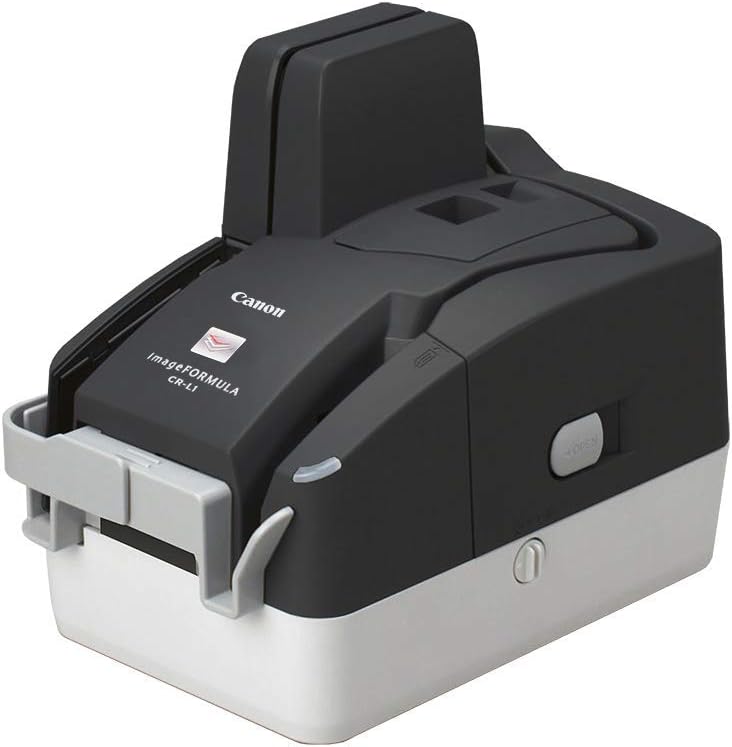
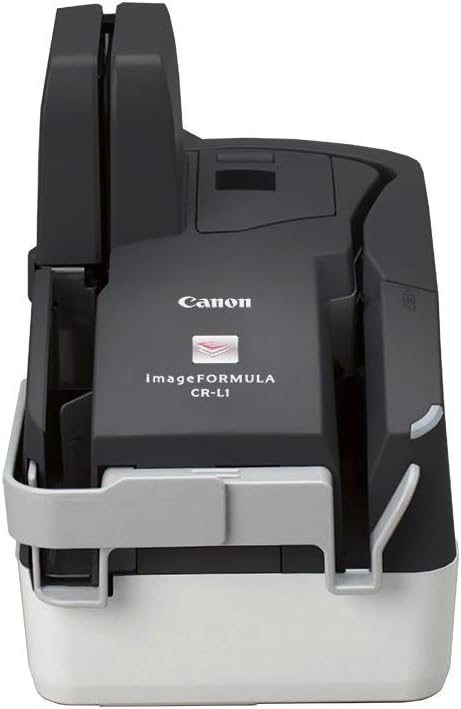
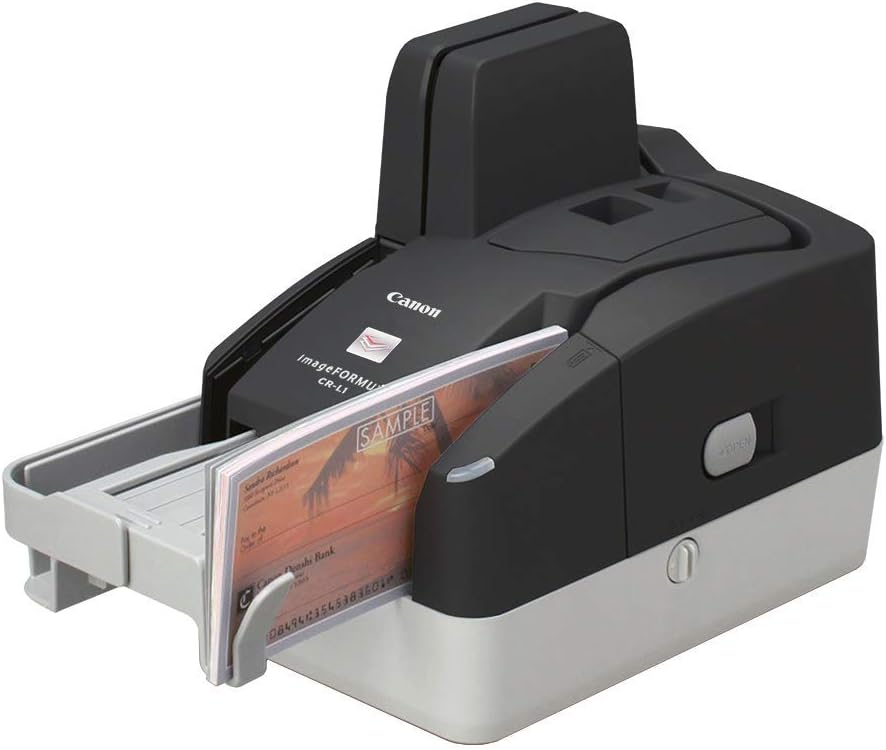
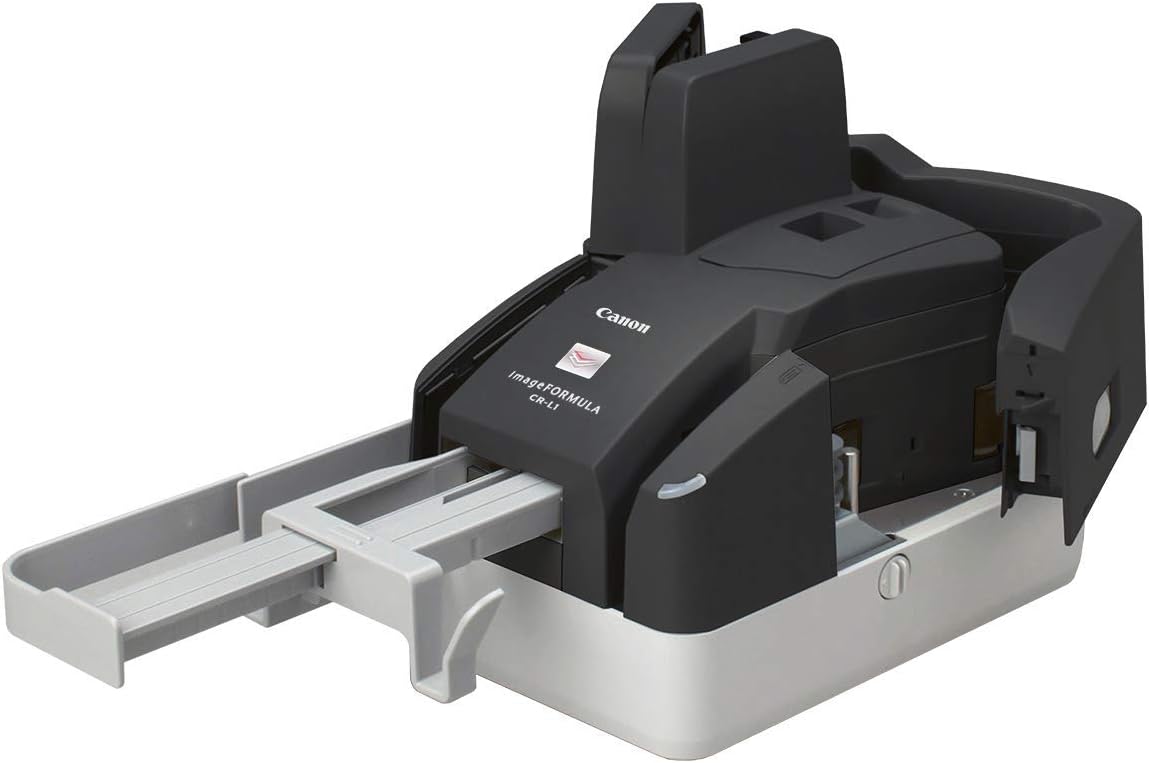
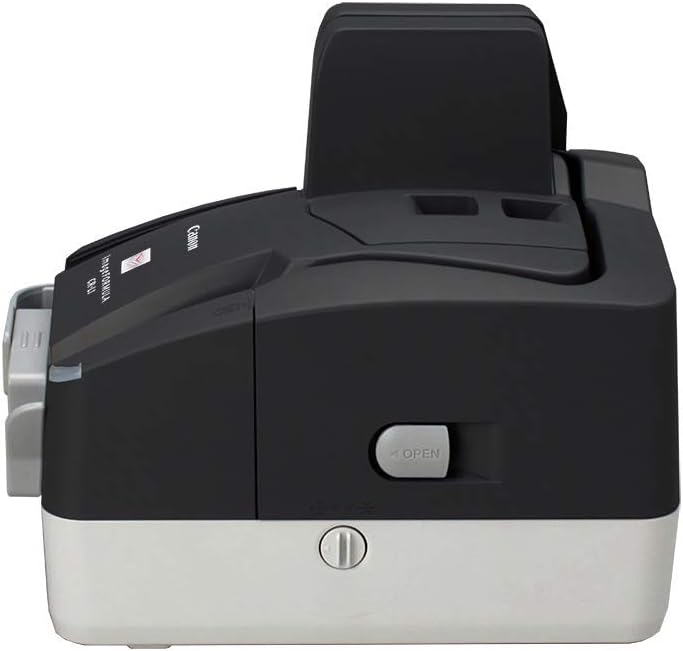
 Canon imageFORMULA CR-L1 Check Scanner




Product Details
Specifications
Accessories
Reviews
Product Details
Main Features
- Scans checks, vouchers, coupons, pay-stubs and more
- Automatic Feeder Capacity: 50 Sheets
- 50 Item eject pocket
- Scanning color, color, grayscale or black and white
- Scanning speed: 45 checks per minute
- Maximum resolution: 300 dpi
- Precise MICR accuracy
- Document size: 4.2 in x 9.0 in
- USB connectivity
Specifications
General Specifications
| ADF Capacity | 50 Sheets |
|---|---|
| Manufacturer | Canon USA |
| Media Type | Check |
| Operating System Supported | Windows |
| Optical Resolution | 300 dpi |
| Product Line | imageFORMULA |
| Product Model | CR-L1 |
| Product Type | Sheetfed Scanner |
| Scan Color | Grayscale / Color / Monochrome |
 Download Manufacturer Specifications
Accessories

Reviews


The optical resolution of your scanner is the most important factor in determining the level of quality your scans will have.
If your scanner gives a ‘Scanner Access failed’ or a ‘Scanner not found’ message it may be because your scanner wasn't switched on before you started your computer.
Most MFPs are designed for scanning documents and so are best to avoid if you're looking for photo scanning. The few exceptions can be recognized if they feature scanning options that are clearly meant for photos, such as a color restore feature.
MY ACCOUNT
INFO & POLICIES
SHOP EASY
PAYMENT OPTIONS



* Images are for illustration purposes only.