



 Shopping Cart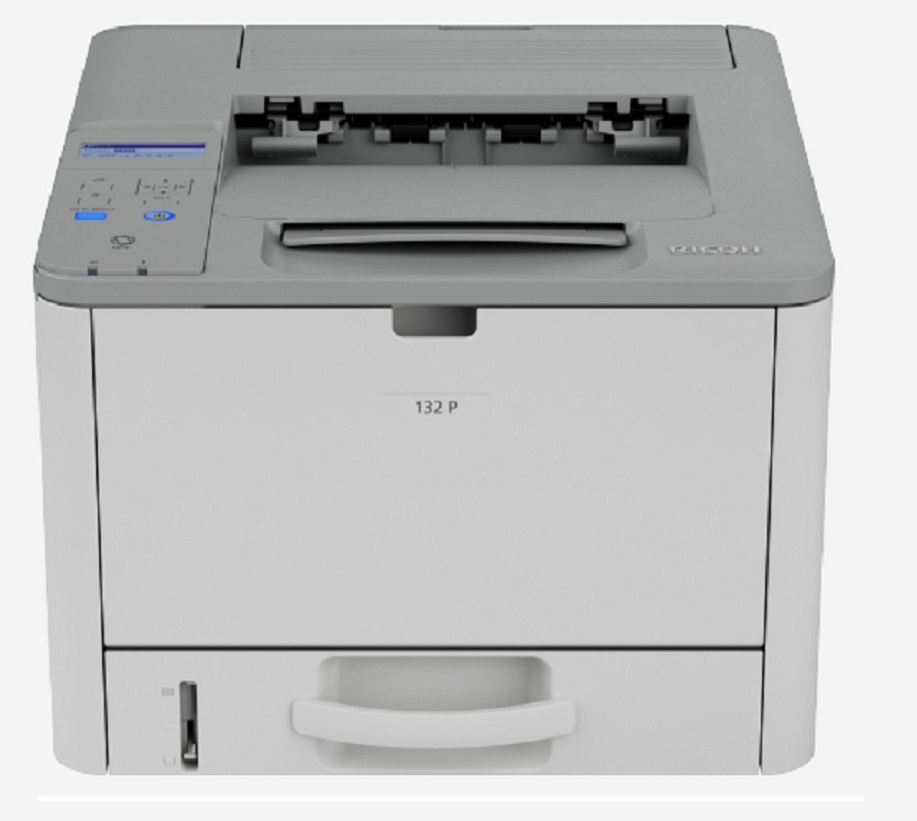




*** ALL TONERS AND SUPPLIES ARE IN STOCK AT DISCOUNTED PRICING , CALL +18882983095.
Printers do not include supplies - toners , drums (Imaging Units) (where applicable) , printer cables , manuals , consumables , trays (where applicable). Power cables are included. Drivers can be downloaded from the manufacturers website. Please verify that drivers available are compatible with your software on the manufacturers site.
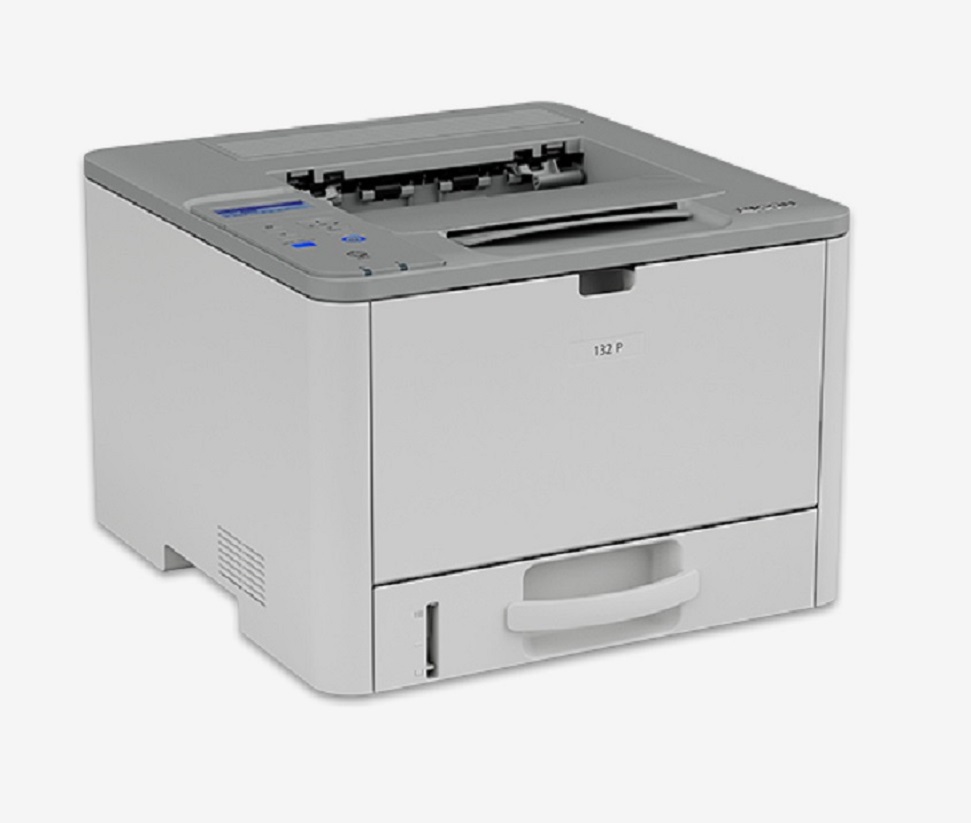
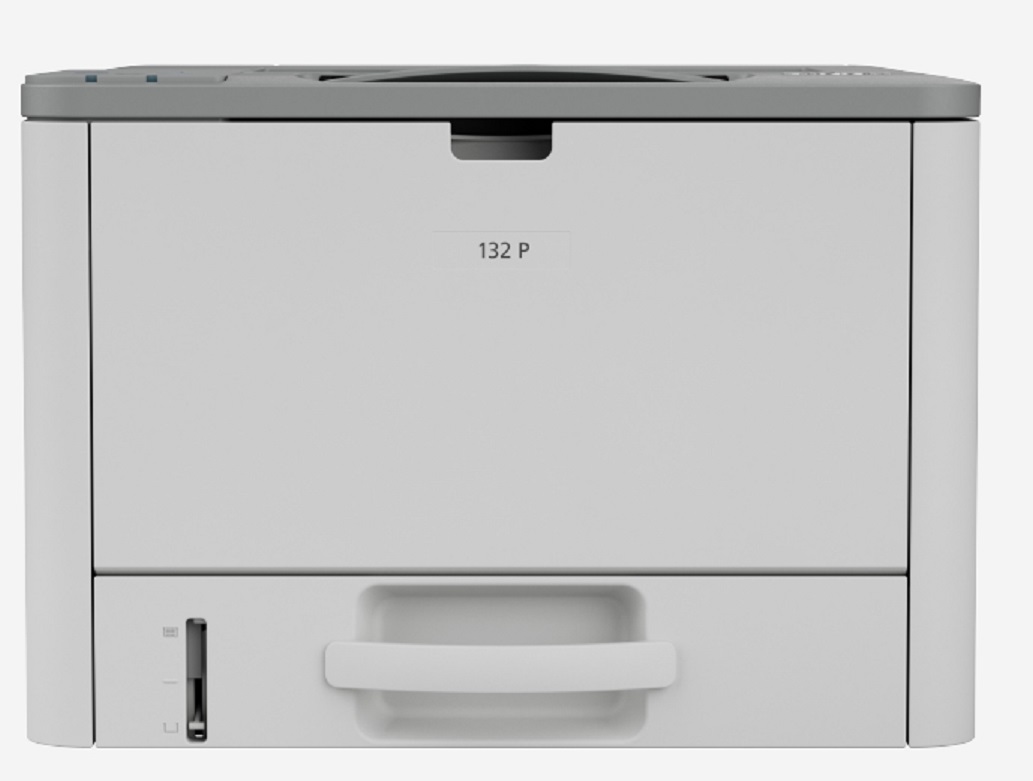
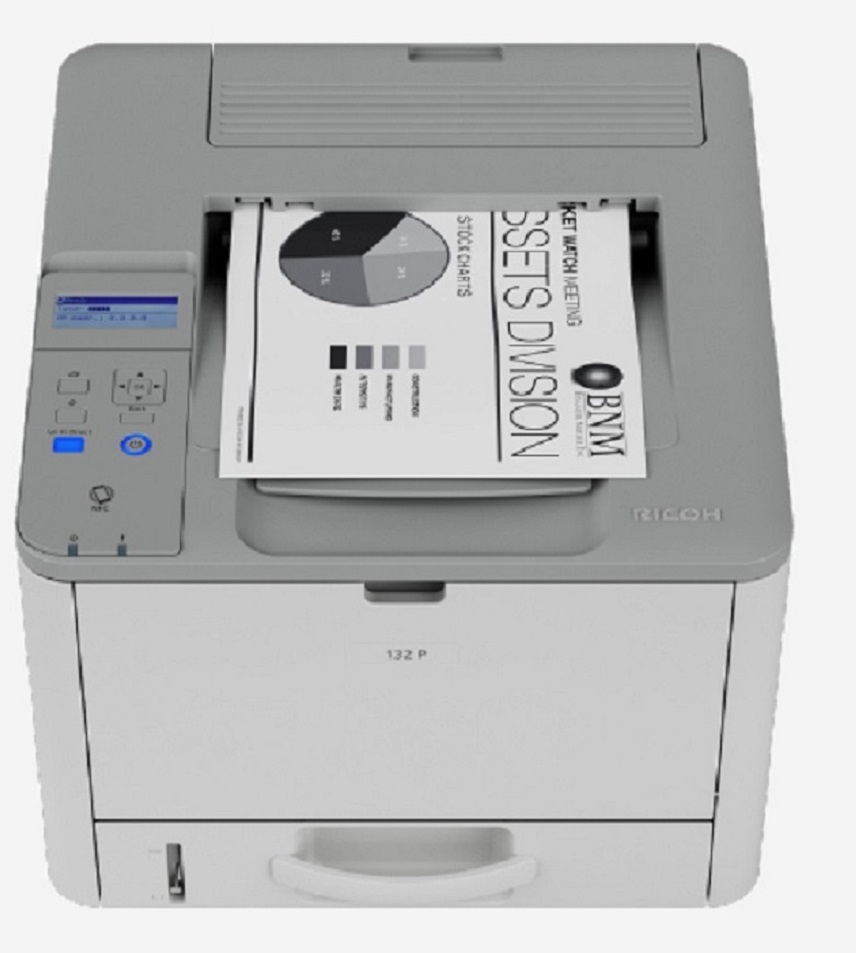
Images are for illustration purposes only and do not necessarily reflect the actual product.Product Details
Specifications
Accessories
Reviews
Product Details
Main Features
- Black and White Laser Printer
- Print Speed: 34 ppm
- Duty Cycle: 35,000 Pages
- Double sided printing
- USB and ethernet connections
- Compact design
- 128 MB memory
- Standard paper capacity: 300 sheets
- Maximum paper capacity: 550 sheets
- Supports mobile devices
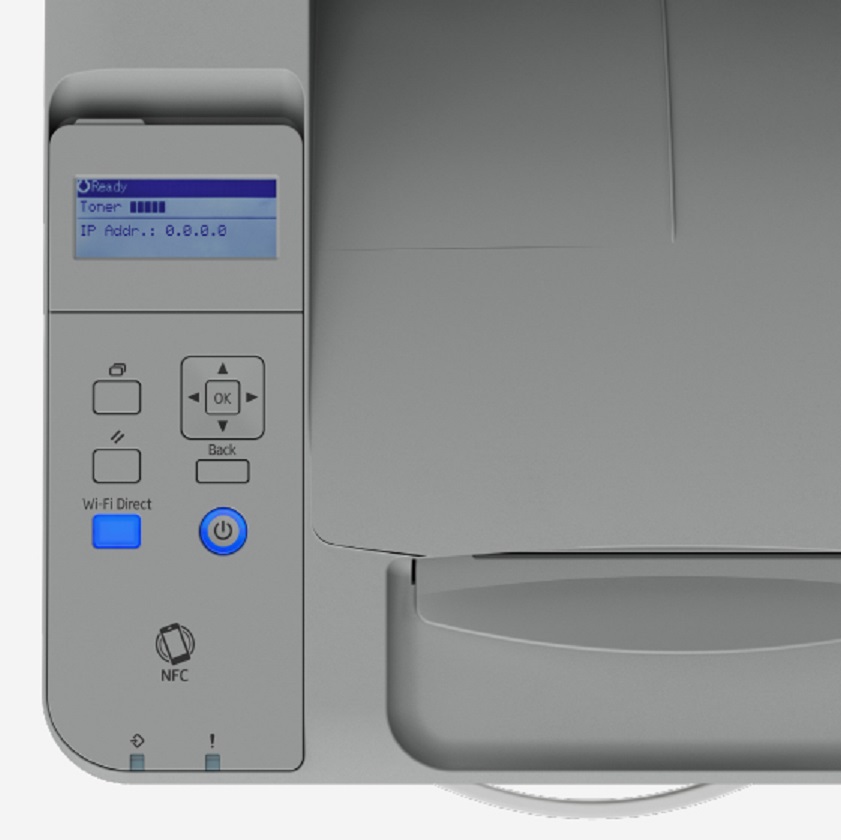
- 4-line LCD panel display
Specifications
General Specifications
|
Technology |
Laser |
|
Duty Cycle |
35,000 |
|
Memory |
128 MB |
|
Print Speed |
34 |
|
Maximum Print Resolution |
1,200 x 1,200 dpi |
|
Duplex Print |
Yes |
|
Mobile Printing Support |
Apple AirPrint™, Mopria® |
|
Interfaces |
Ethernet 10 base-T / 100 base-TX, USB 2.0 |
|
Paper Input (standard) |
250 sheets + 50 sheet (bypass tray) |
|
Paper Input (maximum) |
550 sheets (with optional tray) |
|
Dimensions |
14.6" x 15.4" x 10.3" (371 x 391 x 262 mm) |
|
Weight |
28.7 lbs. (13 kg) |
 Download Manufacturer Specifications
Accessories

Reviews


Most printers will beep once or twice during or after initialization. If it beeps more than that or beeps constantly, it is telling you that something is wrong. Most printers beep when out of paper or out of ink.
Printer not working? Check if the heads of the toners are clean or not. They must be cleaned periodically.
Out of a color cartridge? Many printer drivers include an option to print using black only, or equivalent options to override the refusal to print.
MY ACCOUNT
INFO & POLICIES
SHOP EASY
PAYMENT OPTIONS



