



 Shopping Cart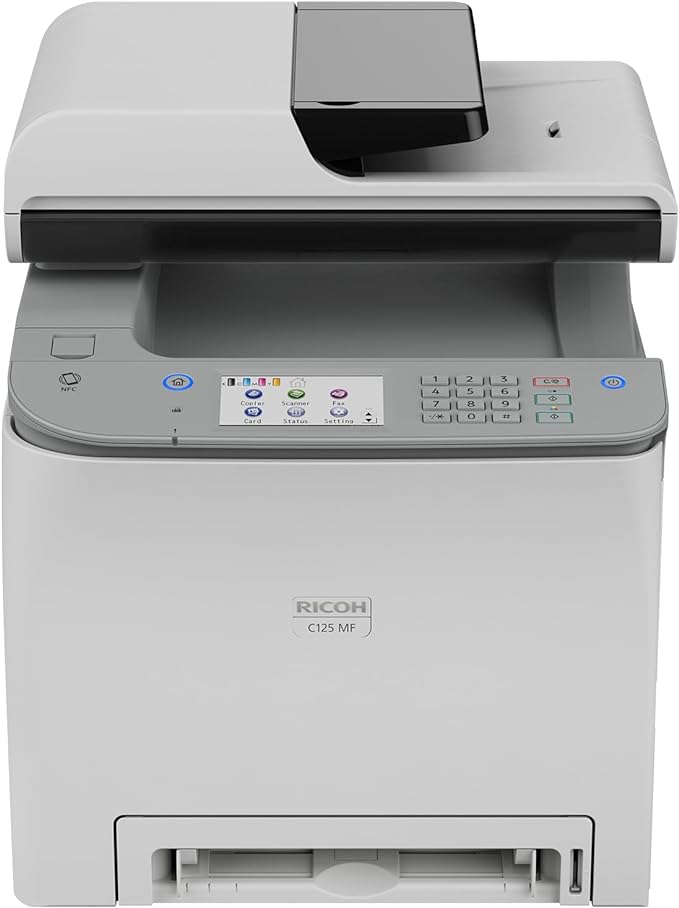



*** ALL TONERS AND SUPPLIES ARE IN STOCK AT DISCOUNTED PRICING , CALL +18882983095.
Printers do not include supplies - toners , drums (Imaging Units) (where applicable) , printer cables , manuals , consumables , trays (where applicable). Power cables are included. Drivers can be downloaded from the manufacturers website. Please verify that drivers available are compatible with your software on the manufacturers site.
Images are for illustration purposes only and do not necessarily reflect the actual product.Product Details
Specifications
Accessories
Reviews
Product Details
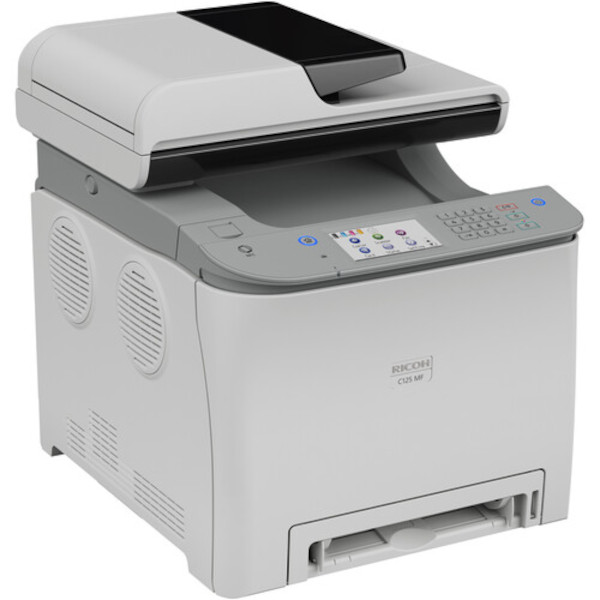
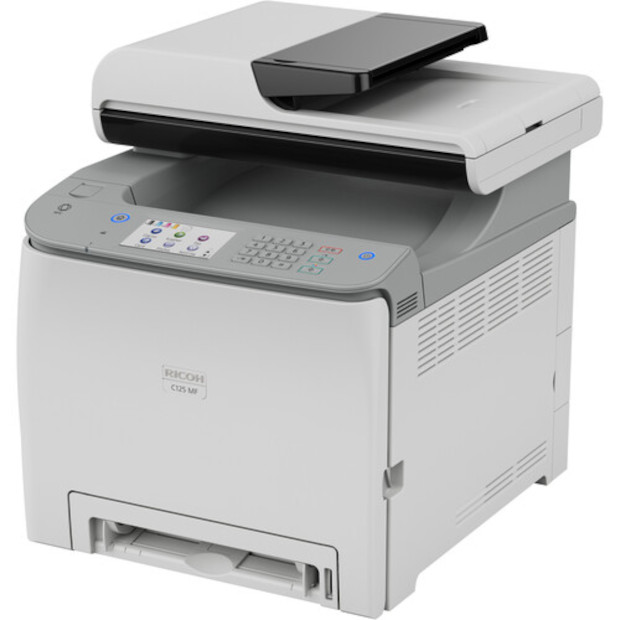
Main Features
- Functions: Print, scan, copy and fax
- Print speed: 26 pages per minute
- Print resolution: 2400 x 600 dpi
- Connectivity: USB, Wi-Fi and Ethernet
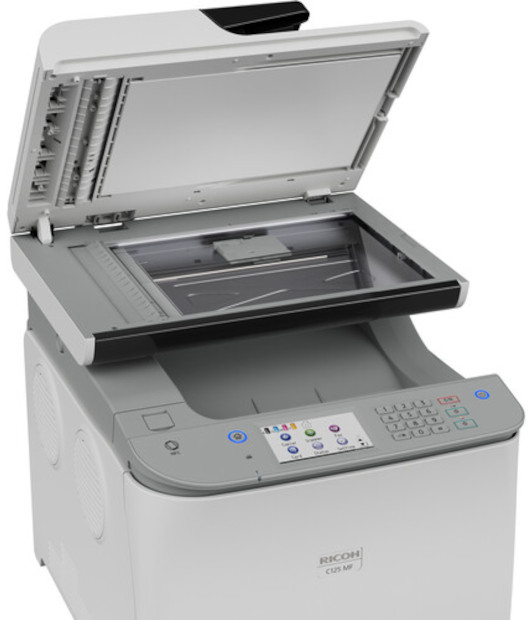
- Automatic two sided printing and scanning
- Color printing
- 250-Sheet capacity paper tray and single-sheet capacity multi-purpose tray
- Supports letter and legal sized paper
- Easy-to-use large color touchscreen
Specifications
General Specifications
| Printing Technology | |
| Color Type | |
| Print Resolution | |
| Borderless Printing | |
| Duplex Printing | |
| Printer Language | |
| Print Speed (By Time) | |
| First Print Out Time | |
| Monthly Duty Cycle |
| Media Handling | |
| Media Sizes | |
| Media Weight | |
| Paper Capacity | |
| Special Media Support |
| Scanner Type | |
| Scanner Maximum Resolution | |
| Scan Modes | |
| Scan Speed | |
| Automatic Image Corrections | |
| File Formats |
| Scan Sizes |
| Number of Copies | |
| Reduction/Enlargement | |
| Copy Speed | |
| Duplex Copying | |
| Copy Resolution |
| Modem Transmission Speed | |
| Duplex Support | |
| Fax Memory |
| Inputs/Outputs | |
| Wireless | |
| Direct Printing | |
| Processor Speed | |
| Internal Memory | |
| Scanner Drivers | |
| Mobile App Compatible | |
| OS Compatibility |
| Display Size | |
| Display Type | |
| Power Source | |
| Battery | |
| Input Power | |
| Certifications | |
| Dimensions (W x H x D) | |
| Weight |
 Download Manufacturer Specifications
Accessories

Reviews


Set your printer for the proper paper type and weight. Fine art papers are heavier than ordinary inkjet or bond papers so set the printer to thicker paper settings.
If your print settings are too dark, it could be detrimental to the life of the cartridge in the long run. It’s important that the density control of the machine be properly set to prevent the machine from pulling too much toner into itself.
Media settings on your printer determine how much ink will be used. Thinly coated glossy films require less ink, while plain paper soaks in more.
MY ACCOUNT
INFO & POLICIES
SHOP EASY
PAYMENT OPTIONS



