



 Shopping Cart
 Ricoh Fi-8290 Document Scanner
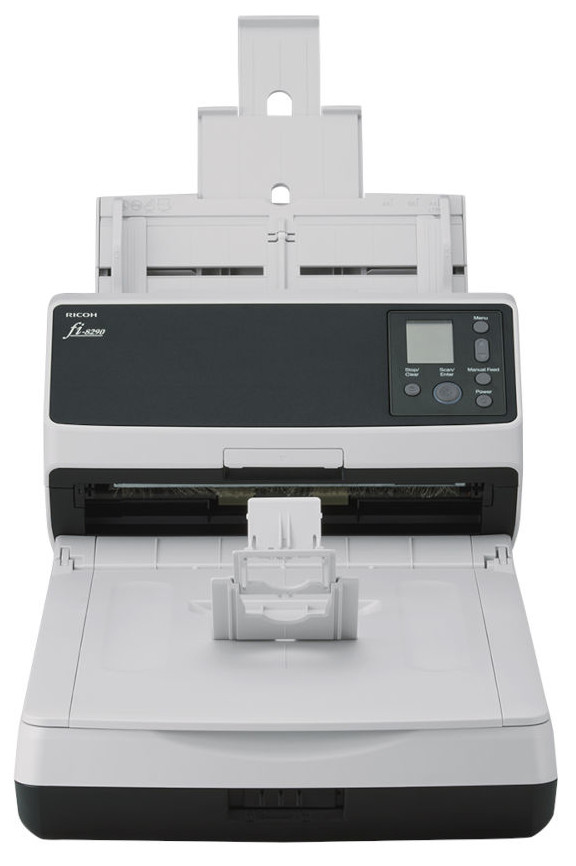


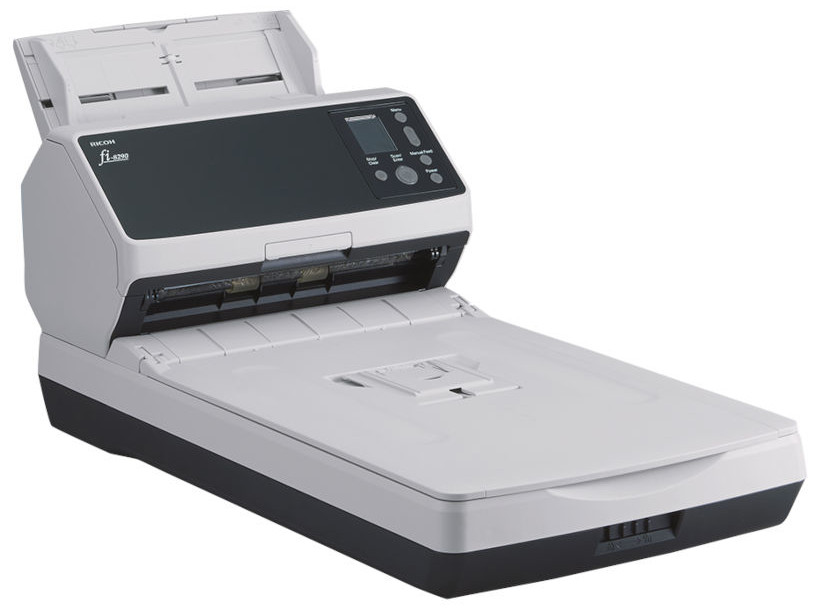
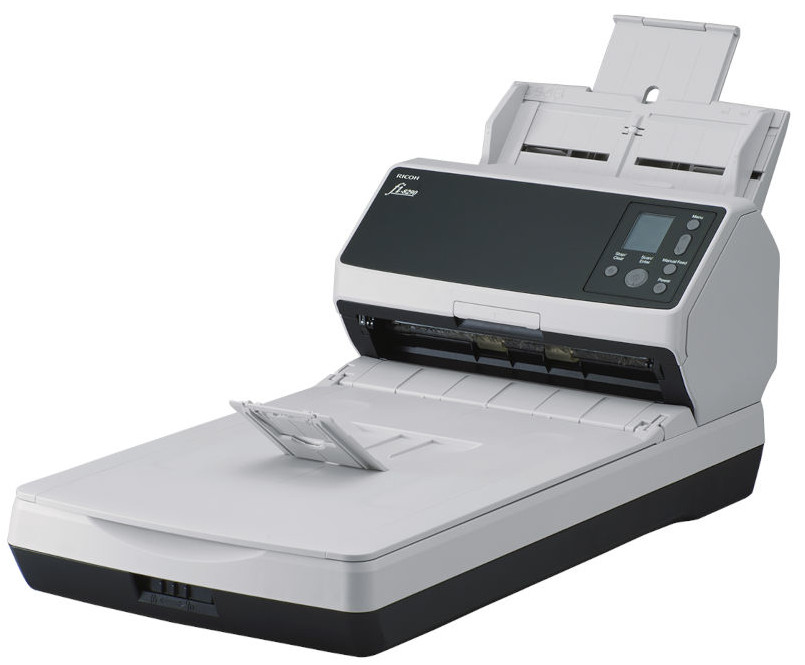
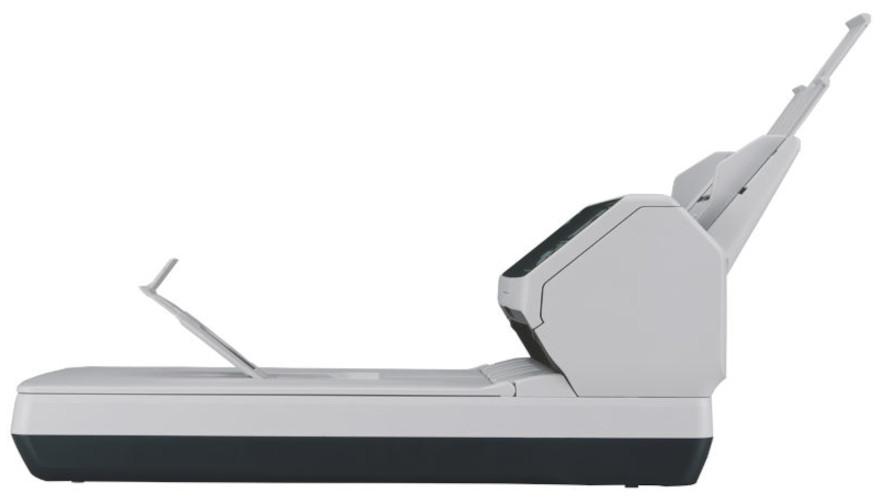

Images are for illustration purposes only and do not necessarily reflect the actual product.
Product Details
Specifications
Accessories
Reviews
Product Details
Main Features
- Scan with flatbed or automatic document feeder
- Duplex scans
- Scanning speed: Up to 90 pages per minute
- USB and Ethernet connectivity
- Resolution: 600dpi
- ADF Sheet capacity: 100 sheets
- Easy-to-use color LCD panel
- PaperStream Capture Pro software
- Auotomatic separation control
- Scans passports, cards and booklets up to 7mm thick
Specifications
General Specifications
| Feature | Specification |
|---|---|
| Brand | Ricoh |
| Page Size | A4 |
| Resolution | 600 dpi |
| Compatibility | Windows 11, Windows 10, Windows 8, Windows 7, Windows XP |
| Scanning Speed | 90 ppm |
| Feeder Capacity | 100 Sheets |
| Optical Technology | Contact Image Sensor (CIS) |
| Network | No |
| Scan-To Capabilities | Direct to USB (Flash-Drive), Email, PC |
| Driver | ISIS, TWAIN |
| Colour Type | Colour, Greyscale, Black & White |
| Scanning Side | Duplex (Double Sided) |
| Weight | 8.8kg |
| Width | 300mm |
| Length | 577mm |
| Height | 234mm |
| Feeder Type | 2-in-1 (Both) |
 Download Manufacturer Specifications
Accessories

Reviews


An easy way to get a feel for any given scanning option is to scan the same image with different settings and compare the results.
Backlight correction, featured on some scanners, can automatically improve photos that were taken with a bright light behind the person.
If your scanner doesn't provide a good quality dust removal feature, removing the dust from your photos with canned air before scanning will take less time than manually removing dust marks with a photo editing program afterwards.
MY ACCOUNT
INFO & POLICIES
SHOP EASY
PAYMENT OPTIONS



* Images are for illustration purposes only.