



 Shopping Cart
 Konica Minolta Bizhub C361i Color Multifunction Copier
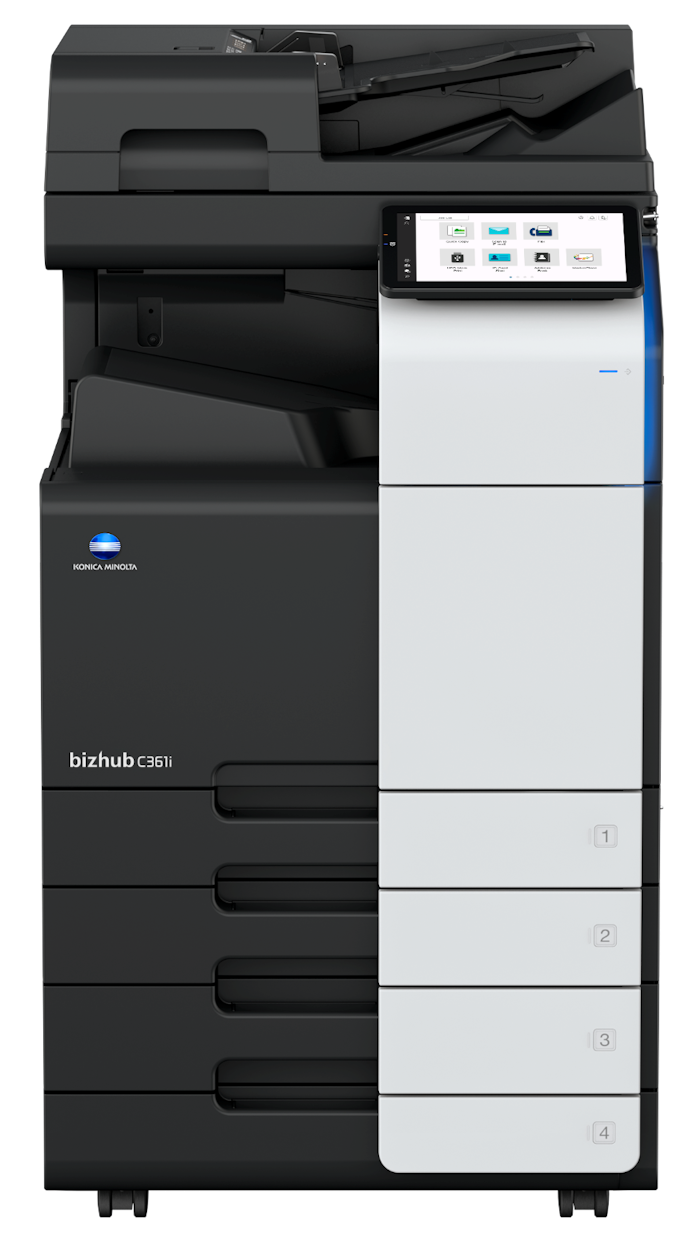


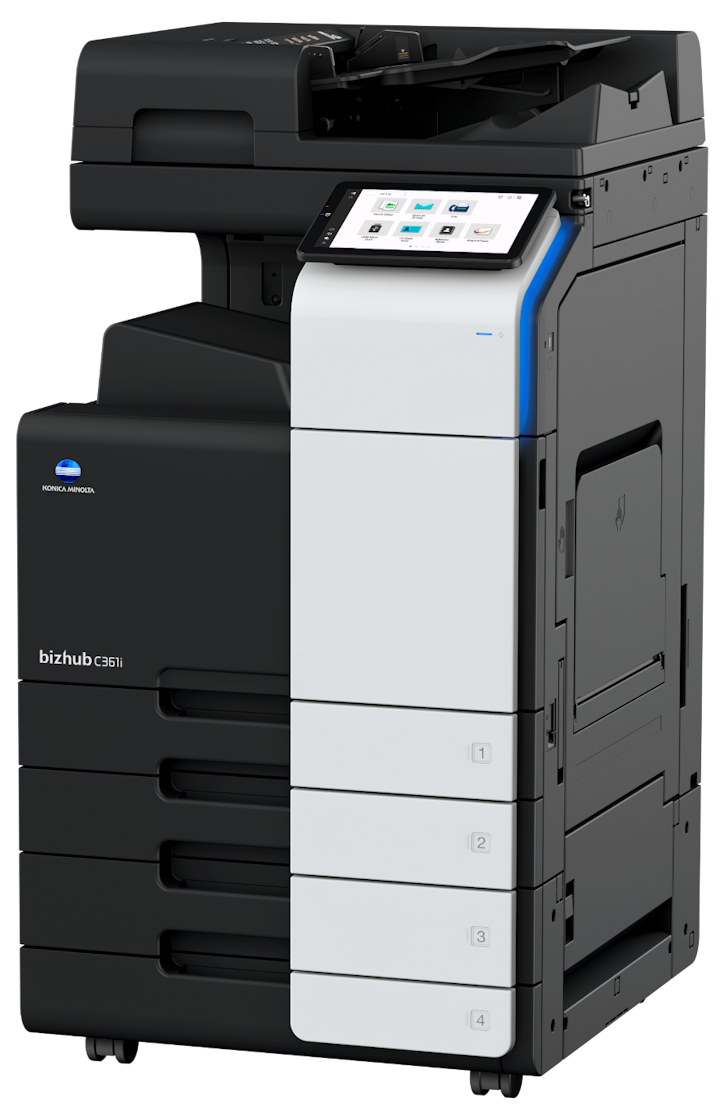
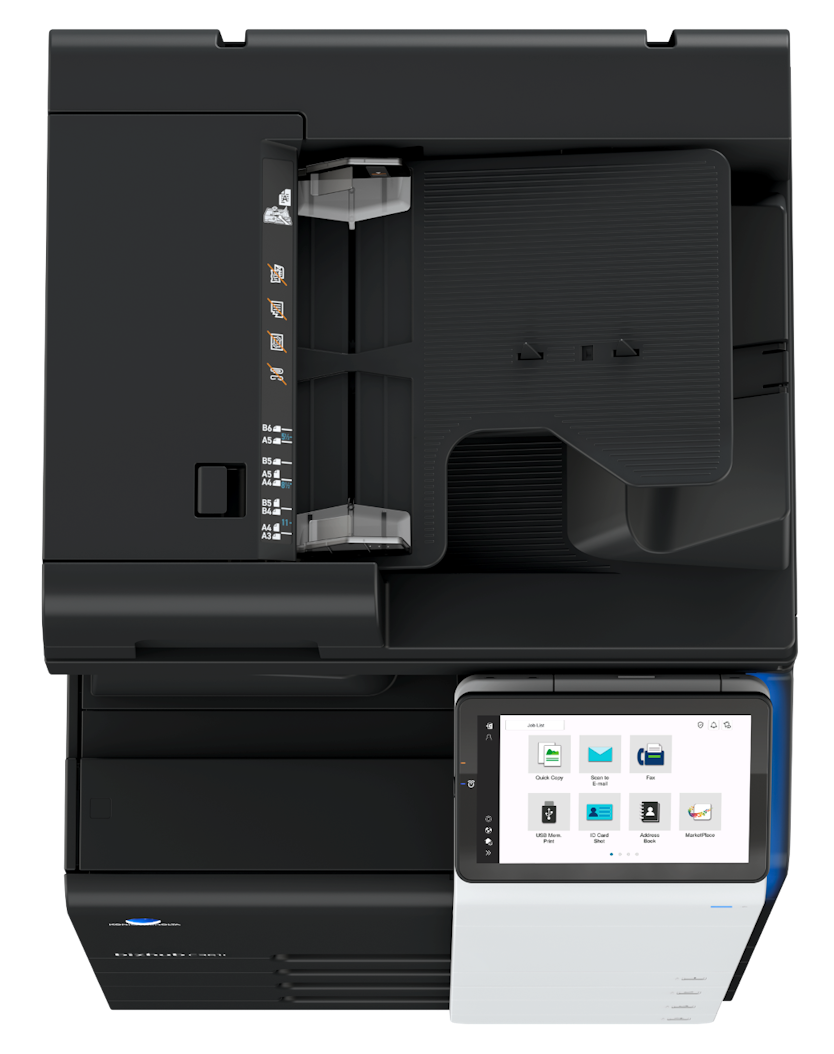

*** ALL TONERS AND SUPPLIES ARE IN STOCK AT DISCOUNTED PRICING , CALL +18882983095.
Product Details
Specifications
Accessories
Reviews
Product Details
Main Features
- Functions: Copy, print, scan and fax
- Print Speed: 36 pages per minute in color or balck and white
- Easy-to-use 10 inch touchscreen panel
- Energy-saving settings
- Finishing options: stapling, punching, letterfolding and booklets
- First pageout time: 4.6/6.1 seconds. (mono/color)
- Maximum memory: 8,192 MB
- 100 Sheet automatic document feeder
- Duplex prints
- Mobile printing
Specifications
General Specifications
| System Speed A4 | Up to 36/36 ppm (mono/color) |
| System Speed A3 | Up to 18/18 ppm (mono/color) |
| Autoduplex Speed A4 | Up to 36/36 ppm (mono/color) |
| 1st Page Out Time A4 | 4.6/6.1 sec. (mono/color) |
| Warm-up Time | Approx. 11 sec. (mono/color)¹ |
| Imaging Technology | Laser |
| Panel Size/Resolution | 10.1" / 1024 x 600 |
| System Memory | 8,192 MB (standard/max) |
| System Hard Drive | 256 GB SSD (standard) / 1 TB SSD (optional) |
| Interface | 10/100/1,000-Base-T Ethernet; USB 2.0; Wi-Fi 802.11 b/g/n/ac (optional) |
| Network Protocols | TCP/IP (IPv4 / IPv6); SMB; LPD; IPP; SNMP; HTTP(S); Bonjour |
| Automatic Document Feeder (optional) | Up to 100 originals; A6-A3; 35-163 g/m²; RADF or Dualscan ADF available |
| ADF Double Feed Detection | Standard (with dualscan ADF) |
| Printable Paper Size | A6-SRA3; customized paper sizes; banner paper max. 1,200 x 297 mm |
| Printable Paper Weight | 52-300 g/m² |
| Intelligent Media Sensor | Automatic paper weight and type detection (optional) |
| Paper Input Capacity | 1,150 sheets / 6,650 sheets (standard/max) |
| Paper Tray Input (standard) | 1x 500; A6-A3; custom sizes; 52-256 g/m² |
| Paper Tray Input (optional) | 1x 500 sheets; A5-A3; 52-256 g/m² |
| 2x 500 sheets; A5-A3; 52-256 g/m² | |
| 1x 2,500 sheets; A4; 52-256 g/m² | |
| 1x 1,500 + 1x 1,000 sheets; A5-A4; 52-256 g/m² | |
| Large Capacity Tray (optional) | 1x 3,000; A4; 52-256 g/m² |
| Manual Bypass | 150 sheets; A6-SRA3; custom sizes; banner; 60-300 g/m² |
| Finishing Modes (optional) | Offset; Group; Sort; Staple; Punch; Half-fold; Letter-fold; Booklet |
| Automatic Duplexing | A6-SRA3; 52-256 g/m² |
| Output Capacity | Up to 250 sheets / up to 3,300 sheets (standard/max) |
| Stapling Output Capacity | Max. 200 sets |
| Stapling | Max. 50 sheets or 48 sheets + 2 cover sheets (up to 209 g/m²) |
| Letter Fold | Max. 3 sheets |
| Letter Fold Capacity | Max. 30 sets; unlimited (without tray) |
| Booklet | Max. 20 sheets or 19 sheets + 1 cover sheet (up to 209 g/m²) |
| Booklet Output Capacity | Max. 20 booklets; unlimited (without tray) |
| Duty Cycle (monthly) | Rec. 33,000 pages; Max.² 175,000 pages |
| Power Consumption | 220-240 V / 50/60 Hz; Less than 1.58 kW |
| System Dimension (W x D x H) | 615 x 688 x 779 mm (without options) |
| System Weight | Approx. 84.0 kg (without options) |
 Download Manufacturer Specifications
Accessories

Reviews


Look at the cost of consumables for your copier before you buy - this will give you an idea of how much it will cost you to run your copier in the future.
Look out for a copier with an Energy Saving mode which will hibernate into a “sleep” mode when not being used, in order to save electricity.
Copiers can take up a large amount of office space. Make sure you measure the room you intend to use the copier in and check it will fit properly.
MY ACCOUNT
INFO & POLICIES
SHOP EASY
PAYMENT OPTIONS



* Images are for illustration purposes only.