



 Shopping Cart
 Konica Minolta Bizhub C361i Color Multifunction Copier
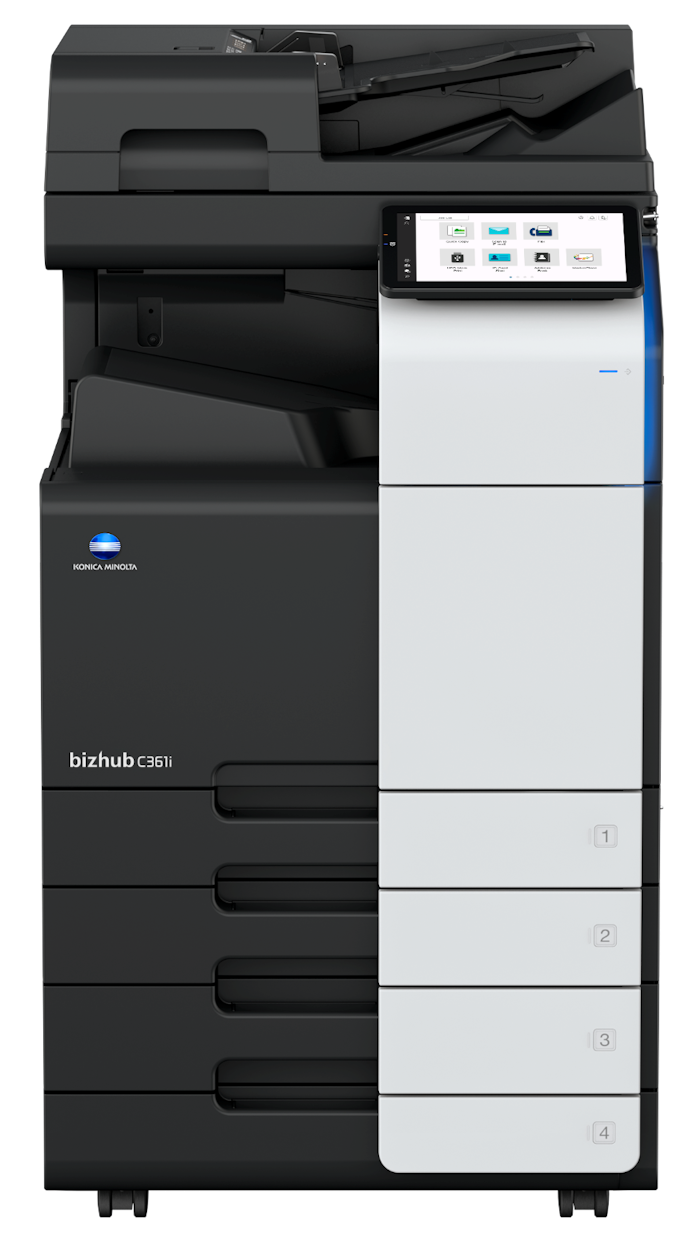


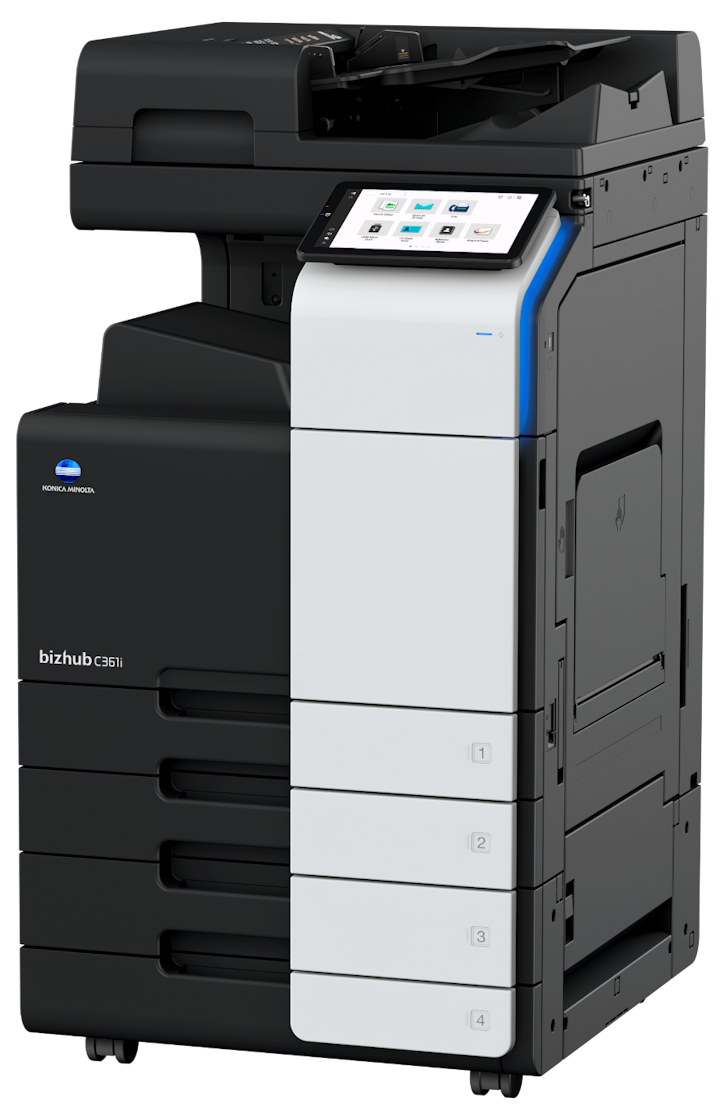

*** ALL TONERS AND SUPPLIES ARE IN STOCK AT DISCOUNTED PRICING , CALL +18882983095.
Product Details
Specifications
Accessories
Reviews
Product Details
Main Features
- Functions: Copy, print, scan and fax
- Print Speed: 36 pages per minute in color or balck and white
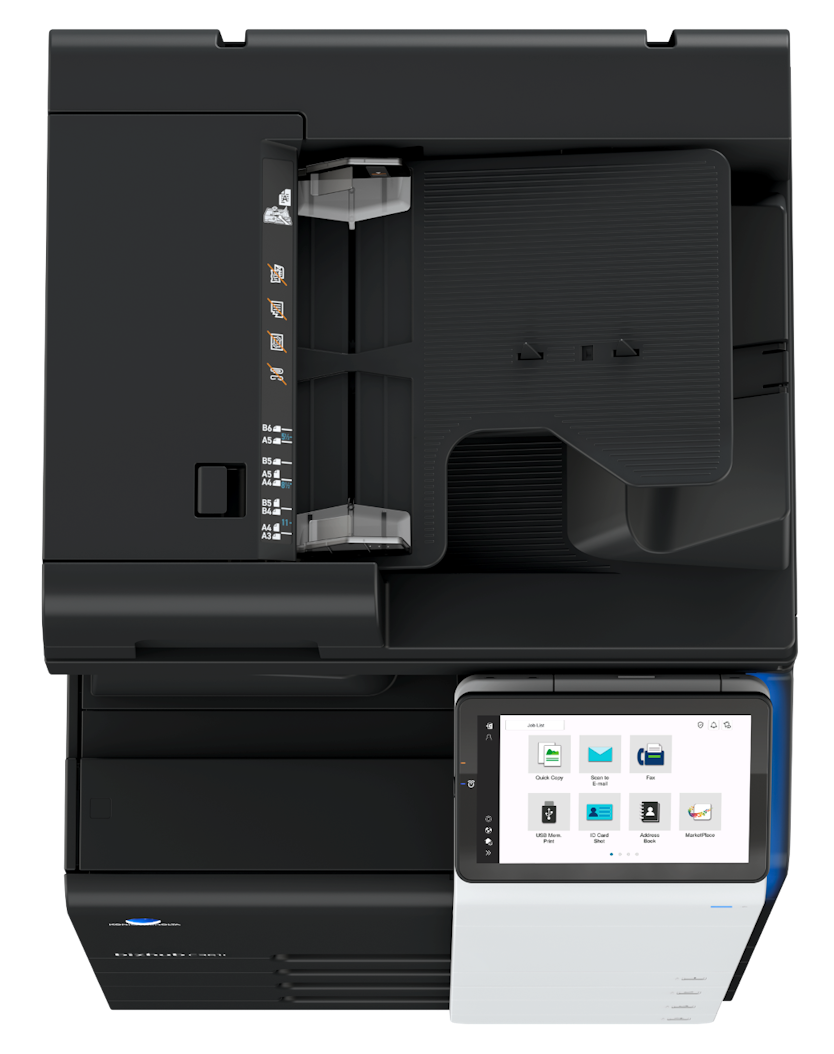
- Easy-to-use 10 inch touchscreen panel
- Energy-saving settings
- Finishing options: stapling, punching, letterfolding and booklets
- First pageout time: 4.6/6.1 seconds. (mono/color)
- Maximum memory: 8,192 MB
- 100 Sheet automatic document feeder
- Duplex prints
- Mobile printing
Specifications
General Specifications
| System Speed A4 | Up to 36/36 ppm (mono/color) |
| System Speed A3 | Up to 18/18 ppm (mono/color) |
| Autoduplex Speed A4 | Up to 36/36 ppm (mono/color) |
| 1st Page Out Time A4 | 4.6/6.1 sec. (mono/color) |
| Warm-up Time | Approx. 11 sec. (mono/color)¹ |
| Imaging Technology | Laser |
| Panel Size/Resolution | 10.1" / 1024 x 600 |
| System Memory | 8,192 MB (standard/max) |
| System Hard Drive | 256 GB SSD (standard) / 1 TB SSD (optional) |
| Interface | 10/100/1,000-Base-T Ethernet; USB 2.0; Wi-Fi 802.11 b/g/n/ac (optional) |
| Network Protocols | TCP/IP (IPv4 / IPv6); SMB; LPD; IPP; SNMP; HTTP(S); Bonjour |
| Automatic Document Feeder (optional) | Up to 100 originals; A6-A3; 35-163 g/m²; RADF or Dualscan ADF available |
| ADF Double Feed Detection | Standard (with dualscan ADF) |
| Printable Paper Size | A6-SRA3; customized paper sizes; banner paper max. 1,200 x 297 mm |
| Printable Paper Weight | 52-300 g/m² |
| Intelligent Media Sensor | Automatic paper weight and type detection (optional) |
| Paper Input Capacity | 1,150 sheets / 6,650 sheets (standard/max) |
| Paper Tray Input (standard) | 1x 500; A6-A3; custom sizes; 52-256 g/m² |
| Paper Tray Input (optional) | 1x 500 sheets; A5-A3; 52-256 g/m² |
| 2x 500 sheets; A5-A3; 52-256 g/m² | |
| 1x 2,500 sheets; A4; 52-256 g/m² | |
| 1x 1,500 + 1x 1,000 sheets; A5-A4; 52-256 g/m² | |
| Large Capacity Tray (optional) | 1x 3,000; A4; 52-256 g/m² |
| Manual Bypass | 150 sheets; A6-SRA3; custom sizes; banner; 60-300 g/m² |
| Finishing Modes (optional) | Offset; Group; Sort; Staple; Punch; Half-fold; Letter-fold; Booklet |
| Automatic Duplexing | A6-SRA3; 52-256 g/m² |
| Output Capacity | Up to 250 sheets / up to 3,300 sheets (standard/max) |
| Stapling Output Capacity | Max. 200 sets |
| Stapling | Max. 50 sheets or 48 sheets + 2 cover sheets (up to 209 g/m²) |
| Letter Fold | Max. 3 sheets |
| Letter Fold Capacity | Max. 30 sets; unlimited (without tray) |
| Booklet | Max. 20 sheets or 19 sheets + 1 cover sheet (up to 209 g/m²) |
| Booklet Output Capacity | Max. 20 booklets; unlimited (without tray) |
| Duty Cycle (monthly) | Rec. 33,000 pages; Max.² 175,000 pages |
| Power Consumption | 220-240 V / 50/60 Hz; Less than 1.58 kW |
| System Dimension (W x D x H) | 615 x 688 x 779 mm (without options) |
| System Weight | Approx. 84.0 kg (without options) |
 Download Manufacturer Specifications
Accessories

Reviews


Store the paper in the same room as the copier so that the paper is the same temperature as the copy machine.
Always store your paper in a flat position in order to prevent your copier from jamming.
If you need your copier to process multiple tasks simultaneously, you may need to purchase additional memory.
MY ACCOUNT
INFO & POLICIES
SHOP EASY
PAYMENT OPTIONS



* Images are for illustration purposes only.