



 Shopping Cart
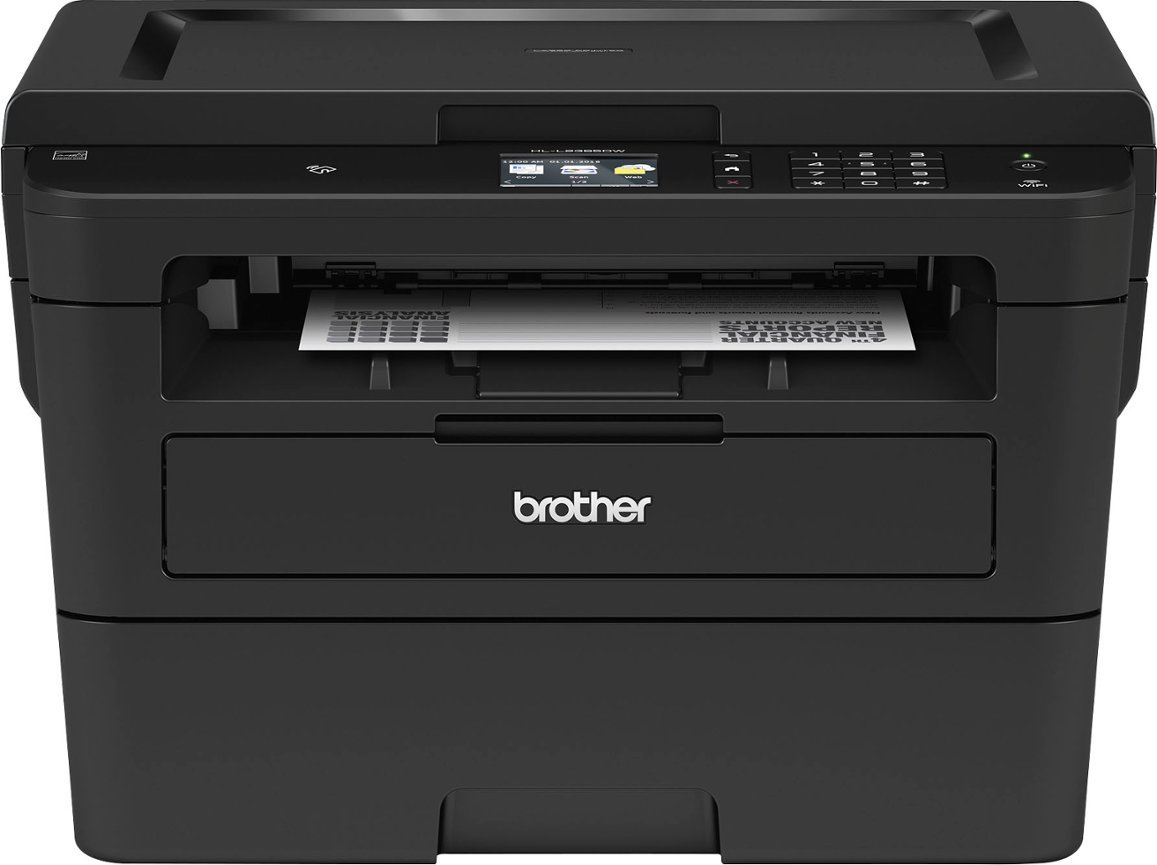
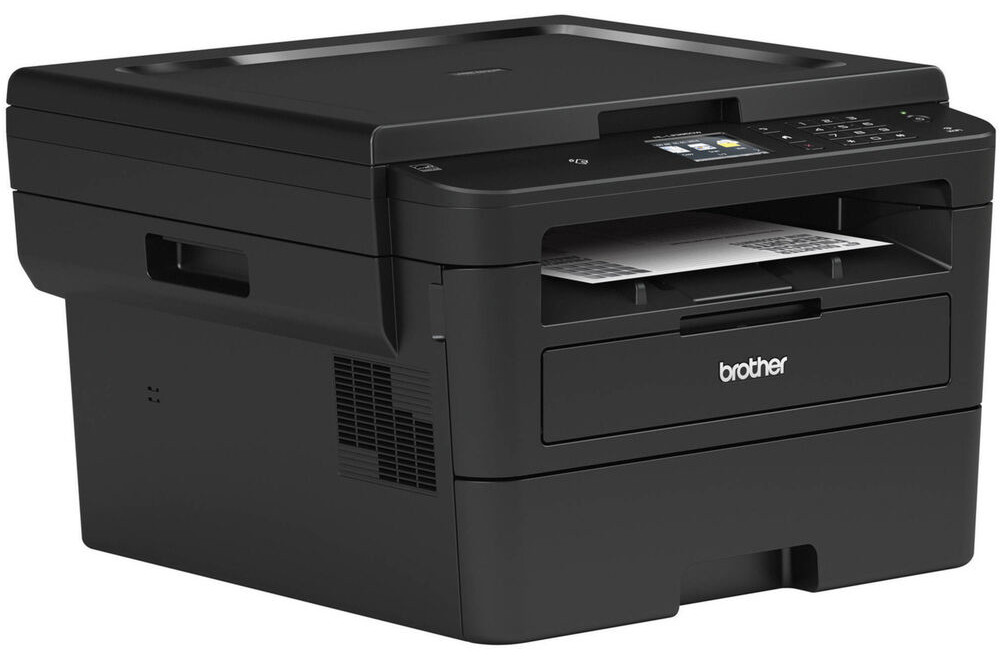
 Brother HL-L2395DW All-In-One Laser Printer



Product Details
Specifications
Accessories
Reviews
Product Details
Main Features
- Functions: Print, scan and copy
- Black and white printing
- Automatic duplex printing
- Print Speed: Up to 36 Pages per minute
- Print resolution: 2400 x 600 dpi
- Color and black and white scanning
- 128Mb Standard Memory
- 2.7" Touchscreen Display
- Accepts letter/legal sized documents
- Connectivity: Wi-Fi, Ethernet, USB
Specifications
General Specifications
| Duplex Printing | Yes |
| Paper Handling Size - Paper Tray | Letter,Legal,Executive,A4,A5,A6 |
| Print Resolution (max. dpi) | Up to 2400 x 600 dpi |
| First Time to Print | Less than 8.5 Seconds |
| Max. B&W Print Speed | 36 ppm |
| Recommended Monthly Print Volume (Up to) | 2000 pages |
| Barcode Printing | No |
Copy
| Copying Capability | B/W Copying |
| Stand-alone Copying | Yes |
| Duplex Copying | No |
| Sorting Function | Yes |
Scan
| Duplex Scanning | No |
| Scanner Driver Compatibility | Windows®,Mac OS® |
| Document Glass Size | Letter |
| Optical Scan Resolution (dpi) | 1200 x 1200 dpi |
| Scan Drivers Included | TWAIN,WIA |
| Scan To Feature | Email,File,Image,OCR |
| Scanning Capability | B&W & Colour Scanning |
Other
| Sheet Weight - Manual Feed | 16-61 lb |
| Paper Handling Size - Manual Feed | C5 Envelope,Com-10,DL Envelope,Envelopes,Monarch,Custom Sizes (3"-8.5" W, 4.57"-14" L) |
| Unit Weight | 10.3kg |
| Sheet Weight - Paper Tray | 16-43 lb (Bond) |
| Standard Interface(s) | Ethernet 10/100,Hi-Speed USB 2.0,Wireless 802.11b/g/n,Wireless 802.11b/g/n (with Wi-Fi Direct® protocol) |
| Unit Dimensions (W" x D" x H") | 410 x 398.5 x 272 mm |
Hardware Features
| Standard Memory | 128Mb |
| Output Paper Capacity (Sheets) | 100 sheets |
| Toner Save Mode | Yes |
| Max. Monthly Duty Cycle | 15,000 pages |
| Standard Paper Capacity | 250 Sheet Paper Capacity |
| LCD Display | 2.7" Touchscreen |
Software Features
| Supported Network Protocols (IPv4) | APIPA (Auto IP),ARP,BOOTP,Custom Raw Port/Port 9100,DHCP,DNS Resolver,FTP Client and Server,HTTP/HTTPS server,ICMP,IPP/IPPS,LLMNR responder,LPR/LPD,mDNS,RARP,SMTP Client,SNMP v1,SNMP v2c,SNMP v3,TFTP client and server,Web Services (Print/Scan),WINS/NetBIOS name resolution |
| Emulation(s) | BR-Script3,PCL6,PDF Version 1.7 |
| Brother Cloud Apps | Easy Scan To Email,Scan to Excel,Scan to PowerPoint,Scan to Word |
| Printer Driver Compatibility | Windows®,Mac® |
| Supported Network Protocols (IPv6) | Custom Raw Port/Port9100,DNS resolver,FTP Client and Server,HTTP/HTTPS server,ICMPv6,IPP/IPPS,LLMNR responder,LPR/LPD,mDNS,NDP,RA,SMTP Client,SNMP v1,SNMP v2c,SNMP v3,TFTP Client and Server,Web Services (Print/Scan) |
| Document Viewer Software | Includes Scansoft PaperPort® SE with OCR for Windows® and Presto!® PageManager® for Mac® |
| Wireless Network Security | WEP 64/128 bit,WPA-PSK (TKIP/AES),WPA/WPA2-PSK (TKIP/AES) |
 Download Manufacturer Specifications
Accessories

Reviews


Printer not working? The printer memory could be full and not getting prints or the prints may be stuck in the print queue. Turn-off the printer, wait a few seconds and turn it back on.
Getting blank pages after you installed a new cartridge? Check that the sticker from the cartridge was properly removed. Alternatively, run the clean print head function to make sure all air bubbles are removed. Do not remove the cartridge once it has been installed.
Tight on office space? Consider buying a machine with networking capabilities which will allow multiple users to use one printer.
MY ACCOUNT
INFO & POLICIES
SHOP EASY
PAYMENT OPTIONS



* Images are for illustration purposes only.