



 Shopping Cart
 Brother HL-L2300D Compact Laser Printer
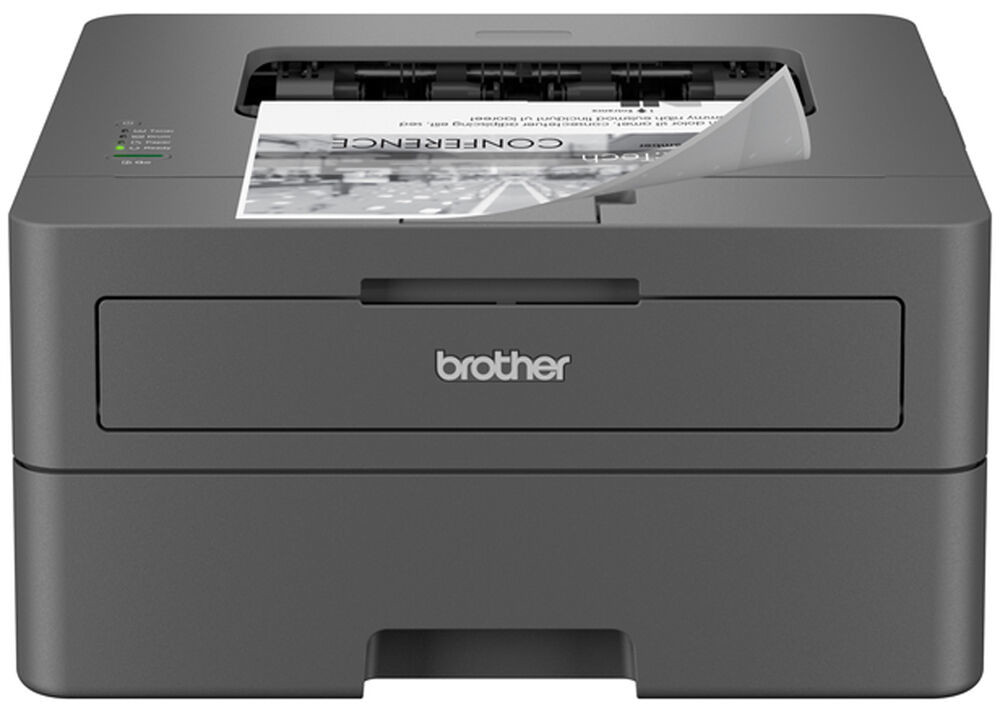


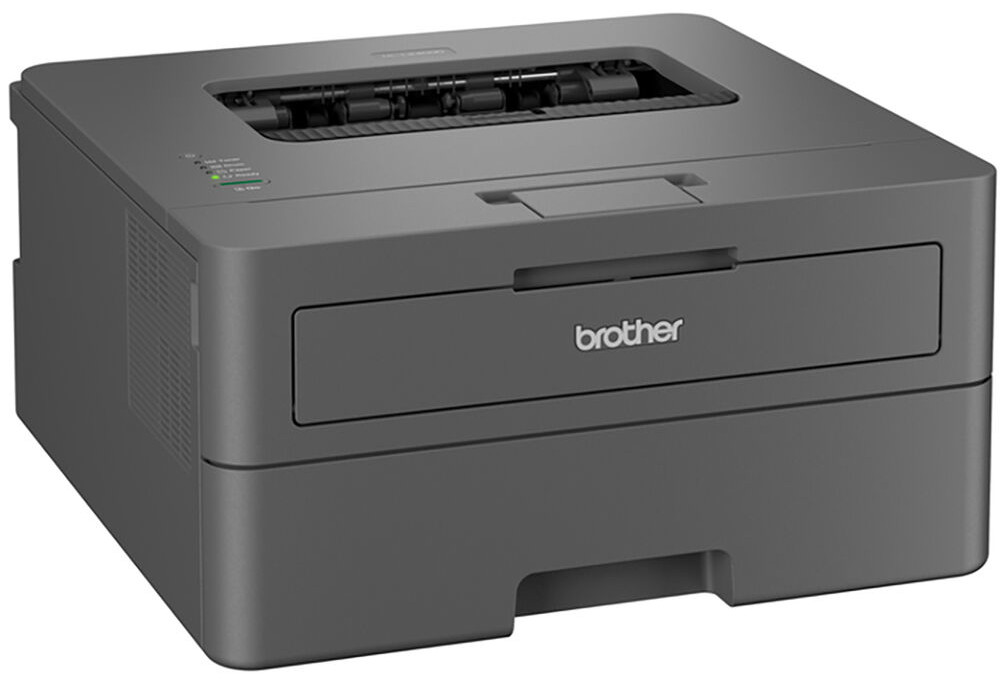
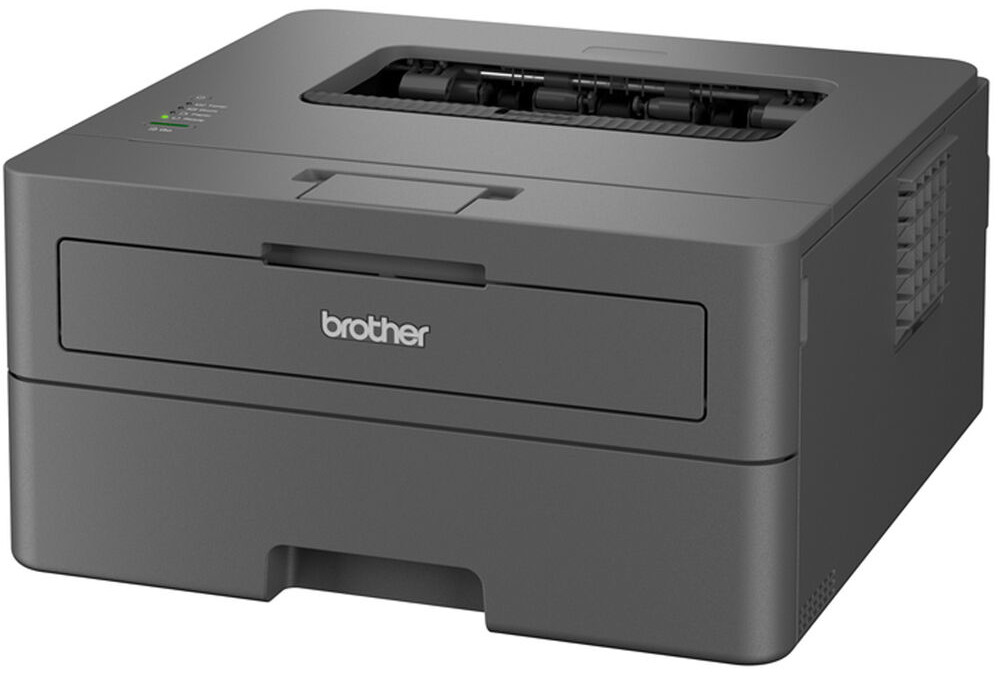

Product Details
Specifications
Accessories
Reviews
Product Details
Main Features
- Black and white
- Automatic duplex printing
- Prints up to 27 pages per minute
- Print Resolution: 1200 x 1200 dpi
- Monthly duty cycle: 35,000 Pages
- 250 Sheet paper tray
- 1 Sheet Manual Feed Slot allows you to print on envelopes
- Supports legal- or letter-size documents
- USB 2.0 Connectivity
Specifications
General Specifications
| Printing Technology | |
| Color Type | |
| Print Resolution | |
| Duplex Printing | |
| Print Speed (By Time) | |
| First Print Out Time | |
| Monthly Duty Cycle |
Printer Media Handling
| Media Handling | |
| Media Sizes | |
| Media Weight | |
| Margins | |
| Paper Capacity | |
| Special Media Support |
Connectivity
| Inputs/Outputs | |
| Direct Printing | |
| Processor Speed | |
| Internal Memory | |
| Mobile App Compatible | |
| OS Compatibility |
Environmental
| Operating Temperature | |
| Operating Humidity |
General
| Power Source | |
| Battery | |
| Input Power | |
| Power Consumption | |
| Max Acoustic Noise | |
| Certifications | |
| Dimensions (W x H x D) | |
| Weight |
 Download Manufacturer Specifications
Accessories

Reviews


Allow ink to dry completely to avoid smudging. The time will vary based on the ink and paper quality used as well as the temperature and humidity conditions.
Flashing light on your printer? Each printer has a different reason for a blinking or orange light but in general it is due to a paper jam, an empty paper tray, a printer cartridge problem or a problem with the printer hardware.
Printer not working? The printer memory could be full and not getting prints or the prints may be stuck in the print queue. Turn-off the printer, wait a few seconds and turn it back on.
MY ACCOUNT
INFO & POLICIES
SHOP EASY
PAYMENT OPTIONS



* Images are for illustration purposes only.