



 Shopping Cart
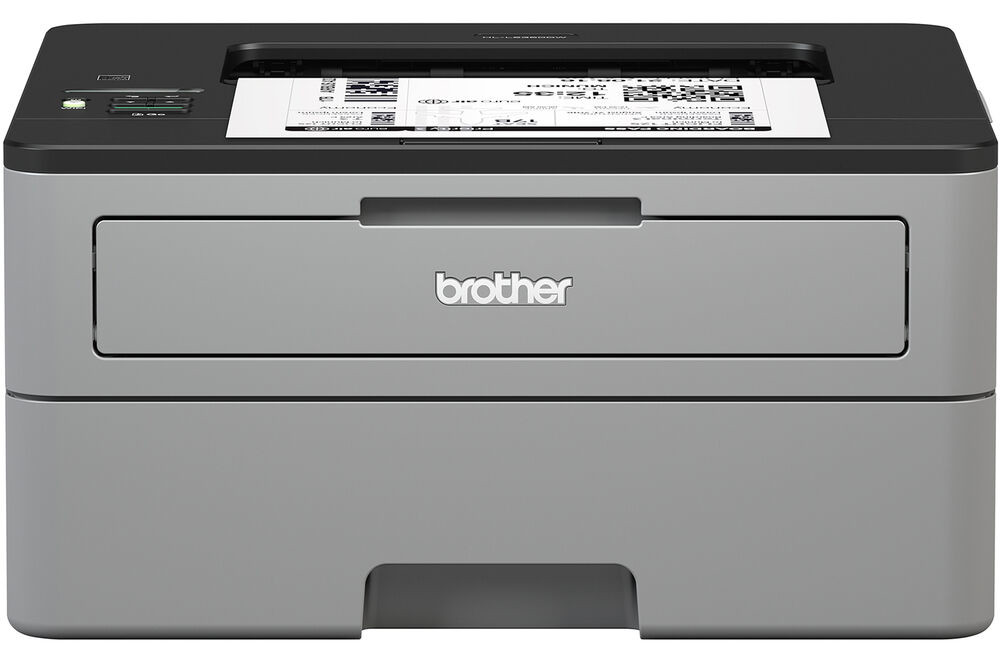
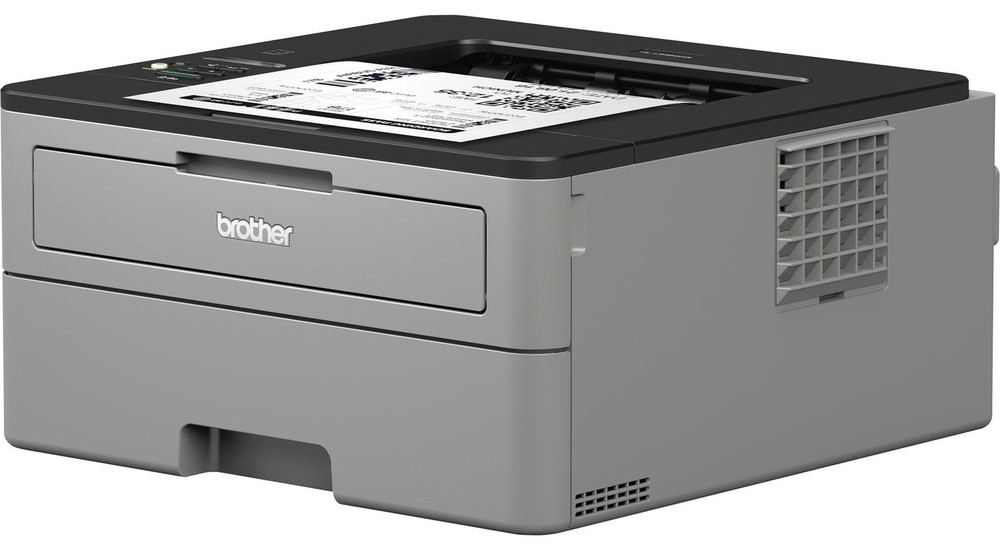
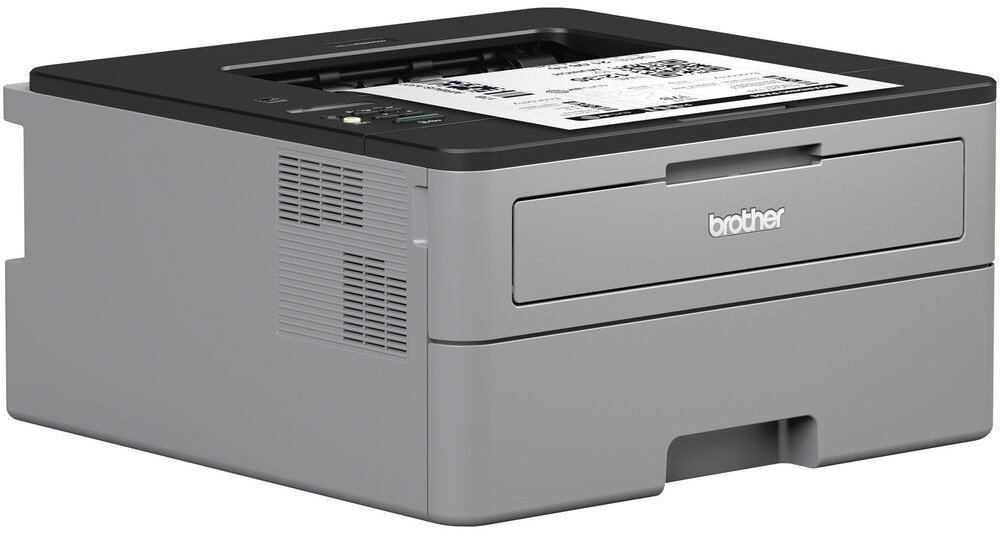
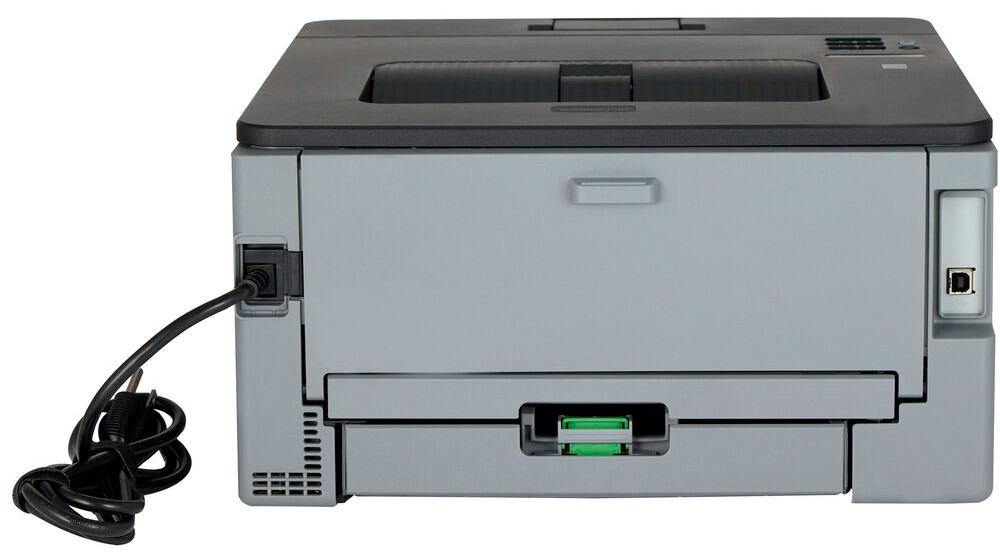
 Brother HL-L2350DW Laser Printer



Product Details
Specifications
Accessories
Reviews
Product Details
Main Features
- Print speed: Up to 32 pages per minute
- First page out in less than 8.5 seconds
- 32 MB Memory
- Automatic two-sided printing
- Wireless Connectivity
- USB Port
- 250 Sheet paper capacity
- Single-sheet manual feed slot
- Print resolution: 2400 x 600 dpi
- Recommended Monthly Volume: Up to 2,000 pages per month
Specifications
General Specifications
| Printing Technology | |
| Color Type | |
| Print Resolution | |
| Duplex Printing | |
| Print Speed (By Size) | |
| First Print Out Time | |
| Monthly Duty Cycle |
Printer Media Handling
| Media Handling | |
| Media Sizes | |
| Media Weight | |
| Paper Capacity |
Connectivity
| Inputs/Outputs | |
| Wireless | |
| Direct Printing | |
| Processor Speed | |
| Internal Memory | |
| OS Compatibility |
General
| Display Type | |
| Battery | |
| Dimensions (W x H x D) | |
| Weight |
 Download Manufacturer Specifications
Accessories

Reviews


Paper jam? The best way to remove jammed paper is to gently pull the paper in the direction of the paper path - with power off, of course. Do not pull the paper backwards - you could damage your printer forever by doing so.
Make sure to select the correct paper type for your print job. In general, for more important documents, use thicker paper.
All other things being equal, whiter, brighter paper makes text and line graphics crisper and colors more vibrant.
MY ACCOUNT
INFO & POLICIES
SHOP EASY
PAYMENT OPTIONS



* Images are for illustration purposes only.