



 Shopping Cart
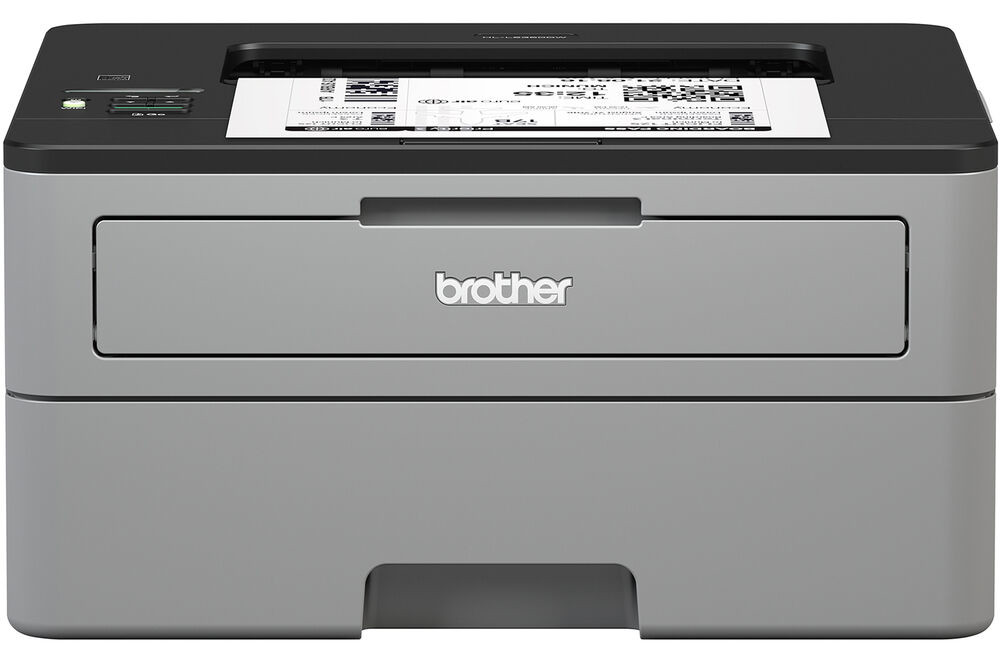
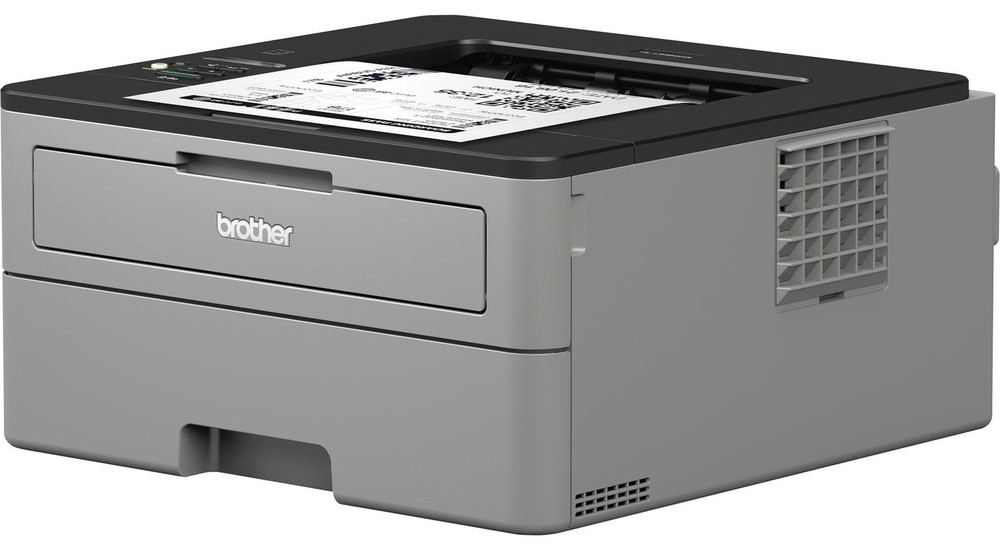
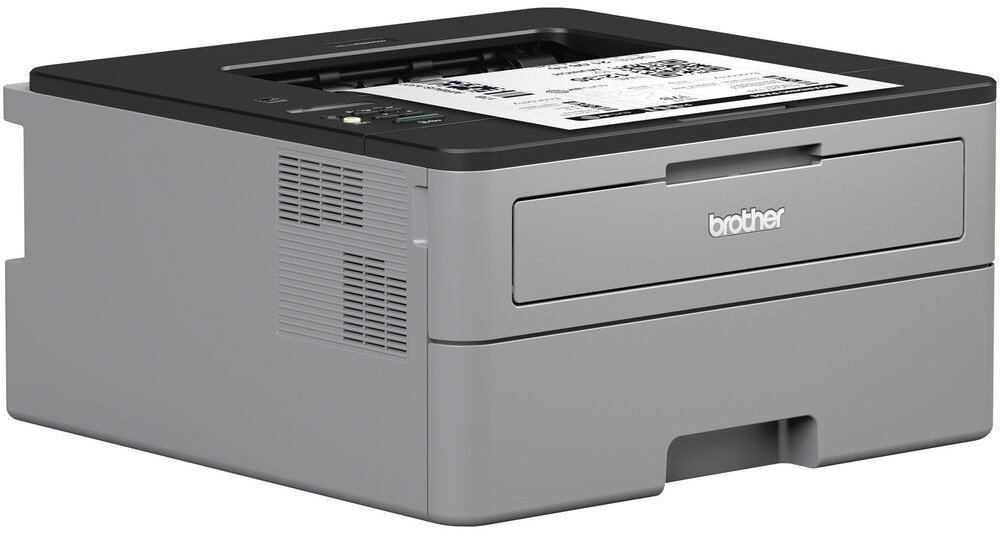
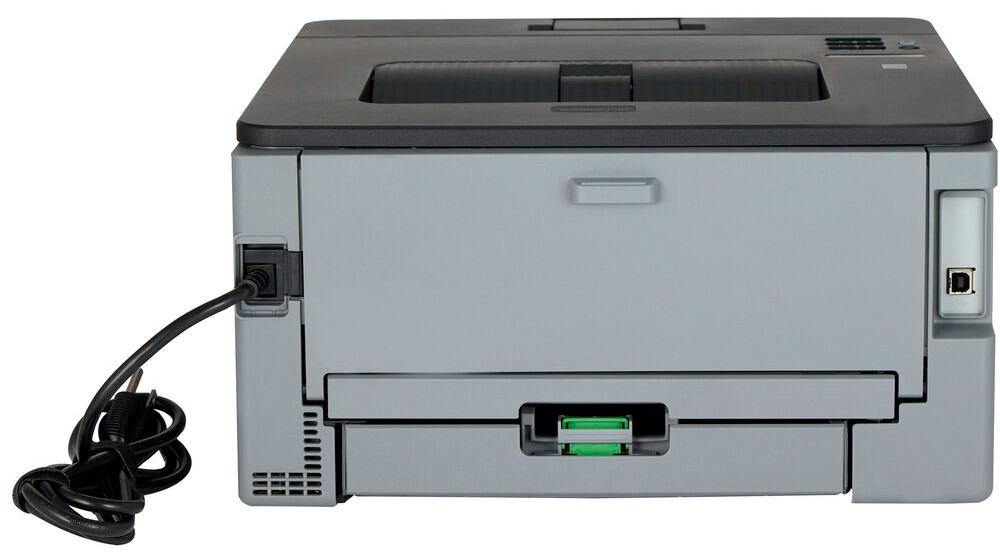
 Brother HL-L2350DW Laser Printer



Product Details
Specifications
Accessories
Reviews
Product Details
Main Features
- Print speed: Up to 32 pages per minute
- First page out in less than 8.5 seconds
- 32 MB Memory
- Automatic two-sided printing
- Wireless Connectivity
- USB Port
- 250 Sheet paper capacity
- Single-sheet manual feed slot
- Print resolution: 2400 x 600 dpi
- Recommended Monthly Volume: Up to 2,000 pages per month
Specifications
General Specifications
| Printing Technology | |
| Color Type | |
| Print Resolution | |
| Duplex Printing | |
| Print Speed (By Size) | |
| First Print Out Time | |
| Monthly Duty Cycle |
Printer Media Handling
| Media Handling | |
| Media Sizes | |
| Media Weight | |
| Paper Capacity |
Connectivity
| Inputs/Outputs | |
| Wireless | |
| Direct Printing | |
| Processor Speed | |
| Internal Memory | |
| OS Compatibility |
General
| Display Type | |
| Battery | |
| Dimensions (W x H x D) | |
| Weight |
 Download Manufacturer Specifications
Accessories

Reviews


Media settings on your printer determine how much ink will be used. Thinly coated glossy films require less ink, while plain paper soaks in more.
Are you getting diminished color and print quality? If all your images start to look a bit purple, blue or orange, one of your ink wells may be running low. Replace the whole printer ink cartridge, unless you can refill the individual ink wells.
Most printers have a paper-out detector. On most dot matrix printers it is a photo diode. If form-fed paper is not aligned correctly (usually on the left side) the diode won't see it.
MY ACCOUNT
INFO & POLICIES
SHOP EASY
PAYMENT OPTIONS



* Images are for illustration purposes only.