



 Shopping Cart
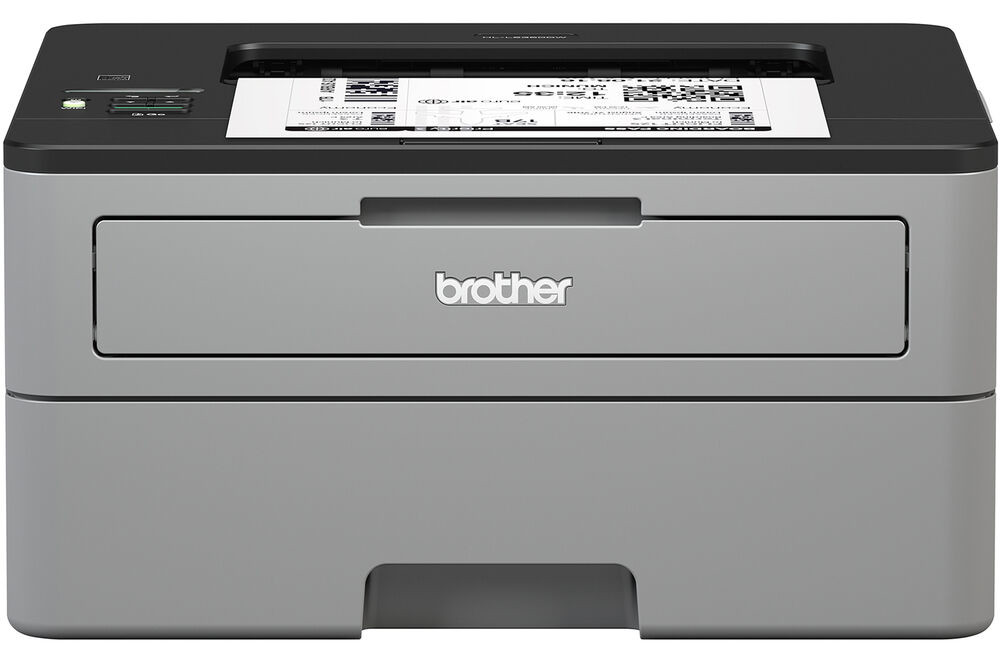
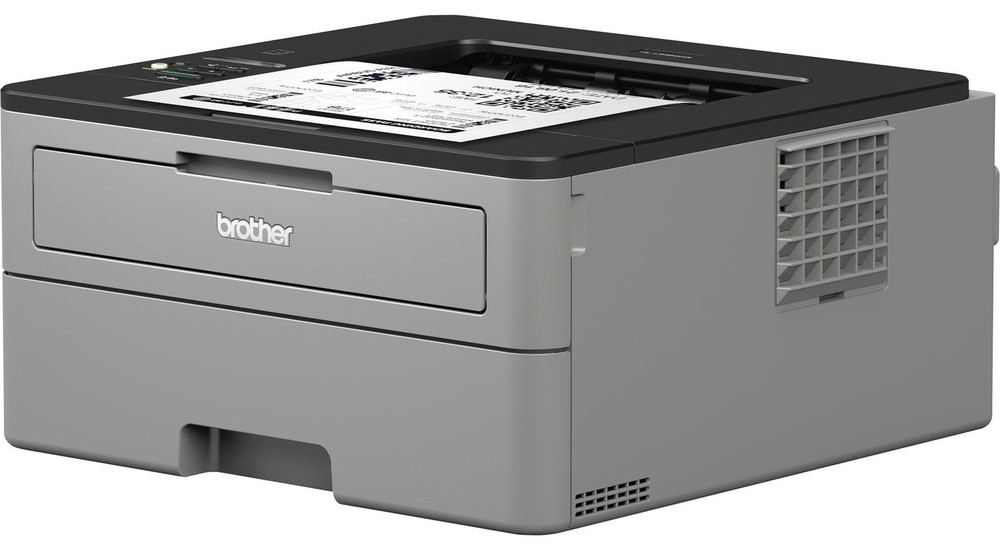
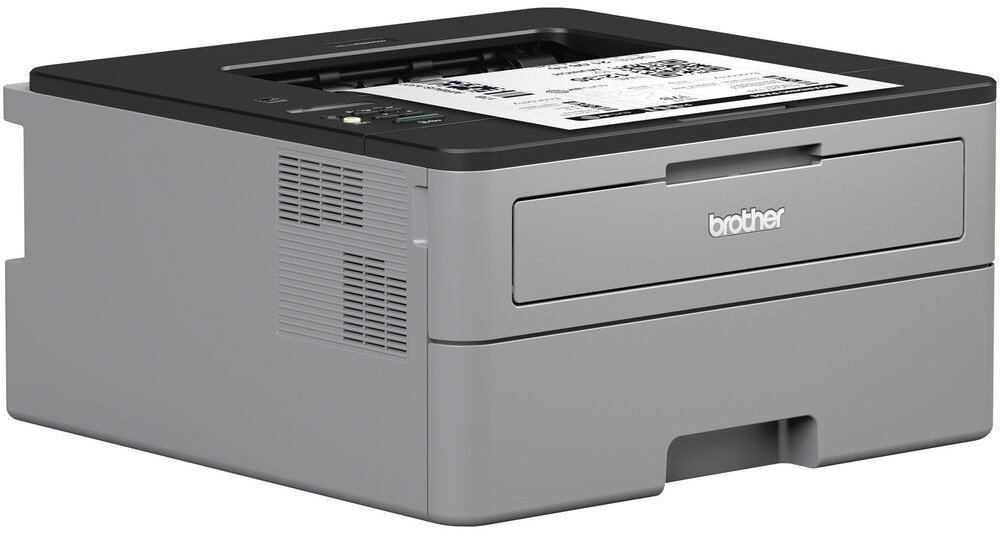
 Brother HL-L2350DW Laser Printer



Product Details
Specifications
Accessories
Reviews
Product Details
Main Features
- Print speed: Up to 32 pages per minute
- First page out in less than 8.5 seconds
- 32 MB Memory
- Automatic two-sided printing
- Wireless Connectivity
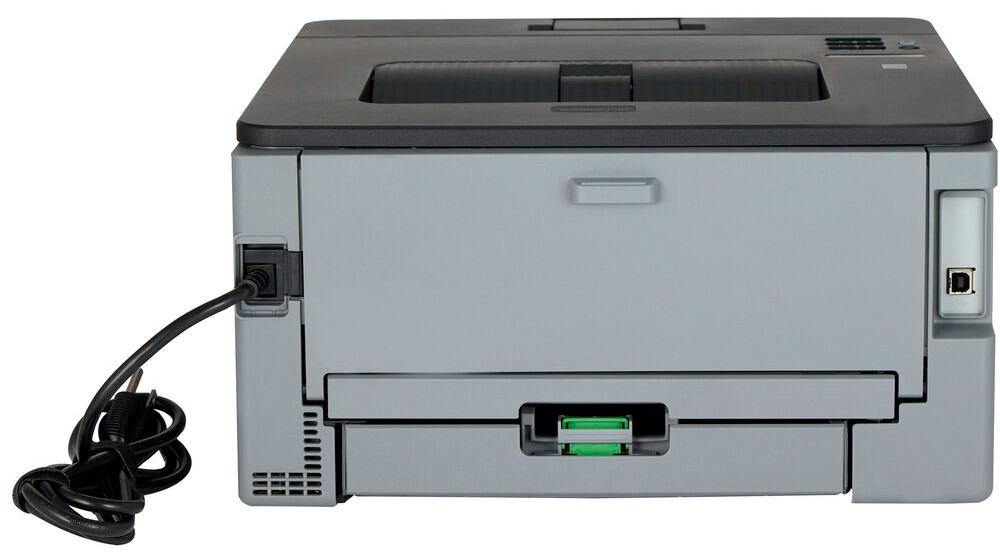
- USB Port
- 250 Sheet paper capacity
- Single-sheet manual feed slot
- Print resolution: 2400 x 600 dpi
- Recommended Monthly Volume: Up to 2,000 pages per month
Specifications
General Specifications
| Printing Technology | |
| Color Type | |
| Print Resolution | |
| Duplex Printing | |
| Print Speed (By Size) | |
| First Print Out Time | |
| Monthly Duty Cycle |
Printer Media Handling
| Media Handling | |
| Media Sizes | |
| Media Weight | |
| Paper Capacity |
Connectivity
| Inputs/Outputs | |
| Wireless | |
| Direct Printing | |
| Processor Speed | |
| Internal Memory | |
| OS Compatibility |
General
| Display Type | |
| Battery | |
| Dimensions (W x H x D) | |
| Weight |
 Download Manufacturer Specifications
Accessories

Reviews


Misplaced your printer manual? You can usually find a replacement manual online at the manufacturer's website.
Getting blank pages after you installed a new cartridge? Check that the sticker from the cartridge was properly removed. Alternatively, run the clean print head function to make sure all air bubbles are removed. Do not remove the cartridge once it has been installed.
Your ink is not going onto the paper properly or you notice uneven coverage? Try aligning the print heads before you bring out the big guns.
MY ACCOUNT
INFO & POLICIES
SHOP EASY
PAYMENT OPTIONS



* Images are for illustration purposes only.