Contact Us
FAQ |
We will match any price
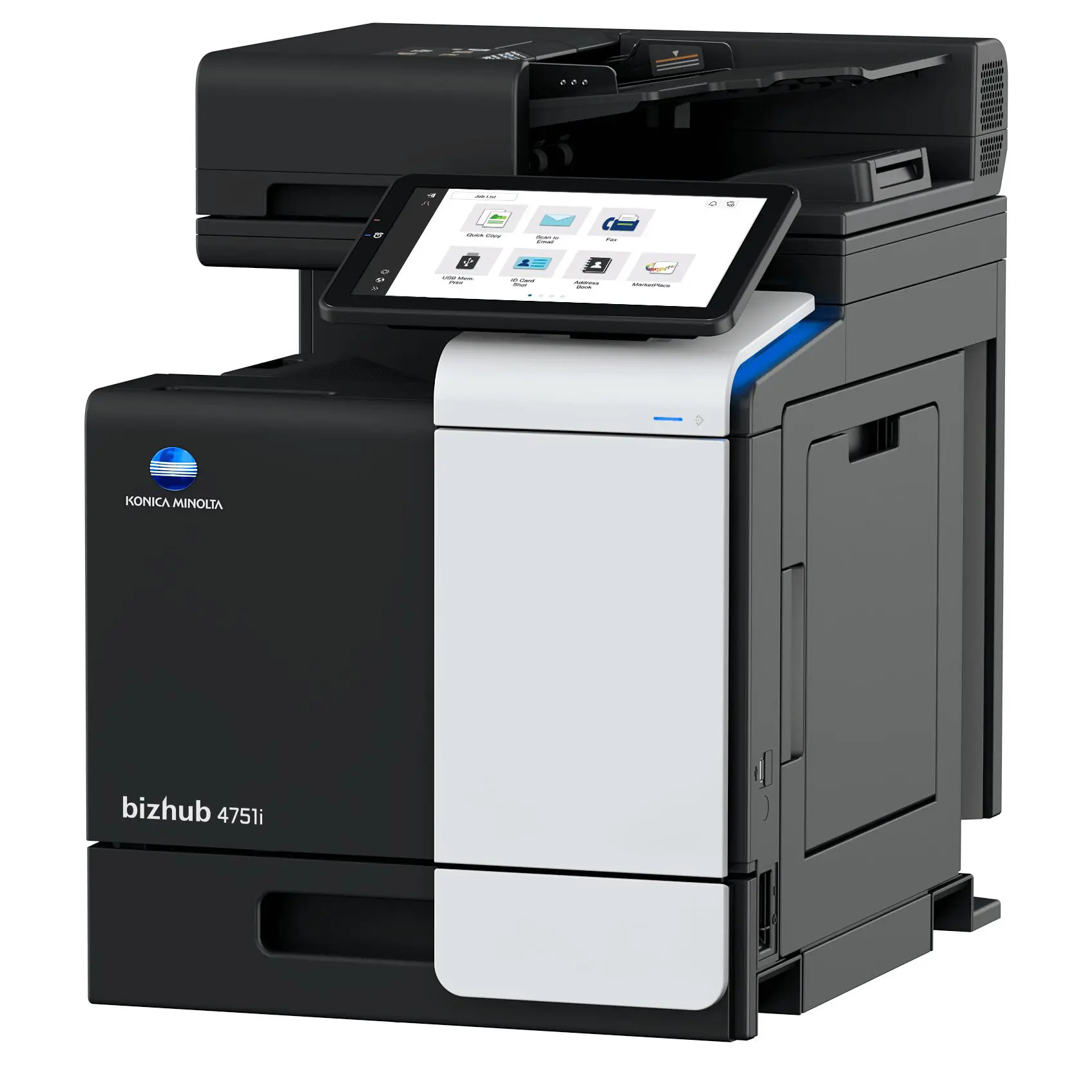
Konica Minolta Bizhub 4751i Multifunction Printer
*Images may show options not included in price. Konica Minolta Bizhub 4751i Multifunction Printer customers choose us for our low prices
Konica Minolta Bizhub 4751i Multifunction Printer

  • Printer
  • Copier
  • Scanner
  • Fax
  • 50
  • Monochrome
  • Download Spec Sheet

Model No.:4751i

Condition:New

Availability: In Stock

Shipping:Ask About Free Shipping!

The Konica Minolta 4751i Printer is a multifunction unit that will print, copy, scan and fax. The Bizhub 4751i MFP will deliver crisp black and white prints at a fast speed of 50 pages per minute with the first page out in just 4.3 seconds. Boost productivity with the large maximum paper capacity, auto duplex printing and innovative mobile technologies found on the Konica 4751i Multifunction Printer.

1 1 N/A N/A
Product Image Konica Minolta Bizhub 4751i Multifunction Printer Konica Minolta 732-832-7744 310 Park Avenue Lakewood, NJ 08701

$1549.99

FINANCE
Click to apply now!

*** ALL TONERS AND SUPPLIES ARE IN STOCK AT DISCOUNTED PRICING , CALL +18882983095.

Printers do not include supplies - toners , drums (Imaging Units) (where applicable) , printer cables , manuals , consumables , trays (where applicable). Power cables are included. Drivers can be downloaded from the manufacturers website. Please verify that drivers available are compatible with your software on the manufacturers site.

Product Details

Specifications

Accessories

Reviews

Product Details

Main Features

  • Monochrome Laser Multifunction Printer
  • Print, Copy, Scan and Fax
  • Print Speed: 50 ppm
  • Print Resolution:  1200 x 1200 dpi
  • Maximum capacity: 1600 sheets
  • Memory: 5 GB
  • Auto duplex print
  • Innovative Mobile Technologies
  • Intuitive Operability

Specifications

Accessories

Reviews

  • If your print settings are too dark, it could be detrimental to the life of the cartridge in the long run. It’s important that the density control of the machine be properly set to prevent the machine from pulling too much toner into itself.

  • Printer not working? Check if the heads of the toners are clean or not. They must be cleaned periodically.

  • Printer not working? Check that the ink and toner are there and properly filled.

* Images are for illustration purposes only.