



 Shopping Cart
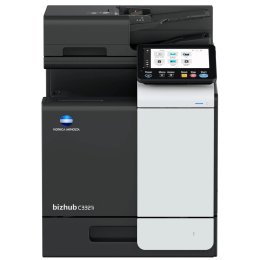
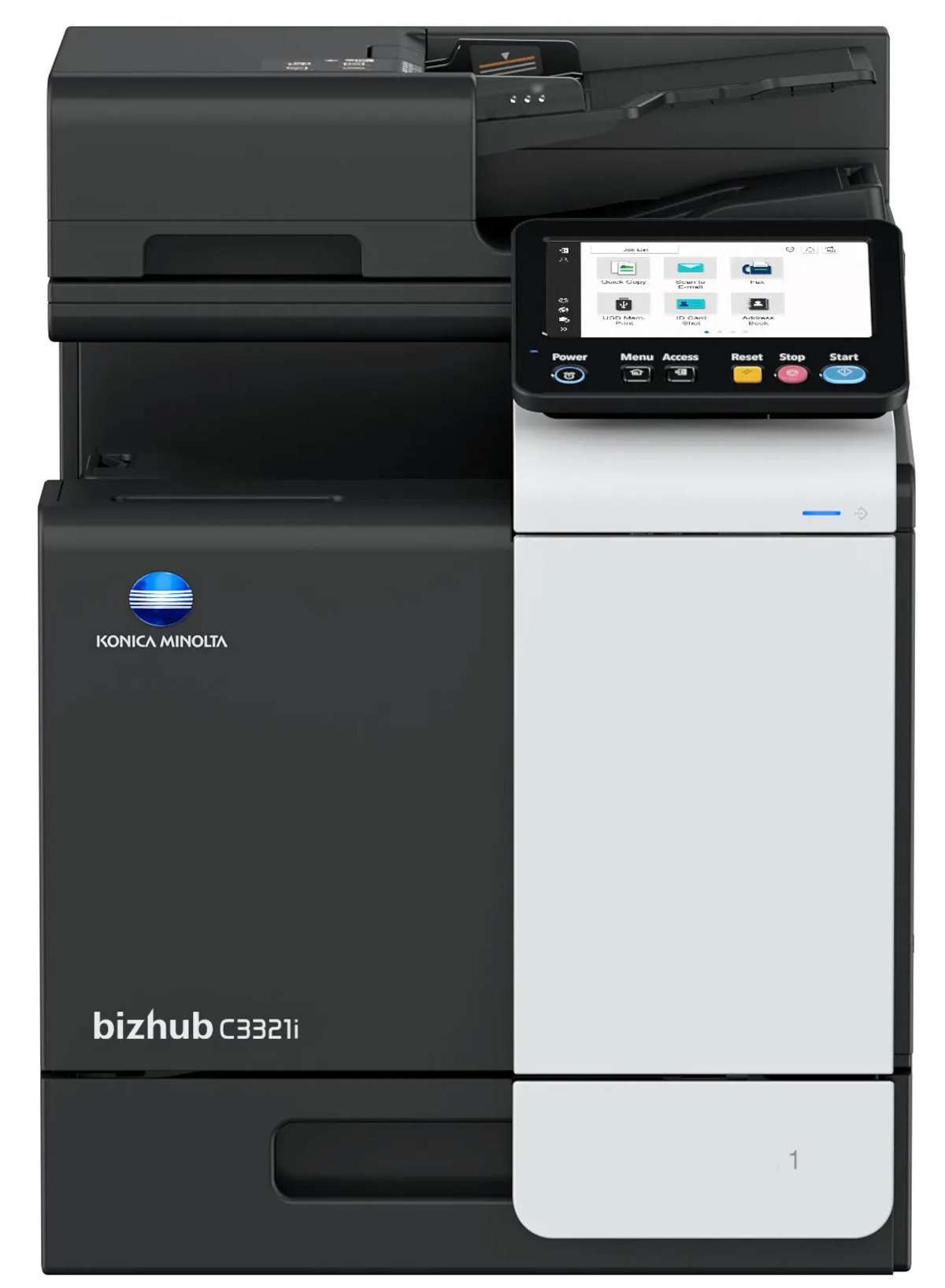
 Konica Minolta Bizhub C3321i Color MultiFunction Copier
*Images may show options not included in price.

*** ALL TONERS AND SUPPLIES ARE IN STOCK AT DISCOUNTED PRICING , CALL +18882983095.
Images are for illustration purposes only and do not necessarily reflect the actual product.Product Details
Specifications
Accessories
Reviews
Product Details
Main Features
- Prints up to 35 pages per minute in color or black and white
- 80 Sheet Dual scan document feeder
- First page out time: 6 seconds in black, 7.2 seconds in color
- Approximately 15 seconds warm-up time
- 4 GB Standard memory
- 16 GB Solid state drive
- Maximum paper capacity up to 1,100 sheets
- Optional finishing modes: Group, Sort, and Staple
- Mobile connectivity
- Optional Wi-Fi connectivity
- Scanning speed up to 58 images per minute
Specifications
General Specifications
| Print Speed (Letter) | Up to 35 ppm (mono/color) |
| Auto Duplex Speed (Letter) | Up to 35 ppm (mono/color) |
| 1st Page Out Time (Letter) | 6.0 sec. (mono); 7.2 sec. (color) |
| Warm-up Time | Approx. 13 sec. (mono); 15 sec. (color) |
| Imaging Technology | Laser |
| Toner Technology | Simitri® V polymerized toner |
| Panel Size/Resolution | 7” / 800 x 480 |
| System Memory | 4 GB (standard/max) |
| Sold State Drive | 16 GB (standard) |
| Interface | Ethernet; USB 2.0; Wi-Fi (optional) |
| Network Protocols | TCP/IP (IPv4 / IPv6); SMB; LPD; IPP; SNMP; HTTP(S); Bonjour |
| Automatic Document Feeder | Up to 80 originals; Dual Scan ADF |
| ADF Double feed detection | Optional |
| Printable Paper Size | 3.5” x 8.8” to 8.5” x 14”; Custom sizes |
| Standard Input Capacity | 600 Sheets |
| Maximum Input capacity | 1,100 Sheets |
| Paper Tray Input | 1x 500 (standard); 1x 500 (optional) |
| Manual Bypass | 100 sheets; 3.5” x 8.8” to 8.5” x 14”; Custom sizes |
| Finishing Modes | Group, Sort, Staple (offline) (optional) |
| Automatic Duplexing | Yes |
| Output Capacity | Up to 250 sheets |
| Duty Cycle (Monthly) | Recommended: 6,500 pages; Maximum: 96,000 pages |
| Power Consumption | Less than 1.45 kW |
| System Dimensions | 16.5” x 20.7” x 22.5” (without options) |
| System Weight | Approx. 84 lb. (without options) |
| Print Resolution | 1,800 (equivalent) x 600 dpi; 1200 x 1200 dpi |
| Page Description Language | PCL 6 (XL3.0); PCL 5c; PostScript 3 (CPSI 3016); XPS |
| Operating Systems | Windows, macOS, Unix, Linux, Citrix |
| Printer Fonts | 80 PCL Latin; 137 PostScript 3 Emulation Latin |
| Mobile Printing | AirPrint (iOS); Mopria (Android); Konica Minolta Mobile Print (iOS/Android); WiFi Direct (optional) |
| Scan Specifications | |
| Scan Speed | Up to 30 ipm in simplex (mono/color); Up to 58 ipm in duplex (mono/color) |
| Scan Resolution | Up to 600 x 600 dpi |
| Scan Modes | Scan-to-eMail, Scan-to-SMB, Scan-to-FTP, Scan-to-USB, and more |
| File Formats | JPEG, TIFF, PDF, Compact PDF, Encrypted PDF, XPS, Compact XPS, PPTX |
| Scan Destinations | 2,000 destinations + 100 groups; LDAP support |
| Copy Specifications | |
| Copy Resolution | 600 x 600 dpi |
| Gradation | 256 gradations |
| Multicopy | 1-9,999 copies |
| Original Format | 3.9” x 8.8” to 8.5” x 14”; Custom sizes |
| Magnification | 25-400% in 0.1% steps; Auto-zooming |
| Fax Specifications | |
| Fax Standard | Super G3 (optional) |
| Fax Transmission | Analog, i-Fax, Color i-Fax, IP-Fax |
| Fax Resolution | Up to 600 x 600 dpi |
| Fax Modem | Up to 33.6 Kbps |
| Fax Destinations | 2,000 single + 100 groups |
 Download Manufacturer Specifications
Accessories

Reviews


Always store your paper in a flat position in order to prevent your copier from jamming.
The best way to store paper for copying is in its wrapper. This will prevent it absorbing moisture from the air which would make it damp.
Do not store paper which you will use in a copier or printer in a damp or moist atmosphere – such as a basement, or near a window or sink.
MY ACCOUNT
INFO & POLICIES
SHOP EASY
PAYMENT OPTIONS



* Images are for illustration purposes only.