



 Shopping Cart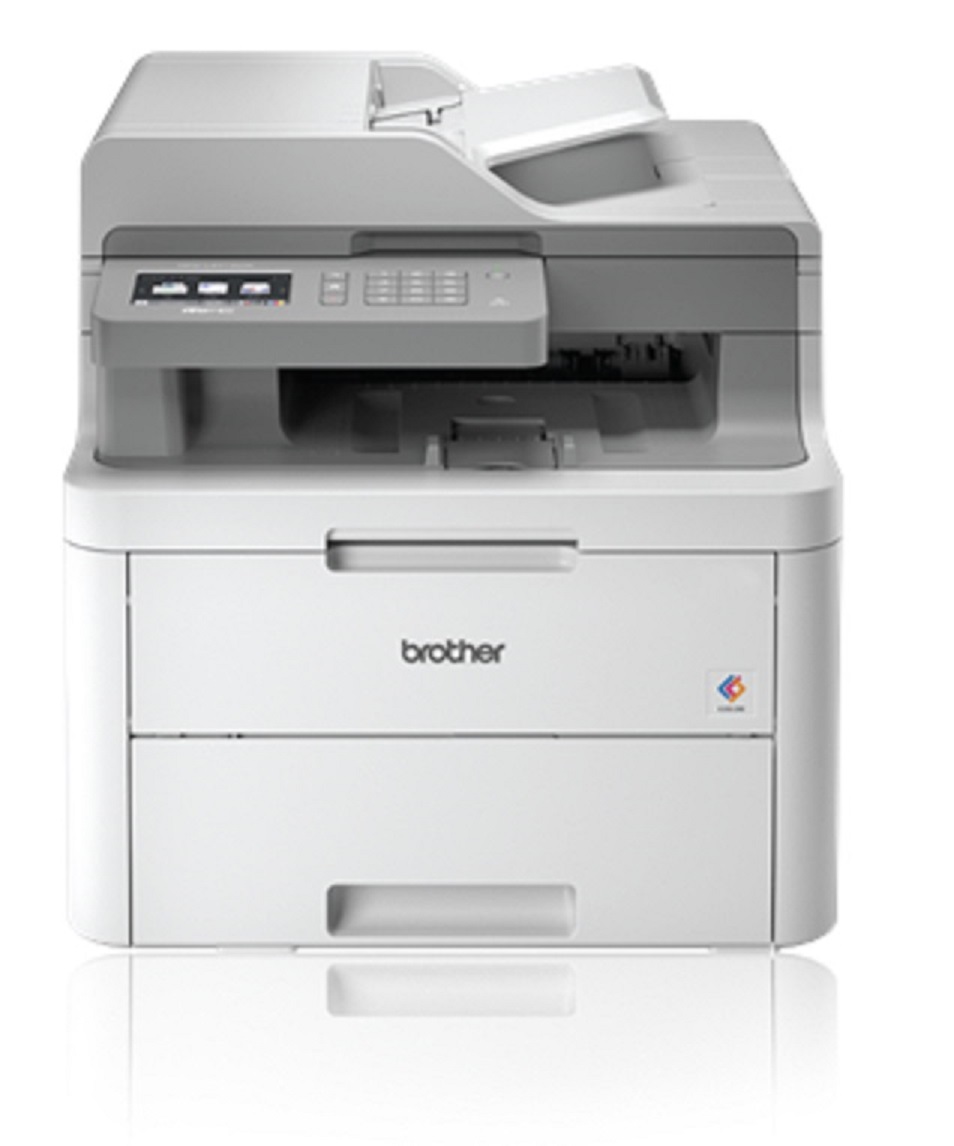


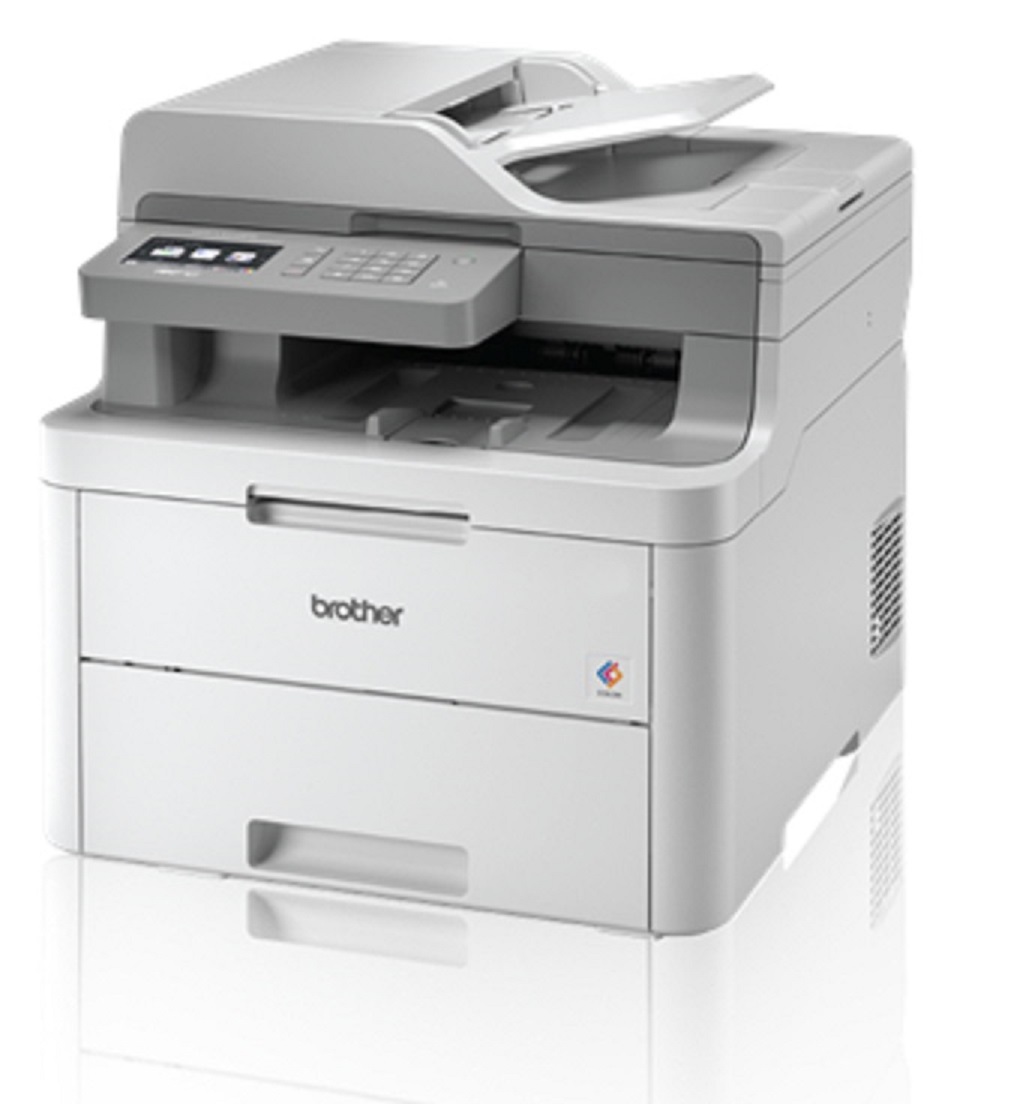


Product Details
Specifications
Accessories
Reviews
Product Details
Main Features
- Print, copy, scan and fax
- Color Output
- 19 ppm print speed
- 250-sheet capacity paper tray
- 50-sheet automatic document feeder
- Wireless mobile device printing
- Flexible paper handling
- 3.7” color touchscreen display
Specifications
General Specifications
|
Print Technology |
Digital Color LED
|
|
Functions |
Print, Copy, Scan, Fax |
|
LCD Display |
3.7” Color Touchscreen |
|
Print Speed |
19 ppm (color, black) |
|
Print Resolution |
Up to 600 x 2400 dpi |
|
Memory |
512MB |
|
Auto Document Feeder |
Up to 50 pages |
|
Standard Interfaces |
Wireless 802.11b/g/n, Hi-Speed USB 2.0 |
|
Mobile Device Compatibility |
AirPrint®, Google Cloud Print™, Brother iPrint&Scan (free downloadable app), Mopria, and Wi-Fi Direct® |
|
Web Connect |
DROPBOX, GOOGLE DRIVE™, EVERNOTE®, ONEDRIVE,ONENOTE, BOX |
|
Maximum Monthly Duty Cycle |
Up to 30,000 Pages |
|
Recommended Monthly Volume |
Up to 1,500 Pages |
 Download Manufacturer Specifications
Accessories

Reviews


Tight on office space? Consider buying a machine with networking capabilities which will allow multiple users to use one printer.
Paper jam? The best way to remove jammed paper is to gently pull the paper in the direction of the paper path - with power off, of course. Do not pull the paper backwards - you could damage your printer forever by doing so.
Use a lightly dampened cloth to clean the outside of your laser printer. To clean the inside, use a dry, lint-free cloth to make sure that no liquid enters the inner parts of the printer.
MY ACCOUNT
INFO & POLICIES
SHOP EASY
PAYMENT OPTIONS



