



 Shopping Cart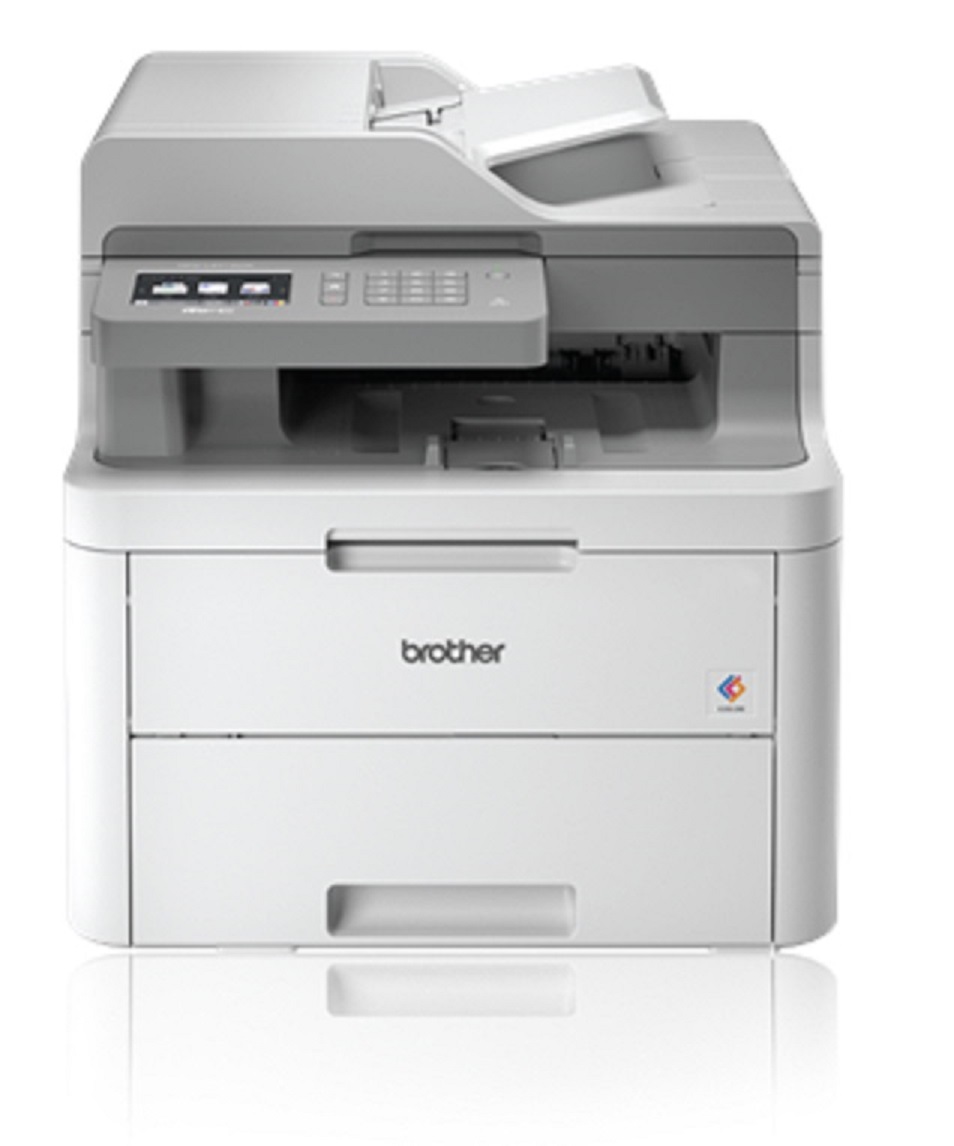




Product Details
Specifications
Accessories
Reviews
Product Details
Main Features
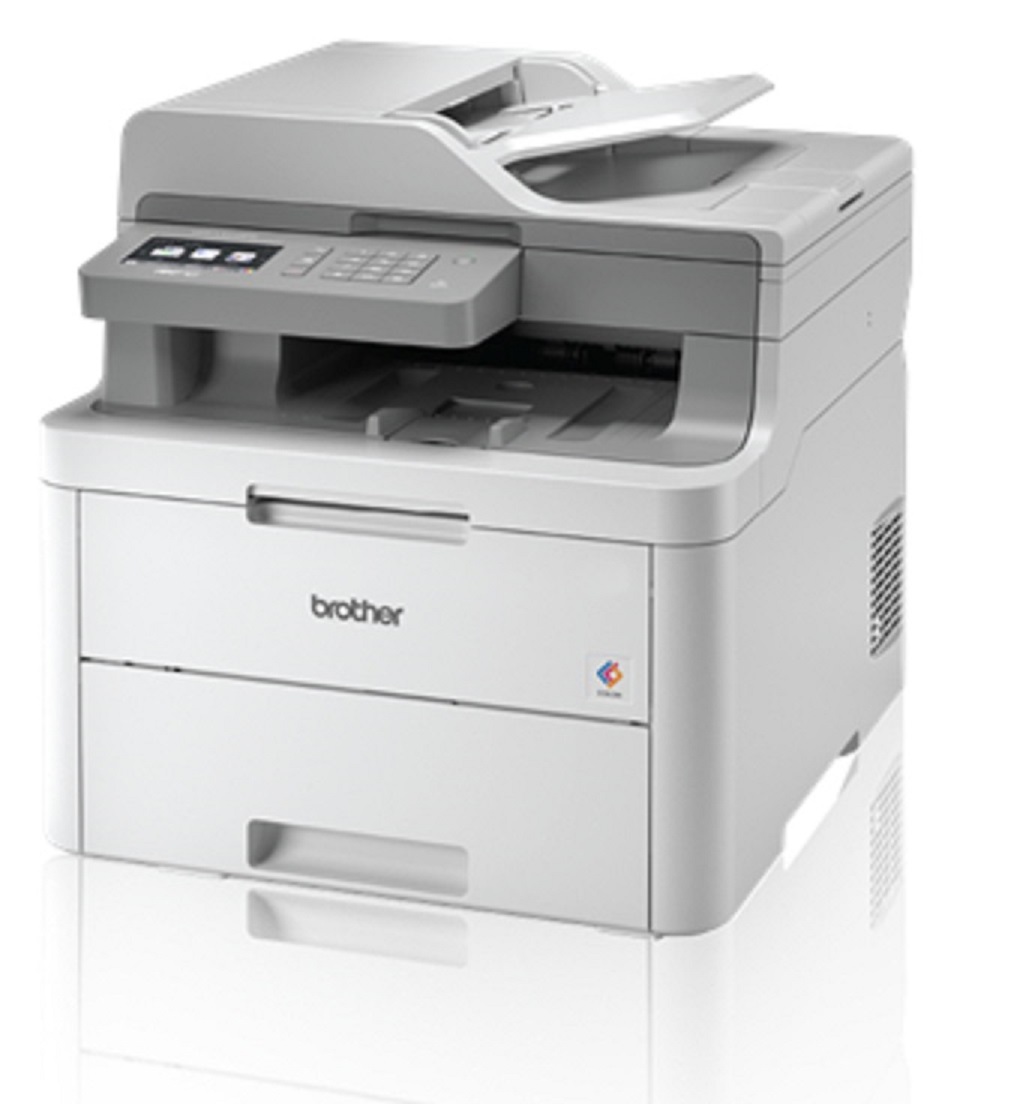
- Print, copy, scan and fax
- Color Output
- 19 ppm print speed
- 250-sheet capacity paper tray
- 50-sheet automatic document feeder
- Wireless mobile device printing
- Flexible paper handling
- 3.7” color touchscreen display
Specifications
General Specifications
|
Print Technology |
Digital Color LED
|
|
Functions |
Print, Copy, Scan, Fax |
|
LCD Display |
3.7” Color Touchscreen |
|
Print Speed |
19 ppm (color, black) |
|
Print Resolution |
Up to 600 x 2400 dpi |
|
Memory |
512MB |
|
Auto Document Feeder |
Up to 50 pages |
|
Standard Interfaces |
Wireless 802.11b/g/n, Hi-Speed USB 2.0 |
|
Mobile Device Compatibility |
AirPrint®, Google Cloud Print™, Brother iPrint&Scan (free downloadable app), Mopria, and Wi-Fi Direct® |
|
Web Connect |
DROPBOX, GOOGLE DRIVE™, EVERNOTE®, ONEDRIVE,ONENOTE, BOX |
|
Maximum Monthly Duty Cycle |
Up to 30,000 Pages |
|
Recommended Monthly Volume |
Up to 1,500 Pages |
 Download Manufacturer Specifications
Accessories

Reviews


Most printers have a built-in diagnostics program which can be very useful for troubleshooting problems and test-printing without a computer. They are usually initiated by pressing a button or two while turning on the printer.
Flashing light on your printer? Each printer has a different reason for a blinking or orange light but in general it is due to a paper jam, an empty paper tray, a printer cartridge problem or a problem with the printer hardware.
If you are not getting the results you expect, don't give up on your printer until you manually set the driver for the paper that you are using.
MY ACCOUNT
INFO & POLICIES
SHOP EASY
PAYMENT OPTIONS



