



 Shopping Cart
 Kodak Alaris E1040 Document Scanner
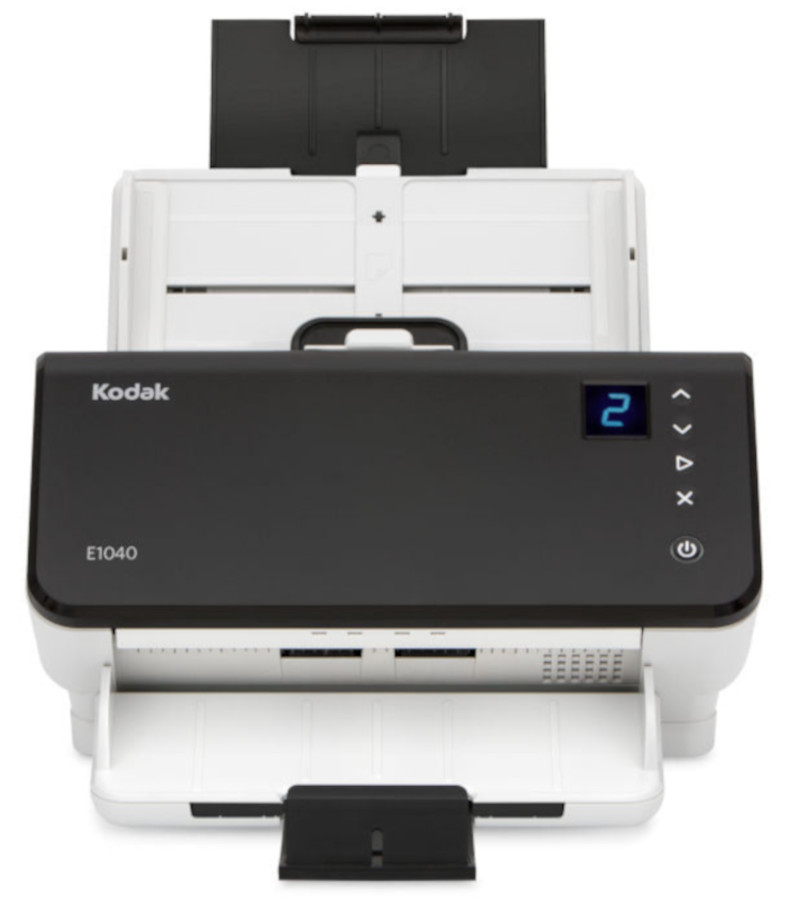


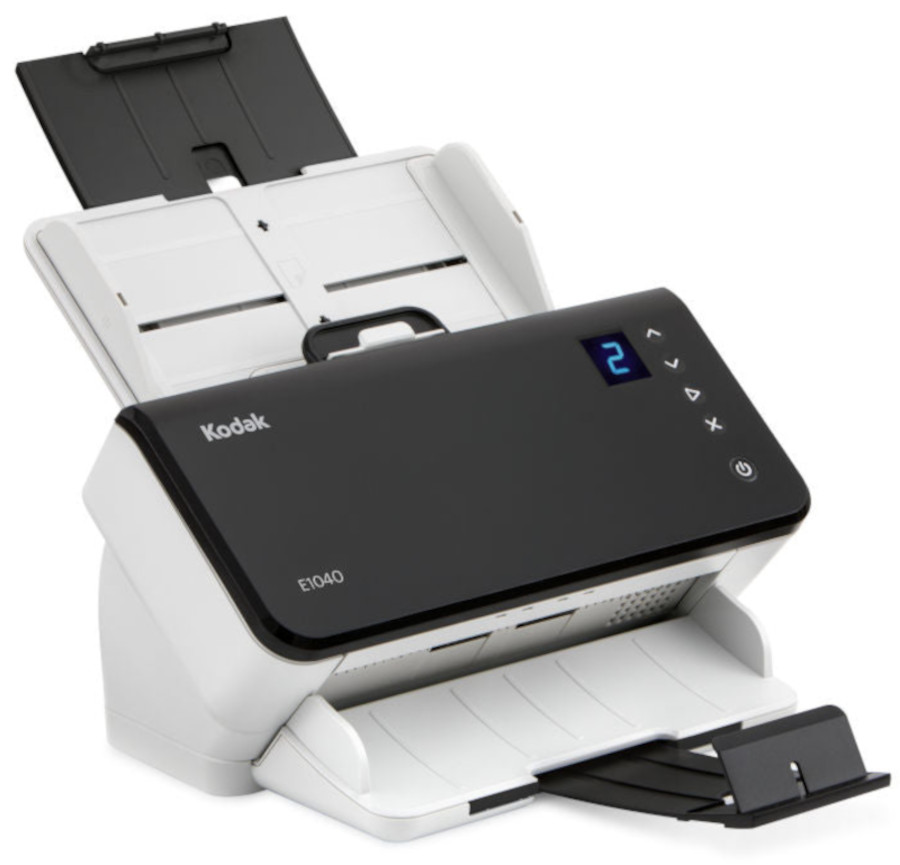
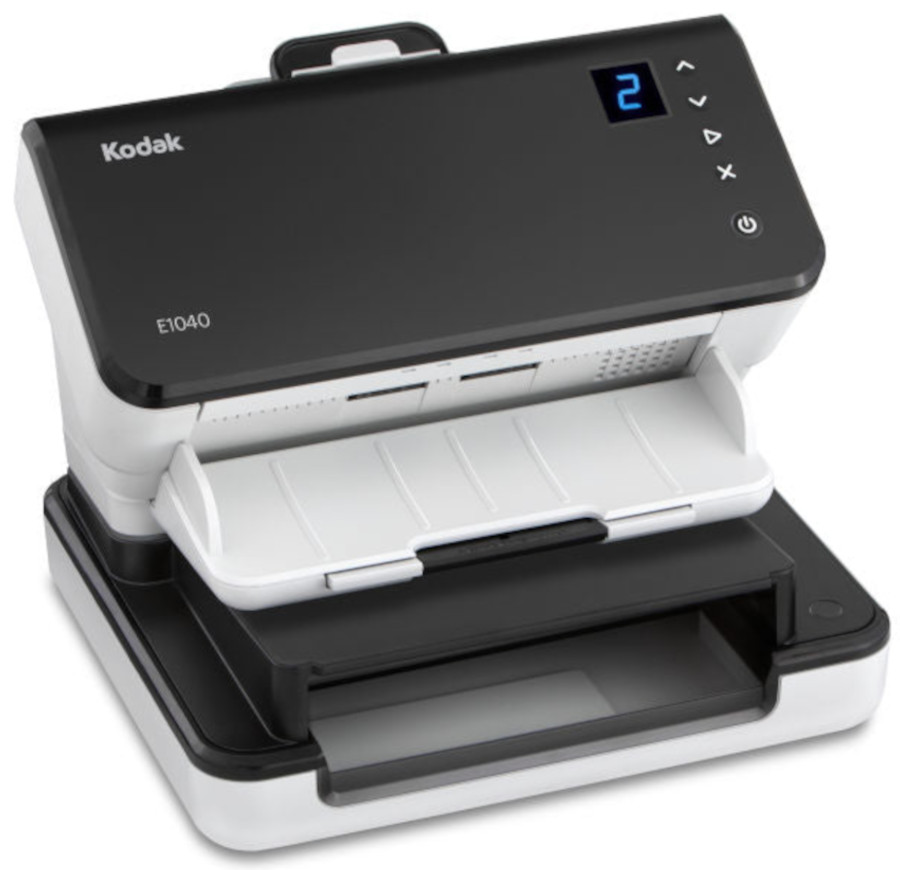
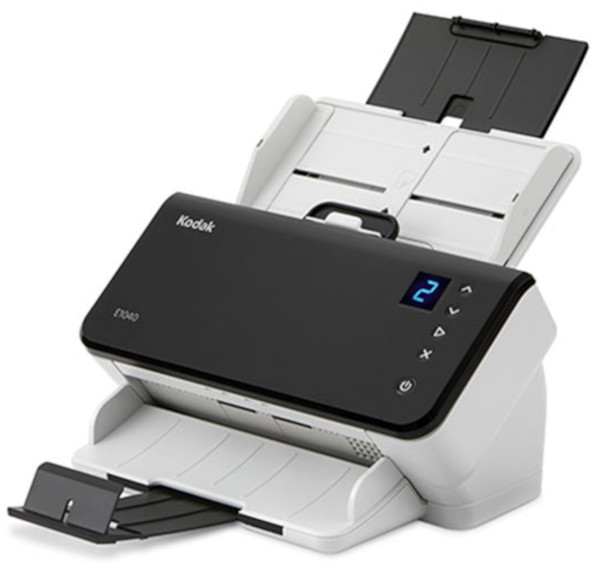

Images are for illustration purposes only and do not necessarily reflect the actual product.
Product Details
Specifications
Accessories
Reviews
Product Details
Main Features
- Compact and intuitive design
- Duplex scans
- Scan speed: 40 pages per minute/ 80 images per minute
- Scan up to 5000 pages a day
- Optional flatbed scanner
- Automatic feeder capacity: 80 sheets
- Scan and send information by the touch of one button
- Compatible with multiple drivers: : TWAIN, ISIS, WIA and SANE
- Perfect page technology
Specifications
General Specifications
| Scanning Speed | 40 pages per min. (80 images per min.) |
| Max. Paper Size | Scan up to A4 |
| Colour Mode | Colour, greyscale, black and white |
| Scanning Side | Duplex (both sides) |
| Feeder Capacity | 80 sheets |
| Interface | USB 3.0 |
| Flatbed | Optional |
| Drivers | TWAIN, ISIS |
| Compatibility | Windows 11, Windows 10 |
 Download Manufacturer Specifications
Accessories

Reviews


If your scanner gives a ‘Scanner Access failed’ or a ‘Scanner not found’ message it may be that the interface card is not installed properly.
Handheld scanners require the user to manually scan the image by dragging the unit over the original document.
Work out the resolution you should scan your photos at by matching it to the resolution you will be printing in.
MY ACCOUNT
INFO & POLICIES
SHOP EASY
PAYMENT OPTIONS



* Images are for illustration purposes only.