



 Shopping Cart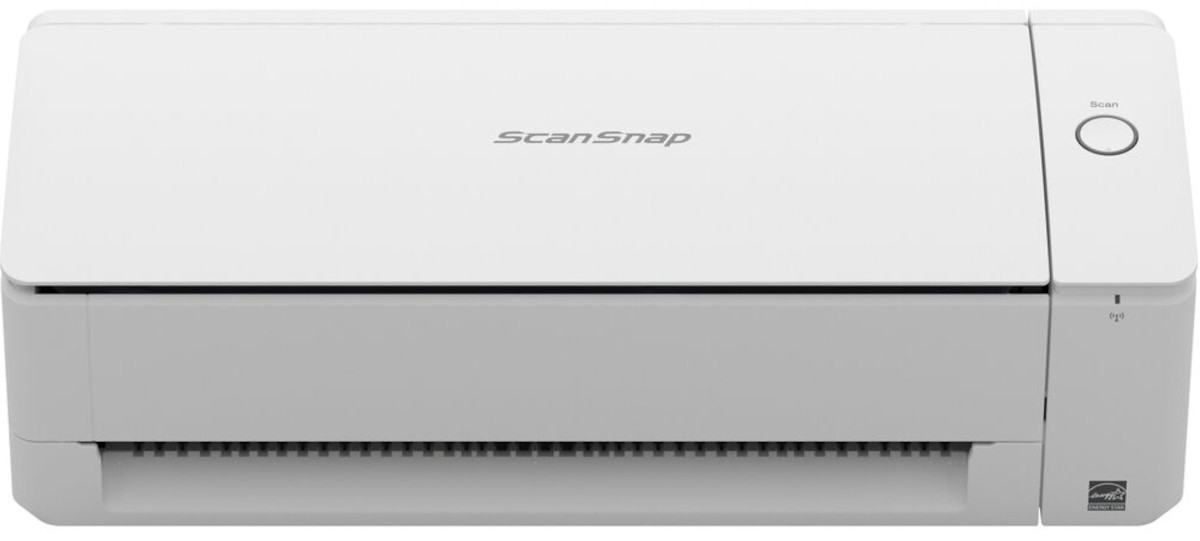



Product Details
Specifications
Accessories
Reviews
Product Details
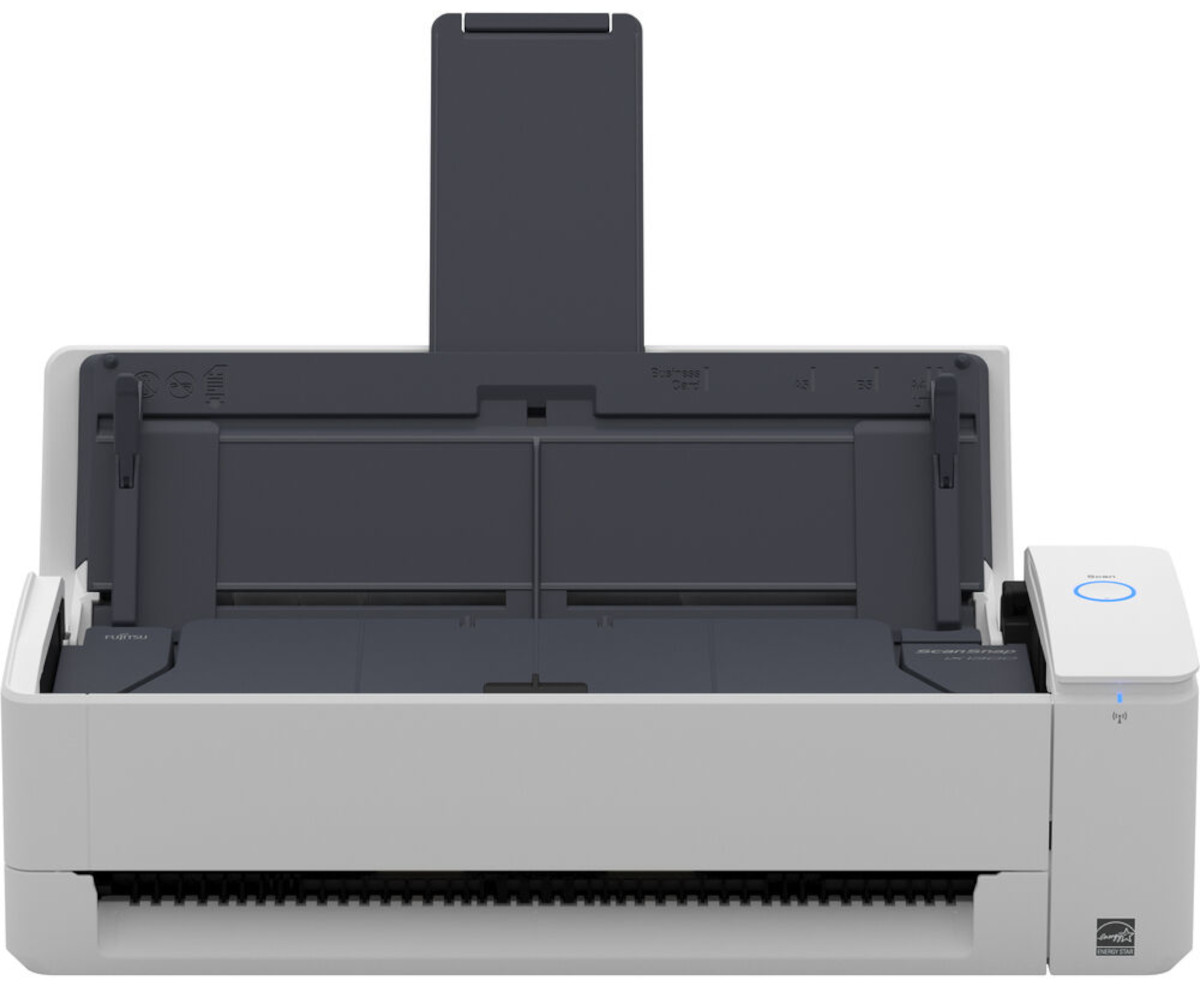
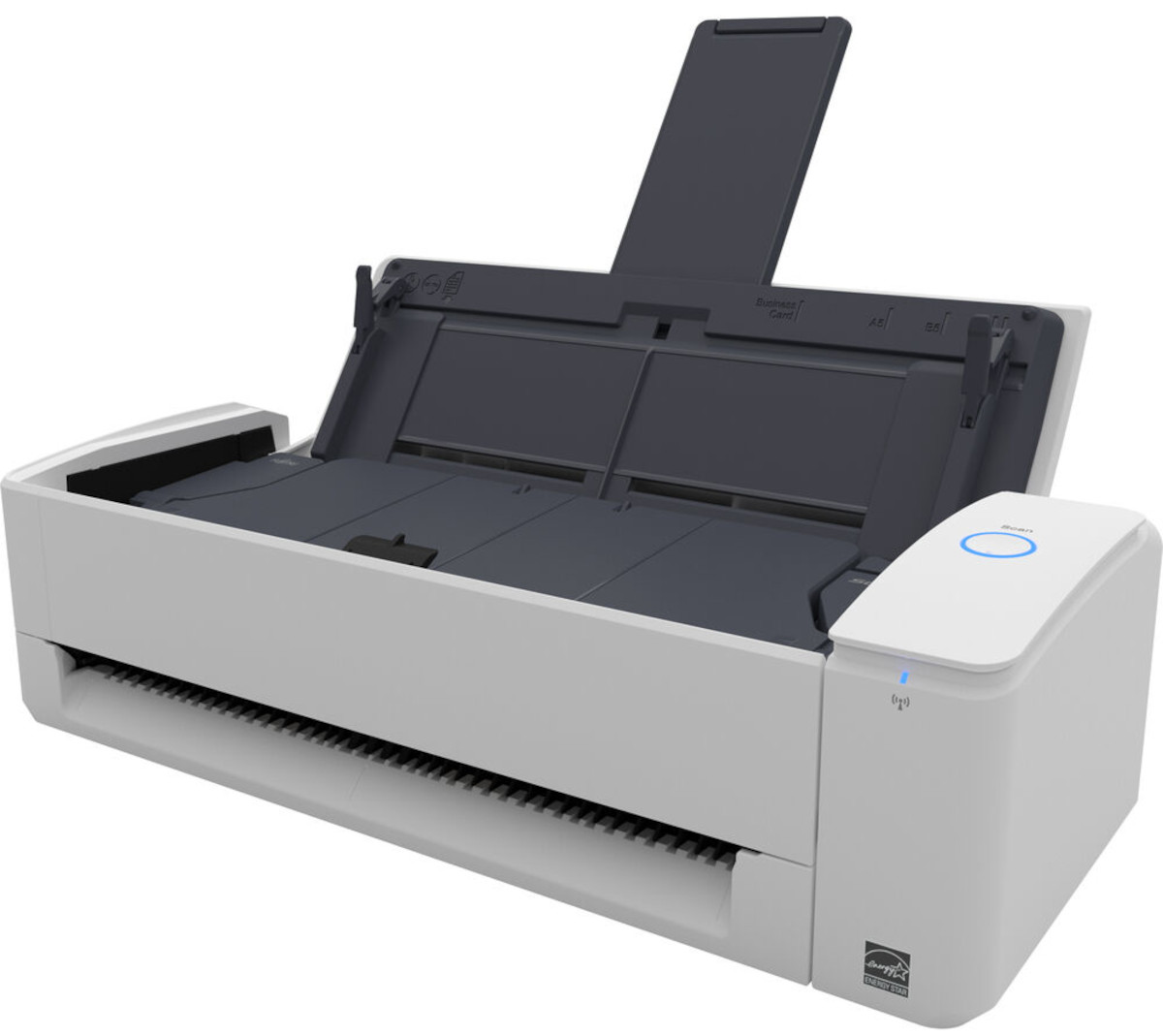
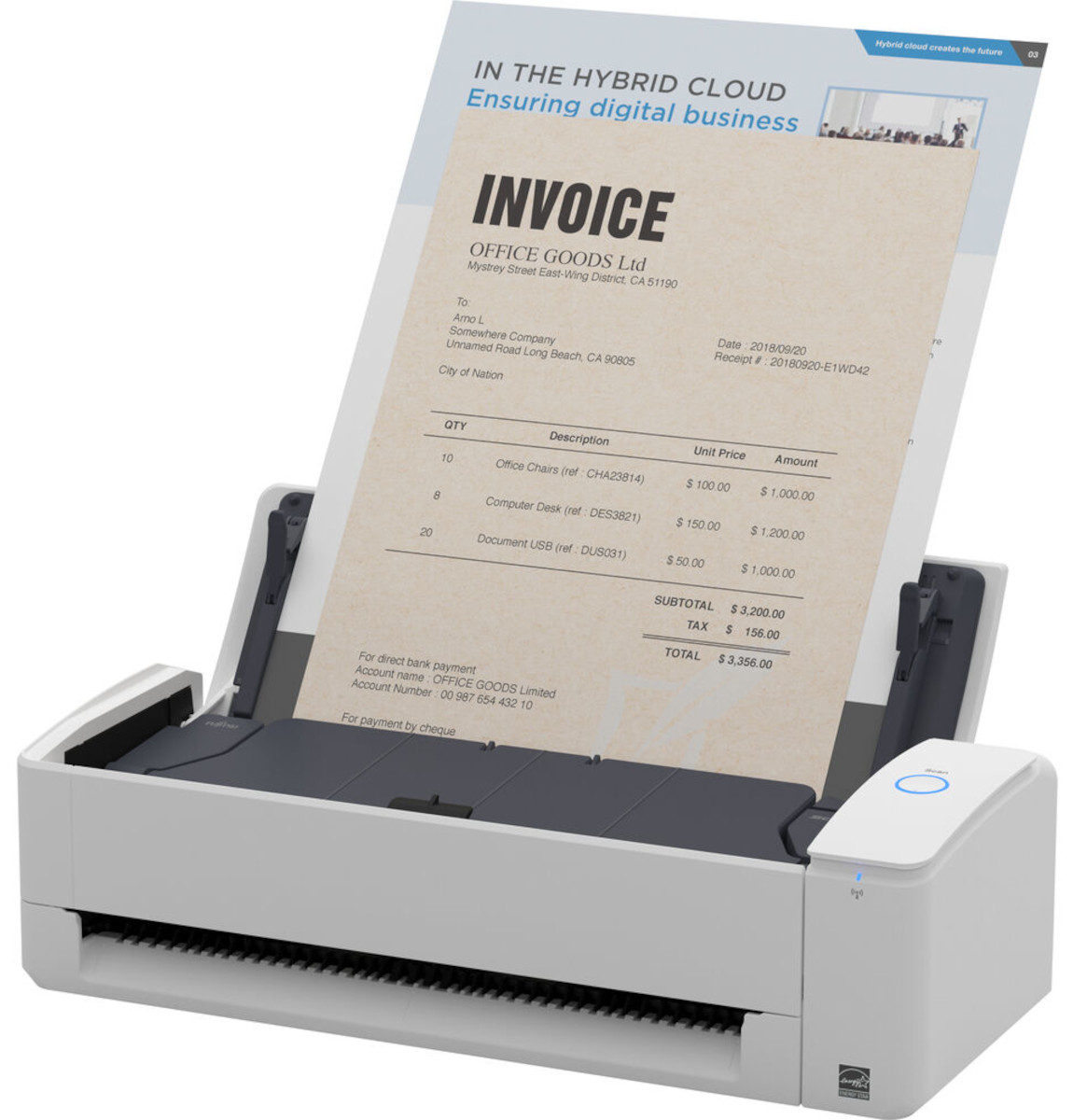
Main Features:
- Optical Resolution: 600 dpi
- Scanner type: Manual feed and 20 sheet automatic document feed
- Scanning Speed: 30 pages per minute
- Instant warm-up with no wait time
- USB and Wi-Fi connectivity
- Duplex scans
- Scans wirelessly via a smart device
- Return path scanning for plastic cards, receipts and folded documents
- Scan to PC, Mac, iOS, Android and Chromebook
Specifications
General Specifications:
|
Product Name |
ScanSnap iX1300 (Black) |
|
Scanner Type |
ADF (Automatic Document Feeder)/Manual Feeder, Duplex |
|
Scanning Color Mode |
Color, Grayscale, Monochrome, Automatic (Color/Grayscale/Monochrome detection) |
|
Image Sensor |
CIS x 2 (Front x 1, Back x 1) |
|
Light Source |
3 Color LED (Red/Green/Blue) |
|
Scanning Speed U-Turn Scan (ADF) |
Simplex/Duplex: 30 ppm (Auto Mode) |
|
Scanning Speed Return Scan (Manual Feeder) |
5 seconds (Auto Mode) |
|
Document Size U-Turn Scan/Return Scan |
Minimum: 50.8 x 50.8 mm (2 x 2 in.) Maximum: 216 x 355.6 mm (8.5 x 14 in.) |
|
Paper Weight U-Turn Scan |
40 to 128 g/m2 (11 to 34 lb) A8 size or less: 128 to 209 g/m2 (34 to 56 lb) A6 size or less: 40 to 209 g/m2 (11 to 56 lb) |
|
Paper Weight Return Scan |
Paper: 20 to 413 g/m2 (5.4 to 110 lb) Booklets: 2 mm (0.08 in.) or less*1 Cards: 1.4 mm (0.06 in.) or less*9 (Includes embossed cards) |
|
ADF Capacity |
20 sheets (A4, 80 g/m2 ADF capacity or 20 lb) |
|
Interface |
USB: 3.2 Gen1x1 / USB 2.0 / USB 1.1 (Connector Type: Type-B) Wi-Fi: IEEE802.11a/b/g/n/ac Frequency band: 2.4 GHz / 5 GHz |
|
Wi-Fi Interface |
Access Point Connect Mode (Infrastructure mode) Direct Connect Mode (Ad-hoc mode) |
|
Power Requirement |
AC 100 to 240 V, 50/60 Hz |
|
Power Consumption |
Operating: 17 W or less Sleep mode (USB connection): 1.7 W or less Sleep mode (Wi-Fi connection): 2.0 W or less Standby mode: 0.3 W or less |
|
Dimensions |
296 x 114 x 87 mm (11.7 x 4.5 x 3.3 in.) |
|
Device Weight |
2.0 kg (4.4 lb) |
|
Multifeed Detection |
Length detection |
 Download Manufacturer Specifications
Accessories

Reviews


If you want to get the best possible quality from your scanner, try out the advanced modes of your scanner.
In order to speed up scanning, try to use a faster PC with more memory / RAM and work with as little data as possible.
Handheld scanners are most appropriate for small originals that are no bigger than the scanner itself. In theory, hand scanners allow you to scan a large original in more than one pass and "stitch" the scans together into a final image, but this is not a preferable scanning method.
MY ACCOUNT
INFO & POLICIES
SHOP EASY
PAYMENT OPTIONS



