



 Shopping Cart



*** ALL TONERS AND SUPPLIES ARE IN STOCK AT DISCOUNTED PRICING , CALL +18882983095.
All reconditioned printers do not include supplies - toners , drums (Imaging Units) (where applicable) , printer cables , manuals , consumables, trays (where applicable). Power cables are included. Drivers can be downloaded from the manufacturers website. Please verify that drivers available are compatible with your software on the manufacturers site.
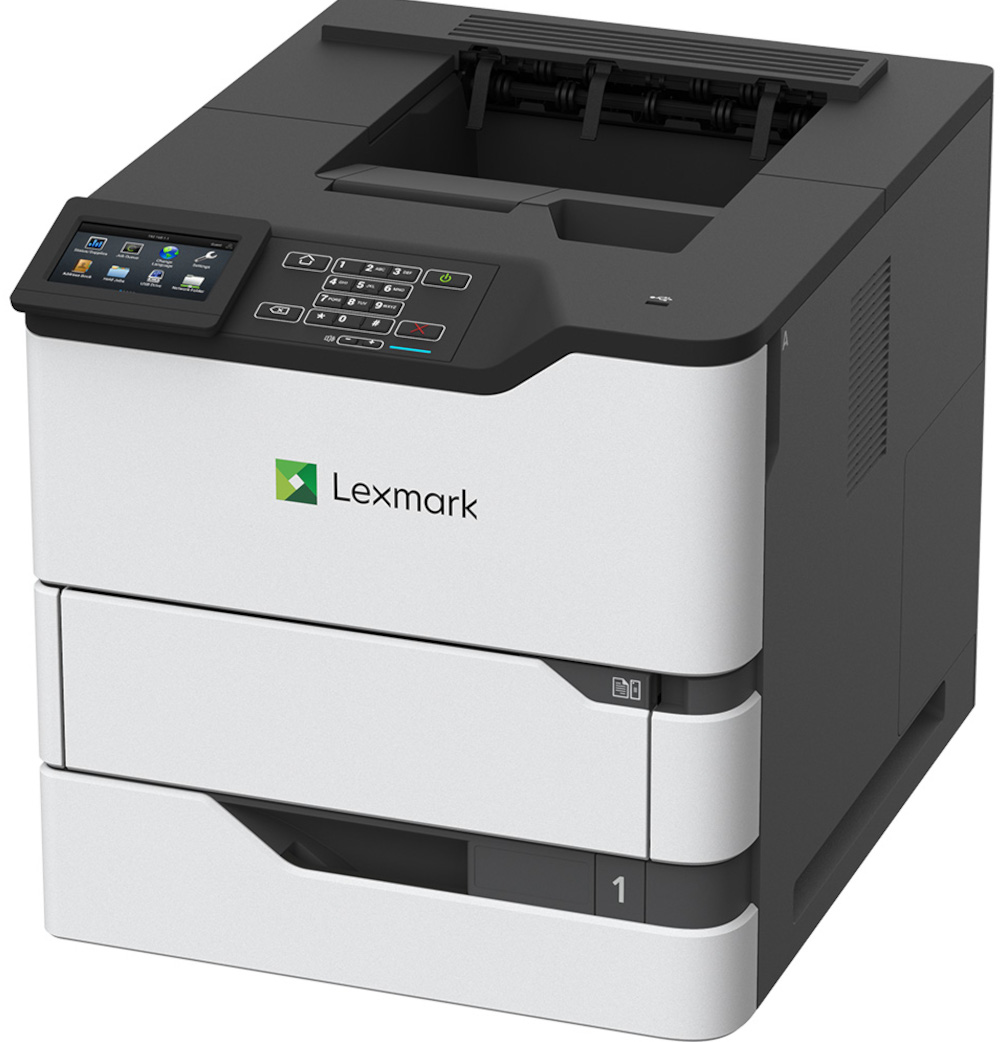
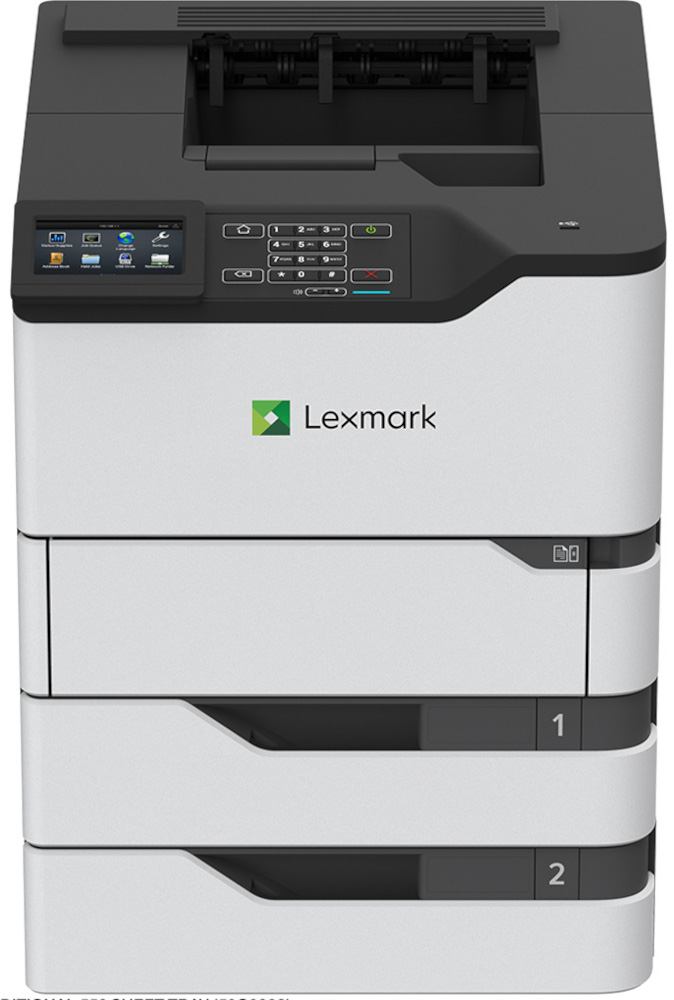
Images are for illustration purposes only and do not necessarily reflect the actual product.Product Details
Specifications
Accessories
Reviews
Product Details
Main Features
- Black and white prints up to 66 pages per minute
- First print out as fast as 4 seconds
- Powerful 1 GHz dual-core processor and up to 5 GB of memory
- Automatic double sided printing
- 10.9 cm tablet like touch screen
- Print resolution: 1200 x 1200 dpi
- USB and network
- Steel frame and long life components
Specifications
General Specifications
| Printing Technology | |
| Color Type | |
| Print Resolution | |
| Duplex Printing | |
| Printer Language | |
| Print Speed (By Time) | |
| First Print Out Time | |
| Monthly Duty Cycle |
| Media Handling | |
| Media Sizes | |
| Paper Capacity | |
| Special Media Support |
| Inputs/Outputs | |
| Direct Printing | |
| Media/Memory Card Slot | |
| Processor Speed | |
| Internal Memory | |
| Mobile App Compatible | |
| OS Compatibility |
| Operating Temperature | |
| Operating Humidity |
| Display Size | |
| Display Type | |
| Power Source | |
| Battery | |
| AC Input Power | |
| Power Consumption | |
| Max Acoustic Noise | |
| Certifications | |
| Dimensions (W x H x D) | |
| Weight |
 Download Manufacturer Specifications
Accessories

Reviews


Allow ink to dry completely to avoid smudging. The time will vary based on the ink and paper quality used as well as the temperature and humidity conditions.
Make sure to keep your printer up to date by downloading drivers and patches from the manufacturer's site. Most manufacturers provide driver updates for their units which include patches that add fonts or fix incompatibilities.
Paper jam? The best way to remove jammed paper is to gently pull the paper in the direction of the paper path - with power off, of course. Do not pull the paper backwards - you could damage your printer forever by doing so.
MY ACCOUNT
INFO & POLICIES
SHOP EASY
PAYMENT OPTIONS



