



 Shopping Cart
 Lexmark CX725DHE MultiFunction Color Printer
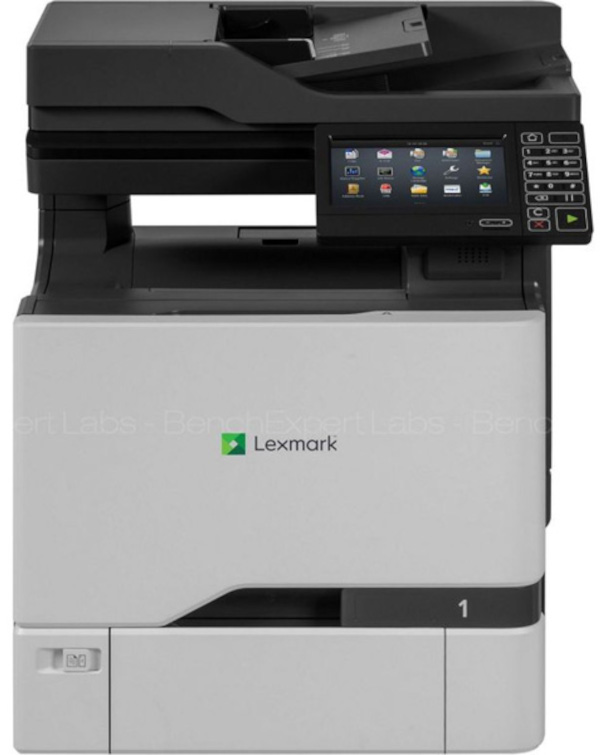


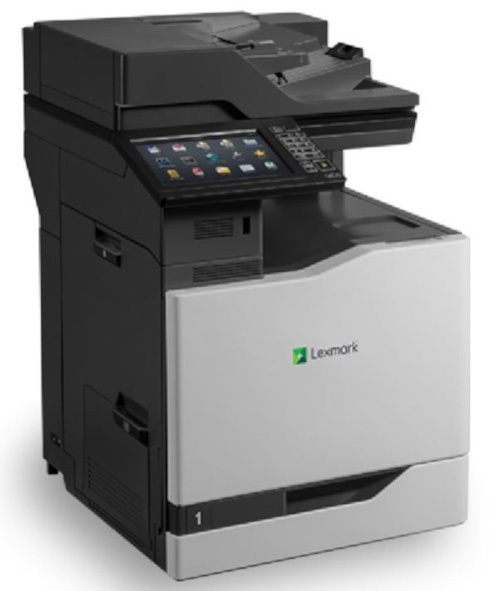
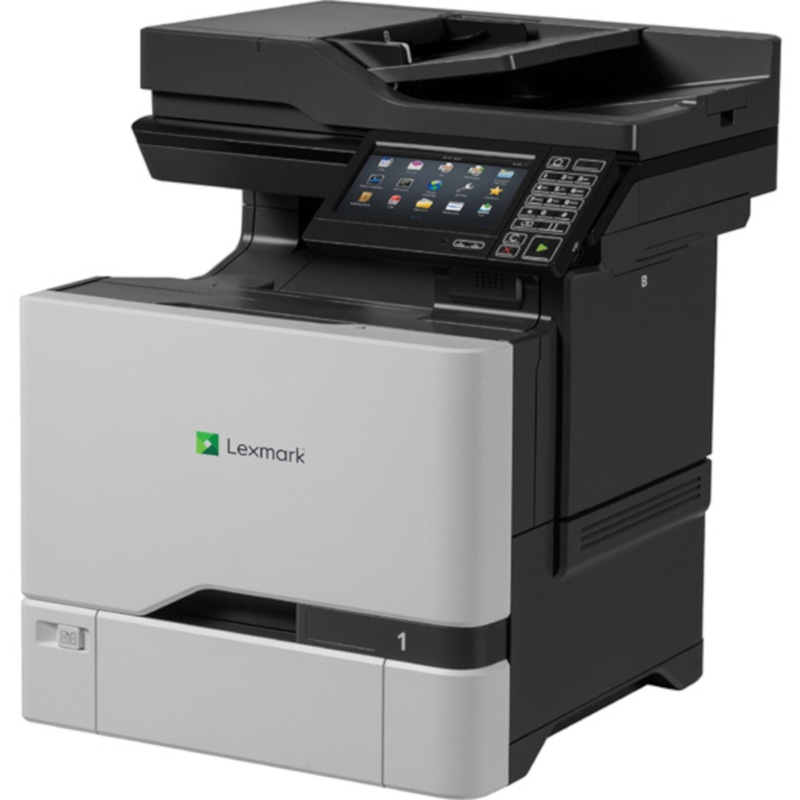

Images are for illustration purposes only and do not necessarily reflect the actual product.
Product Details
Specifications
Accessories
Reviews
Product Details
Main Features
- Print, scan, copy, fax
- Interactive 7 inch touchscreen
- Speedy prints up to 50 pages per minute in color or black and white
- Advanced security features
- Scans up to 60 images per minute
- 50 Sheet automatic document feeder
- Convenient front USB port
- Wireless and mobile printing
- Adjustable input trays lets you load envelopes and different sized media
- Duplex prints
Specifications
General Specifications
| Print Technology |
|
|---|---|
| Function |
|
| Workgroup Size |
|
| Display |
|
| Media Sizes Supported |
|
| Included Paper Handling |
|
| Standard Ports |
|
| Size (in. - H x W x D) |
|
| Weight |
|
Copying
| Copy Speed |
|
|---|---|
| Time to First Copy |
|
| Reduce / Enlarge Range |
|
Faxing
| Modem Speed |
|
|---|---|
| Fax Transmission Speed |
|
Printing
| Print Speed |
|
|---|---|
| Print Speed Duplex |
|
| Time to First Page |
|
| Print Resolution |
|
| Duplex |
|
Scanning
| Scanner Type / ADF Scan |
|
|---|---|
| Scan Area |
|
| A4/Ltr Simplex Scan Speed |
|
| A4/Ltr Duplex Scan Speed |
|
| Scan Technology |
|
| Optical Scanning Resolution |
|
| Scan File Formats |
|
| Scan Destinations |
|
| ADF |
|
| ADF Paper Input Capacity / ADF Paper Output Capacity |
|
Paper Handling
| Media Types Supported |
|
|---|---|
| Finishing Option |
|
| Number of Paper Inputs |
|
| Paper Input Capacity |
|
| Paper Output Capacity |
|
| Paper Weight Range Supported |
|
| Integrated Tray Card Stock Upper limit |
|
| Optional Paper Handling |
|
| Recommended Monthly Page Volume |
|
| Maximum Monthly Duty Cycle |
|
| Size |
|
Hardware
| Processor Speed |
|
|---|---|
| Memory |
|
| Hard Disk |
|
| Printer Languages |
|
| Fonts and Symbol Sets |
|
| Touch Screen Display |
|
Connectivity
| Direct USB |
|
|---|---|
| Ethernet Network |
|
| Wireless |
|
| Network Protocol Support |
|
| Network Printing Methods |
|
| Network Management Protocols |
|
| Network Security |
|
| Optional Network Ports |
|
Supported Operating Systems
| Microsoft Windows Operating Systems Supported |
|
|---|---|
| Apple Operating Systems Supported |
|
| Linux Operating Systems Supported |
|
| Citrix MetaFrame |
|
| Novell Operating Systems Supported |
|
| UNIX Operating Systems Supported |
|
Electrical & Operation
| ENERGY STAR |
|
|---|---|
| ENERGY STAR Typical Electricity Consumption |
|
| Noise Level |
|
| Duplex Print Noise Level |
|
| Average Power |
|
| Specified Operating Environment |
|
| Product Certifications |
|
| UNSPSC Code |
|
| Country of Origin |
|
 Download Manufacturer Specifications
Accessories

Reviews


If debris is the primary cause of failures, toner is the primary cause of debris. All toner cartridges release a small amount of toner powder into the machine. This is why it's important to clean the machine when you change the cartridge.
If your print settings are too dark, it could be detrimental to the life of the cartridge in the long run. It’s important that the density control of the machine be properly set to prevent the machine from pulling too much toner into itself.
Don't move a print head unless the instructions direct it. You can damage the belt or other parts.
MY ACCOUNT
INFO & POLICIES
SHOP EASY
PAYMENT OPTIONS



* Images are for illustration purposes only.