



 Shopping Cart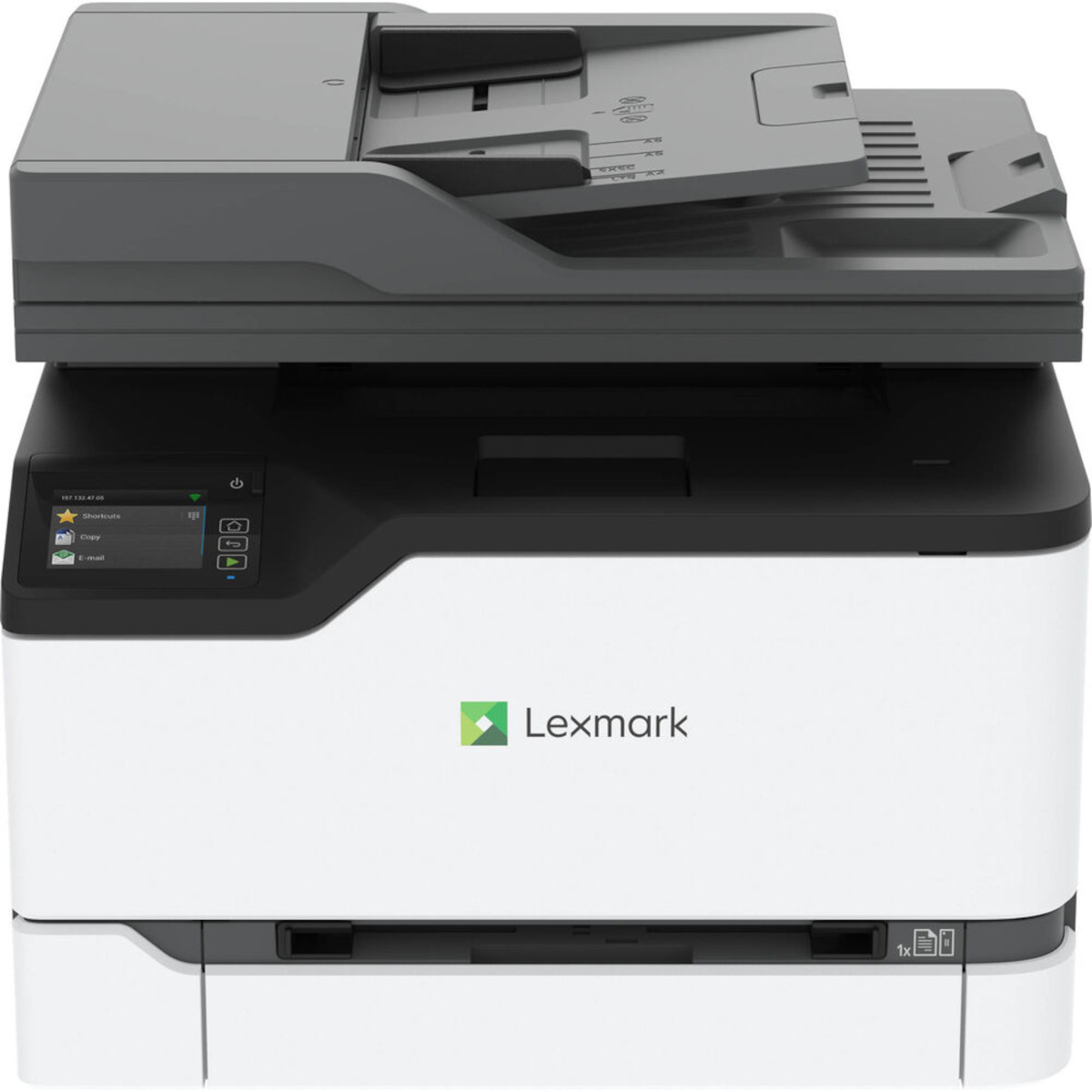



*** ALL TONERS AND SUPPLIES ARE IN STOCK AT DISCOUNTED PRICING , CALL +18882983095.
Printers do not include supplies - toners , drums (Imaging Units) (where applicable) , printer cables , manuals , consumables , trays (where applicable). Power cables are included. Drivers can be downloaded from the manufacturers website. Please verify that drivers available are compatible with your software on the manufacturers site.
Images are for illustration purposes only and do not necessarily reflect the actual product.Product Details
Specifications
Accessories
Reviews
Product Details
Main Features
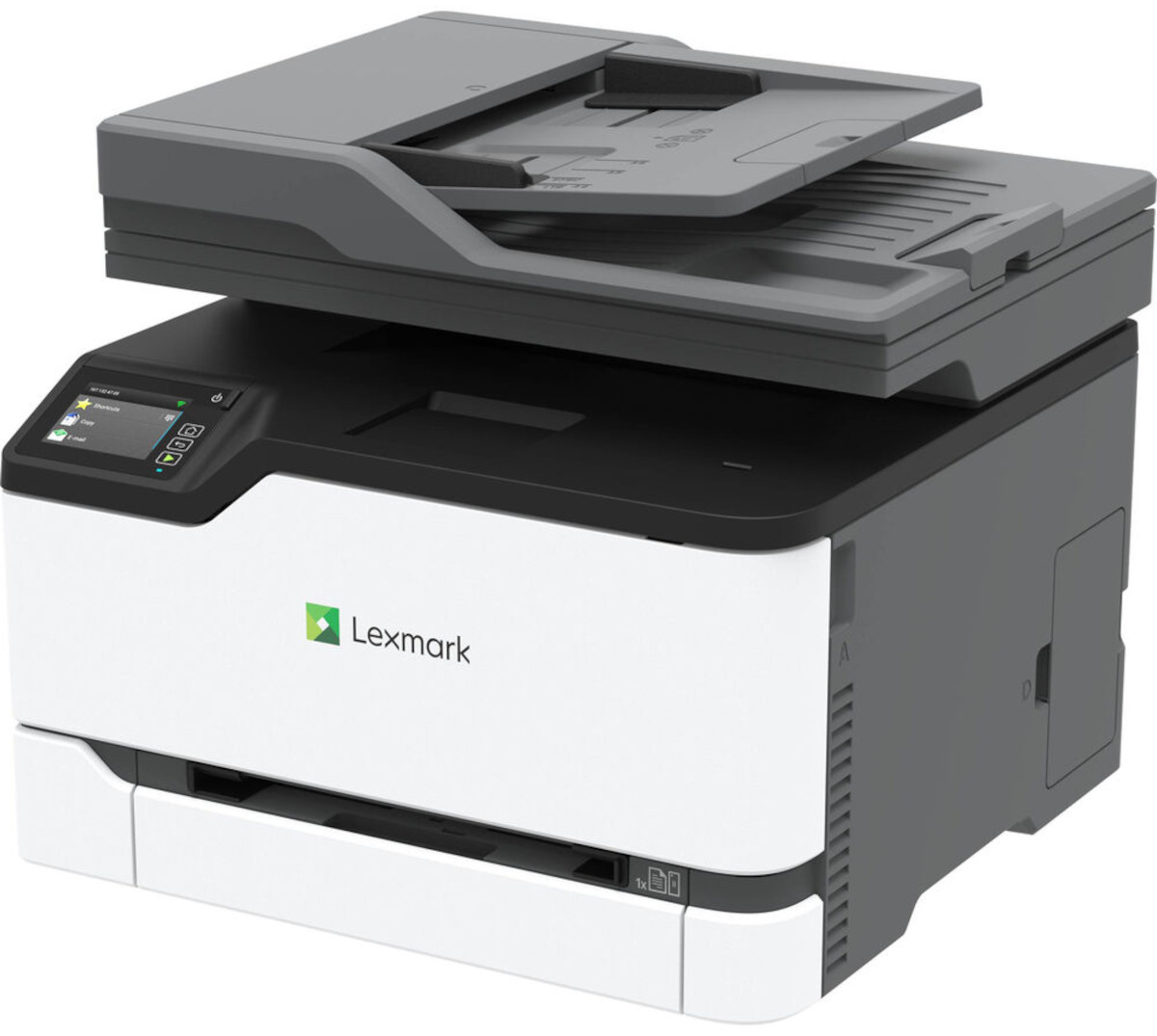
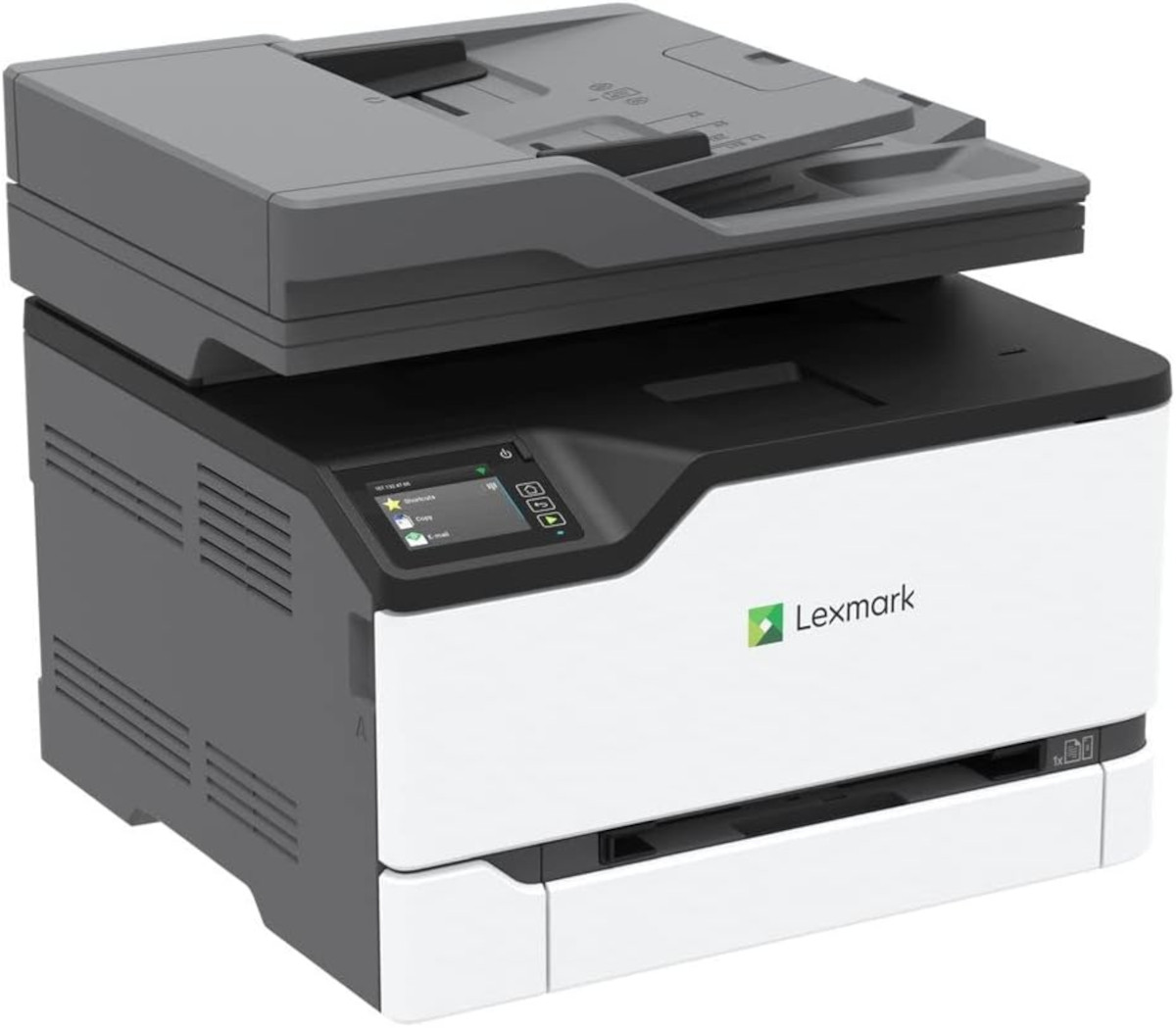
- 4 in 1 Printer: Print, scan, copy, fax
- Scans up to 90 images per minute
- Color and black and white prints up to 26 pages per minute
- Print resolution: 600 x 600 dpi
- Automatic, two-sided prints
- Lightweight and compact
- Intuitive 7.2 cm colour touch screen
- Wi-Fi, Gigabit Ethernet or USB connectivity
- Compatible with Lexmark Mobile Print app, Google Cloud Print, Mopria and AirPrint
- Save scans and retrieve files from cloud services such as DropBox, Google Drive and Microsoft OneDrive
Specifications
General Specifications
| Product Type | Laser Multifunction Printer |
| Environmentally Friendly | Yes |
| Touchscreen | Yes |
| Copy Color | Color |
| Scan Color | Color |
| Fax Color | Color |
| Wireless LAN | Yes |
| Standard Input Media Capacity | 251 sheets |
| Ethernet Technology | Gigabit Ethernet |
| USB | Yes |
| Maximum Mono Print Speed (ppm) | 26 |
| Maximum Color Print Speed (ppm) | 26 |
| Print Color Capability | Color |
| Energy Star | Yes |
| Maximum Print Resolution (dpi) | 2400 x 600 |
| Form Factor | Desktop |
| Scanner Type | Flatbed |
| Duplex Printing | Automatic |
| Multifunction Devices | Copier/Fax/Printer/ Scanner |
| Duty Cycle | 75000 |
| Recommended Use | Plain Paper Print |
| Recommended Monthly Print Volume | 750 to 5000 |
| Optical Resolution (dpi) | 600 |
| Country of Origin | China |
| Height | 13.6" |
| Width | 16.2" |
| Depth | 15.5" |
| Connectivity Technology | Wireless |
| Copier Type | Flatbed |
| Product Model | CX431adw |
| Screen Size | 2.80" |
| Power Source | AC Supply |
 Download Manufacturer Specifications
Accessories

Reviews


Not all drivers are pre-installed on all operating systems and as new operating systems are released, you will need to install drivers yourself. Make sure to consult your printer manual.
Using heavy or stiff paper? Feed the paper one sheet at a time or try placing a sheet of plain copier or bond paper behind a heavy sheet.
If debris is the primary cause of failures, toner is the primary cause of debris. All toner cartridges release a small amount of toner powder into the machine. This is why it's important to clean the machine when you change the cartridge.
MY ACCOUNT
INFO & POLICIES
SHOP EASY
PAYMENT OPTIONS



