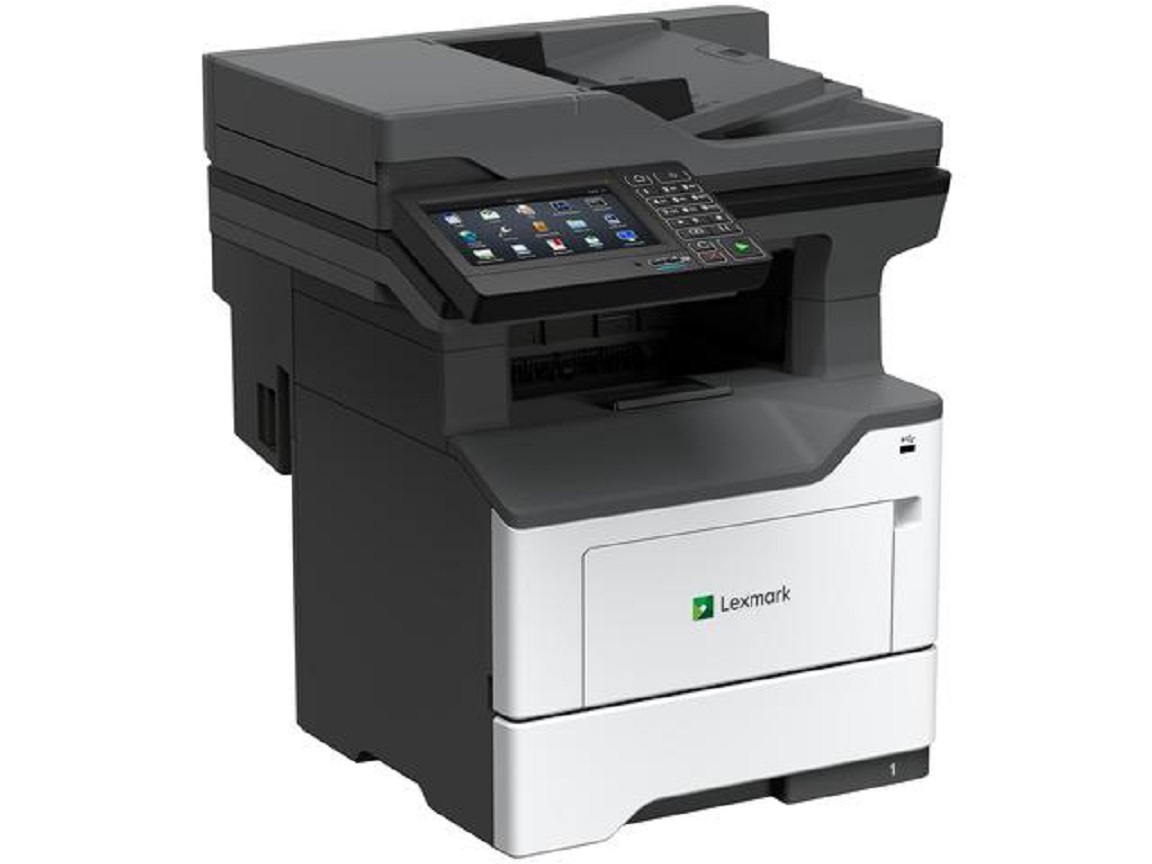
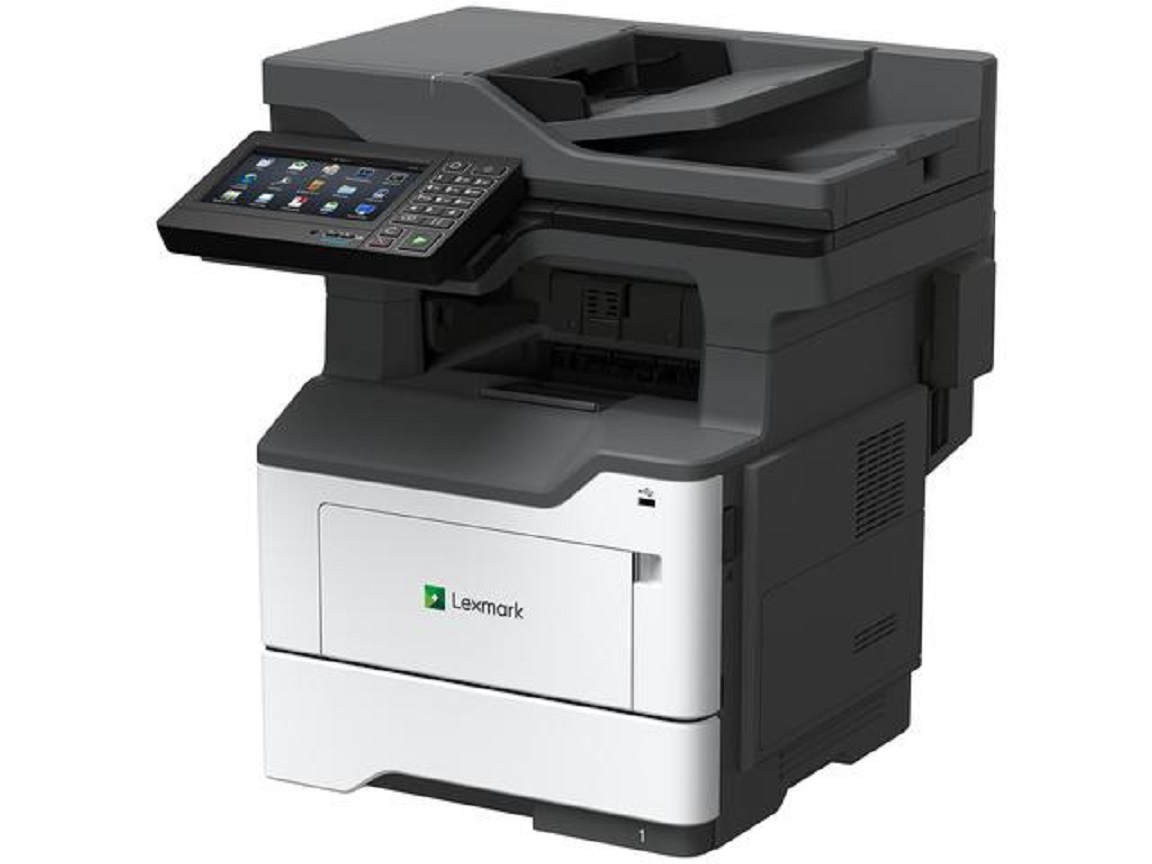
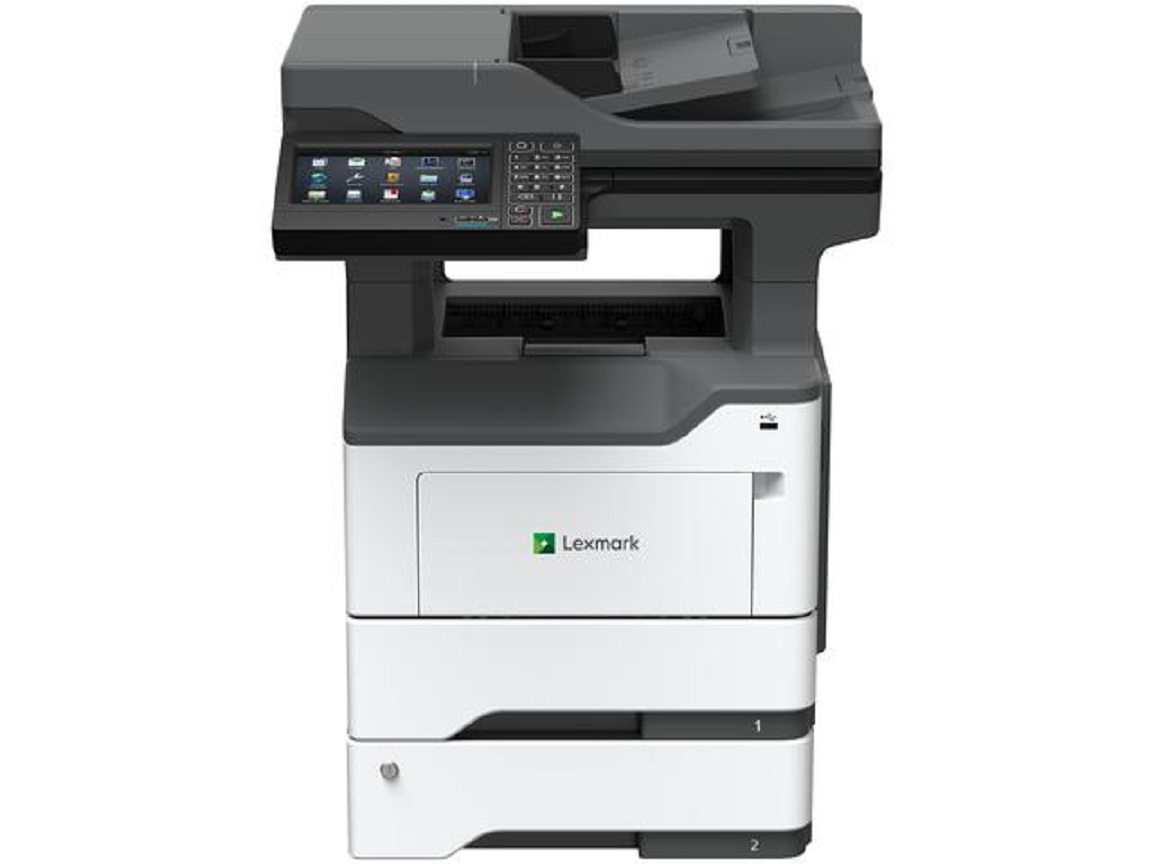
Lexmark MX622ade Multifunction Printer
Product Details
Specifications
Accessories
Reviews
Product Details
Main Features
- Monochrome Laser Printer
- Copy, Print, Scan and Fax
- Print Speed: 50 ppm
- Maximum Monthly Duty Cycle: 175,000 Pages
- Memory: 2048 MB
- Standard Input Capacity: 650 Pages
- Maximum Input Capacity: 2300 Pages
- Duplex Printing
- Lexmark e-Task 7-inch color touch screen
Specifications
General Specifications
| Part # |
36S0900 |
|---|
| Print Technology |
|
|---|
| Function |
- Copying
- Color Scanning
- Printing
- Network Scanning
- Faxing
|
|---|
| Workgroup Size |
|
|---|
| Display |
- Lexmark e-Task 7-inch (17.8 cm) color touch screen
|
|---|
| Media Sizes Supported |
- A6, Oficio, 7 3/4 Envelope, 9 Envelope, JIS-B5, A4, Legal, A5, Letter, Statement, Executive, Universal, DL Envelope, Folio, 10 Envelope
|
|---|
| Included Paper Handling |
- 100-Sheet Multipurpose Feeder, 250-Sheet Output Bin, Integrated Duplex, 550-Sheet Input
|
|---|
| Standard Ports |
- Gigabit Ethernet (10/100/1000), Front USB 2.0 Specification Hi-Speed Certified port (Type A), Rear USB 2.0 Specification Hi-Speed Certified Port (Type A), USB 2.0 Specification Hi-Speed Certified (Type B), One Internal Card Slot
|
|---|
| Size (in. - H x W x D) |
|
|---|
| Weight (lb.) |
|
|---|
| Packaged Size (in. - H x W x D) |
- 26.85 x 21.73 x 23.82 in.
|
|---|
| Packaged Weight (lb.) |
|
|---|
Copying
| Copy Speed |
- Up to:
- Black: 50 cpm1 (Letter)
|
|---|
| Copy Speed Duplex |
- Up to:
- Black: 24 spm1 (Letter)
|
|---|
| Time to First Copy |
- As fast as:
- Black: 6 seconds
|
|---|
| Reduce / Enlarge Range |
|
|---|
Faxing
| Modem Speed |
- ITU T.30, V.34 Half-Duplex, 33.6 Kbps
|
|---|
| Fax Transmission Speed |
|
|---|
Printing
| Print Speed |
- Up to:
- Black: 50 ppm1 (Letter)
|
|---|
| Print Speed Duplex |
- Up to:
- Black: 24 spm1 (Letter)
|
|---|
| Time to First Page |
- As fast as:
- Black: 6 seconds
|
|---|
| Print Resolution |
- Black: 1200 x 1200 dpi, 2400 IQ (2400 x 600 dpi), 600 x 600 dpi, 1200 IQ (1200 x 600 dpi)
|
|---|
| Duplex |
- 2-sided:
- Integrated Duplex
|
|---|
| Printable Area |
- 0.157 inches of the top, bottom, right and left edges (within)
|
|---|
Scanning
| Scanner Type / ADF Scan |
- Flatbed scanner with ADF
- DADF (single pass Duplex)
|
|---|
| Scan Area |
- 8.5 x 14 inches (Maximum)
|
|---|
| A4/Ltr Simplex Scan Speed |
- Up to:
- Black: 47 / 50 sides per minute
- Color: 30 / 32 sides per minute
|
|---|
| A4/Ltr Duplex Scan Speed |
- Up to:
- Black: 94 / 100 sides per minute
- Color: 60 / 64 sides per minute
|
|---|
| Scan Technology |
|
|---|
| Optical Scanning Resolution |
- 600 X 600 ppi (black)
- up to 600 X 600 ppi (color)
|
|---|
| Scan File Formats |
- Send as:
- TIFF, Highly compressed PDF (1GB RAM and hard disk required), Archival PDF (A-1a, A-1b), Secure PDF, Searchable PDF (optional OCR with 1GB RAM and hard disk required), PDF, JPEG, JPG
|
|---|
| Scan Destinations |
- e-mail, Lexmark Document Solutions Suite (LDSS), USB or Network connected computer, USB Flash drive, FTP
|
|---|
| ADF |
- 100-Sheet Automatic Document Feeder
|
|---|
| ADF Paper Input Capacity / ADF Paper Output Capacity |
- Up to: 100 pages 20 lb or 75 gsm bond
- Up to: 100 pages 20 lb or 75 gsm bond
|
|---|
Paper Handling
| Media Types Supported |
- Paper Labels, Card Stock, Plain Paper, Transparencies, Envelopes, Refer to the Paper & Specialty Media Guide
|
|---|
| Finishing Option |
|
|---|
| Number of Paper Inputs |
|
|---|
| Paper Input Capacity |
- Standard: 650 pages 20 lb or 75 gsm bond
- Maximum: 2300 pages 20 lb or 75 gsm bond
- 650 pages 20 lb or 75 gsm bond
|
|---|
| Paper Output Capacity |
- Up to:
- Standard: 250 pages 20 lb or 75 gsm bond
- Maximum: 250 pages 20 lb or 75 gsm bond
|
|---|
| Paper Weight Range Supported |
- lb.:
- 16 - 32 lb. (Standard Tray)
|
|---|
| Optional Paper Handling |
- 550-Sheet Lockable Tray, Inline Stapler, 250-Sheet Tray, 550-Sheet Tray
|
|---|
| Recommended Monthly Page Volume |
|
|---|
| Maximum Monthly Duty Cycle |
- Up to:
- 175000 pages per month3
|
|---|
Cartridges & Imaging
| Laser Cartridge Yields |
- up to:
- 15,0004-page High Yield Cartridge
- 6,0004-page Cartridge
- 20,0004-page Extra High Yield Cartridge
- 25,0004-page Ultra High Yield Cartridge
|
|---|
| Imaging Unit Estimated Yield |
- Up to:
- 60000 pages, based on 3 average letter/A4-size pages per print job and ~ 5% coverage5
|
|---|
| Cartridge(s) Shipping with Product |
- 6,0004-page Return Program Toner Cartridge4
|
|---|
| Replacement Cartridges: |
- Product functions only with replacement cartridges designed for use in a specific geographical region. See www.lexmark.com/regions for more details.
|
|---|
Hardware
| Processor Speed |
|
|---|
| Memory |
- Standard: 2048 MB
- Maximum: 2048 MB
|
|---|
| Hard Disk |
|
|---|
| Printer Languages |
- Standard:
- PCL 5e Emulation, PCL 6 Emulation, Personal Printer Data Stream (PPDS), PostScript 3 Emulation, PDF 1.7 emulation, Direct Image, AirPrint™
|
|---|
| Fonts and Symbol Sets |
- 2 PCL bitmap fonts, OCR-A, OCR-B scalable PCL 5e fonts, For more information, refer to the Technical Reference., 84 scalable PCL fonts, 91 scalable PostScript fonts, 3 of 9 scalable PCL 5e fonts in Narrow, Regular and Wide, 5 PPDS bitmap fonts, 39 scalable PPDS fonts
|
|---|
| Touch Screen Display |
|
|---|
Connectivity
| Direct USB |
|
|---|
| Ethernet Network |
|
|---|
| Wireless |
|
|---|
| Network Protocol Support |
- TCP/IP IPv6, TCP/IP IPv4, TCP, UDP
|
|---|
| Network Printing Methods |
- LPR/LPD, Direct IP (Port 9100), Pull Printing, Microsoft Web Services WSD, Secure IP (Port 96xx), FTP, TFTP, Enhanced IP (Port 9400), ThinPrint .print integration, IPP 1.0, 1.1, 2.0 (Internet Printing Protocol)
|
|---|
| Network Management Protocols |
- DHCP6, APIPA (AutoIP)6, BOOTP, RARP6, mDNS6, IGMP6, WINS6, DDNS6, SNMPv36, SNMPv1, SNMPv2c6, Telnet6, NTP6, ICMP6, HTTP6, DNS6, ARP6, HTTPs (SSL6/TLS)6, Finger6
|
|---|
| Network Security |
- IPSec, SNMPv3, 802.1x Authentication: MD5, MSCHAPv2, LEAP, PEAP, TLS, TTLS
|
|---|
| Optional Local Ports |
- Internal 1284-B Bidirectional Parallel, Internal RS-232C serial
|
|---|
| Optional Network Ports |
- Marknet N8372 WiFi Option
|
|---|
Accessories
Reviews
Your printer is not a dumping ground. Don't pile documents or other things on top of it, as they could cause damage. Your printer could overheat and this could result in malfunctioning and even a reduction in the printer's life.
Is your printer smearing immediately after changing a cartridge? Check that the protective tape over the nozzles is completely removed.
Fed up of re-sorting your printouts? For those inkjets that don't have a reverse print feature in the driver, some programs offer printing in reverse order.
PAYMENT OPTIONS


* Images are for illustration purposes only.




 Shopping Cart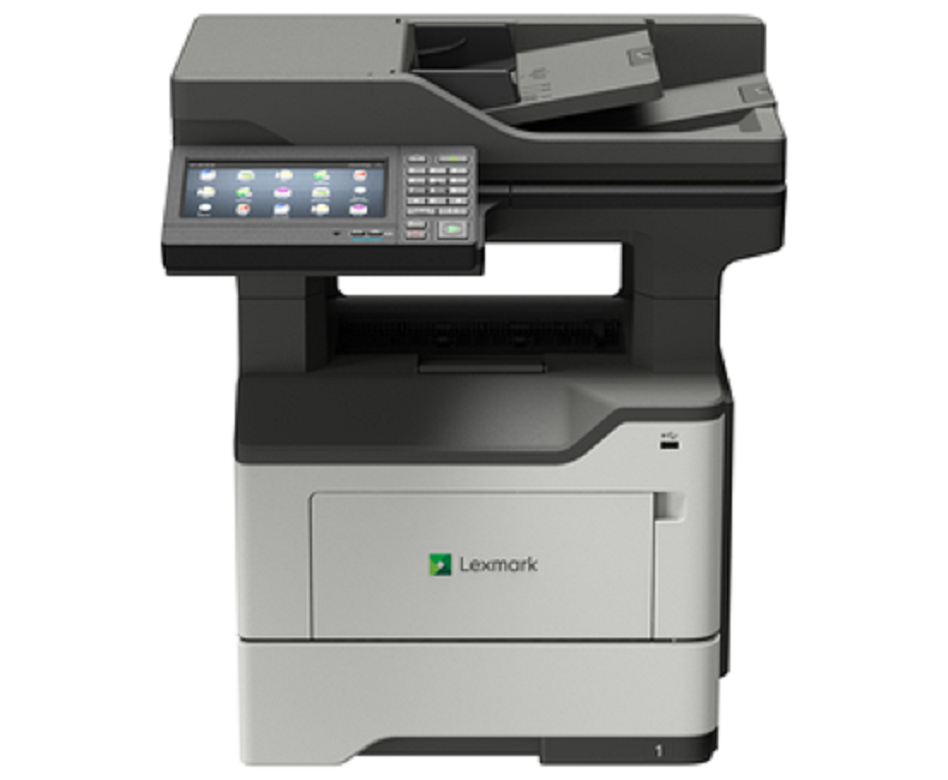



 Download Manufacturer Specifications


