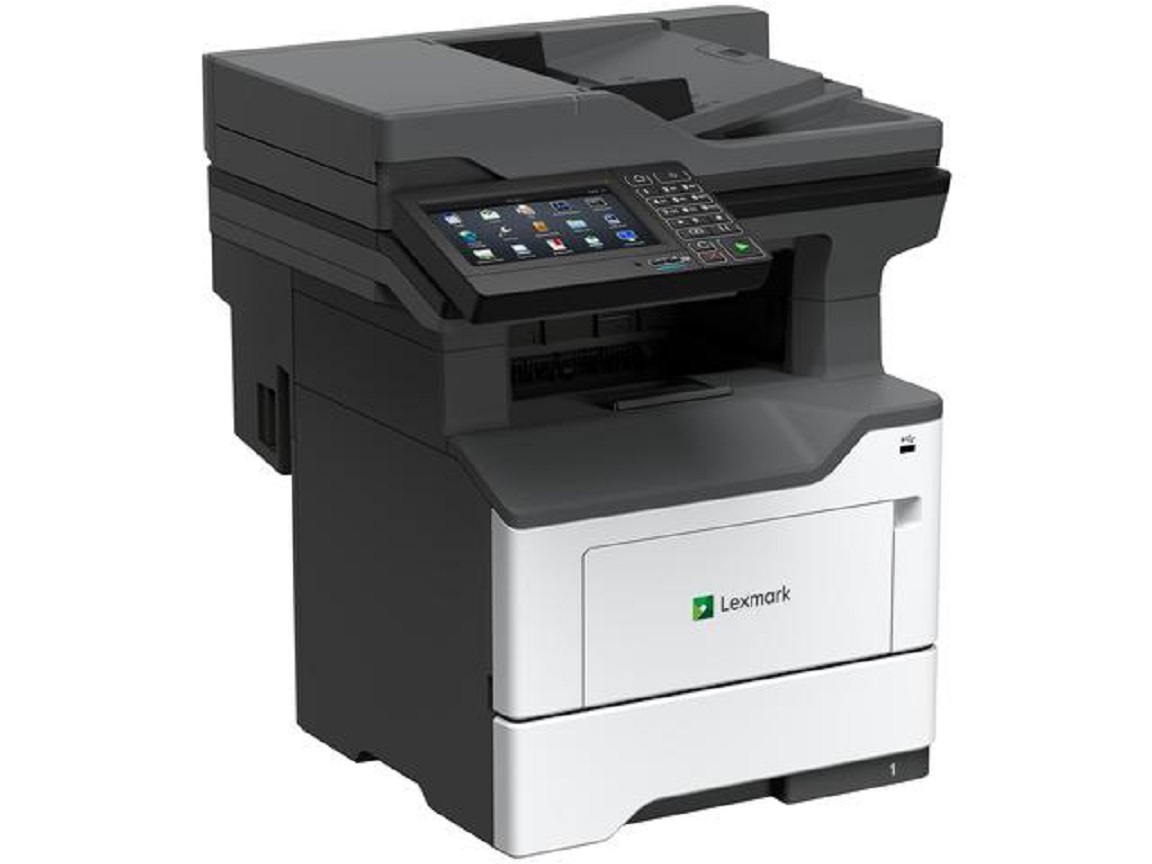
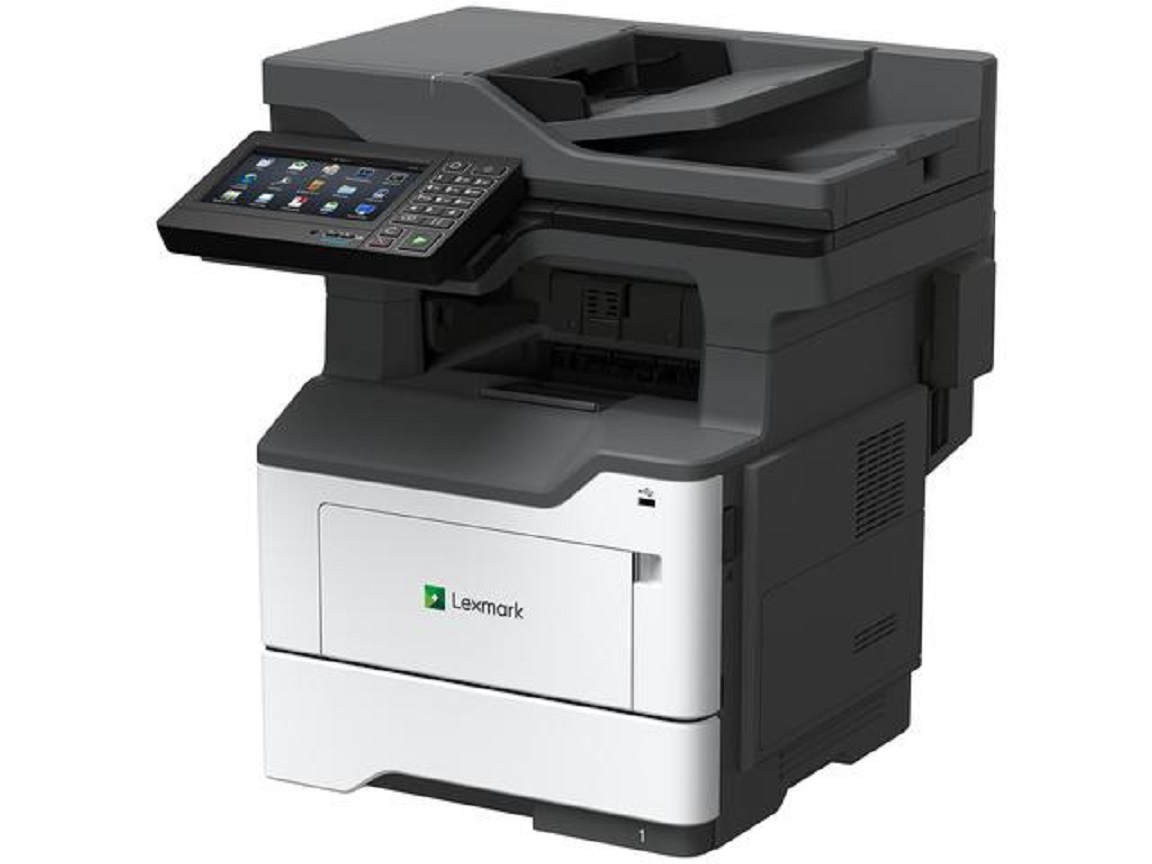
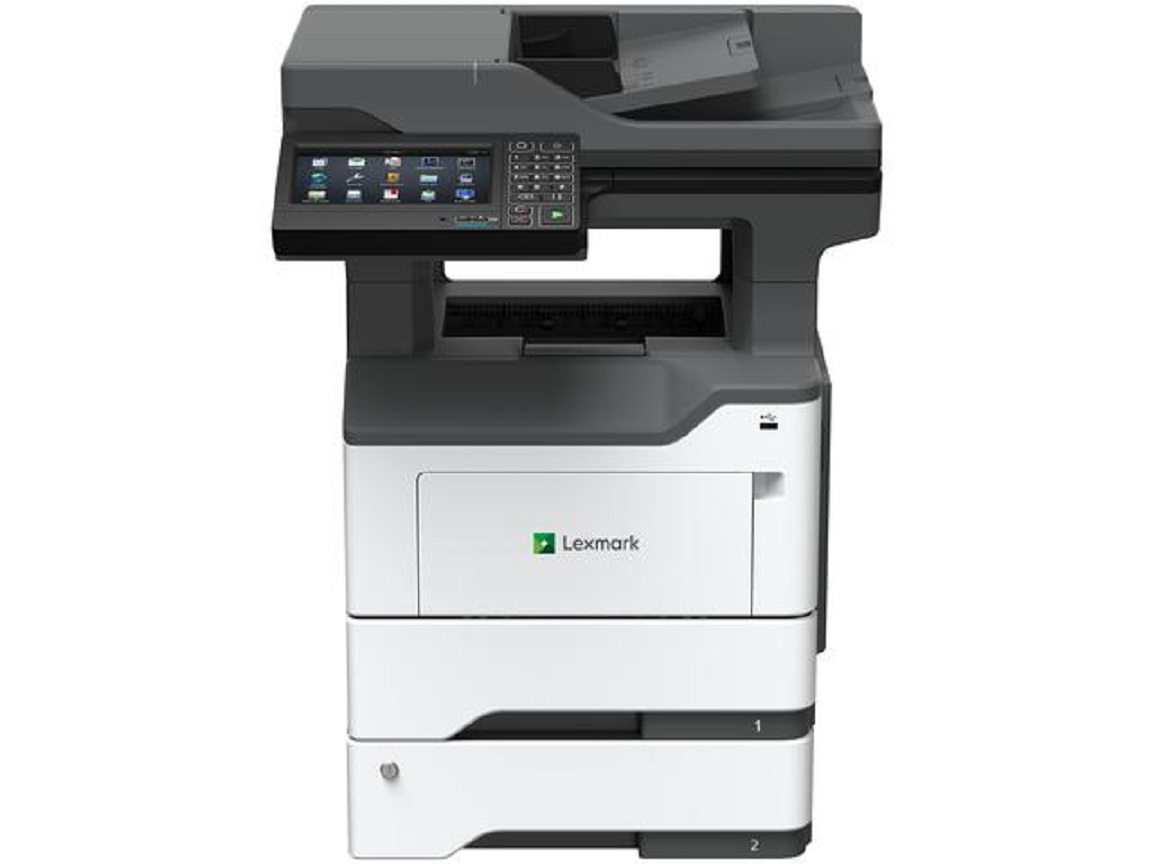
Lexmark MX622ade Multifunction Printer
Product Details
Specifications
Accessories
Reviews
Product Details
Main Features
- Monochrome Laser Printer
- Copy, Print, Scan and Fax
- Print Speed: 50 ppm
- Maximum Monthly Duty Cycle: 175,000 Pages
- Memory: 2048 MB
- Standard Input Capacity: 650 Pages
- Maximum Input Capacity: 2300 Pages
- Duplex Printing
- Lexmark e-Task 7-inch color touch screen
Specifications
General Specifications
| Part # |
36S0900 |
|---|
| Print Technology |
|
|---|
| Function |
- Copying
- Color Scanning
- Printing
- Network Scanning
- Faxing
|
|---|
| Workgroup Size |
|
|---|
| Display |
- Lexmark e-Task 7-inch (17.8 cm) color touch screen
|
|---|
| Media Sizes Supported |
- A6, Oficio, 7 3/4 Envelope, 9 Envelope, JIS-B5, A4, Legal, A5, Letter, Statement, Executive, Universal, DL Envelope, Folio, 10 Envelope
|
|---|
| Included Paper Handling |
- 100-Sheet Multipurpose Feeder, 250-Sheet Output Bin, Integrated Duplex, 550-Sheet Input
|
|---|
| Standard Ports |
- Gigabit Ethernet (10/100/1000), Front USB 2.0 Specification Hi-Speed Certified port (Type A), Rear USB 2.0 Specification Hi-Speed Certified Port (Type A), USB 2.0 Specification Hi-Speed Certified (Type B), One Internal Card Slot
|
|---|
| Size (in. - H x W x D) |
|
|---|
| Weight (lb.) |
|
|---|
| Packaged Size (in. - H x W x D) |
- 26.85 x 21.73 x 23.82 in.
|
|---|
| Packaged Weight (lb.) |
|
|---|
Copying
| Copy Speed |
- Up to:
- Black: 50 cpm1 (Letter)
|
|---|
| Copy Speed Duplex |
- Up to:
- Black: 24 spm1 (Letter)
|
|---|
| Time to First Copy |
- As fast as:
- Black: 6 seconds
|
|---|
| Reduce / Enlarge Range |
|
|---|
Faxing
| Modem Speed |
- ITU T.30, V.34 Half-Duplex, 33.6 Kbps
|
|---|
| Fax Transmission Speed |
|
|---|
Printing
| Print Speed |
- Up to:
- Black: 50 ppm1 (Letter)
|
|---|
| Print Speed Duplex |
- Up to:
- Black: 24 spm1 (Letter)
|
|---|
| Time to First Page |
- As fast as:
- Black: 6 seconds
|
|---|
| Print Resolution |
- Black: 1200 x 1200 dpi, 2400 IQ (2400 x 600 dpi), 600 x 600 dpi, 1200 IQ (1200 x 600 dpi)
|
|---|
| Duplex |
- 2-sided:
- Integrated Duplex
|
|---|
| Printable Area |
- 0.157 inches of the top, bottom, right and left edges (within)
|
|---|
Scanning
| Scanner Type / ADF Scan |
- Flatbed scanner with ADF
- DADF (single pass Duplex)
|
|---|
| Scan Area |
- 8.5 x 14 inches (Maximum)
|
|---|
| A4/Ltr Simplex Scan Speed |
- Up to:
- Black: 47 / 50 sides per minute
- Color: 30 / 32 sides per minute
|
|---|
| A4/Ltr Duplex Scan Speed |
- Up to:
- Black: 94 / 100 sides per minute
- Color: 60 / 64 sides per minute
|
|---|
| Scan Technology |
|
|---|
| Optical Scanning Resolution |
- 600 X 600 ppi (black)
- up to 600 X 600 ppi (color)
|
|---|
| Scan File Formats |
- Send as:
- TIFF, Highly compressed PDF (1GB RAM and hard disk required), Archival PDF (A-1a, A-1b), Secure PDF, Searchable PDF (optional OCR with 1GB RAM and hard disk required), PDF, JPEG, JPG
|
|---|
| Scan Destinations |
- e-mail, Lexmark Document Solutions Suite (LDSS), USB or Network connected computer, USB Flash drive, FTP
|
|---|
| ADF |
- 100-Sheet Automatic Document Feeder
|
|---|
| ADF Paper Input Capacity / ADF Paper Output Capacity |
- Up to: 100 pages 20 lb or 75 gsm bond
- Up to: 100 pages 20 lb or 75 gsm bond
|
|---|
Paper Handling
| Media Types Supported |
- Paper Labels, Card Stock, Plain Paper, Transparencies, Envelopes, Refer to the Paper & Specialty Media Guide
|
|---|
| Finishing Option |
|
|---|
| Number of Paper Inputs |
|
|---|
| Paper Input Capacity |
- Standard: 650 pages 20 lb or 75 gsm bond
- Maximum: 2300 pages 20 lb or 75 gsm bond
- 650 pages 20 lb or 75 gsm bond
|
|---|
| Paper Output Capacity |
- Up to:
- Standard: 250 pages 20 lb or 75 gsm bond
- Maximum: 250 pages 20 lb or 75 gsm bond
|
|---|
| Paper Weight Range Supported |
- lb.:
- 16 - 32 lb. (Standard Tray)
|
|---|
| Optional Paper Handling |
- 550-Sheet Lockable Tray, Inline Stapler, 250-Sheet Tray, 550-Sheet Tray
|
|---|
| Recommended Monthly Page Volume |
|
|---|
| Maximum Monthly Duty Cycle |
- Up to:
- 175000 pages per month3
|
|---|
Cartridges & Imaging
| Laser Cartridge Yields |
- up to:
- 15,0004-page High Yield Cartridge
- 6,0004-page Cartridge
- 20,0004-page Extra High Yield Cartridge
- 25,0004-page Ultra High Yield Cartridge
|
|---|
| Imaging Unit Estimated Yield |
- Up to:
- 60000 pages, based on 3 average letter/A4-size pages per print job and ~ 5% coverage5
|
|---|
| Cartridge(s) Shipping with Product |
- 6,0004-page Return Program Toner Cartridge4
|
|---|
| Replacement Cartridges: |
- Product functions only with replacement cartridges designed for use in a specific geographical region. See www.lexmark.com/regions for more details.
|
|---|
Hardware
| Processor Speed |
|
|---|
| Memory |
- Standard: 2048 MB
- Maximum: 2048 MB
|
|---|
| Hard Disk |
|
|---|
| Printer Languages |
- Standard:
- PCL 5e Emulation, PCL 6 Emulation, Personal Printer Data Stream (PPDS), PostScript 3 Emulation, PDF 1.7 emulation, Direct Image, AirPrint™
|
|---|
| Fonts and Symbol Sets |
- 2 PCL bitmap fonts, OCR-A, OCR-B scalable PCL 5e fonts, For more information, refer to the Technical Reference., 84 scalable PCL fonts, 91 scalable PostScript fonts, 3 of 9 scalable PCL 5e fonts in Narrow, Regular and Wide, 5 PPDS bitmap fonts, 39 scalable PPDS fonts
|
|---|
| Touch Screen Display |
|
|---|
Connectivity
| Direct USB |
|
|---|
| Ethernet Network |
|
|---|
| Wireless |
|
|---|
| Network Protocol Support |
- TCP/IP IPv6, TCP/IP IPv4, TCP, UDP
|
|---|
| Network Printing Methods |
- LPR/LPD, Direct IP (Port 9100), Pull Printing, Microsoft Web Services WSD, Secure IP (Port 96xx), FTP, TFTP, Enhanced IP (Port 9400), ThinPrint .print integration, IPP 1.0, 1.1, 2.0 (Internet Printing Protocol)
|
|---|
| Network Management Protocols |
- DHCP6, APIPA (AutoIP)6, BOOTP, RARP6, mDNS6, IGMP6, WINS6, DDNS6, SNMPv36, SNMPv1, SNMPv2c6, Telnet6, NTP6, ICMP6, HTTP6, DNS6, ARP6, HTTPs (SSL6/TLS)6, Finger6
|
|---|
| Network Security |
- IPSec, SNMPv3, 802.1x Authentication: MD5, MSCHAPv2, LEAP, PEAP, TLS, TTLS
|
|---|
| Optional Local Ports |
- Internal 1284-B Bidirectional Parallel, Internal RS-232C serial
|
|---|
| Optional Network Ports |
- Marknet N8372 WiFi Option
|
|---|
Accessories
Reviews
Getting blank pages after you installed a new cartridge? Check that the sticker from the cartridge was properly removed. Alternatively, run the clean print head function to make sure all air bubbles are removed. Do not remove the cartridge once it has been installed.
If you are printing on photo paper, make sure you have set the printer to this setting and have not left it on the regular printer setting.
Not all drivers are pre-installed on all operating systems and as new operating systems are released, you will need to install drivers yourself. Make sure to consult your printer manual.
PAYMENT OPTIONS


* Images are for illustration purposes only.




 Shopping Cart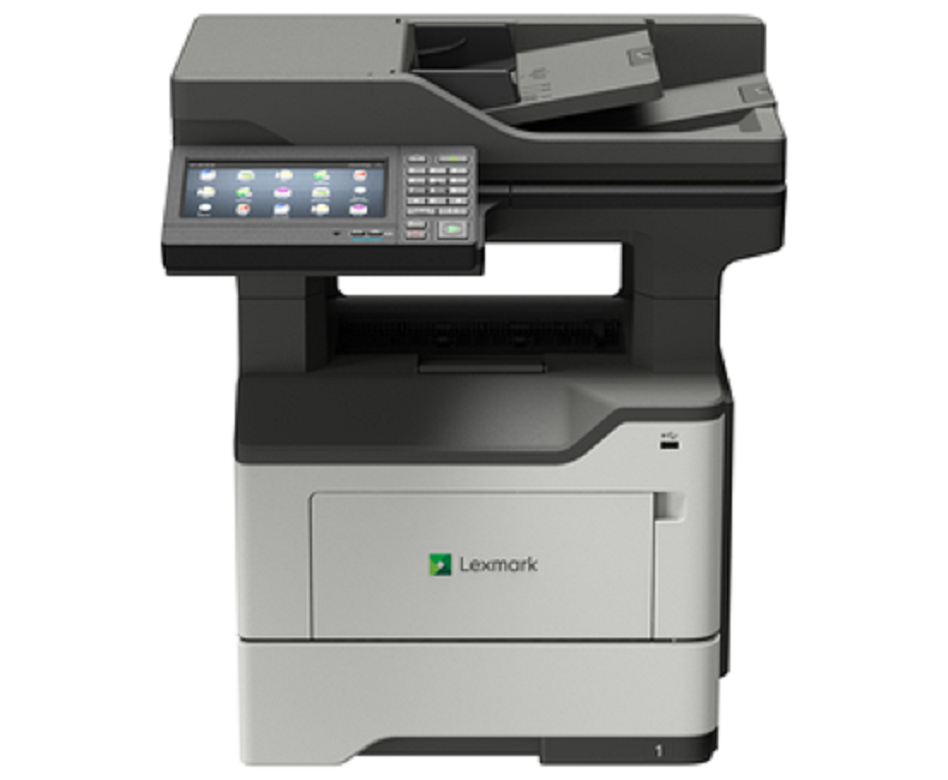



 Download Manufacturer Specifications


