



 Shopping Cart
 Lexmark MX622ADHE Multifunction Printer
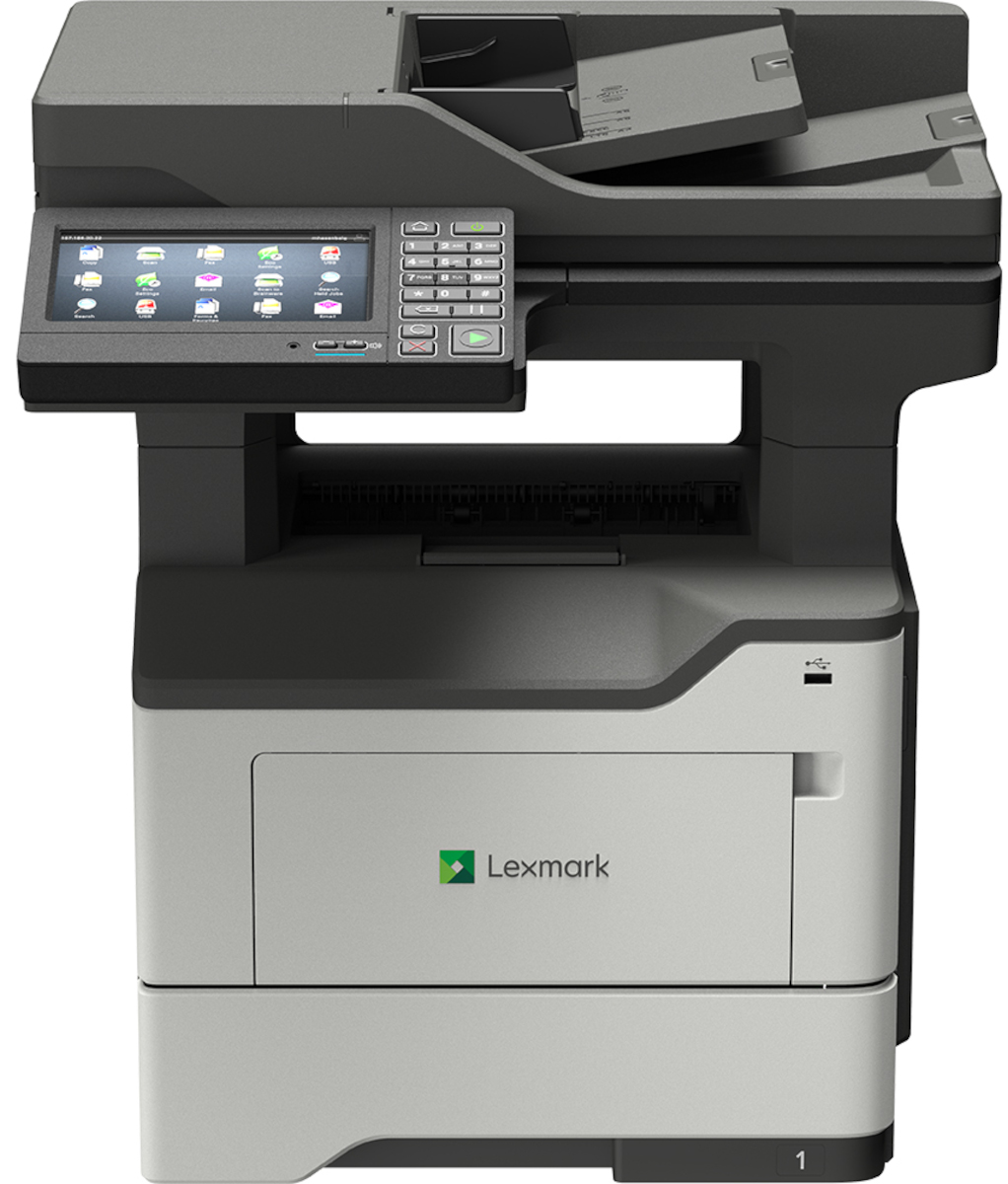


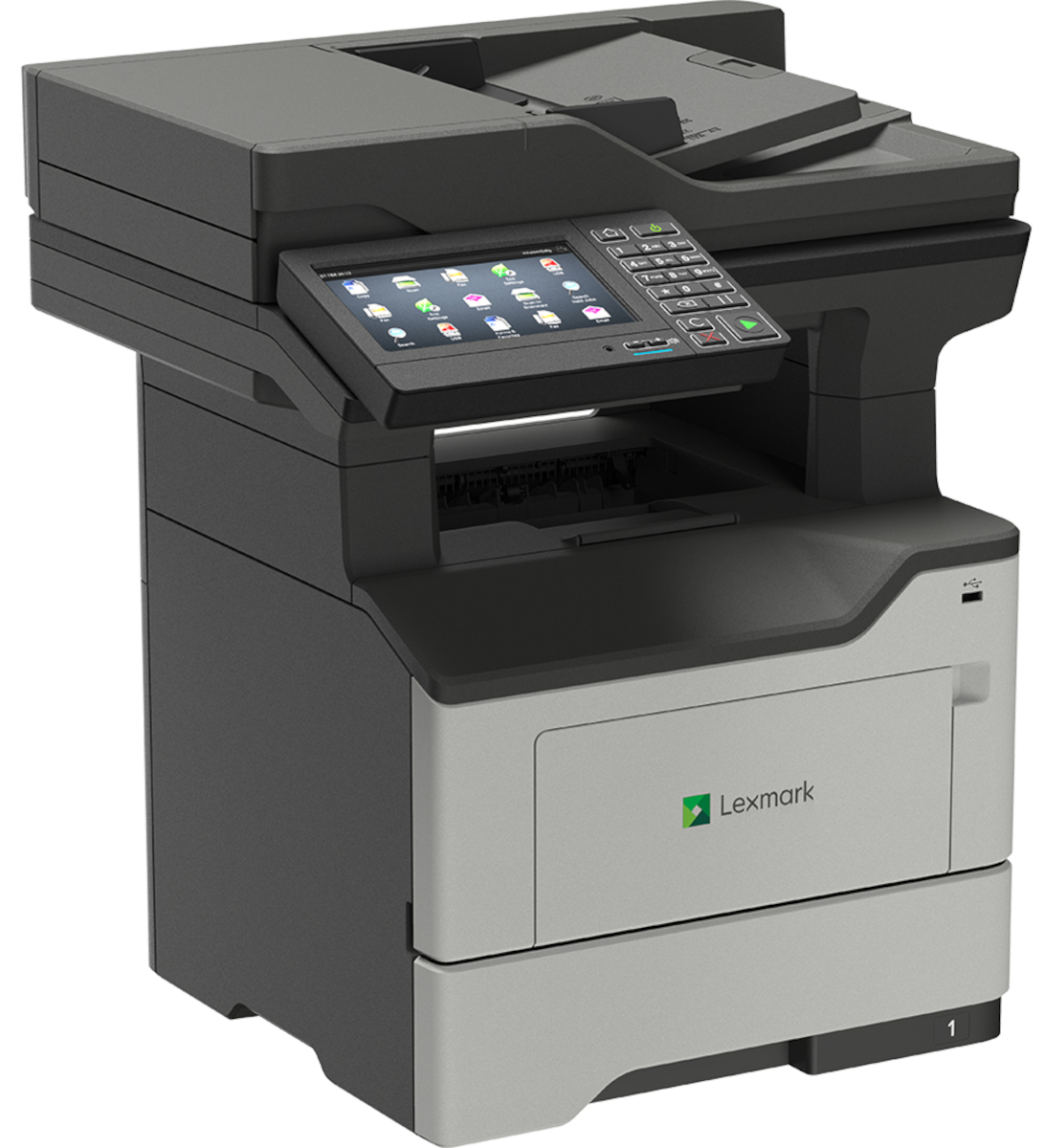
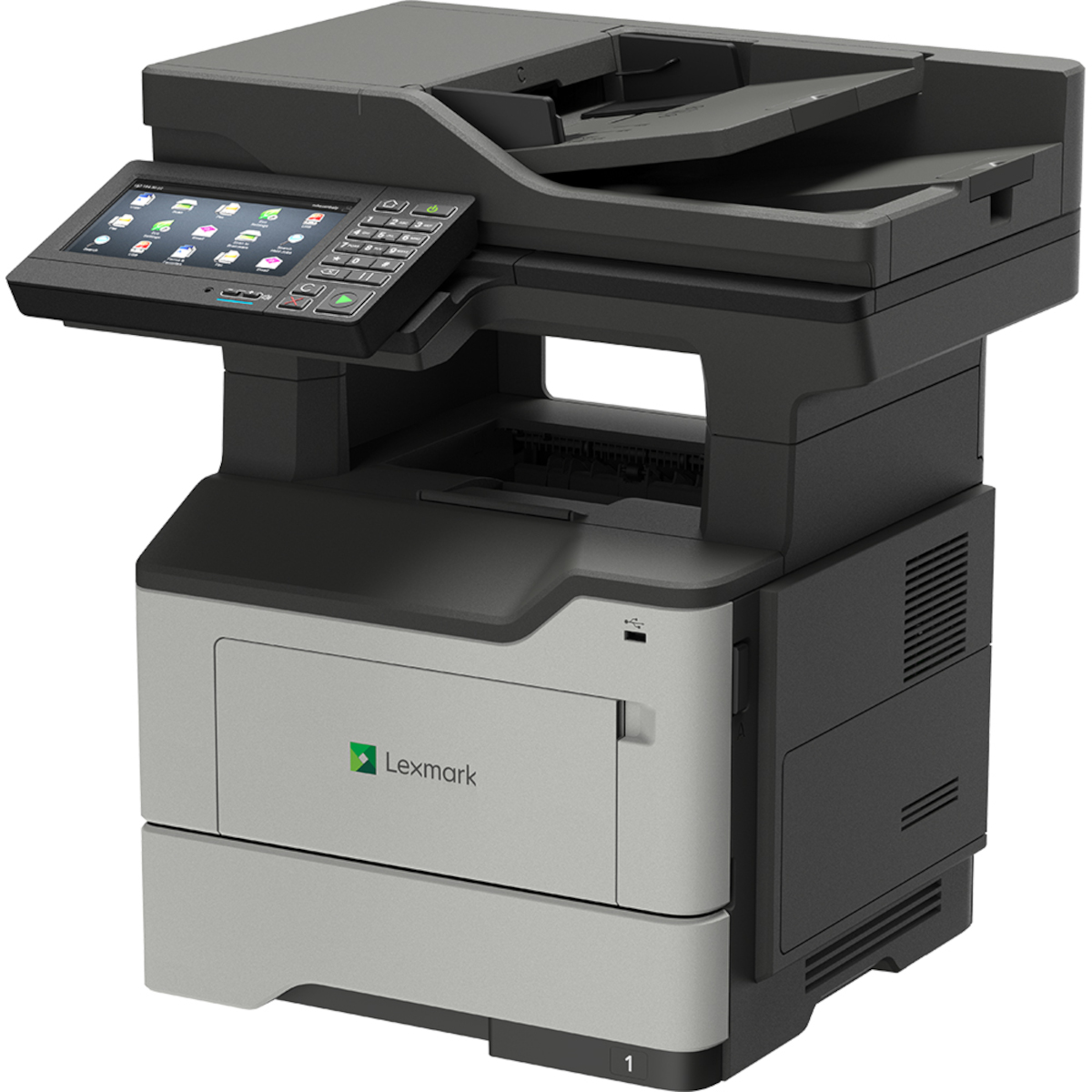

Product Details
Specifications
Accessories
Reviews
Product Details
Main Features
- Functions: Print, scan, copy and fax
- Black and white desktop laser printer
- Enhanced security features
- Speedy prints of up to 50 pages per minute
- Hard drive available
- 1.2 GHz Quad-core processor
- 2 GB of standard memory
- 7 inch touchscreeen offers tablet-like interaction
- Optional staple finisher
Specifications
General Specifications
| Manufacturer | Lexmark International, Inc |
| Manufacturer Part Number | 36S0920 |
| Brand Name | Lexmark |
| Product Name | MX622adhe Multifunction Mono Laser |
TECHNICAL INFORMATION |
|
| Multifunction Devices | Copier/Fax/Printer/Scanner |
| Recommended Use | Plain Paper Print |
| Print Color Capability | Monochrome |
| Maximum Mono Print Speed (ppm) | 50 |
| Maximum Print Resolution (dpi) | 1200 x 1200 |
| Duplex Printing | Automatic |
INTERFACES/PORTS |
|
| USB | Yes |
NETWORK & COMMUNICATION |
|
| Ethernet Technology | Gigabit Ethernet |
DISPLAY & GRAPHICS |
|
| Screen Size | 7.01" |
| Touchscreen | Yes |
SCANNER |
|
| Scanner Type | Flatbed |
| Scan Color | Color |
| Optical Resolution (dpi) | 1200 |
COPIER |
|
| Copier Type | Flatbed |
| Copy Color | Monochrome |
FAX |
|
| Fax Color | Monochrome |
MEDIA TYPES & HANDLING |
|
| Media Type |
|
| Media Size | |
| Media Size |
|
| Media Handling |
|
| Standard Input Media Capacity | 650 sheets |
SOFTWARE |
|
| Operating System Supported |
Windows:
Apple:
Linux:
Novell:
UNIX:
|
RELIABILITY |
|
| Duty Cycle | 175000 |
| Recommended Monthly Print Volume | 2000 to 20000 |
POWER DESCRIPTION |
|
| Power Source | AC Supply |
PHYSICAL CHARACTERISTICS |
|
| Form Factor | Desktop |
| Height | 21.5" |
| Width | 19.3" |
| Depth | 18.8" |
| Weight (Approximate) | 49.2 lb |
| Certifications & Standards |
|
| Energy Star | Yes |
| Green Compliant | Yes |
| Green Compliance Certificate/Authority |
|
 Download Manufacturer Specifications
Accessories

Reviews


It is always better to use original branded ink cartridges to reduce chances of clogging, leaking and bleeding.
Getting blank pages after you installed a new cartridge? Check that the sticker from the cartridge was properly removed. Alternatively, run the clean print head function to make sure all air bubbles are removed. Do not remove the cartridge once it has been installed.
Set your printer for the proper paper type and weight. Fine art papers are heavier than ordinary inkjet or bond papers so set the printer to thicker paper settings.
MY ACCOUNT
INFO & POLICIES
SHOP EASY
PAYMENT OPTIONS



* Images are for illustration purposes only.