



 Shopping Cart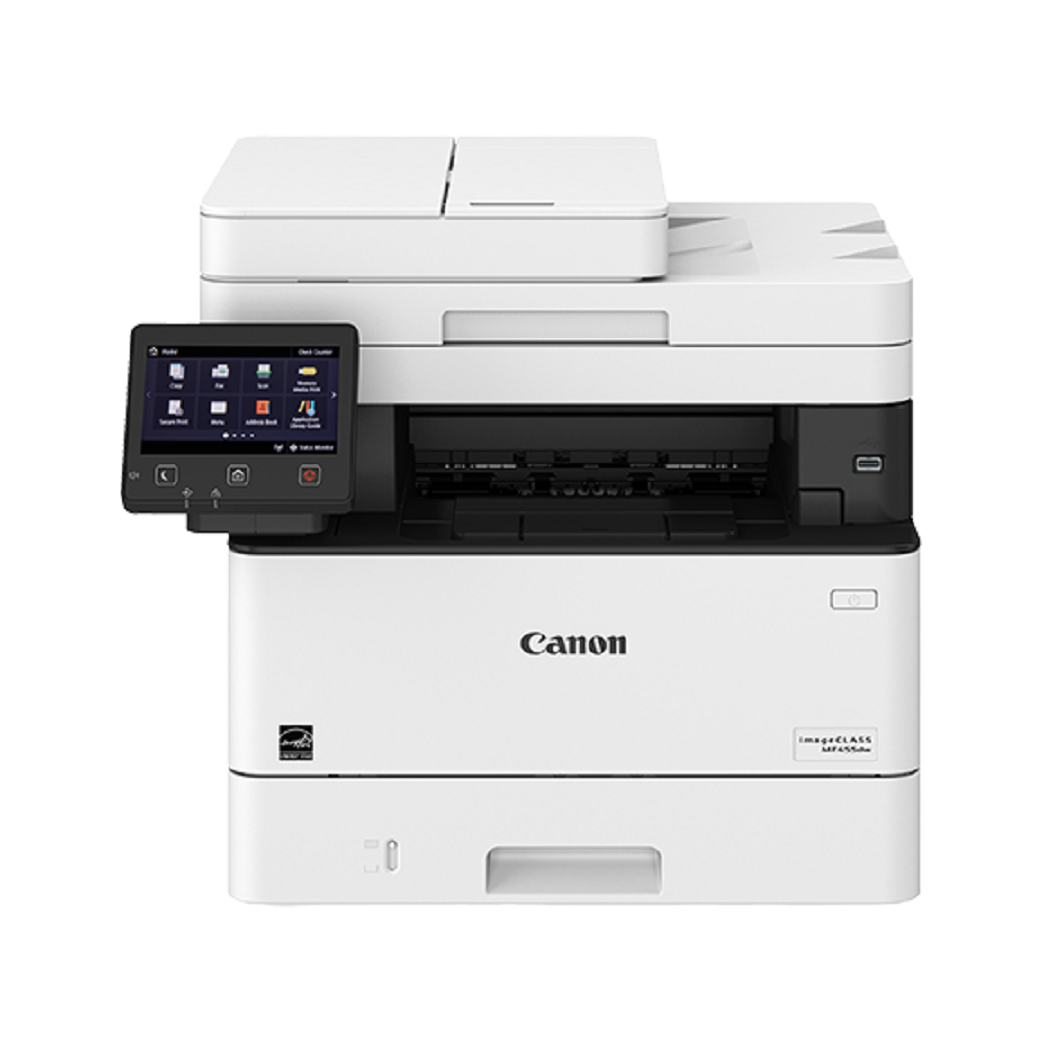



*** ALL TONERS AND SUPPLIES ARE IN STOCK AT DISCOUNTED PRICING , CALL +18882983095..
Printers do not include supplies - toners , drums (Imaging Units) (where applicable) , printer cables , manuals , consumables , trays (where applicable). Power cables are included. Drivers can be downloaded at www.hp.com. Please verify that drivers available are compatible with your software on HP’s site.
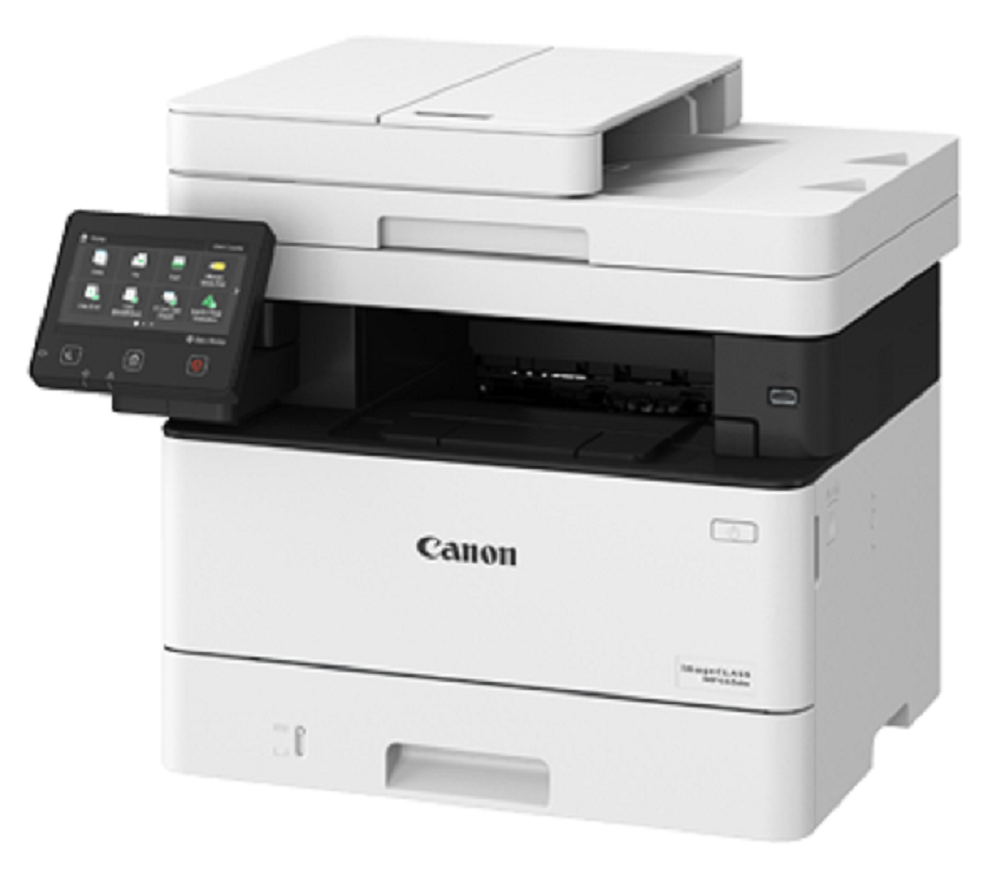
Images are for illustration purposes only and do not necessarily reflect the actual product.Product Details
Specifications
Accessories
Reviews
Product Details
Main Features
- Print, Copy, Scan, Fax
- 40 ppm print speed
- 600 x 600 dpi print resolution
- 250 sheet standard paper capacity
- 900 sheet maximum paper capacity
- Auto duplex print
- Mobile Connectivity
- 5" Color Touchscreen
Specifications
General Specifications
| Auto Feeder Capacity (Sheets)
|
50 |
|---|---|
| Automatic Document Feeder (ADF)
|
Yes |
| Black & White Copy Resolution (Up to) | 1200 x 1200 dpi |
| Black & White Copy Speed (cpm)
|
40 |
| Black & White Print Speed | 31 to 40 PPM |
| Borderless Printing | No Borderless Printing |
| Depth in Inches
|
18.3 |
| Display Screen Size (Inches) | 5 |
| Double Sided Printing | Automatic |
| Family Model # | MF455dw |
| Height in Inches
|
15.4 |
| Max Print Resolution (dpi)
|
1200 DPI |
| Maximum Number of Paper Trays | 2 |
| Mobile Capability | Mobile Capable |
| Mobile Printing Apps | Apple AirPrint, Canon PRINT Business, Mopria Print Service |
| Network Ready | Yes |
| Number of Users | 11-15 Users |
| Output Type | Black & White |
| Paper Input Capacity
|
350 sheets |
| Photo Capable | Not Photo |
| Power Consumption (Watts)
|
1310 |
| Printer Capability | Print, Scan, Copy, Fax |
| Printer Connectivity | USB, Wireless, Network Ready |
| Printer Function | All-In-One |
| Printer Language | PCL 6, PostScript 3, PDF, TIFF, PCL 5, UFRII, JPEG |
| Printer Max Paper Size | 8.5" x 14" Legal |
| Printer Memory
|
1GB |
| Printer Type | Laser |
| Printer Use | Home Office |
| Recommended Monthly Print Volume
|
750-4000 pages |
| Scanner Resolution
|
600 x 600 dpi |
| Series or Collection
|
ImageCLASS |
| Standard Number of Paper Trays | 2 |
| Supertank | Standard |
| Supported Paper Sizes | 3" x 5", 4.1" x 5.8", 8.5" x 11" (letter size) |
| True Color
|
Black/White |
| Weight (lbs.)
|
35.7 |
| Wide Format Compatibility
|
No |
| Width in Inches
|
17.8 |
| Wireless Ready
|
Wireless |
Accessories

Reviews


Most printers have a paper-out detector. On most dot matrix printers it is a photo diode. If form-fed paper is not aligned correctly (usually on the left side) the diode won't see it.
Printer not working? Be sure the paper is installed correctly and there is enough of it.
Most printers have a built-in diagnostics program which can be very useful for troubleshooting problems and test-printing without a computer. They are usually initiated by pressing a button or two while turning on the printer.
MY ACCOUNT
INFO & POLICIES
SHOP EASY
PAYMENT OPTIONS



