



 Shopping Cart
 Konica Minolta Bizhub C3100i Color Printer
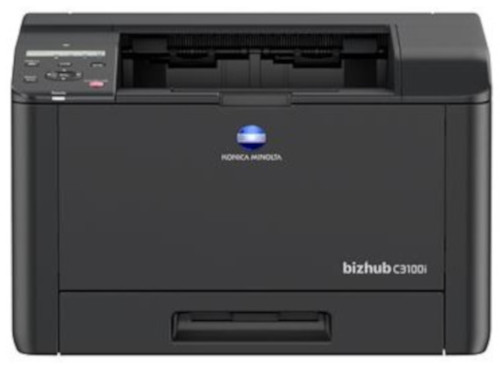


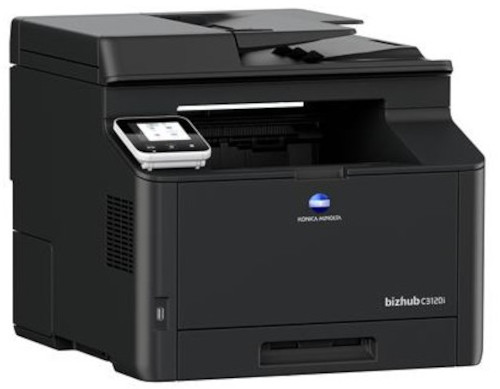

Product Details
Specifications
Accessories
Reviews
Product Details
Main Features
- 33 pages per minute print speed
- Prints directly from a mobile device
- Approx 35 seconds warm up time
- Automatic duplex prints print as fast as 20 page per minute
- Noise free printer
- Compact and lightweight
- 512MB memory
- High print Resolution: 2400 x 600 dpi
- 50 sheet automatic document feeder
- Touch panel display
- A6-A4 printable paper size
Specifications
General Specifications
| Print speed A4 | Up to 31/31 ppm (mono/colour) |
| Autoduplex speed A4 | Up to 19/19 ppm (mono/colour) |
| 1st page out time A4 | 10.0/11.0 sec. (mono/colour) |
| Warm-up time Approx. | 35 sec. (mono/colour) |
| Panel size/resolution | 2 line LCD / 240 x 48 |
| System memory | 512 MB (standard/max) |
| Interface | 10/100/1,000-Base-T Ethernet; USB 2.0; Wi-Fi 802.11 b/g/n |
| Mobile printing | AirPrint (iOS); Mopria (Android); WiFi Direct |
| Printable paper size | A6-A4; customized paper sizes |
| Paper input capacity | 300 sheets / 550 sheets (standard/max) |
| Printable paper weight | 60-176 g/m |
| Output capacity | Up to 150 sheets |
| Duty cycle (monthly) | Rec. 1,600 pages; Max. 62,000 pages |
| System dimension (W x D x H) | 410 x 430 x 255 mm |
| System weight | Approx. 17.4 kg |
 Download Manufacturer Specifications
Accessories

Reviews


Most printers have a built-in diagnostics program which can be very useful for troubleshooting problems and test-printing without a computer. They are usually initiated by pressing a button or two while turning on the printer.
Not all drivers are pre-installed on all operating systems and as new operating systems are released, you will need to install drivers yourself. Make sure to consult your printer manual.
Don't move a print head unless the instructions direct it. You can damage the belt or other parts.
MY ACCOUNT
INFO & POLICIES
SHOP EASY
PAYMENT OPTIONS



* Images are for illustration purposes only.