



 Shopping Cart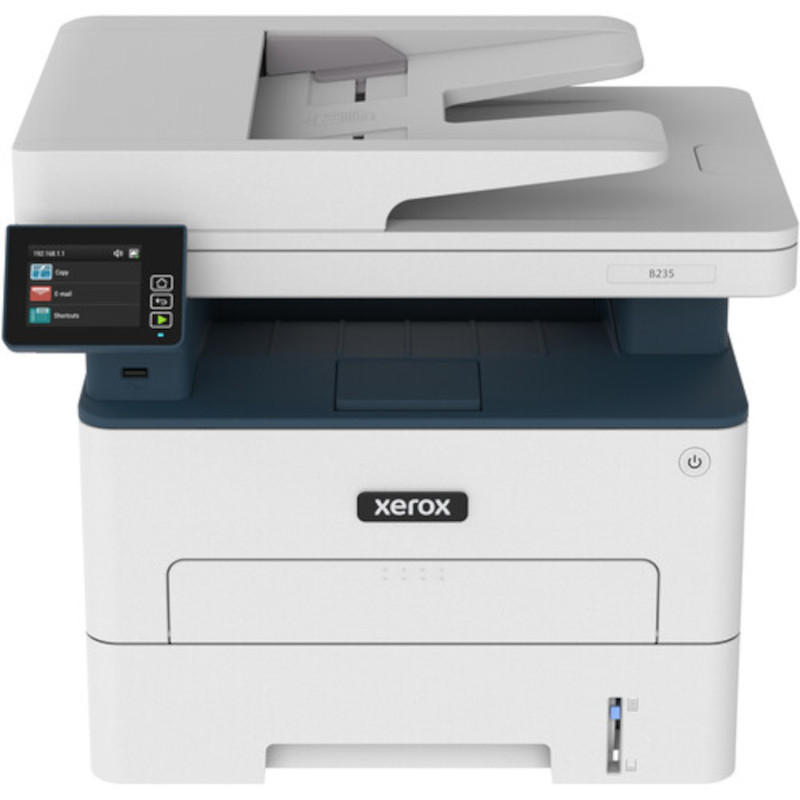



*** ALL TONERS AND SUPPLIES ARE IN STOCK AT DISCOUNTED PRICING , CALL +18882983095..
Printers do not include supplies - toners , drums (Imaging Units) (where applicable) , printer cables , manuals , consumables , trays (where applicable). Power cables are included. Drivers can be downloaded at www.hp.com. Please verify that drivers available are compatible with your software on HP’s site.
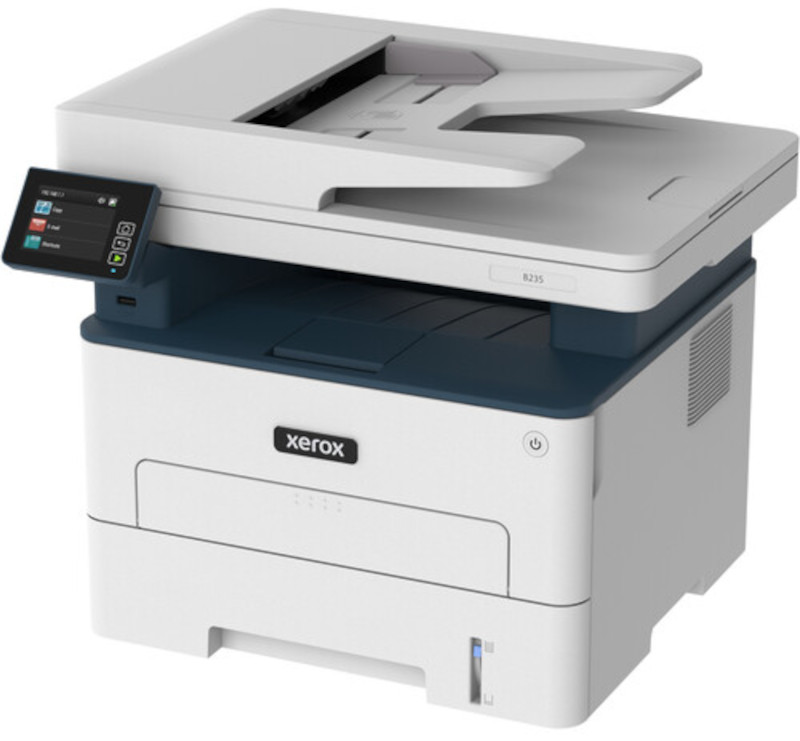
Images are for illustration purposes only and do not necessarily reflect the actual product.Product Details
Specifications
Accessories
Reviews
Product Details
Main Features
- Print, scan, copy and fax abilities
- Print speed: 36 pages per minute
- First print out time at 6.2 seconds
- Maximum resolution: 600 x 600 dpi
- 2.4" Color touchscreen
- 512MB standard memory
- Media type: Envelopes, card stock, plain paper, labels, glossy, colored, preprinted, letterhead, heavy-weight and light-weight paper
- USB, Ethernet and WiFi
- Black and white prints
Specifications
General Specifications
| Functions | Print, Scan, Copy, Fax |
| Printing Technology | Laser |
| Color Type | Black |
| Configuration | 1 x Toner |
| Duplex Printing | Yes |
| Print Speed (By Time) | 34 ppm (Black) |
| Paper Handling | 1 x Input Tray |
| Paper Capacity | Input Tray 1: 250 x Sheet |
| Type | Flatbed Scanner with Automatic Document Feeder (ADF) |
| Maximum Resolution | ADF |
| Scan Modes | Monochrome |
| Duplex Scanning | No |
| Scan Sizes | Not Specified by Manufacturer |
| Wireless | Wi-Fi |
| Direct Printing | Android, Apple AirPrint, Mopria, Wi-Fi Direct |
| Battery | None |
| AC Input Power | 110 VAC, 60 Hz |
| Certifications | ENERGY STAR *as per Manufacturer |
| Dimensions (W x H x D) | 21.7 x 18.3 x 17.1" / 55.1 x 46.5 x 43.4 cm |
| Weight | 30.9 lb / 14 kg |
| Package Weight | 28.825 lb |
| Box Dimensions (LxWxH) | 22.6 x 18.1 x 17" |
 Download Manufacturer Specifications
Accessories

Reviews


Set your printer for the proper paper type and weight. Fine art papers are heavier than ordinary inkjet or bond papers so set the printer to thicker paper settings.
What is dpi? Dpi is used to describe the resolution number of dots per inch in a digital print. The higher the numbers, the more detailed the print image is.
Are you getting diminished color and print quality? If all your images start to look a bit purple, blue or orange, one of your ink wells may be running low. Replace the whole printer ink cartridge, unless you can refill the individual ink wells.
MY ACCOUNT
INFO & POLICIES
SHOP EASY
PAYMENT OPTIONS



