



 Shopping Cart
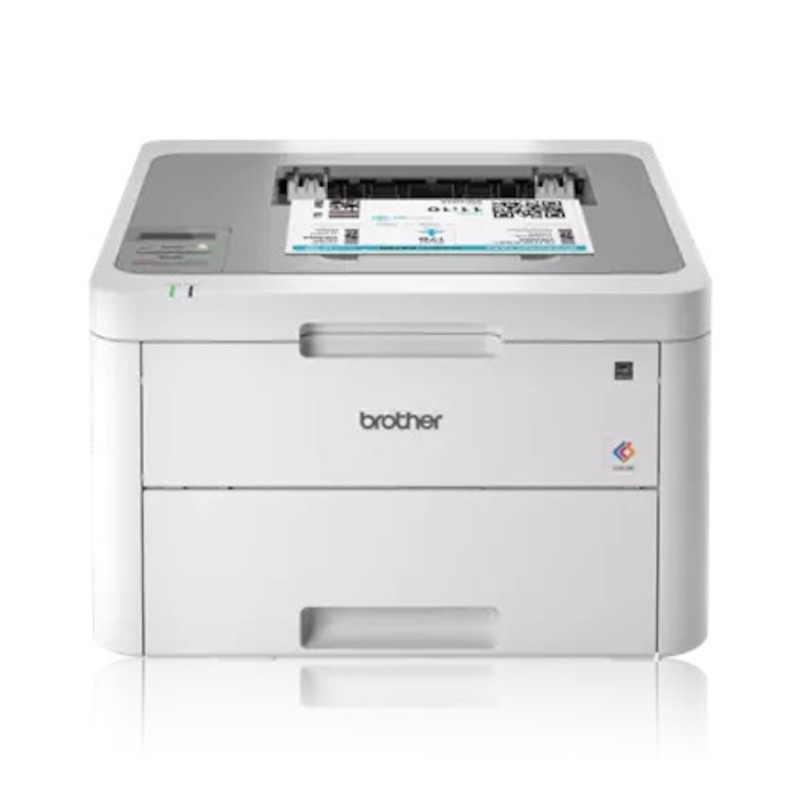
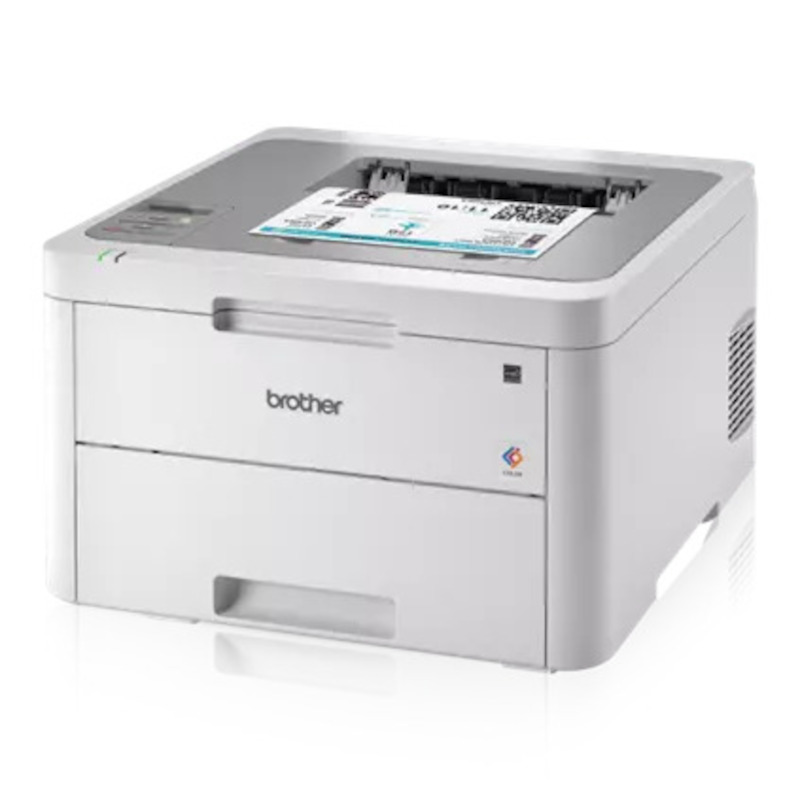
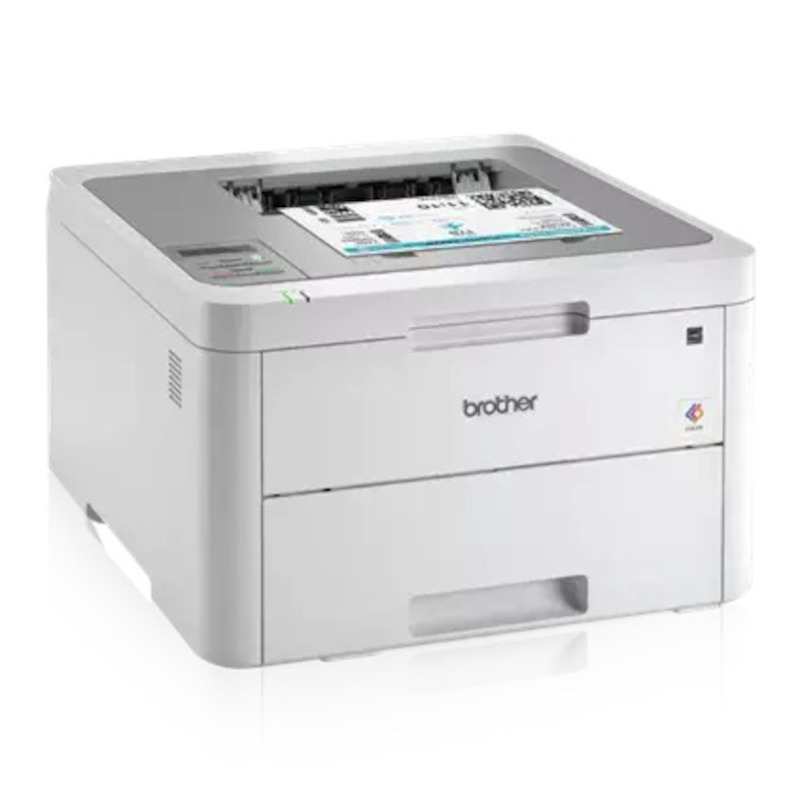
 Brother HL-L3210CW Compact Digital Color Printer



Product Details
Specifications
Accessories
Reviews
Product Details
Main Features
- Digital Color Printer
- Print Speed: 19 ppm
- Compact Design
- 250 Sheet paper capacity
- Mobile Printing
- Bulit in Wireless
- Flexible paper handling
Specifications
 Download Manufacturer Specifications
Accessories

Reviews


Paper jam? The best way to remove jammed paper is to gently pull the paper in the direction of the paper path - with power off, of course. Do not pull the paper backwards - you could damage your printer forever by doing so.
Preview and proofread your documents on the screen before sending them to print. This will save you a lot of paper and re-printing.
Flashing light on your printer? Each printer has a different reason for a blinking or orange light but in general it is due to a paper jam, an empty paper tray, a printer cartridge problem or a problem with the printer hardware.
MY ACCOUNT
INFO & POLICIES
SHOP EASY
PAYMENT OPTIONS



* Images are for illustration purposes only.