



 Shopping Cart
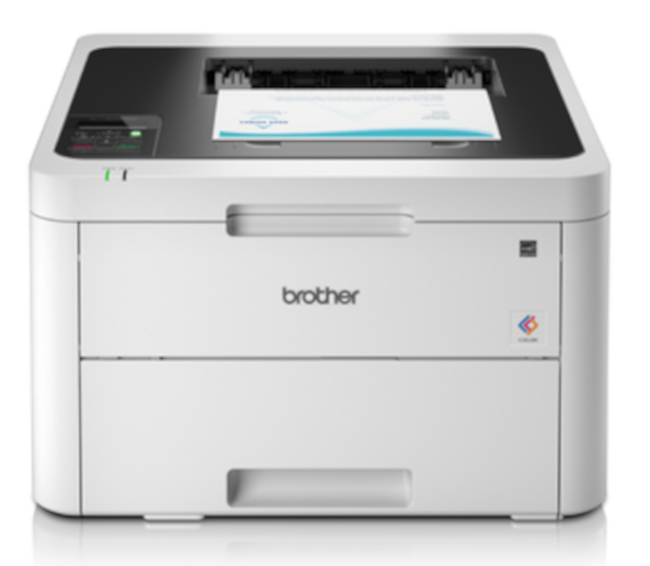
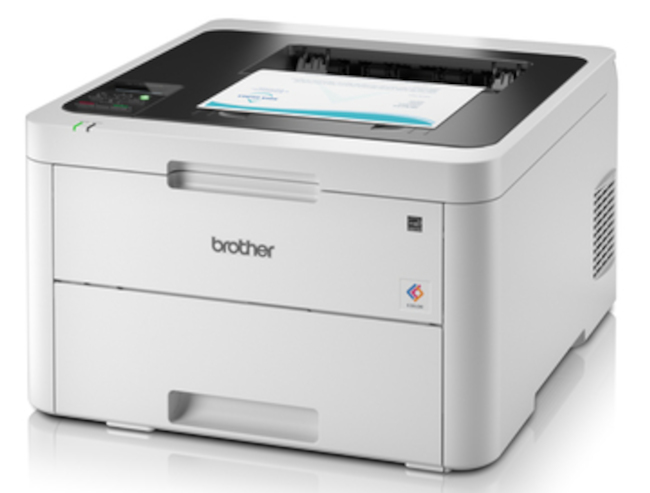
 Brother HL-L3230CDW Color Laser Printer



Product Details
Specifications
Accessories
Reviews
Product Details
Main Features
- Print speed: 25 pages per minute
- Color prints
- First print out time: 15.5 seconds
- Recommended monthly duty cycle: 1500 pages
- Print resolution: 2400 * 600 dpi
- Maximum 250 sheet input capacity
- USB, Ethernet and Wi-Fi connectivity
- Compact design ideal for small spaces
Specifications
General Specifications
| Printing Technology | LED |
| Color Type | Color |
| Configuration | 4 x Toner |
| Print Resolution | 2400 x 600 dpi |
| Borderless Printing | No |
| Duplex Printing | Yes |
| Print Speed (By Time) | 25 ppm (Black) 25 ppm (Color) 3 ppm (Black Duplex) 3 ppm (Color Duplex) |
| First Print Out Time | 15.5 Seconds |
| Monthly Duty Cycle | 30,000 Pages 1500 Pages (Recommended) |
Printer Media Handling
| Paper Handling | 1 x Input Tray, Output Tray |
| Media Sizes | Input Tray 1 Minimum: 4.1 x 5.8" / 10.41 x 14.73 cm Maximum: 8.3 x 13" / 21.08 x 33.02 cm |
| Media Weight | Input Tray 1: 60 to 163 gsm / 40.5 to 110 lb |
| Paper Capacity | Input Tray 1: 250 x Sheet Output Tray: 150 x Sheet |
| Special Media Support | Envelopes |
Connectivity
| Interface | USB-B RJ45 |
| Wireless | Wi-Fi |
| Direct Printing | Apple AirPrint, Brother iPrint&Scan, Google Cloud Print, Mopria, Wi-Fi Direct |
| Internal Memory | Printer: 256 MB |
| Operating System Support | Android, Windows, iOS, macOS/OS X |
| OS Compatibility | Android Windows iOS macOS *As of February, 2021: Check with manufacturer for the most up-to-date compatibility |
Environmental
| Operating Temperature | 50 to 89°F / 10 to 32°C |
| Operating Humidity | 20 to 80% |
| Storage Temperature | 32 to 104°F / 0 to 40°C |
| Storage Humidity | 10 to 95% |
General
| Power Source | AC Adapter |
| Battery | None |
| AC Input Power | 110 to 240 VAC, 50 / 60 Hz |
| Power Consumption | 0.04 W (Off) 8.8 W (Sleep) 75 W (Ready) 430 W (Maximum) |
| Max Acoustic Noise | 5.9 BA (Pressure) 45 dBA (Pressure) |
| Dimensions (W x H x D) | 16.1 x 9.9 x 18.1" / 40.9 x 25.1 x 46 cm |
| Weight | 39.7 lb / 18.01 kg |
Packaging Info
| Package Weight | 47.85 lb |
 Download Manufacturer Specifications
Accessories

Reviews


If debris is the primary cause of failures, toner is the primary cause of debris. All toner cartridges release a small amount of toner powder into the machine. This is why it's important to clean the machine when you change the cartridge.
Are your printer nozzles getting clogged? Try adding a humidifier to the room where you keep your printer.
Don't be in a rush with your printer as you can easily damage a printer, or even get hurt, if you do not follow the instructions in the user manual.
MY ACCOUNT
INFO & POLICIES
SHOP EASY
PAYMENT OPTIONS



* Images are for illustration purposes only.