



 Shopping Cart
 Epson DS-32000 Large-Format Document Scanner
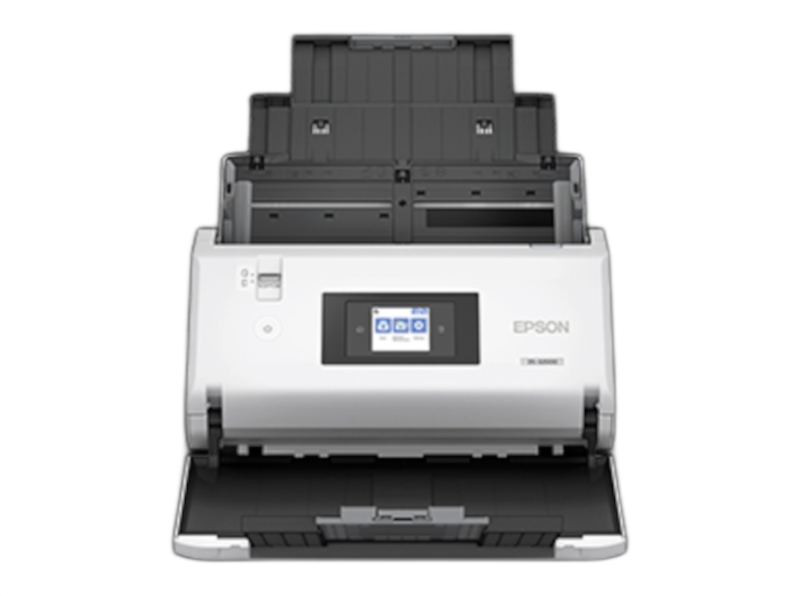


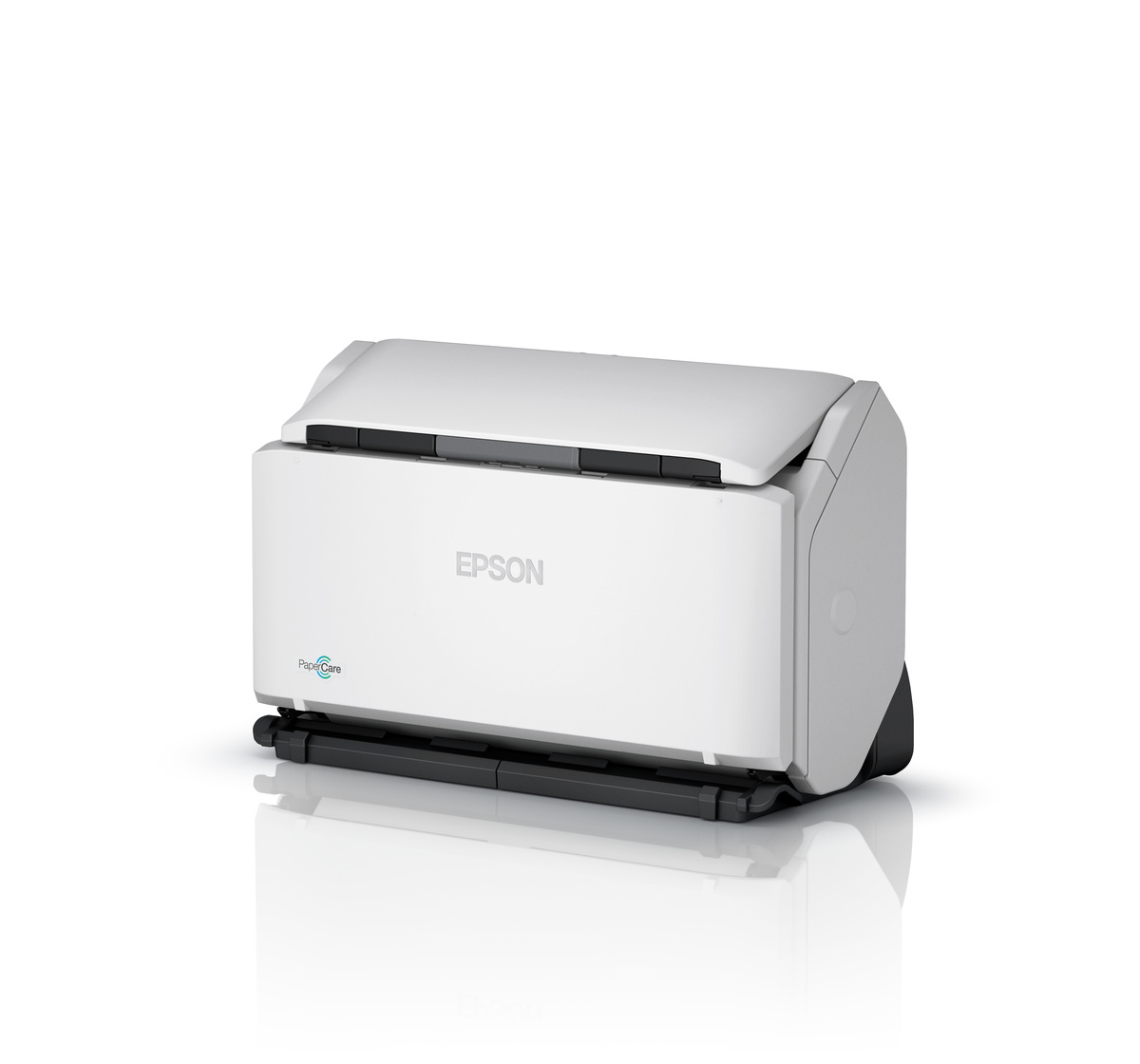
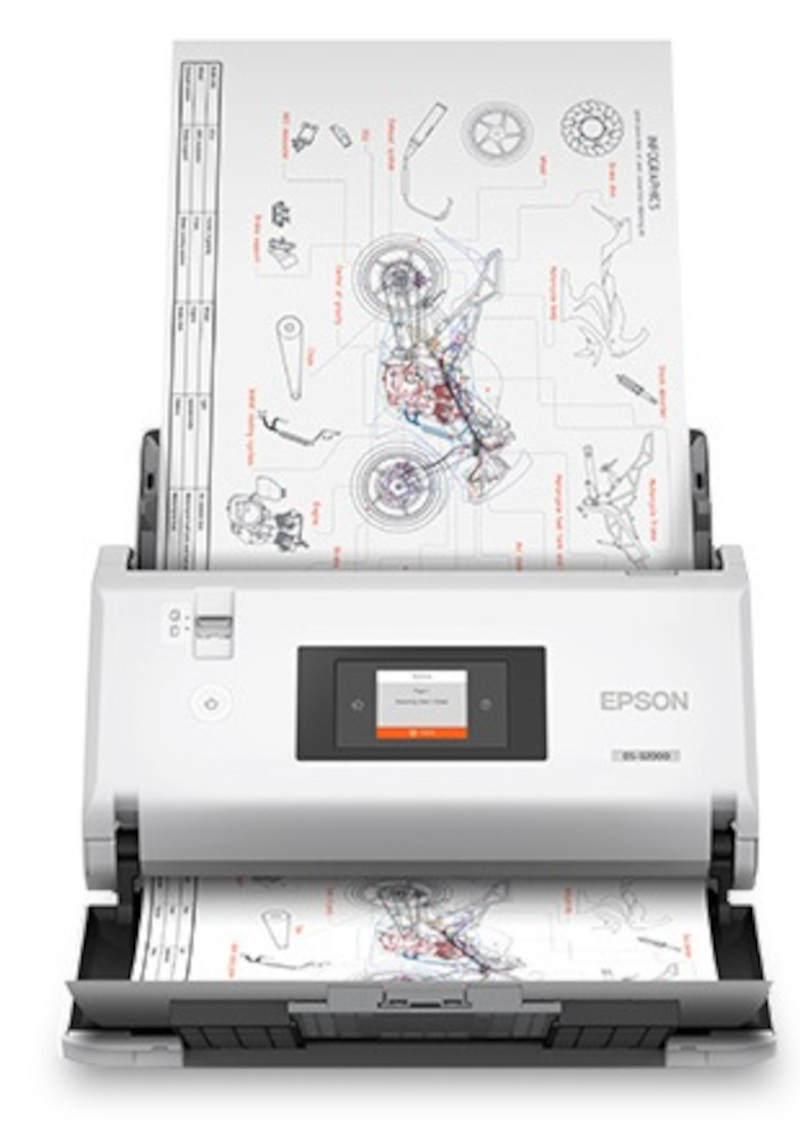

Images are for illustration purposes only and do not necessarily reflect the actual product.
Product Details
Specifications
Accessories
Reviews
Product Details
Main Features
- Large-format Document Scanner
- Scan speed of 90 ppm/180 ipm
- 40,000-page daily duty cycle
- 120 sheet Auto Document Feeder
- Dual sided scanning
- Programmable 2.7" touchscreen
- Paper protection
- Vertical and horizontal feed options
- Accommodates sheets up to 12" x 17"
- Compact design
Specifications
 Download Manufacturer Specifications
Accessories
*** ALL TONERS AND SUPPLIES ARE IN STOCK AT DISCOUNTED PRICING , CALL +18882983095
Reviews


A Twain driver will usually give you a lot more control over the scan settings than a WIA driver and better results even with the default settings.
If you're in a rush or don't know much about scanning, the auto mode should provide reasonably good quality and may be all you need.
Most MFPs are designed for scanning documents and so are best to avoid if you're looking for photo scanning. The few exceptions can be recognized if they feature scanning options that are clearly meant for photos, such as a color restore feature.
MY ACCOUNT
INFO & POLICIES
SHOP EASY
PAYMENT OPTIONS



* Images are for illustration purposes only.