



 Shopping Cart
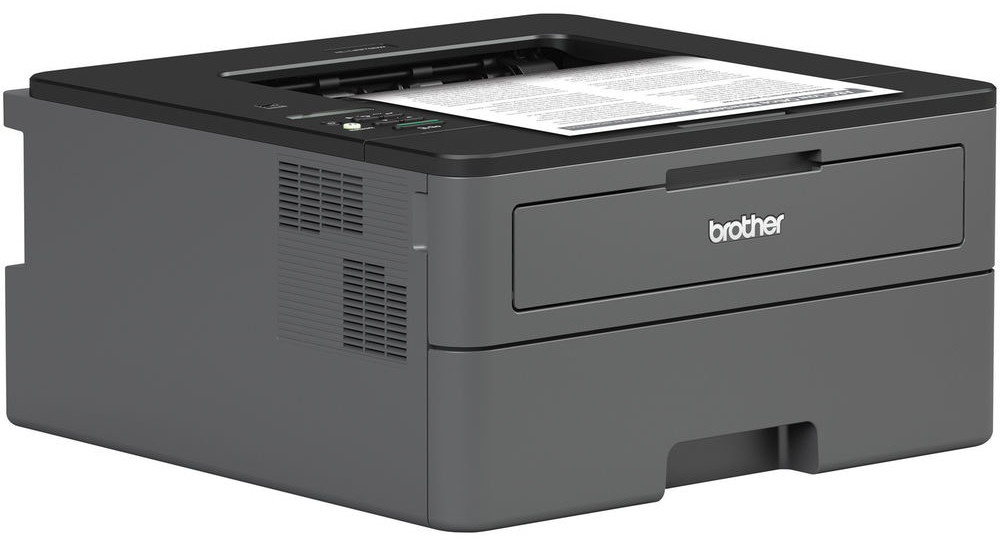
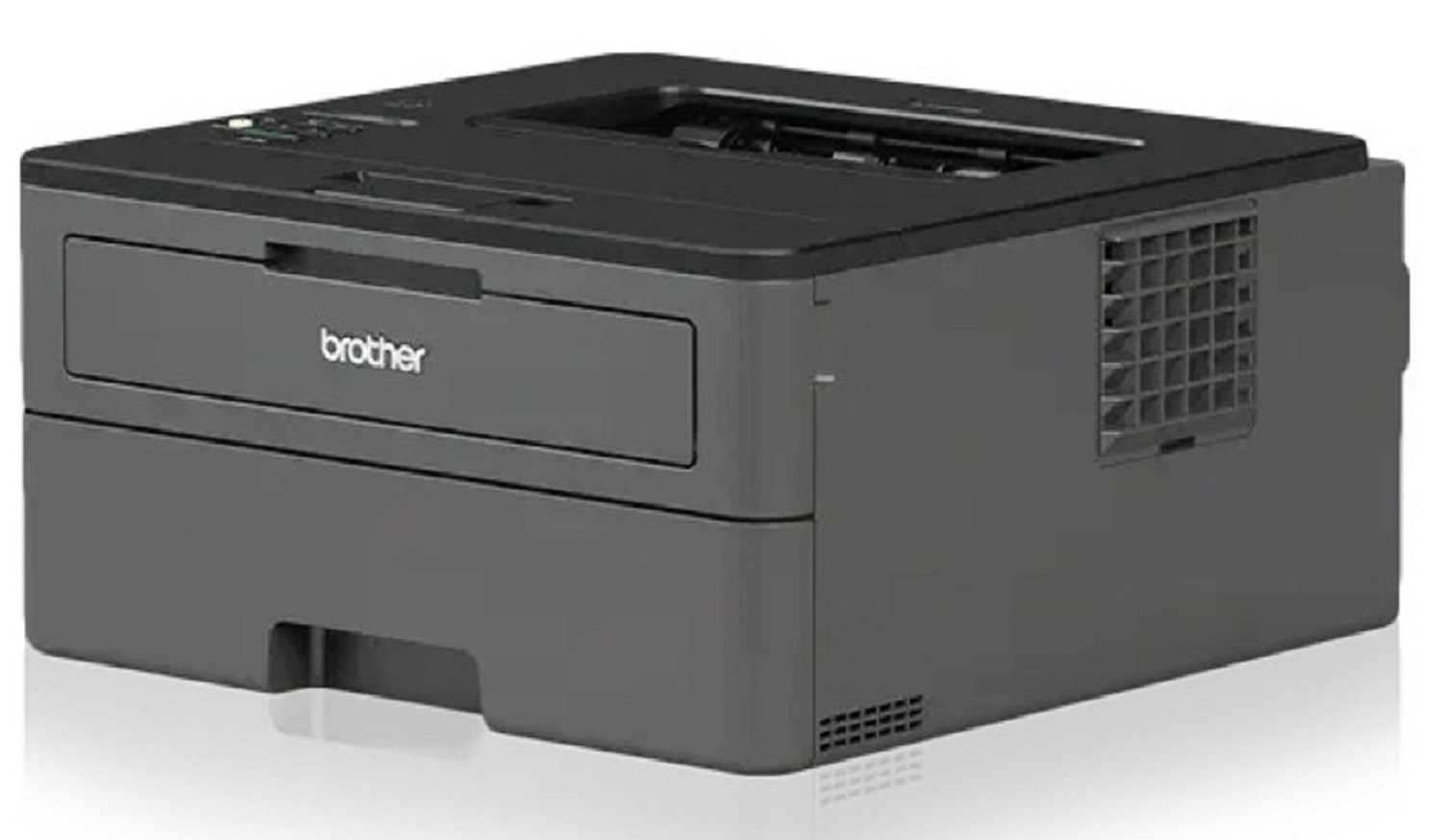
 Brother HL-L2370DW Wireless Monochrome Laser Printer



Product Details
Specifications
Accessories
Reviews
Product Details
Main Features
- Compact Laser Printer
- Black and white output
- 36 ppm print speed
- 2400 x 600 dpi maximum print resolution
- 250 Sheet paper capacity
- Automatic duplex printing
- Wireless printing
Specifications
General Specifications
| Printer Media Size Maximum | 8.5x14 inches |
|---|---|
| Print Speed | 36 pages per minute |
| Power Consumption | 500 Watts |
| Print media | Envelopes |
| Max Input Sheet Capacity | 250 |
| Max Copy Speed (Black & White) | 36 ppm |
| Compatible Devices | PC, Laptops |
| Sheet Size | 8.5 inch x 14 Inches |
| Wattage | 500 watts |
| Duplex | automatic,manual |
| Hardware Interface | Ethernet |
| Ink Color | black |
| Resolution | 2400 x 600 |
| Control Method | Voice |
| Number of Trays | 1 |
| Model Series | HL-L2370 |
| Specific Uses For Product | Office, Home |
| UPC | 012502649656 |
| Memory Storage Capacity | 64 MB |
| Product Dimensions | 4.37 x 6.77 x 7.8 inches |
| Item Weight | 15.9 pounds |
 Download Manufacturer Specifications
Accessories

Reviews


Using heavy or stiff paper? Feed the paper one sheet at a time or try placing a sheet of plain copier or bond paper behind a heavy sheet.
Flashing light on your printer? Each printer has a different reason for a blinking or orange light but in general it is due to a paper jam, an empty paper tray, a printer cartridge problem or a problem with the printer hardware.
Use a lightly dampened cloth to clean the outside of your laser printer. To clean the inside, use a dry, lint-free cloth to make sure that no liquid enters the inner parts of the printer.
MY ACCOUNT
INFO & POLICIES
SHOP EASY
PAYMENT OPTIONS



* Images are for illustration purposes only.