



 Shopping Cart
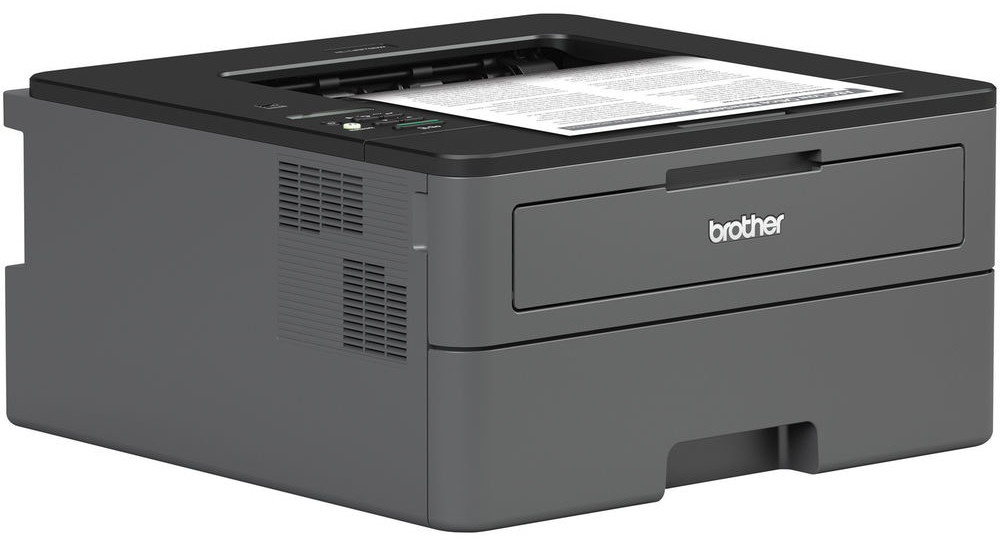
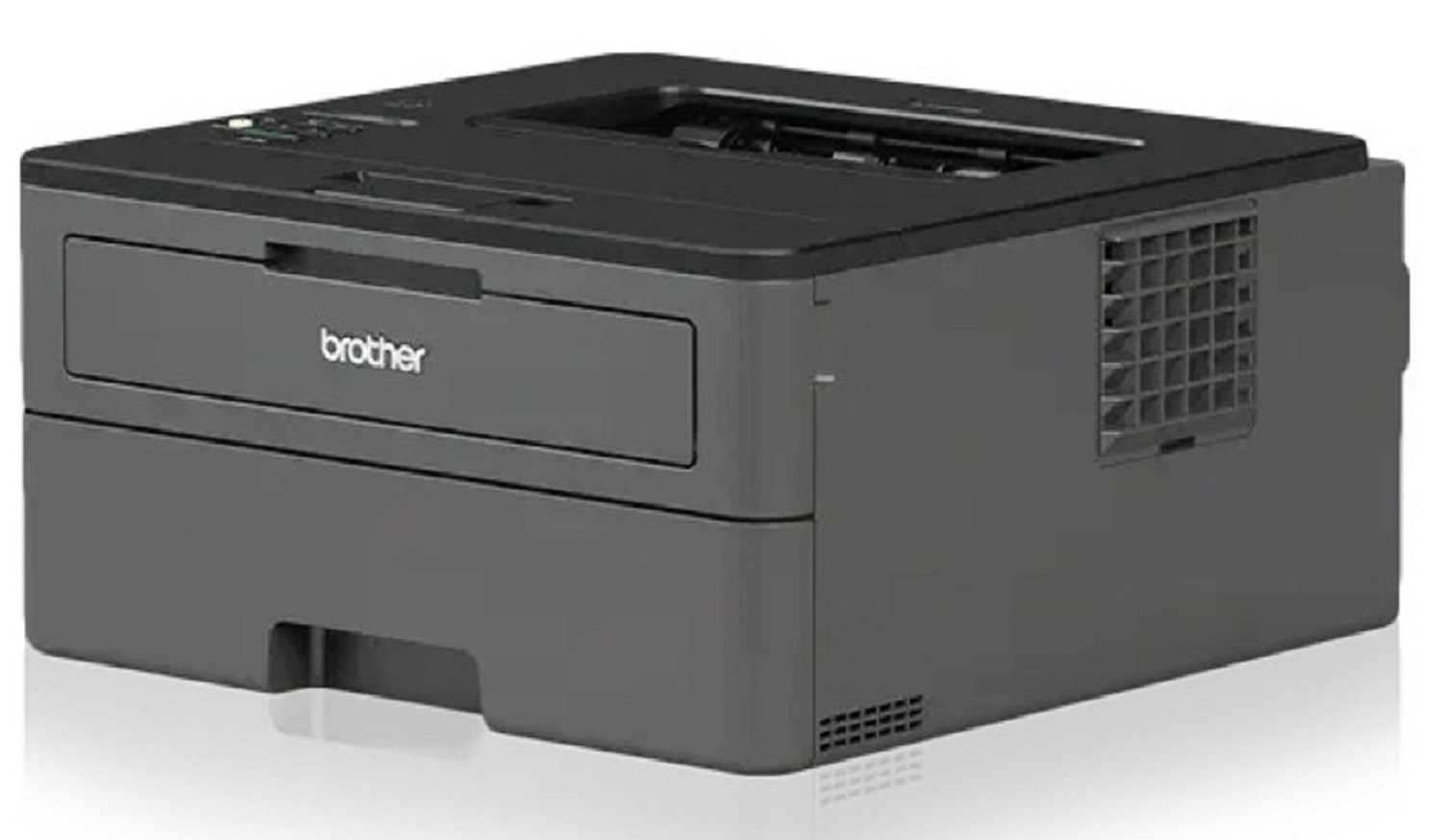
 Brother HL-L2370DW Wireless Monochrome Laser Printer



Product Details
Specifications
Accessories
Reviews
Product Details
Main Features
- Compact Laser Printer
- Black and white output
- 36 ppm print speed
- 2400 x 600 dpi maximum print resolution
- 250 Sheet paper capacity
- Automatic duplex printing
- Wireless printing
Specifications
General Specifications
| Printer Media Size Maximum | 8.5x14 inches |
|---|---|
| Print Speed | 36 pages per minute |
| Power Consumption | 500 Watts |
| Print media | Envelopes |
| Max Input Sheet Capacity | 250 |
| Max Copy Speed (Black & White) | 36 ppm |
| Compatible Devices | PC, Laptops |
| Sheet Size | 8.5 inch x 14 Inches |
| Wattage | 500 watts |
| Duplex | automatic,manual |
| Hardware Interface | Ethernet |
| Ink Color | black |
| Resolution | 2400 x 600 |
| Control Method | Voice |
| Number of Trays | 1 |
| Model Series | HL-L2370 |
| Specific Uses For Product | Office, Home |
| UPC | 012502649656 |
| Memory Storage Capacity | 64 MB |
| Product Dimensions | 4.37 x 6.77 x 7.8 inches |
| Item Weight | 15.9 pounds |
 Download Manufacturer Specifications
Accessories

Reviews


Getting blank pages after you installed a new cartridge? Check that the sticker from the cartridge was properly removed. Alternatively, run the clean print head function to make sure all air bubbles are removed. Do not remove the cartridge once it has been installed.
Allow ink to dry completely to avoid smudging. The time will vary based on the ink and paper quality used as well as the temperature and humidity conditions.
Preview and proofread your documents on the screen before sending them to print. This will save you a lot of paper and re-printing.
MY ACCOUNT
INFO & POLICIES
SHOP EASY
PAYMENT OPTIONS



* Images are for illustration purposes only.