



 Shopping Cart
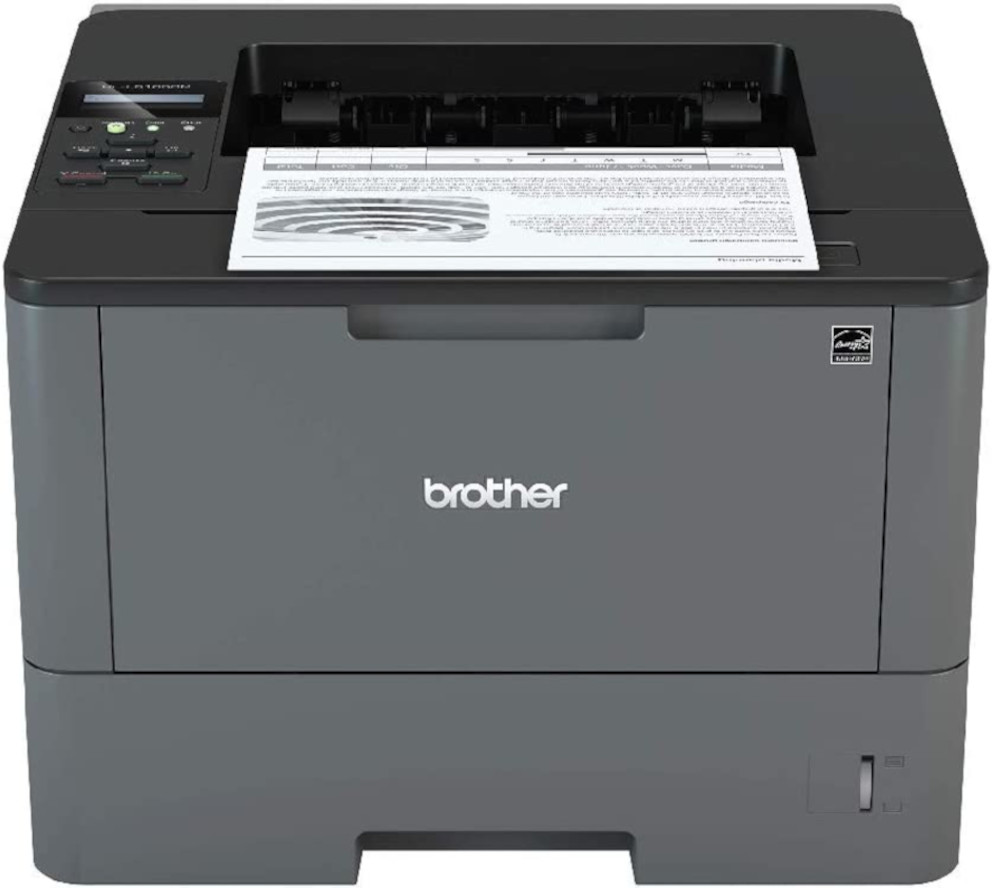
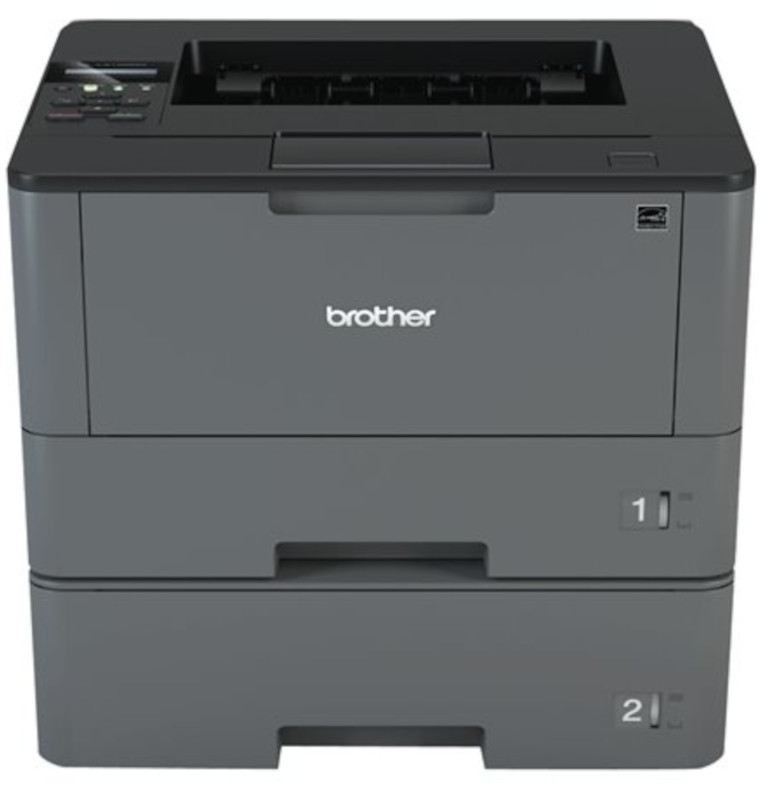
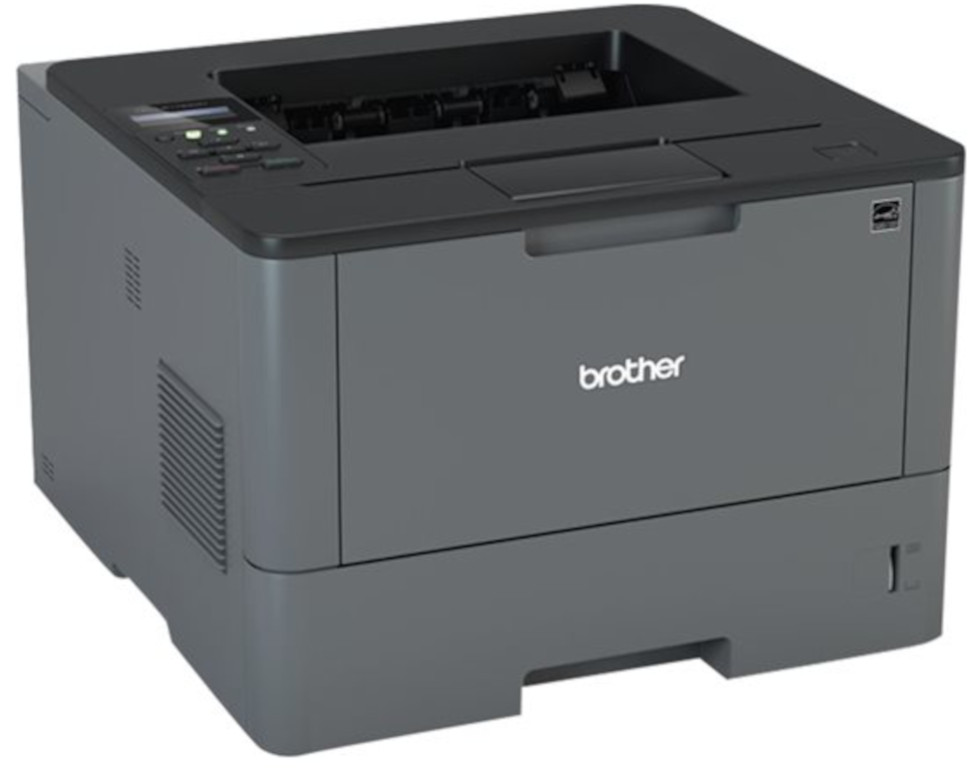
 Brother HL-L5100DN Monochrome Laser Printer



Product Details
Specifications
Accessories
Reviews
Product Details
Main Features
- Black and white printing
- Automatic duplex print
- Print speed 42 pages per minute
- Built-in Ethernet interface
- Adjustable 250-sheet capacity paper tray
- 50-sheet capacity multi-purpose tray
- Convenient mobile device printing
- Advanced security features
Specifications
General Specifications
| Model Number | HL-L5100DN | |
| Print Speed | 42 ppm | |
| CPU Speed | 800 MHz | |
| First Page Out | 7.2 sec | |
| Print Resolution | 1200 x 1200 dpi | |
| Print Technology | Black and White Laser | |
| Security Functions | Seure Function Lock,
|
|
| Security Protocols (wired) |
|
|
| Duplex Printing Capability | Yes | |
| Media Type | Plain, Envelopes (#10), Bond, Envelopes, Labels, Recycled Paper, Colored Paper, Letterhead | |
| Multi-Purpose Tray Capacity | 50 | |
| Output Paper Capacity | 150 sheets |
 Download Manufacturer Specifications
Accessories

Reviews


Are you getting diminished color and print quality? If all your images start to look a bit purple, blue or orange, one of your ink wells may be running low. Replace the whole printer ink cartridge, unless you can refill the individual ink wells.
Paper coatings are designed to control ink absorption and spread, producing brilliant, sharp images with less ink.
Use a lightly dampened cloth to clean the outside of your laser printer. To clean the inside, use a dry, lint-free cloth to make sure that no liquid enters the inner parts of the printer.
MY ACCOUNT
INFO & POLICIES
SHOP EASY
PAYMENT OPTIONS



* Images are for illustration purposes only.