



 Shopping Cart
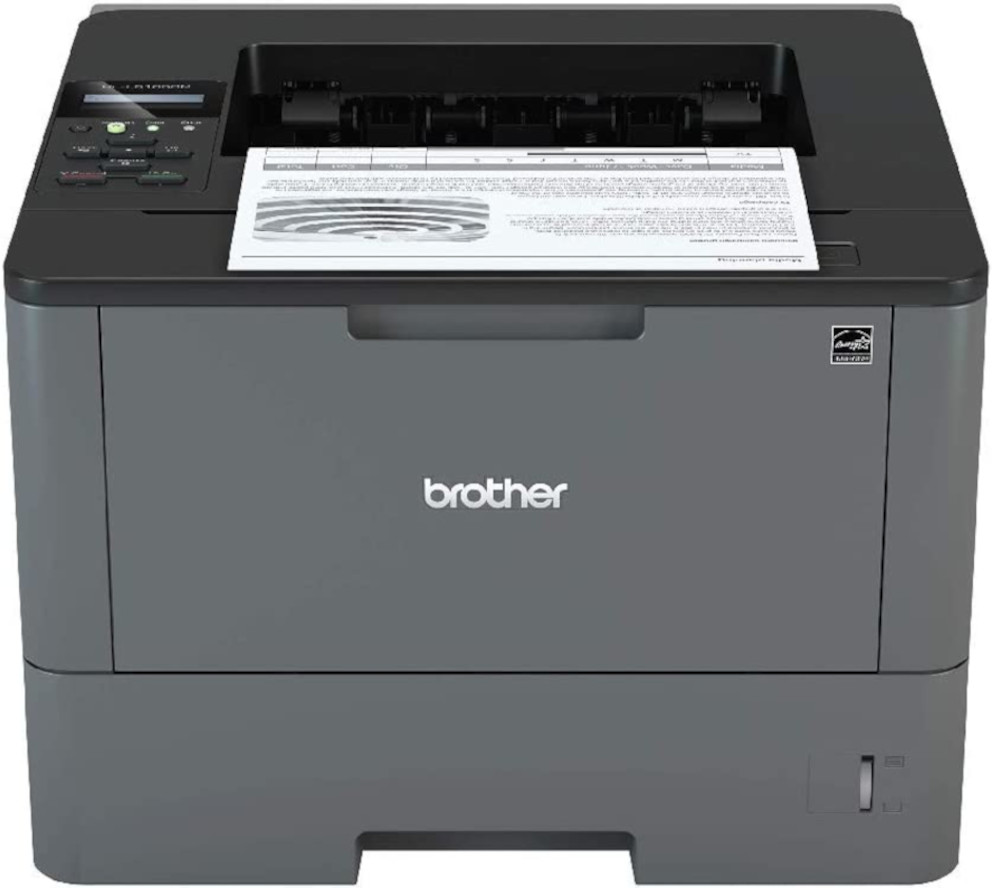
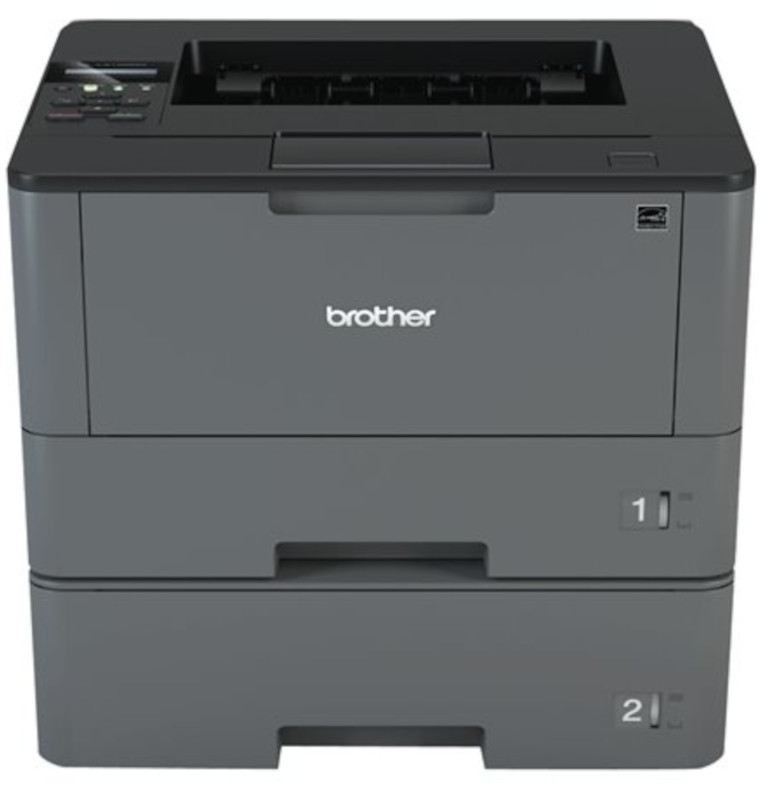
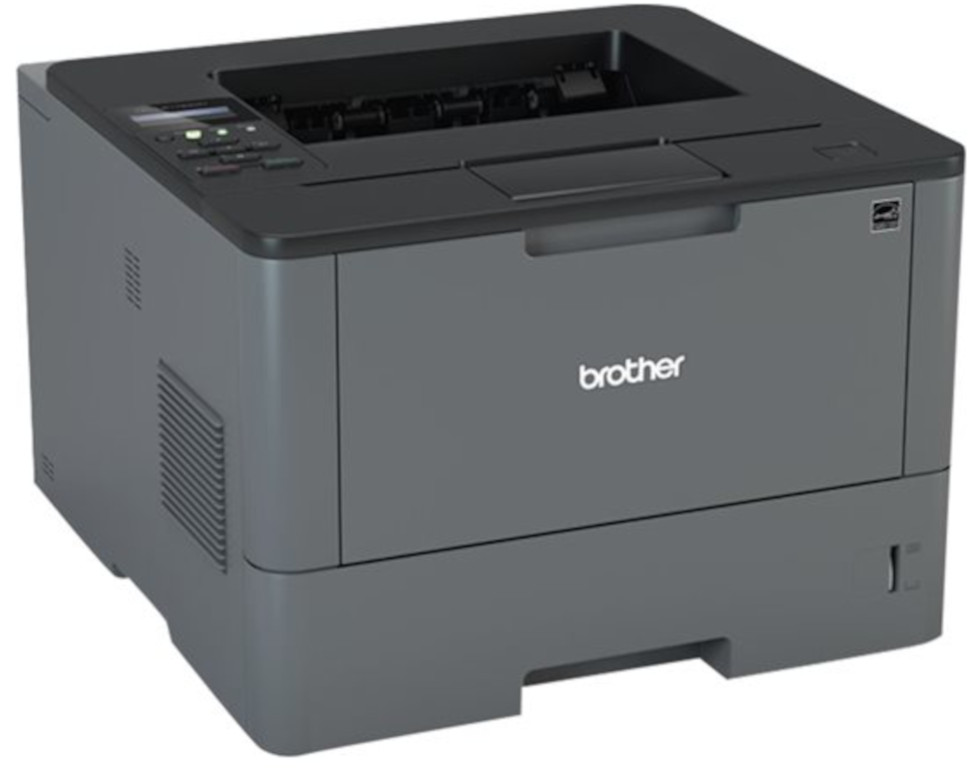
 Brother HL-L5100DN Monochrome Laser Printer



Product Details
Specifications
Accessories
Reviews
Product Details
Main Features
- Black and white printing
- Automatic duplex print
- Print speed 42 pages per minute
- Built-in Ethernet interface
- Adjustable 250-sheet capacity paper tray
- 50-sheet capacity multi-purpose tray
- Convenient mobile device printing
- Advanced security features
Specifications
General Specifications
| Model Number | HL-L5100DN | |
| Print Speed | 42 ppm | |
| CPU Speed | 800 MHz | |
| First Page Out | 7.2 sec | |
| Print Resolution | 1200 x 1200 dpi | |
| Print Technology | Black and White Laser | |
| Security Functions | Seure Function Lock,
|
|
| Security Protocols (wired) |
|
|
| Duplex Printing Capability | Yes | |
| Media Type | Plain, Envelopes (#10), Bond, Envelopes, Labels, Recycled Paper, Colored Paper, Letterhead | |
| Multi-Purpose Tray Capacity | 50 | |
| Output Paper Capacity | 150 sheets |
 Download Manufacturer Specifications
Accessories

Reviews


If debris is the primary cause of failures, toner is the primary cause of debris. All toner cartridges release a small amount of toner powder into the machine. This is why it's important to clean the machine when you change the cartridge.
Make sure to select the correct paper type for your print job. In general, for more important documents, use thicker paper.
Paper jam? The best way to remove jammed paper is to gently pull the paper in the direction of the paper path - with power off, of course. Do not pull the paper backwards - you could damage your printer forever by doing so.
MY ACCOUNT
INFO & POLICIES
SHOP EASY
PAYMENT OPTIONS



* Images are for illustration purposes only.