



 Shopping Cart
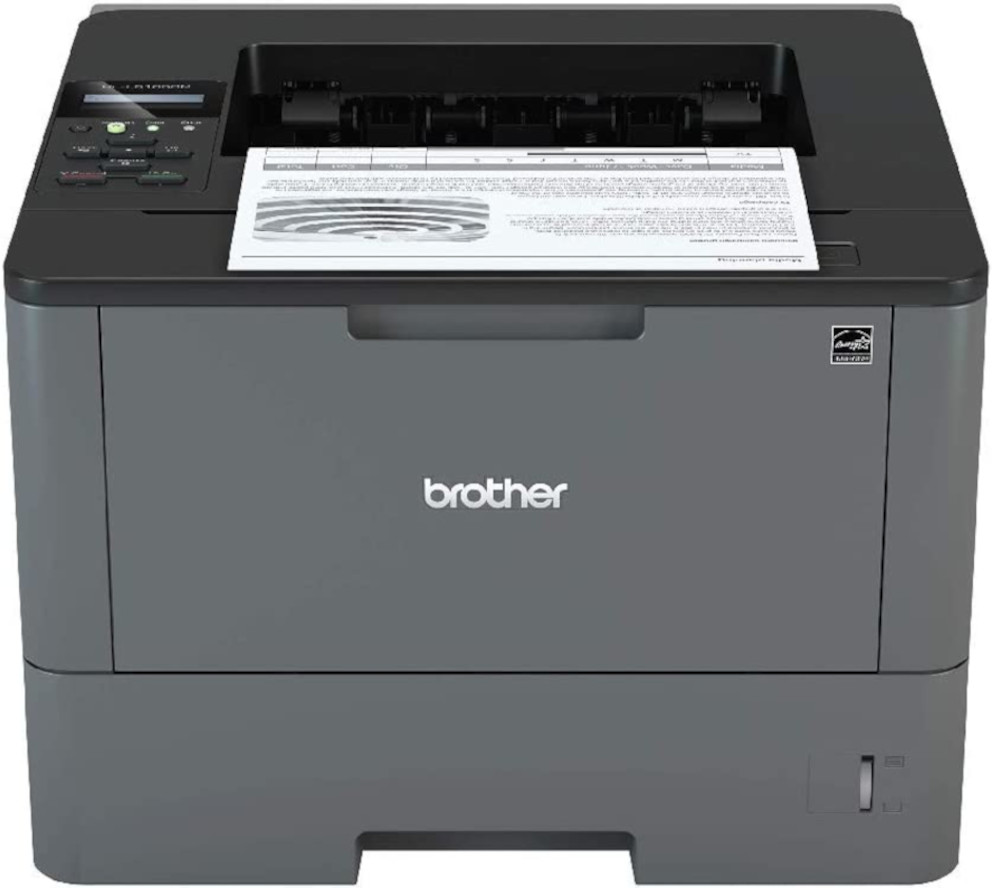
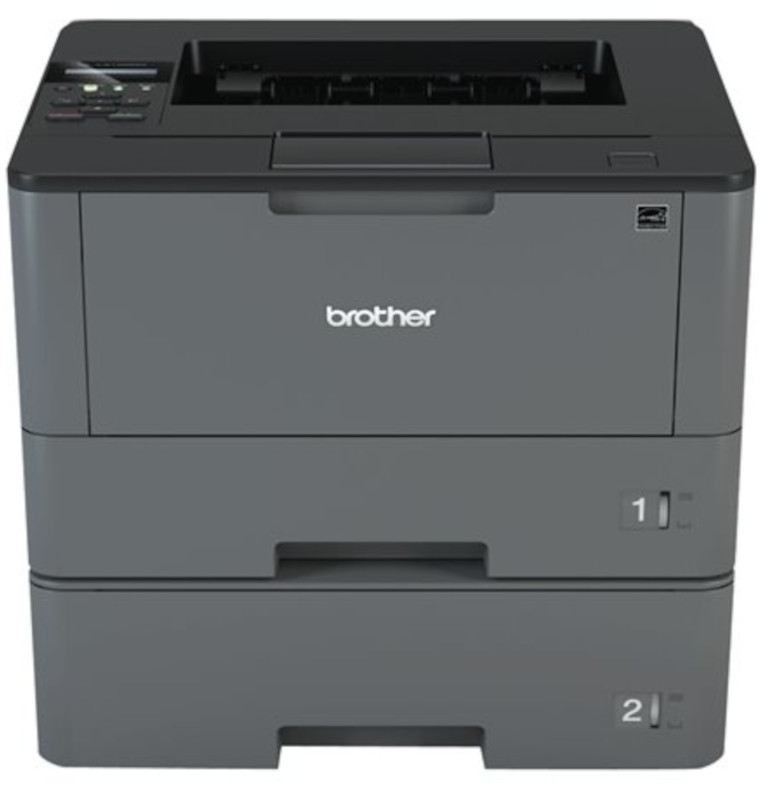
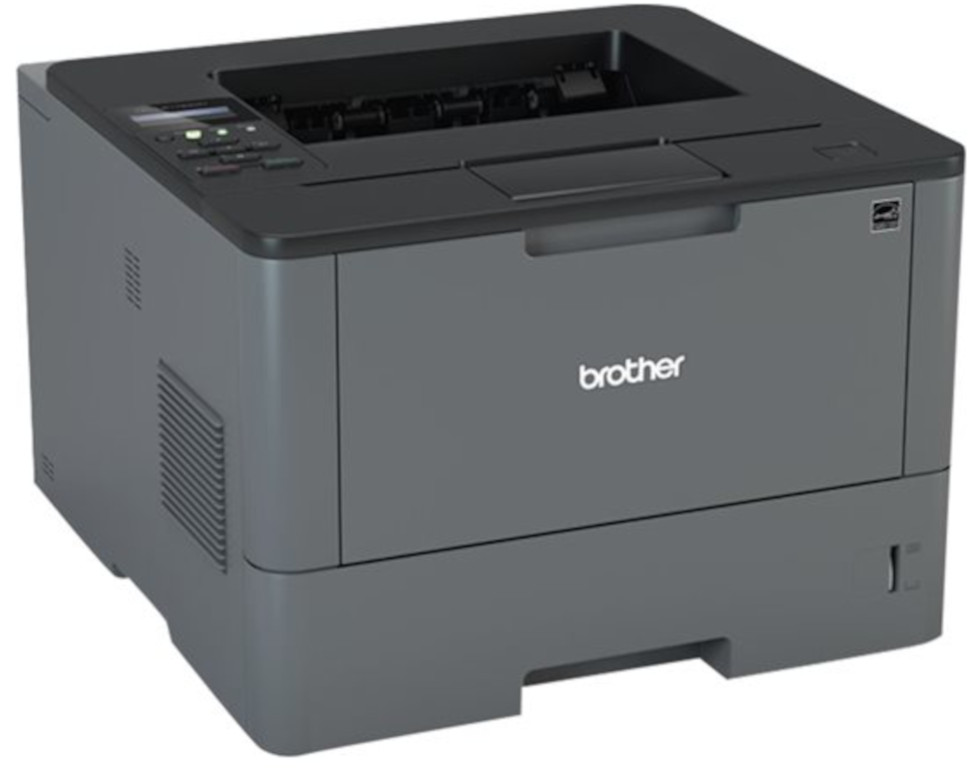
 Brother HL-L5100DN Monochrome Laser Printer



Product Details
Specifications
Accessories
Reviews
Product Details
Main Features
- Black and white printing
- Automatic duplex print
- Print speed 42 pages per minute
- Built-in Ethernet interface
- Adjustable 250-sheet capacity paper tray
- 50-sheet capacity multi-purpose tray
- Convenient mobile device printing
- Advanced security features
Specifications
General Specifications
| Model Number | HL-L5100DN | |
| Print Speed | 42 ppm | |
| CPU Speed | 800 MHz | |
| First Page Out | 7.2 sec | |
| Print Resolution | 1200 x 1200 dpi | |
| Print Technology | Black and White Laser | |
| Security Functions | Seure Function Lock,
|
|
| Security Protocols (wired) |
|
|
| Duplex Printing Capability | Yes | |
| Media Type | Plain, Envelopes (#10), Bond, Envelopes, Labels, Recycled Paper, Colored Paper, Letterhead | |
| Multi-Purpose Tray Capacity | 50 | |
| Output Paper Capacity | 150 sheets |
 Download Manufacturer Specifications
Accessories

Reviews


Most printers have a built-in diagnostics program which can be very useful for troubleshooting problems and test-printing without a computer. They are usually initiated by pressing a button or two while turning on the printer.
Make sure to select the correct paper type for your print job. In general, for more important documents, use thicker paper.
Printer not working? The printer memory could be full and not getting prints or the prints may be stuck in the print queue. Turn-off the printer, wait a few seconds and turn it back on.
MY ACCOUNT
INFO & POLICIES
SHOP EASY
PAYMENT OPTIONS



* Images are for illustration purposes only.