



 Shopping Cart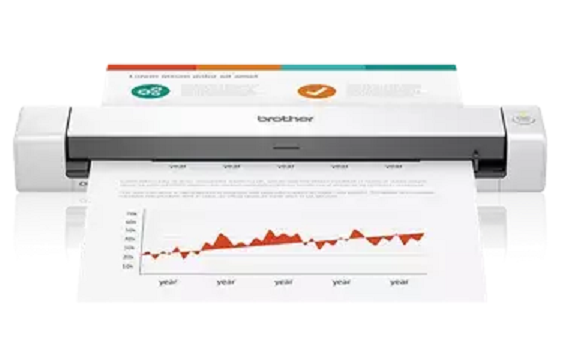



*** ALL TONERS AND SUPPLIES ARE IN STOCK AT DISCOUNTED PRICING , CALL +18882983095..
Printers do not include supplies - toners , drums (Imaging Units) (where applicable) , printer cables , manuals , consumables , trays (where applicable). Power cables are included. Drivers can be downloaded at www.hp.com. Please verify that drivers available are compatible with your software on HP’s site.
Product Details
Specifications
Accessories
Reviews
Product Details
Main Features
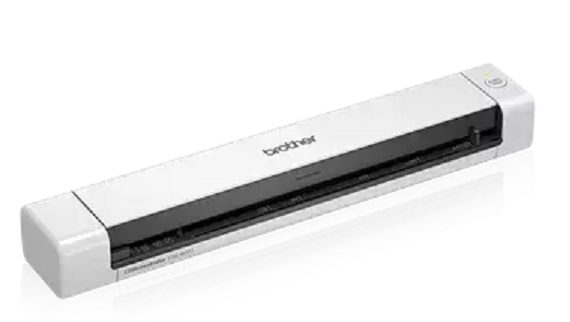
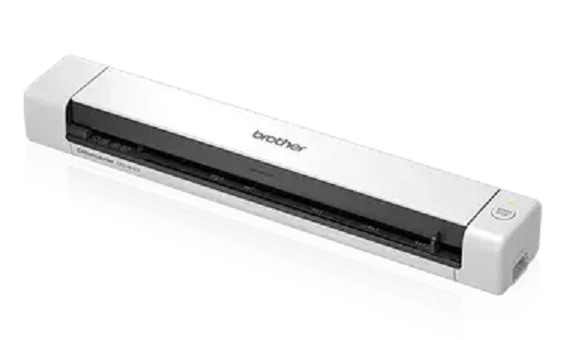
- Compact and lightweight design
- Plug and play convenience
- Scans color and black and white documents at up to 16 ppm
- Scans a variety of documents including invoices and receipts
- Scans plastic ID and business cards
- Scan-to multiple destinations including File, Image, OCR and Email
Specifications
 Download Manufacturer Specifications
Accessories
*** ALL TONERS AND SUPPLIES ARE IN STOCK AT DISCOUNTED PRICING , CALL +18882983095
Reviews



You should not look for a scanner on the basis of price alone, especially if you are doing important work and image quality is important to you.
Evaluating the resolution of a scanner is easy - higher is always better.
If you get a ‘Scanner Access failed’ or a ‘Scanner not found’ message on your scanner, check that the SCSI cable is well connected from the card to the scanner.
MY ACCOUNT
INFO & POLICIES
SHOP EASY
PAYMENT OPTIONS



