



 Shopping Cart
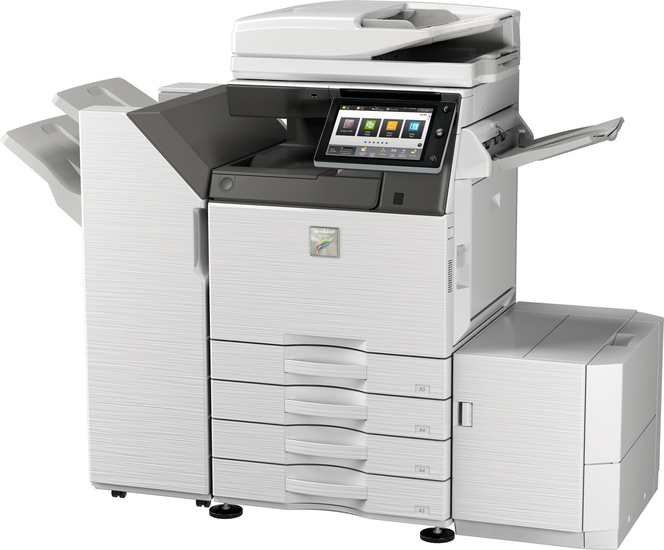
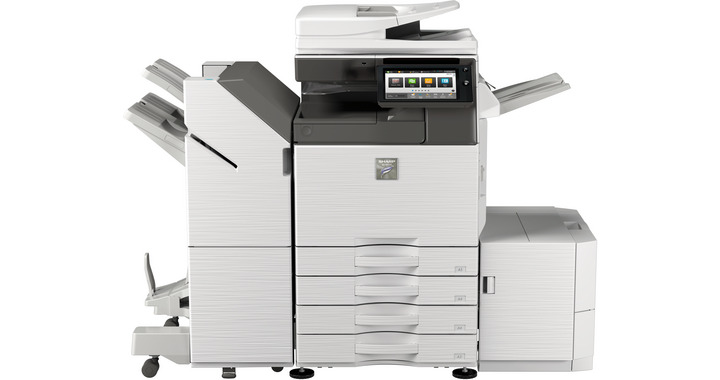
 Sharp MX-M3571 Black and White Multifunction Printer




Product Details
Specifications
Accessories
Reviews
Product Details
Main Features:
- Print, Copy, Scan, Fax, File
- Black/White Multifunction Printer
- Print Speed of 30 pages per minute
- Paper capacity: Std 650 Max 6300 sheets
- SSL validation and whitelisting for advanced data protection and access control
- Prints MS Office files directly from USB
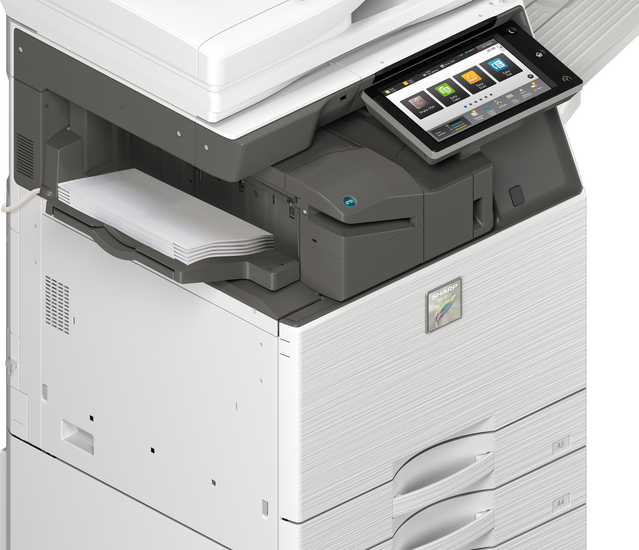
- Motion sensor detects approaching users ensuring immediate operation
Specifications
General Specifications:
| Engine speed B/W ppm (A4) | 35 |
| Engine speed B/W ppm (A3) | 17 |
| Paper size: Min.-Max. | A5 - A3W |
| Paper weight (g/m2) | 60 - 300 |
| Paper capacity:Std (sheets) | 650 |
| Paper capacity: Max. (sheets) | 6300 |
| Warm Up Time (sec.) | 14 |
| Memory general min/max (GB) | 5 |
| Harddisk | STD |
| Harddisk capacity (GB) | 500 |
| Duplex | STD |
| Power requirements - rated local AC voltage (Hz) | 200 - 240V, 50 / 60Hz |
| Power consumption (kW) | 1.84 |
| Dimensions (mm) | 616 x 660 x 838 |
| Weight (kg) | 72 |
 Download Manufacturer Specifications
Accessories
*** ALL TONERS AND SUPPLIES ARE IN STOCK AT DISCOUNTED PRICING , CALL +18882983095
Reviews


If you are printing on photo paper, make sure you have set the printer to this setting and have not left it on the regular printer setting.
Misplaced your printer manual? You can usually find a replacement manual online at the manufacturer's website.
Paper jam? The best way to remove jammed paper is to gently pull the paper in the direction of the paper path - with power off, of course. Do not pull the paper backwards - you could damage your printer forever by doing so.
MY ACCOUNT
INFO & POLICIES
SHOP EASY
PAYMENT OPTIONS



* Images are for illustration purposes only.