



 Shopping Cart
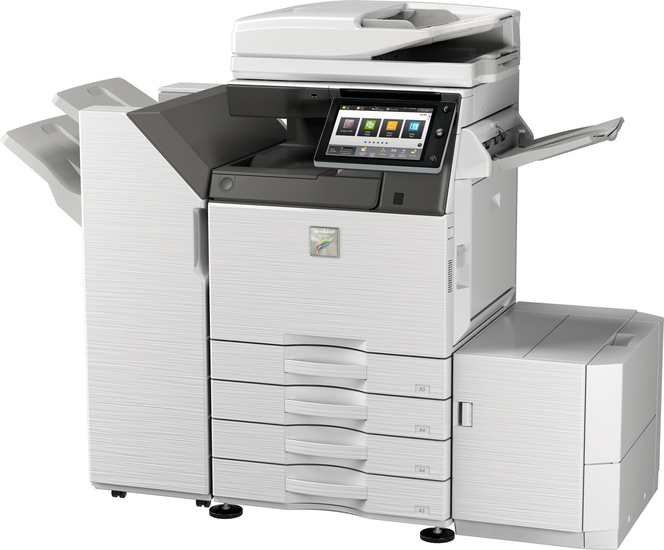
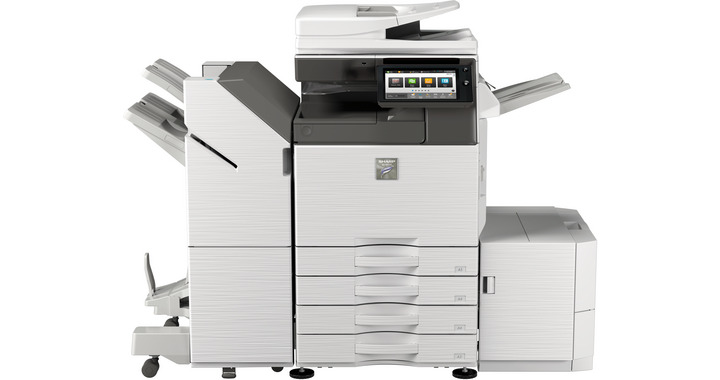
 Sharp MX-M3571 Black and White Multifunction Printer




Product Details
Specifications
Accessories
Reviews
Product Details
Main Features:
- Print, Copy, Scan, Fax, File
- Black/White Multifunction Printer
- Print Speed of 30 pages per minute
- Paper capacity: Std 650 Max 6300 sheets
- SSL validation and whitelisting for advanced data protection and access control
- Prints MS Office files directly from USB
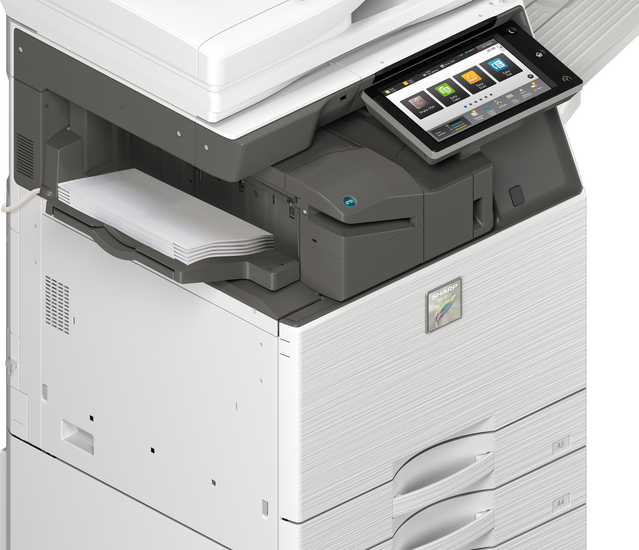
- Motion sensor detects approaching users ensuring immediate operation
Specifications
General Specifications:
| Engine speed B/W ppm (A4) | 35 |
| Engine speed B/W ppm (A3) | 17 |
| Paper size: Min.-Max. | A5 - A3W |
| Paper weight (g/m2) | 60 - 300 |
| Paper capacity:Std (sheets) | 650 |
| Paper capacity: Max. (sheets) | 6300 |
| Warm Up Time (sec.) | 14 |
| Memory general min/max (GB) | 5 |
| Harddisk | STD |
| Harddisk capacity (GB) | 500 |
| Duplex | STD |
| Power requirements - rated local AC voltage (Hz) | 200 - 240V, 50 / 60Hz |
| Power consumption (kW) | 1.84 |
| Dimensions (mm) | 616 x 660 x 838 |
| Weight (kg) | 72 |
 Download Manufacturer Specifications
Accessories
*** ALL TONERS AND SUPPLIES ARE IN STOCK AT DISCOUNTED PRICING , CALL +18882983095
Reviews


Your ink is not going onto the paper properly or you notice uneven coverage? Try aligning the print heads before you bring out the big guns.
Not all drivers are pre-installed on all operating systems and as new operating systems are released, you will need to install drivers yourself. Make sure to consult your printer manual.
Printer not working? The printer memory could be full and not getting prints or the prints may be stuck in the print queue. Turn-off the printer, wait a few seconds and turn it back on.
MY ACCOUNT
INFO & POLICIES
SHOP EASY
PAYMENT OPTIONS



* Images are for illustration purposes only.