



 Shopping Cart
 Sharp MX-C303W Color Multifunction Printer
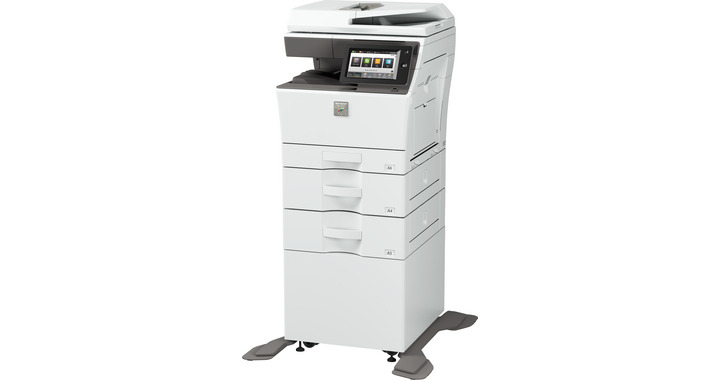


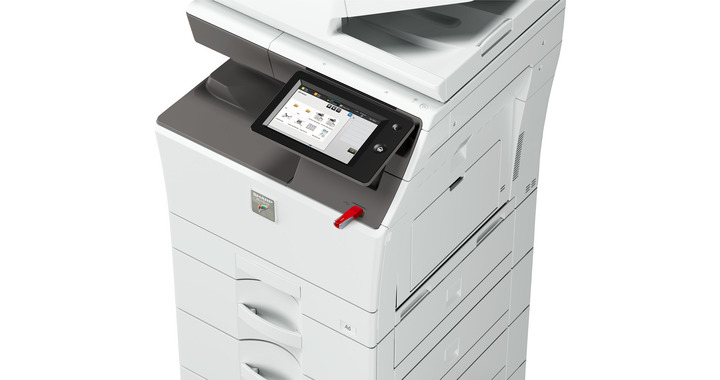
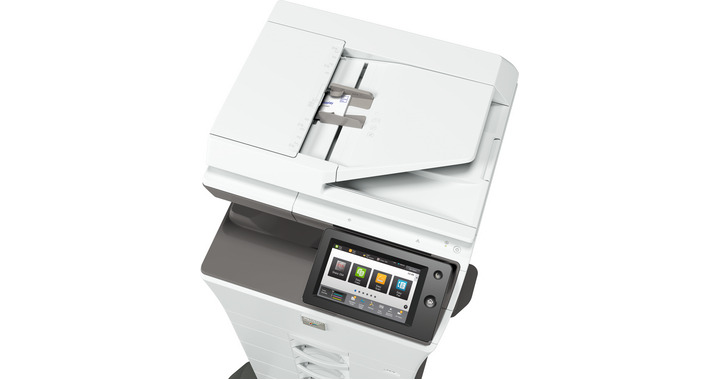
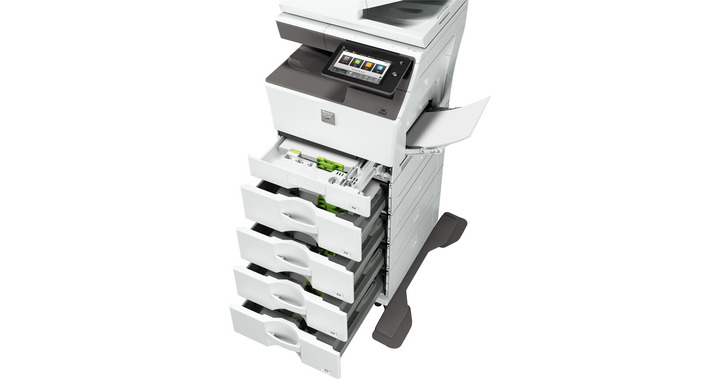
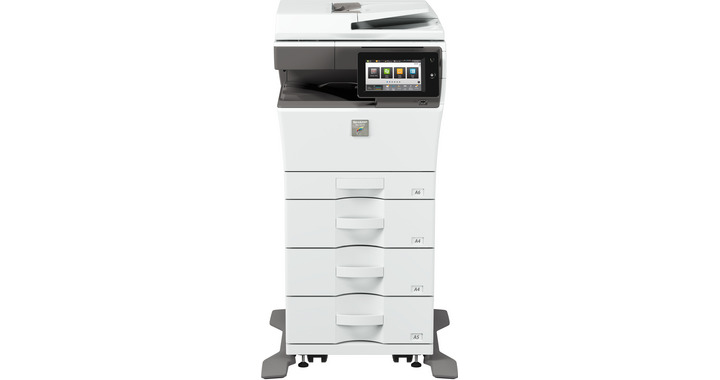
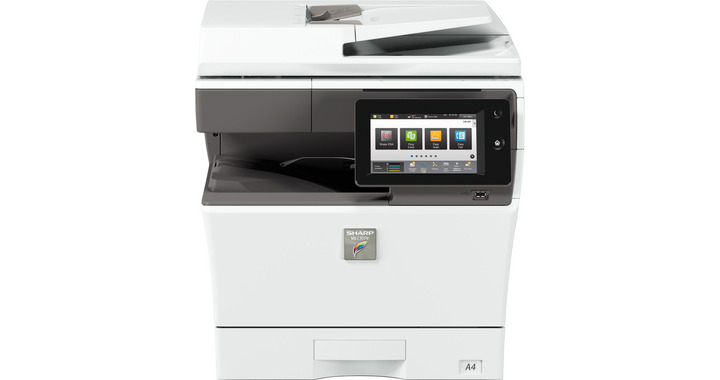


Images are for illustration purposes only and do not necessarily reflect the actual product.
Product Details
Specifications
Accessories
Reviews
Product Details
Main Features
- Color Printer
- 30 ppm print speed
- Copy, print, scan, fax and file options
- 2700-sheet maximum paper capacity
- 500 GB hard disk drive
- Advanced data protection
- Supports secondary LAN
- LCD 7" touchscreen with easy navigation
Specifications
General Specifications:
| Engine speed Color ppm (A4) | 30 |
| Engine speed B/W ppm (A4) | 30 |
| Paper size: Min.-Max. | A6-A4 |
| Paper weight (g/m2) | 55 - 220 |
| Paper capacity:Std (sheets) | 300 |
| Paper capacity: Max. (sheets) | 2700 |
| Warm Up Time (sec.) | 47 |
| Memory general min/max (GB) | 5 |
| Harddisk | STD |
| Harddisk capacity (GB) | 500 |
| Duplex | STD |
| Power requirements - rated local AC voltage (Hz) | 200 - 240V, 50 / 60Hz |
| Power consumption (kW) | 1.84 |
| Dimensions (mm) | 491 x 568 x 516 |
| Weight (kg) | 35 |
 Download Manufacturer Specifications
Accessories
*** ALL TONERS AND SUPPLIES ARE IN STOCK AT DISCOUNTED PRICING , CALL +18882983095
Reviews


Make sure to keep your printer up to date by downloading drivers and patches from the manufacturer's site. Most manufacturers provide driver updates for their units which include patches that add fonts or fix incompatibilities.
Don't move a print head unless the instructions direct it. You can damage the belt or other parts.
Looking to save paper and ink? Make sure to only print the pages you need of your document.
MY ACCOUNT
INFO & POLICIES
SHOP EASY
PAYMENT OPTIONS



* Images are for illustration purposes only.