



 Shopping Cart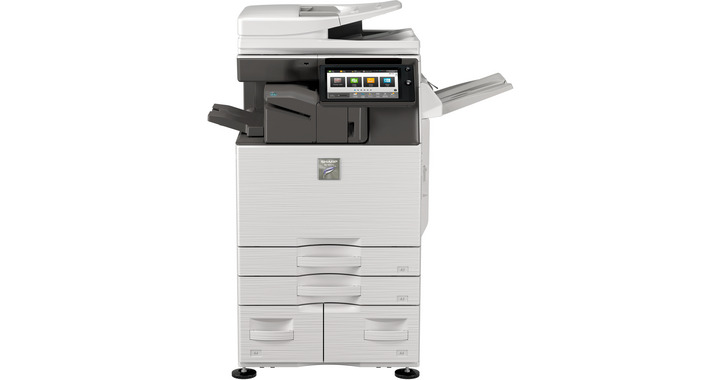




Product Details
Specifications
Accessories
Reviews
Product Details
Main Features
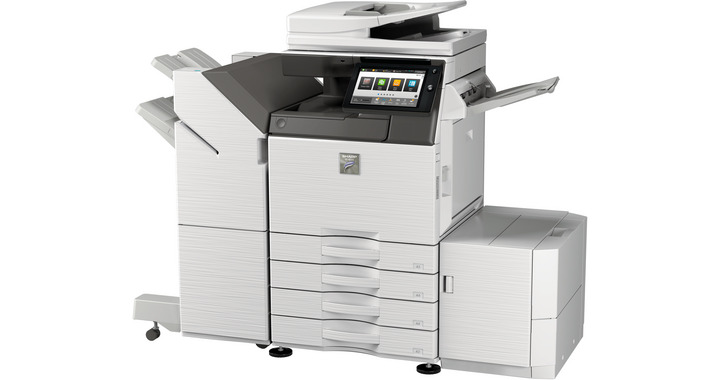
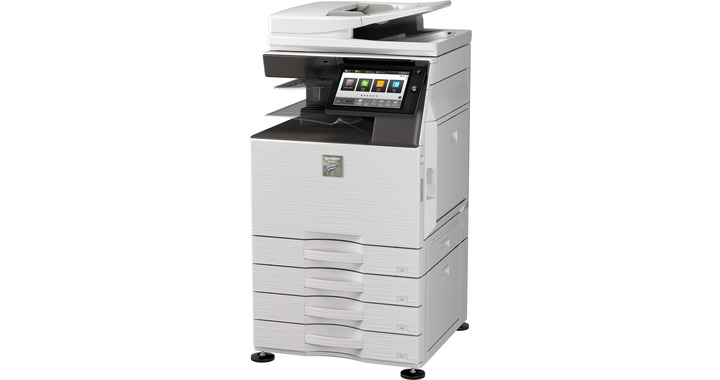
- Black and White Multifunction Printer
- 30 ppm print speed
- Copy, print, scan and fax functions
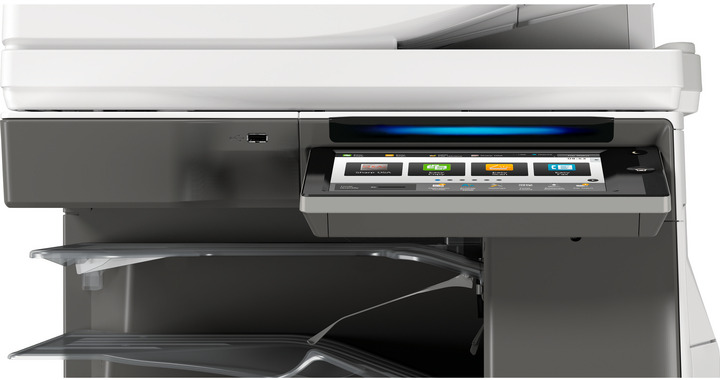
- Prints MS Office files direct from a USB
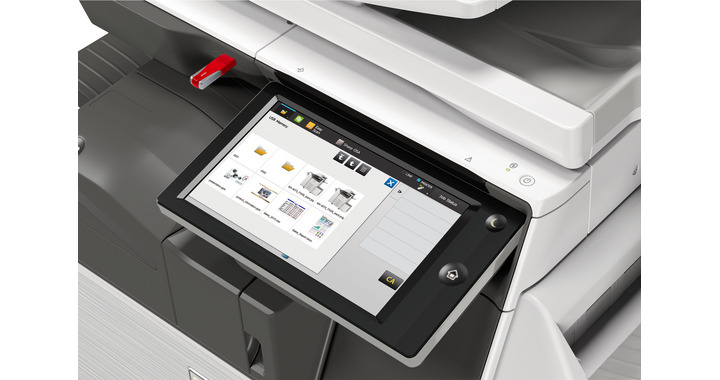
- LCD 10.1" touchscreen with easy navigation
- 6300-sheet maximum paper capacity
- 500 GB hard disk drive
- Connects to mobile devices
- SSL validation and whitelisting for advanced data protection and access control
Specifications
General Specifications:
| Engine speed B/W ppm (A4) | 30 |
| Engine speed B/W ppm (A3) | 15 |
| Paper size: Min.-Max. | A5 - A3W |
| Paper weight (g/m2) | 60 - 300 |
| Paper capacity:Std (sheets) | 650 |
| Paper capacity: Max. (sheets) | 6300 |
| Warm Up Time (sec.) | 14 |
| Memory general min/max (GB) | 5 |
| Harddisk | OPT |
| Harddisk capacity (GB) | 500 |
| Duplex | STD |
| Power requirements - rated local AC voltage (Hz) | 200 - 240V, 50 / 60Hz |
| Power consumption (kW) | 1.84 |
| Dimensions (mm) | 608 x 650 x 834 |
| Weight (kg) | 64 |
 Download Manufacturer Specifications
Accessories
*** ALL TONERS AND SUPPLIES ARE IN STOCK AT DISCOUNTED PRICING , CALL +18882983095
Reviews


If debris is the primary cause of failures, toner is the primary cause of debris. All toner cartridges release a small amount of toner powder into the machine. This is why it's important to clean the machine when you change the cartridge.
Most printers have a built-in diagnostics program which can be very useful for troubleshooting problems and test-printing without a computer. They are usually initiated by pressing a button or two while turning on the printer.
Paper jam? The best way to remove jammed paper is to gently pull the paper in the direction of the paper path - with power off, of course. Do not pull the paper backwards - you could damage your printer forever by doing so.
MY ACCOUNT
INFO & POLICIES
SHOP EASY
PAYMENT OPTIONS



