



 Shopping Cart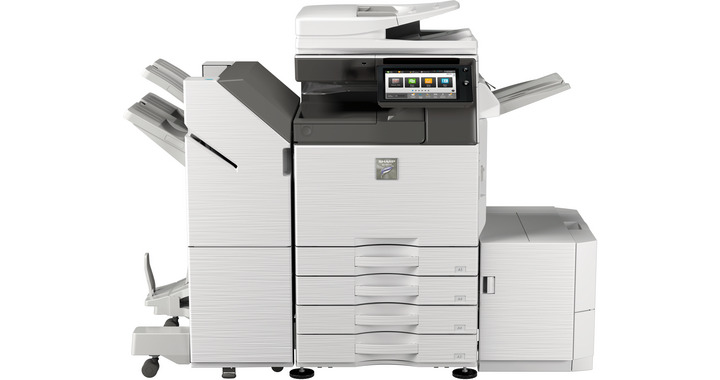




Product Details
Specifications
Accessories
Reviews
Product Details
Main Features
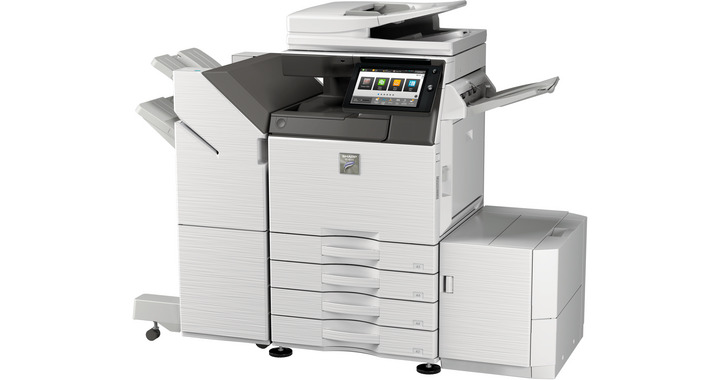
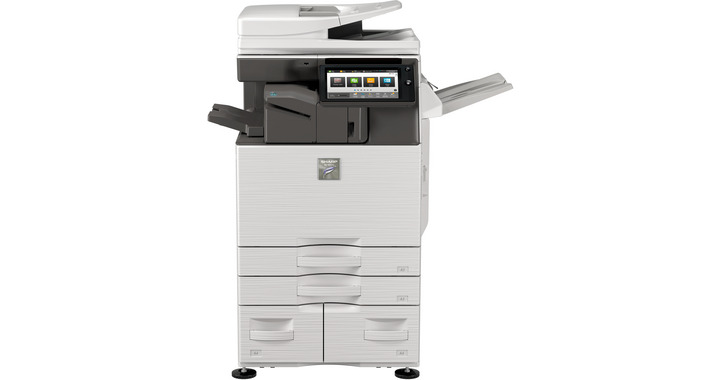
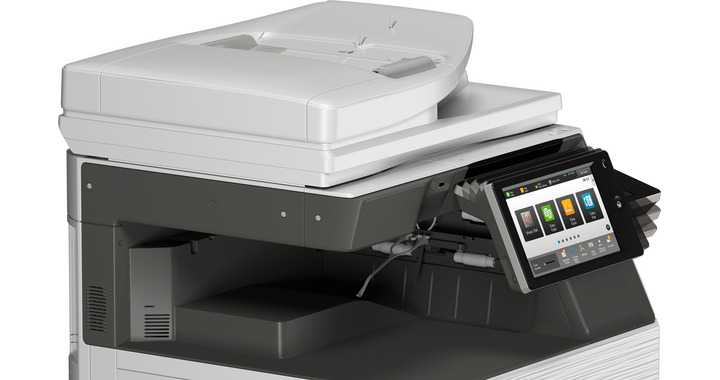
- Black and White Multifunction Printer
- Copy, print, network print, network scan, document filing and fax
- 35 ppm print speed
- 650-sheet standard paper capacity
- 6300-sheet maximum paper capacity
- 500 GB hard disk drive
- Selection of finishing options
- Energy saving technology
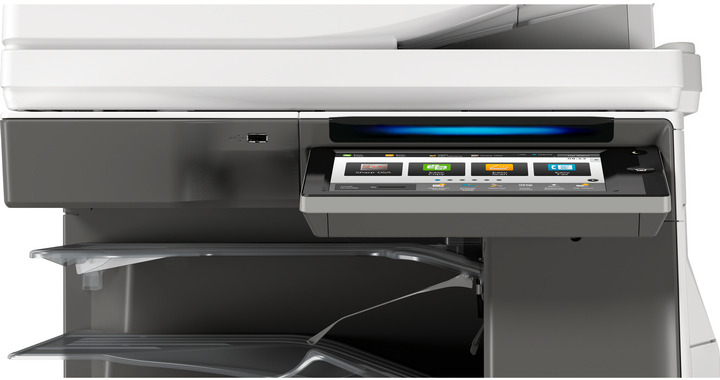
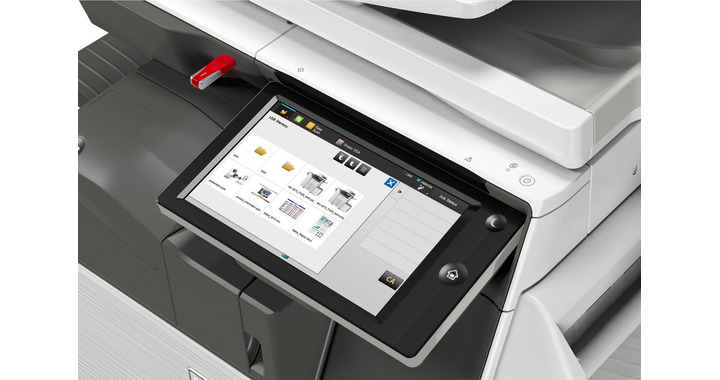
- LCD 10.1" touch panel tilting display
Specifications
General Specifications:
| Engine speed B/W ppm (A4) | 35 |
| Engine speed B/W ppm (A3) | 17 |
| Paper size: Min.-Max. | A5 - A3W |
| Paper weight (g/m2) | 60 - 300 |
| Paper capacity:Std (sheets) | 650 |
| Paper capacity: Max. (sheets) | 6300 |
| Warm Up Time (sec.) | 14 |
| Memory general min/max (GB) | 5 |
| Harddisk | OPT |
| Harddisk capacity (GB) | 500 |
| Duplex | STD |
| Power requirements - rated local AC voltage (Hz) | 200 - 240V, 50 / 60Hz |
| Power consumption (kW) | 1.84 |
| Dimensions (mm) | 608 x 650 x 834 |
| Weight (kg) | 64 |
 Download Manufacturer Specifications
Accessories
*** ALL TONERS AND SUPPLIES ARE IN STOCK AT DISCOUNTED PRICING , CALL +18882983095
Reviews


Preview and proofread your documents on the screen before sending them to print. This will save you a lot of paper and re-printing.
Getting blank pages after you installed a new cartridge? Check that the sticker from the cartridge was properly removed. Alternatively, run the clean print head function to make sure all air bubbles are removed. Do not remove the cartridge once it has been installed.
Are you getting diminished color and print quality? If all your images start to look a bit purple, blue or orange, one of your ink wells may be running low. Replace the whole printer ink cartridge, unless you can refill the individual ink wells.
MY ACCOUNT
INFO & POLICIES
SHOP EASY
PAYMENT OPTIONS



