



 Shopping Cart
 Sharp MX-3571 Color Multifunction Printer
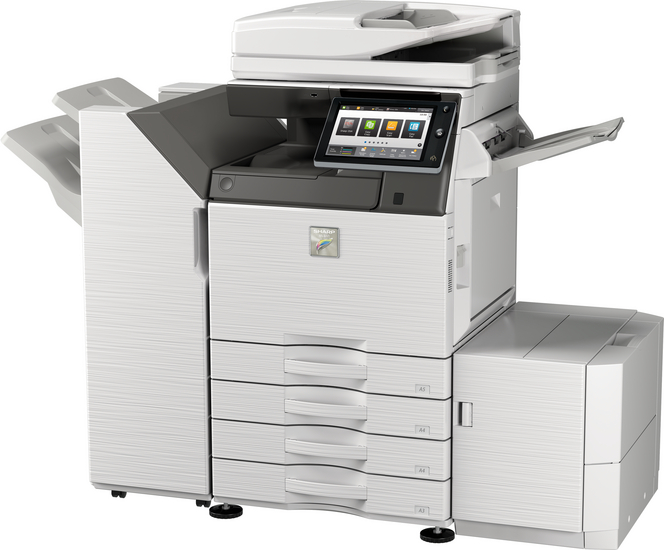


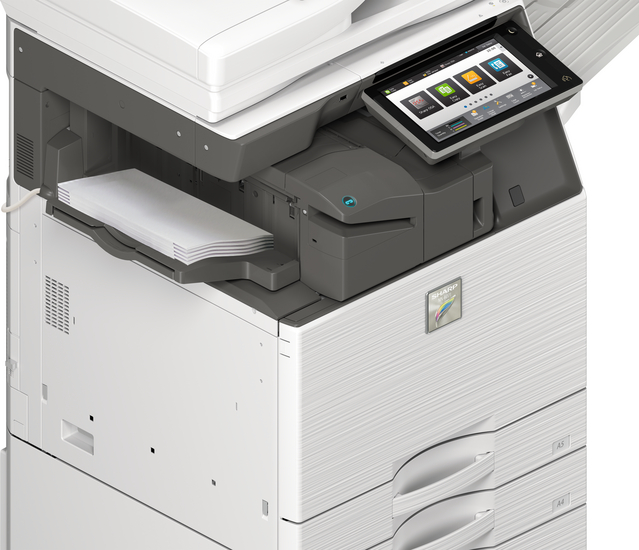
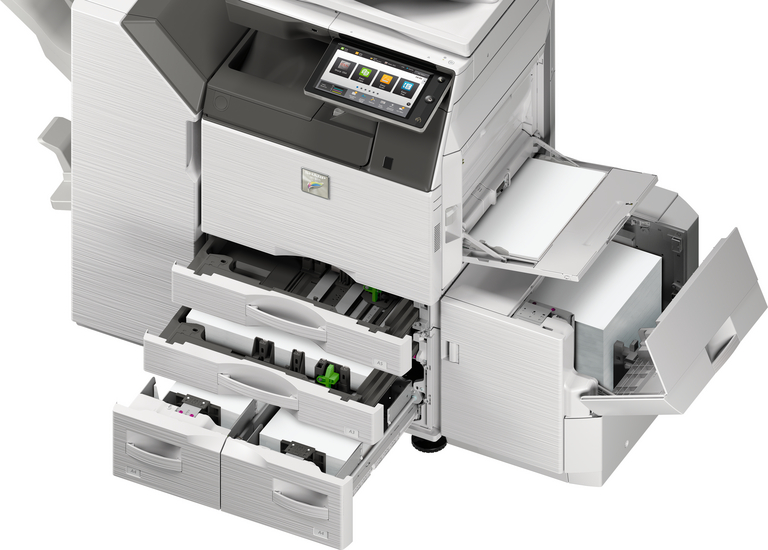
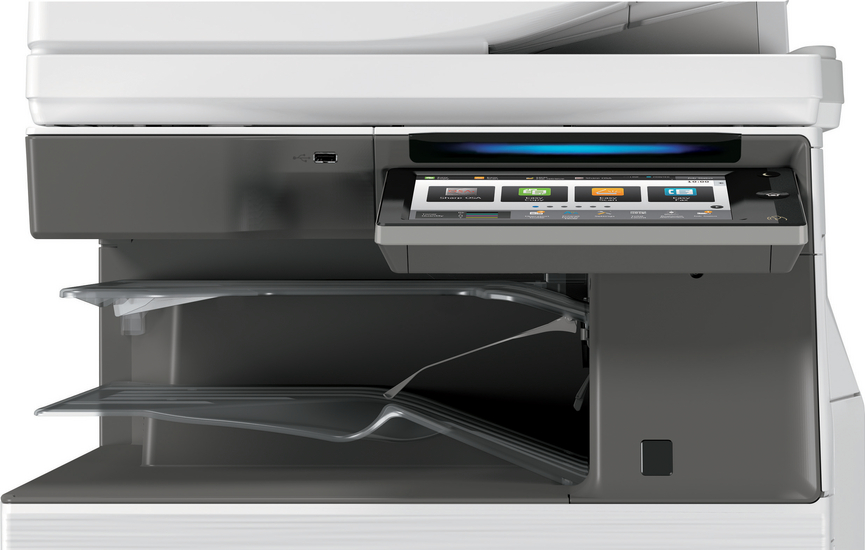


Images are for illustration purposes only and do not necessarily reflect the actual product.
Product Details
Specifications
Accessories
Reviews
Product Details
Main Features:
- Print, Copy, Scan, Fax, File
- Print Speed of 35 pages per minute
- Color and Black/White
- Paper capacity: Std 650 Max 6300 sheets
- Single sign-on for easy access to public cloud storage
- Short warm up time for immediate operation
- Converts scanned files to MS Office files or PDFs for easy searching and editing
Specifications
General Specifications:
| Engine speed color ppm (A4) | 35 |
| Engine speed color ppm (A3) | 18 |
| Paper size: Min.-Max. | A5 - SRA3 |
| Paper weight (g/m2) | 60 - 300 |
| Paper capacity:Std (sheets) | 650 |
| Paper capacity: Max. (sheets) | 6300 |
| Warm Up Time (sec.) | 20 |
| Memory general min/max (GB) | 5 |
| Harddisk | STD |
| Harddisk capacity (GB) | 500 |
| Duplex | STD |
| Power requirements - rated local AC voltage (Hz) | 200 - 240V, 50 / 60Hz |
| Power consumption (kW) | 1.84 |
| Dimensions (mm) | 616 x 660 x 838 |
| Weight (kg) | 88 |
 Download Manufacturer Specifications
Accessories
*** ALL TONERS AND SUPPLIES ARE IN STOCK AT DISCOUNTED PRICING , CALL +18882983095
Reviews


Don't be in a rush with your printer as you can easily damage a printer, or even get hurt, if you do not follow the instructions in the user manual.
Save memory on your PC by choosing the Custom option when you install your printer, and picking just the software you want to install.
Paper jam? The best way to remove jammed paper is to gently pull the paper in the direction of the paper path - with power off, of course. Do not pull the paper backwards - you could damage your printer forever by doing so.
MY ACCOUNT
INFO & POLICIES
SHOP EASY
PAYMENT OPTIONS



* Images are for illustration purposes only.