



 Shopping Cart
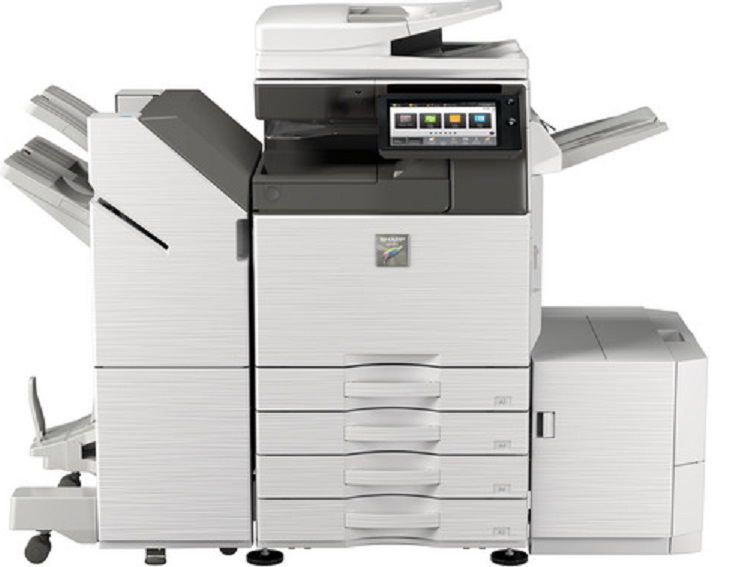
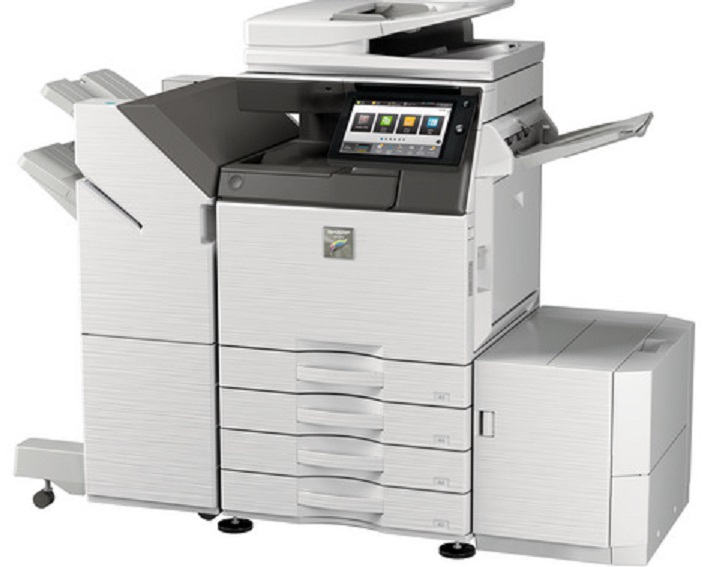
 Sharp MX-3551 Color Multifunction Printer



Product Details
Specifications
Accessories
Reviews
Product Details
Main Features
- Color Multifunction Printer
- Copy, print, network print, network scan, document filing and fax
- 35 ppm print speed
- 650-sheet standard paper capacity
- 6300-sheet maximum paper capacity
- Standard automatic duplex copying and printing
- 100-sheet reversing document feeder
- 500 GB hard disk drive
- Optional wireless connectivity
- Mobile printing
- 10.1" customizable touchscreen display
Specifications
 Download Manufacturer Specifications
Accessories

Reviews




If debris is the primary cause of failures, toner is the primary cause of debris. All toner cartridges release a small amount of toner powder into the machine. This is why it's important to clean the machine when you change the cartridge.
Is your printer smearing immediately after changing a cartridge? Check that the protective tape over the nozzles is completely removed.
If you are printing on photo paper, make sure you have set the printer to this setting and have not left it on the regular printer setting.
MY ACCOUNT
INFO & POLICIES
SHOP EASY
PAYMENT OPTIONS



* Images are for illustration purposes only.