



 Shopping Cart
 Rowe 850i 44E Large Format Scanner
*Images may show options not included in price.

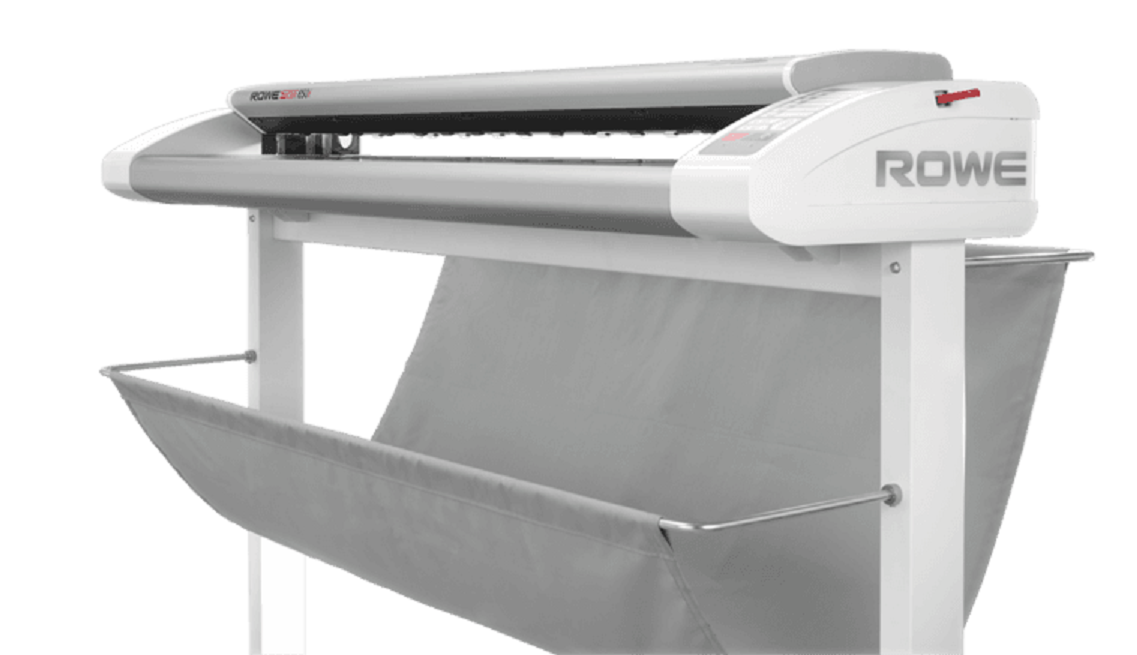
Images are for illustration purposes only and do not necessarily reflect the actual product.
*** ALL SOFTWARE, OPTIONS AND SUPPLIES ARE IN STOCK AT DISCOUNTED PRICING , CALL +18882983095
Product Details
Specifications
Accessories
Reviews
Product Details
Main Features
- Large Format Scanner
- 44-inch scan width
- Unlimited Scan Length
- Optical Resolution: 1200 x 2400 dpi
- Maximum Media Thickness: .08 inches
- Scan Speed: 15.0" RGB / 15.0" Mono ips
- ROWE Safeguard protects original documents
- SuperSpeed USB 3
- Supports numerous file formats
- Compatible with all the common cloud providers
- USB Interface direclty on the scanner
Specifications
General Specifications
| Maximum scan width | 44" (1118 mm) / maximum original width 47.4" (1204 mm) | |
|---|---|---|
| Maximum original thickness | Up to 2 mm (0.08″) | |
| Scan length | Not limited by the scanner | |
| Optical resolution | 2400 x 1200 dpi | |
| Maximum resolution | 9600 dpi | |
| Scan accuracy | 0.1% +/- 1 Pixel | |
| Color depth | 48-bit color ; 16-bit grayscale | |
| Color space | Not only the standard sRGB color space but also the user defined color spaces like Adobe RGB, or Device RGB are supported. | |
| Speed color | “C” Model | “E” Model |
| 7.0″ RGB / 15.0″ Mono ips @200 dpi | 15.0″ RGB / 15.0″ Mono ips @200 dpi | |
 Download Manufacturer Specifications
Accessories
*** ALL TONERS AND SUPPLIES ARE IN STOCK AT DISCOUNTED PRICING , CALL +18882983095
Reviews


When selecting a scanner it is worth considering how the scanner interfaces with your computer. The interface does not affect the image quality, but it does affect the scanning speed.
Only scan the part of the image you want - crop any unnecessary parts using the scanner’s built in software features. This saves you time and disk space.
Some sheet-fed scanners can scan double sided.
MY ACCOUNT
INFO & POLICIES
SHOP EASY
PAYMENT OPTIONS



* Images are for illustration purposes only.